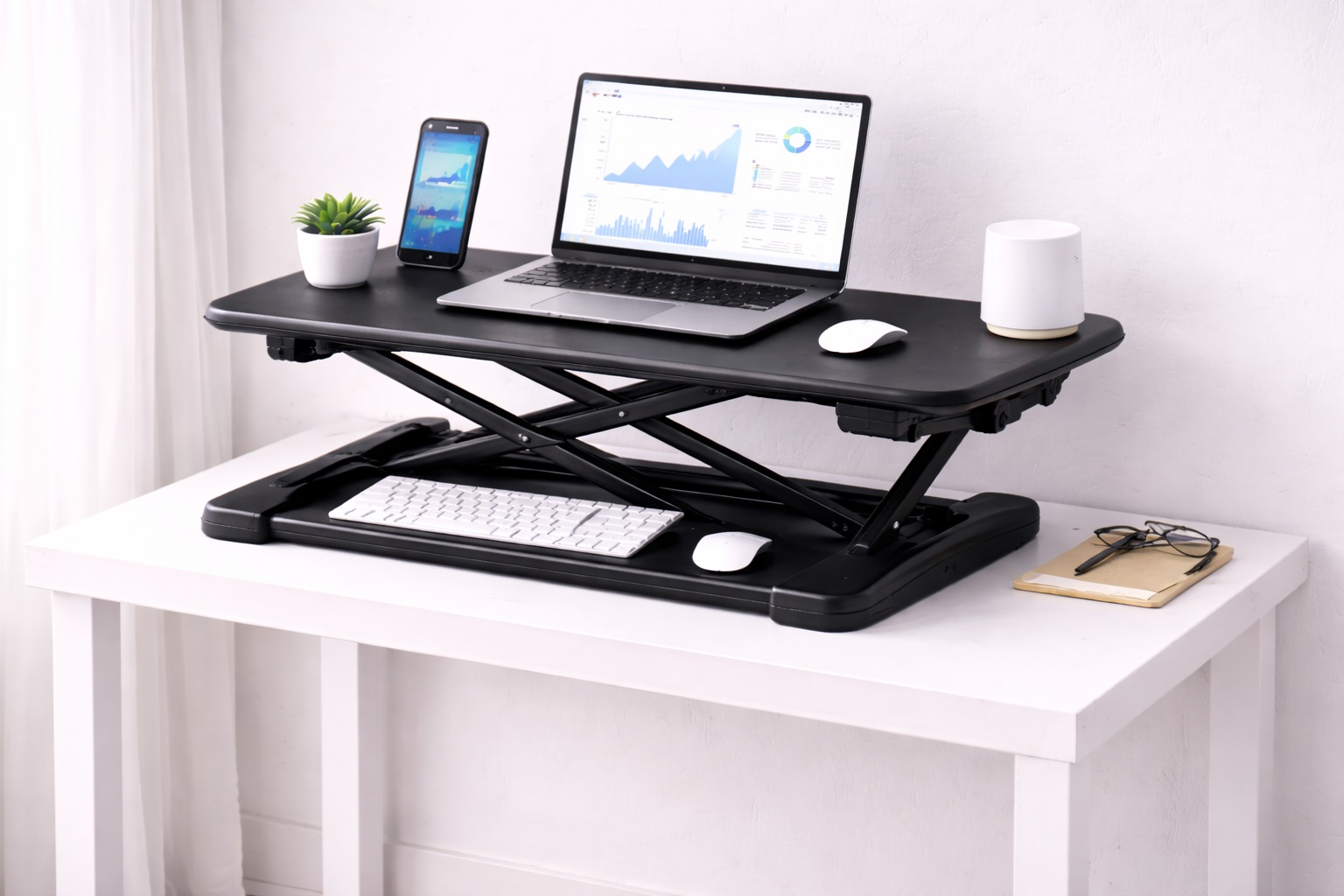
Best Compact Standing Desk Converters: Sit-Stand Mobility in a Small Package
A small desk changes the entire calculus of buying a standing desk converter. The features that matter most in a spacious home office — generous dual-monitor shelves, wide keyboard trays, deep platforms — become liabilities on a desk that's already tight on space. What compact-desk buyers actually need is a converter engineered from the start around a small footprint, not a full-size model that happens to be slightly smaller than average.
The trade-offs in this category are real. A smaller converter footprint usually means less surface area for accessories, sometimes a narrower height range, and occasionally a lower weight capacity than its larger counterparts. The best compact converters manage these trade-offs deliberately, prioritizing the space you actually have rather than trying to squeeze in every feature a full-size model offers. Recognizing which trade-off you're willing to accept up front makes the rest of the buying decision considerably easier.
This guide compares the converter styles that perform best specifically on small desks and in tight workspace corners, followed by a buying framework focused on the constraints unique to limited space, and answers to the questions compact-desk buyers ask most often. The goal is matching a converter to the desk you actually have, not the one a typical product review assumes you own.
It's worth noting upfront that generic converter reviews often assume a mid-size to large desk as the baseline, which means a lot of otherwise useful buying advice simply doesn't transfer cleanly to a compact setup. Weight capacity, workspace area, and stability all behave differently once the footprint shrinks, so treating this as its own distinct category rather than a smaller version of a standard purchase tends to produce better results.
Desk depth is often the more limiting factor for compact setups, even more than desk width. A narrow desk can still accommodate a converter with reasonable width if the depth is adequate, but a shallow desk restricts almost every converter style, since the platform needs enough depth to hold a monitor at a comfortable viewing distance without hanging off the back edge.
It's also worth being honest about what "compact" actually buys you. A smaller converter isn't automatically worse — for a desk that genuinely can't accommodate a large footprint, the compact option is simply the only one that fits and functions correctly. The goal in this category isn't finding the smallest converter available; it's finding the smallest one that still does its core job well.
Common living situations drive a lot of demand in this category — a studio apartment with a single small desk doing double duty, a corner workstation in a shared room, a secondary desk for occasional remote work that was never meant to hold a full office setup. None of these situations are unusual, and none of them should force a buyer into either abandoning sit-stand functionality entirely or awkwardly wedging a full-size converter onto a desk it was never designed to fit.
Reading dimensions carefully matters more in this category than almost any other converter purchase. A difference of just two or three inches in footprint can determine whether a converter fits comfortably, fits just barely, or doesn't fit at all — and unlike a full-size desk with room to spare, a compact setup rarely has the slack to absorb a measurement that turns out slightly off.
Top Picks Reviewed
Each of the four styles below takes a different approach to minimizing footprint while still delivering functional sit-stand capability. Match your choice to your specific desk dimensions and equipment rather than to whichever option has the smallest listed footprint, since a converter that's technically compact but poorly suited to your monitor and keyboard combination won't feel like an upgrade.
1. Compact Z-Lift Converter – Best for Small Single-Monitor Desks
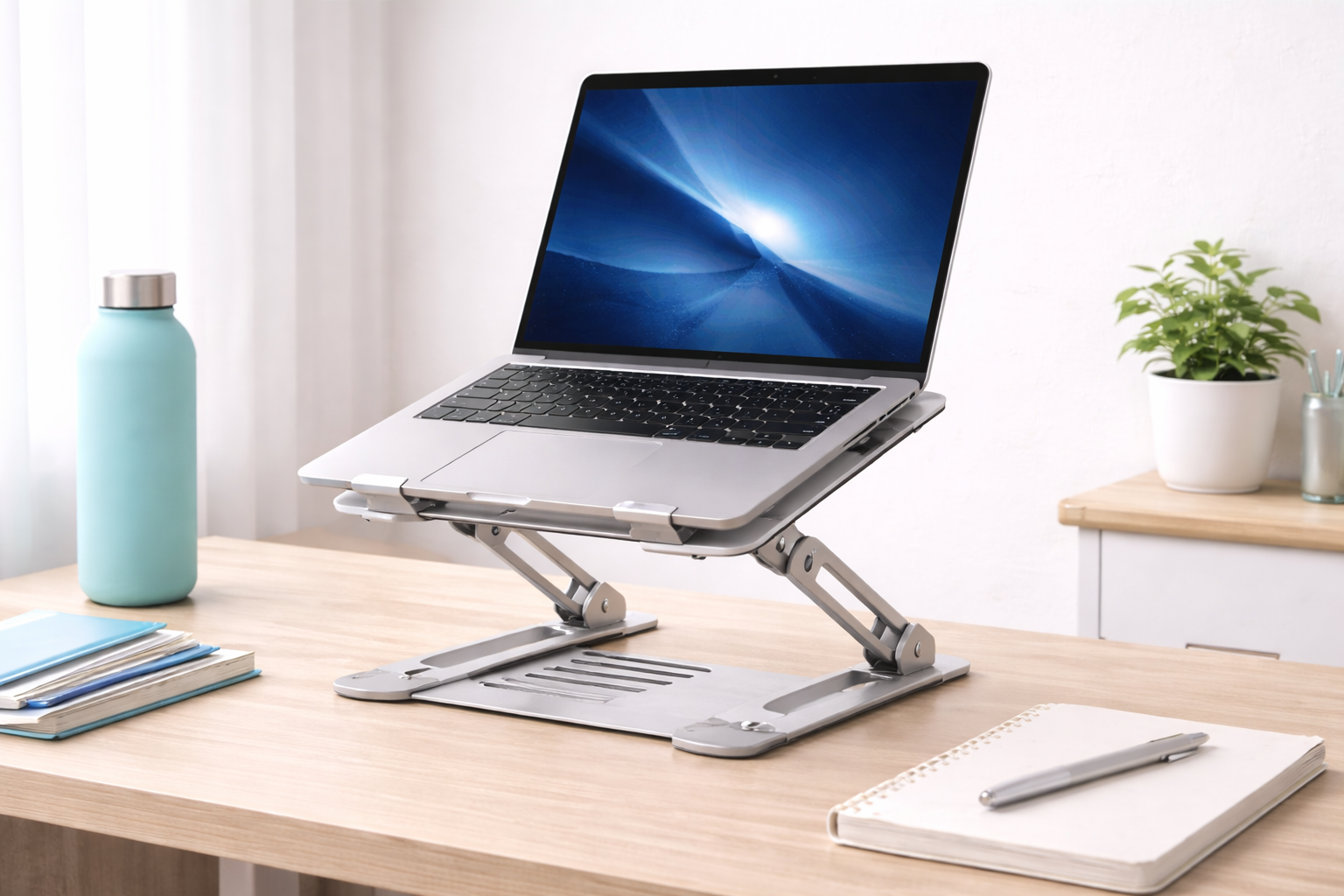
A scaled-down version of the standard Z-lift design, this converter uses the same scissor mechanism for single-handle height adjustment but in a narrower, shallower footprint sized for smaller desks. It still raises monitor and keyboard together as one unit, preserving the height relationship between the two surfaces, just within a smaller overall shelf area than a full-size converter. The scissor mechanism itself is typically unchanged from the full-size version, which means the smooth, coordinated lift action that makes Z-lift converters popular in the first place carries over intact.
The reduced footprint means less surface area for accessories beyond a single monitor and keyboard, but for desks where a full-size converter simply wouldn't fit, this trade-off is the difference between having sit-stand capability at all or not. Many buyers in this situation report that the smaller shelf ends up feeling entirely adequate once they've adjusted their expectations away from a full-size model's extra accessory space.
- Pros:
- Narrower, shallower footprint fits desks a full-size converter can't
- Single-handle or gas-spring adjustment identical to larger versions
- Monitor and keyboard height stay aligned through every adjustment
- Stable at both sitting and standing heights despite the smaller size
- Cons:
- Limited surface area beyond a single monitor and keyboard
- Narrower base can feel less planted at maximum height than larger models
Best For: Single-monitor users with genuinely small desks who still want the full sit-stand adjustment experience of a standard converter.
Why We Recommend It: Rather than compromising on adjustment quality to save space, this design keeps the mechanism that matters most intact and shrinks only the surface area, which is the right trade-off for most compact-desk buyers.
2. Slim Single-Surface Converter – Best for Narrow Desks
This style skips the separate keyboard tray entirely in favor of a single narrow platform that holds monitor, keyboard, and mouse on one surface. Without a second tier, the overall depth and complexity of the unit shrinks considerably, making it one of the narrowest converter options available while still functioning as genuine sit-stand hardware. Fewer moving parts also tends to mean fewer points of mechanical failure over time, which is a modest secondary benefit alongside the space savings.
The single-surface design does mean keyboard and monitor sit at the same height, which isn't ideal ergonomically, but for buyers whose primary constraint is physical desk space rather than typing comfort, it's often the only style that fits at all. Some buyers offset the height mismatch by using a lower-profile keyboard, which reduces the effective wrist angle even without a dedicated separate tray.
- Pros:
- Narrowest and shallowest footprint among common converter styles
- Simple single-surface design with fewer moving parts
- Fits desks too shallow for two-tier converter designs
- Generally lighter and easier to reposition than multi-tier alternatives
- Cons:
- Keyboard sits at monitor height, which isn't ideal for typing ergonomics
- Less surface area overall than tiered designs
Best For: Buyers whose desk simply cannot accommodate a deeper or two-tier converter, where footprint is the binding constraint.
Why We Recommend It: When desk space is the primary limitation, a single-surface design is often the only converter style that physically fits, and it still delivers genuine height adjustment even without a separate keyboard tray.
3. Foldable Compact Converter – Best for Occasional or Shared Desk Use
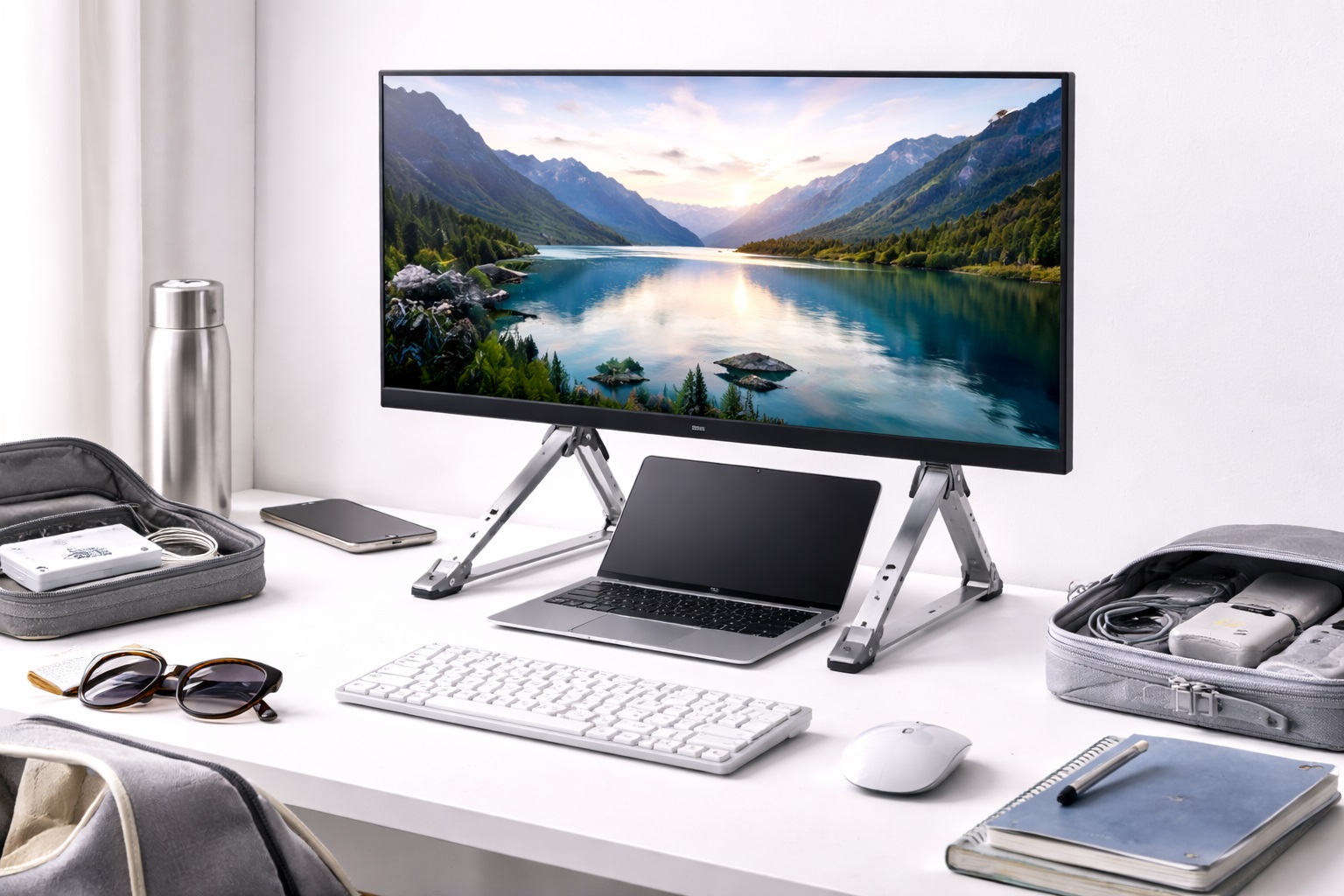
This style adds a folding or collapsible mechanism that lets the converter flatten down or fold away when not in use, which matters for compact desks that also need to serve other purposes throughout the day. Unlike fixed compact converters, a foldable design can be temporarily cleared from the desk surface entirely rather than permanently occupying space.
The folding mechanism adds complexity compared to a simple fixed compact design, but for shared desks or multi-purpose workspaces, the ability to reclaim full desk space when the converter isn't needed is often worth that trade-off. This matters especially in households where a desk doubles as a dining surface, a hobby table, or a spot for another family member's work at different times of day.
- Pros:
- Folds flat or collapses when not actively in use
- Frees up full desk space for other purposes between uses
- Useful for shared desks or multi-purpose workspaces
- Generally lightweight and easy to store or relocate
- Cons:
- Folding mechanism adds another moving part that can wear over time
- Typically less stable at standing height than fixed compact designs
Best For: Shared desks or multi-purpose workspaces where the converter needs to be usable some of the time and out of the way the rest of the time.
Why We Recommend It: For a desk that serves more than one function throughout the day, a foldable converter avoids the compromise of a footprint that's permanently in the way, at the cost of some rigidity compared to fixed designs.
4. Clamp-Mounted Compact Riser – Best for Maximizing Usable Desk Surface
Rather than resting its full weight on the desktop, a clamp-mounted riser attaches to the back or side edge of the desk, freeing up desk surface area that a standing platform would otherwise occupy. This style is particularly effective on compact desks where every inch of surface area matters, since the riser's support structure sits mostly off to the side rather than across the desktop itself. Because the monitor arm typically extends forward from the mounted base rather than resting on a shelf, the desktop underneath stays almost entirely clear even at full standing height.
Clamp mounting does require a desk edge suitable for attachment, and installation is slightly more involved than simply setting a converter down. For the right desk, though, it reclaims more usable surface area than any other compact style, which can be the deciding factor for anyone doing detailed paperwork or craft work at the same desk during sitting hours. It's generally best suited to solid wood or metal desk edges rather than delicate glass or very thin veneer surfaces, so check the manufacturer's compatibility notes carefully before committing to this style.
- Pros:
- Frees up desk surface area by mounting off the desktop itself
- Particularly effective for maximizing usable space on small desks
- Sturdy attachment point once properly clamped in place
- Keeps the desk surface clearer in the sitting position than platform-style converters
- Cons:
- Requires a compatible desk edge for clamp attachment
- Installation takes more effort than simply placing a converter on the desk
Best For: Compact-desk users who need to preserve as much usable desktop surface as possible in the sitting position.
Why We Recommend It: On a genuinely small desk, reclaiming desktop surface area often matters more than any other single factor, and a clamp-mounted design is the style built specifically around that priority.
Buying Guide: How to Choose the Best Compact Standing Desk Converter
Use these factors to match a converter to the real dimensions and constraints of a small desk rather than to features designed for a larger workspace.
1. Exact Desk Depth and Width Available
Measure your desk's usable depth and width before shopping, accounting for anything already permanently on the desk. A converter's footprint needs to fit within those exact measurements with margin to spare, since a snug fit on paper often turns out too tight once cables and accessories are added. It helps to measure twice — once for the converter's base footprint and again for the space it needs at full standing height, since some designs extend slightly wider or deeper as they rise.
2. Height Range Within a Smaller Frame
Compact converters sometimes sacrifice height range to achieve a smaller footprint. Confirm the converter still spans your actual seated-to-standing eye level difference — typically 12 to 16 inches for most adults — rather than assuming a compact design automatically covers the same range as a full-size model. Taller users especially should double-check the maximum height figure, since compact frames occasionally trim range from the top of the scale first.
3. Minimum Viable Workspace for Your Equipment
Identify the smallest surface area that still comfortably fits your monitor, keyboard, and mouse together. Compact converters vary significantly in how tightly they pack this space, so check actual dimensions against your equipment rather than assuming "compact" models are interchangeable in capacity. A few centimeters of difference between models can be the difference between a mouse that fits comfortably and one that constantly slides off the edge.
4. Monitor Size Compatibility
Smaller converter platforms sometimes have lower weight and size limits than full-size versions. Confirm your monitor's dimensions and weight fit within the compact converter's stated limits, since a monitor sized for a full-size converter may not sit securely on a scaled-down platform. VESA mount compatibility is also worth checking separately, since a compact converter's mounting points may be spaced differently than a full-size model's.
5. Single-Surface Versus Two-Tier Trade-Off
A single-surface compact converter saves space but places the keyboard at monitor height, which isn't ideal for typing comfort. A compact two-tier design preserves separate keyboard positioning but requires slightly more desk depth. Decide which trade-off matters more for your specific desk and typing habits, and remember that a few centimeters of extra depth for a two-tier design is often worth it if wrist comfort during long typing sessions is a priority.
6. Foldability If Desk Space Is Shared
If your desk serves multiple purposes throughout the day, a foldable or collapsible converter reclaims full desk space when not in use. For a desk dedicated entirely to sit-stand work, this feature matters less than stability and workspace area, so weigh the added mechanical complexity against how often you'd actually use the folding function in practice.
7. Clamp Mounting as a Space-Saving Alternative
If your desk edge supports it, a clamp-mounted riser frees up desktop surface area that a platform-style converter would otherwise occupy. Confirm your desk's edge thickness and material are compatible with the clamp mechanism before choosing this style, and check the manufacturer's specific edge thickness range rather than assuming a universal fit.
8. Stability Given the Smaller Base
Compact converters generally have a narrower base than full-size models, which can affect stability at maximum height. Look specifically for reviews mentioning stability on smaller footprints rather than assuming all converters in the category perform identically, since a narrower base is more sensitive to an uneven desk surface than a wider one.
9. Weight Capacity Relative to Your Actual Equipment
Smaller converters sometimes carry lower weight ratings than full-size alternatives. Confirm the compact model's capacity comfortably exceeds your monitor, keyboard, and accessory weight combined, rather than assuming a scaled-down converter automatically scales its capacity proportionally. Some compact designs actually carry disproportionately lower limits precisely because of their reduced structural size.
10. Anti-Fatigue Mat Space
A compact desk often means a compact floor footprint too. Confirm there's still room for an anti-fatigue mat in front of the converter, since standing without one causes fatigue regardless of how well-matched the converter itself is to your desk. A slimmer mat designed for tight spaces can help if floor area is as constrained as desk space.
11. Cable Management in a Tight Footprint
Compact converters leave less room for cable routing than larger designs. Plan cable slack carefully to accommodate the full height range without cables bunching up in the reduced space around a smaller platform, and consider a compact cable clip designed for tight spaces rather than a bulkier sleeve meant for larger converters.
Frequently Asked Questions
1. Will a compact standing desk converter fit any small desk?
Not automatically — measure your desk's actual usable depth and width before assuming any "compact" converter fits. The term describes a smaller footprint relative to full-size converters, but specific dimensions still vary meaningfully between compact models, sometimes by several inches in either direction.
2. Does a compact converter sacrifice height range?
Sometimes, though not always. Some compact designs preserve a full standard height range within a smaller footprint, while others reduce range slightly to achieve the smaller size. Check the specific listed range against your own measurements rather than assuming a compact label implies a proportionally reduced range.
3. Can a compact converter support a large monitor?
It depends on the specific model's weight and size ratings, which are sometimes lower than full-size converters. Confirm your monitor's weight and footprint against the compact converter's stated limits before assuming compatibility, particularly for larger ultrawide or curved displays.
4. Is a single-surface converter worse than a two-tier design?
Not worse overall — it's a different trade-off. Single-surface designs save space but place the keyboard at monitor height, which is less ergonomically ideal than a separate tray. For desks that can't accommodate a two-tier design, single-surface remains the more practical option despite the ergonomic compromise.
5. Do compact converters cost more than full-size versions?
Not typically. Compact converters are usually priced comparably to or slightly below full-size models, since they generally use fewer materials, though specialized styles like clamp-mounted risers can vary in either direction depending on build quality and mounting hardware included.
6. How much floor space do I need for a compact converter and an anti-fatigue mat?
Plan for roughly the converter's footprint plus enough floor area in front of it for a standard mat, typically around 20 by 30 inches. On very tight desks, a smaller mat sized specifically for compact setups may be necessary, and a slightly smaller mat is still far better than standing on a bare floor.
7. Are foldable converters less stable than fixed compact designs?
Generally, yes, somewhat — the folding mechanism adds a joint that fixed designs don't have. For desks needing genuine full-time standing use, a fixed compact converter typically offers steadier support than a foldable one, which is better suited to occasional or shared use instead.
8. Can a clamp-mounted riser damage my desk?
Properly installed clamps designed for the desk's edge thickness and material typically don't cause damage, but it's worth checking the clamp mechanism's compatibility with your specific desk edge before installation to avoid stress on thinner or more delicate surfaces, especially glass or particleboard desks.
9. What should I measure before buying a compact converter?
Measure your desk's usable depth and width, your seated and standing eye heights, and your monitor's exact footprint and weight. These four measurements cover the majority of compatibility issues that arise with compact converters specifically, and taking them before shopping saves time comparing models that were never going to fit.
10. Is it worth buying a compact converter if I have more desk space than I think I need?
Not necessarily — if your desk comfortably fits a full-size converter, the extra workspace and typically sturdier build of a full-size model may serve you better. Compact converters are most valuable when desk space is a genuine constraint rather than a preference, since the trade-offs involved rarely pay off without that constraint.
11. Does brand matter more for compact converters than full-size ones?
Somewhat, since smaller footprints leave less margin for engineering error, and a poorly designed compact converter shows stability issues more readily than an equivalent full-size model. Reading reviews specifically about compact or small-footprint versions of a product line is worthwhile, since a brand's full-size model reviews don't always translate directly to its compact variant.
Final Verdict
- Best for Small Single-Monitor Desks: Compact Z-Lift Converter — full adjustment quality in a scaled-down footprint.
- Best for Narrow Desks: Slim Single-Surface Converter — the smallest footprint that still delivers genuine height adjustment.
- Best for Occasional or Shared Desk Use: Foldable Compact Converter — reclaims full desk space when not in use.
- Best for Maximizing Usable Desk Surface: Clamp-Mounted Compact Riser — frees up the desktop entirely for sitting-position work.
The right compact standing desk converter depends on which specific constraint your desk imposes — limited depth, limited width, shared use with other tasks, or a desire to preserve maximum desktop surface area. Measure your actual space before comparing models, since the most common mistake in this category is choosing based on a general "compact" label rather than a specific fit against real desk dimensions.
If you're torn between two styles, lean toward whichever one solves your most pressing constraint rather than the one with the most impressive feature list. A perfectly stable converter that doesn't fit your desk depth is worthless, while a slightly less feature-rich model that fits precisely and functions reliably will serve you better every single day it's in use.
Whichever style you choose, resist the temptation to squeeze in a monitor or accessory setup the converter wasn't really designed to support just because it technically fits. A compact converter loaded right at the edge of its size or weight limits tends to feel cramped and less stable than one chosen with a small margin of extra capacity, even on the smallest desks.
It's also worth revisiting your setup after the first few weeks of use rather than assuming the initial fit was perfect. A cable that seemed to have enough slack, a mouse pad that seemed to fit, or a mat that seemed adequately sized can all reveal small friction points once you're using the converter daily rather than just test-fitting it once. Small adjustments — repositioning a cable clip, trimming a mat slightly, or rearranging what sits on the remaining desk surface — often resolve these minor issues quickly once they're identified through actual use.
Finally, don't overlook how a compact converter interacts with anything else permanently fixed to your desk, such as a monitor arm clamp, a drawer unit, or a cable tray. These fixtures can quietly reduce the usable footprint below what the desk's raw dimensions suggest, so factor them into your measurements before finalizing a purchase rather than discovering the conflict after the converter arrives.