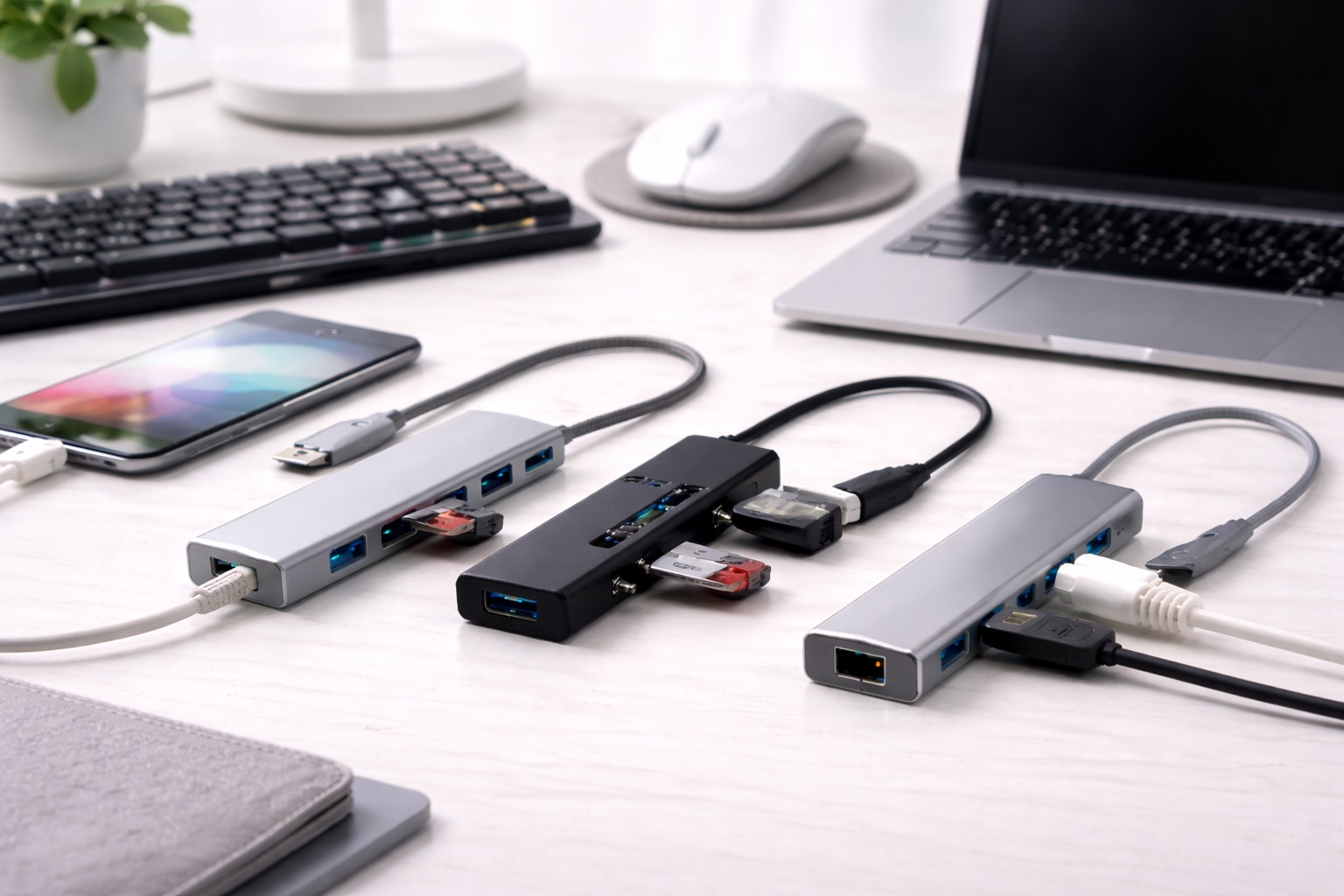
Best USB Hubs for Small Desks: Clean Connectivity in Compact Spaces
A small desk has less room for error. Every cable, adapter, and accessory either earns its spot or becomes part of the clutter that makes a tight workspace feel smaller than it already is. A USB hub chosen without thinking about size ends up being one more bulky object competing for space with a monitor, a lamp, and whatever else fits on a desk that was never meant to hold a full home office setup in the first place. That squeeze shows up in small but constant ways — a mouse pad nudged a few inches every time a cable gets bumped, a keyboard shifted slightly off-center to make room for a bulky adapter, a monitor stand crowded on one side by something that could have tucked away entirely.
Choosing the right hub for a compact space isn't just about picking the smallest option available — a hub that's too minimal might not cover the ports actually needed, while an oversized one wastes the exact real estate a small desk can't spare. The options vary meaningfully in footprint, cable length, mounting flexibility, and how well they tuck away rather than sitting in the middle of everything. This guide breaks down three practical categories of hub for compact workspace users, along with the buying factors that matter most when desk space is the binding constraint rather than an afterthought.
None of the picks below assume unlimited space or a dedicated corner office. They're built around the reality of a small desk — a monitor stand, a laptop riser, and just enough surface area left over for a keyboard and mouse.
The most common mistake on a small desk isn't buying too large a hub — it's buying one with the wrong cable orientation or length for the setup, which then has to be routed awkwardly around a monitor arm or left dangling off the edge. Thinking through cable management before checking port count changes which hub actually fits well, even among options that look similar in a product photo.
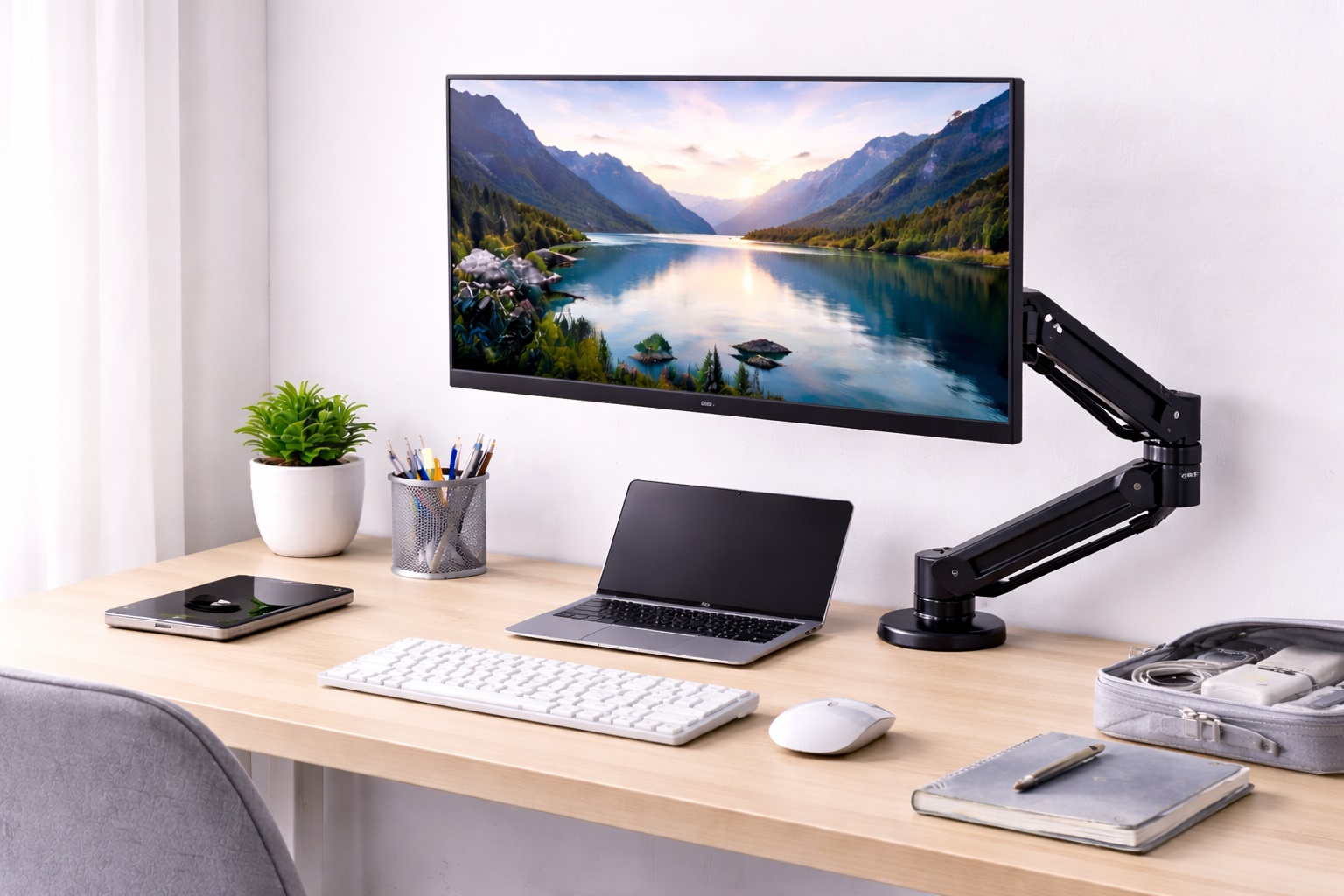
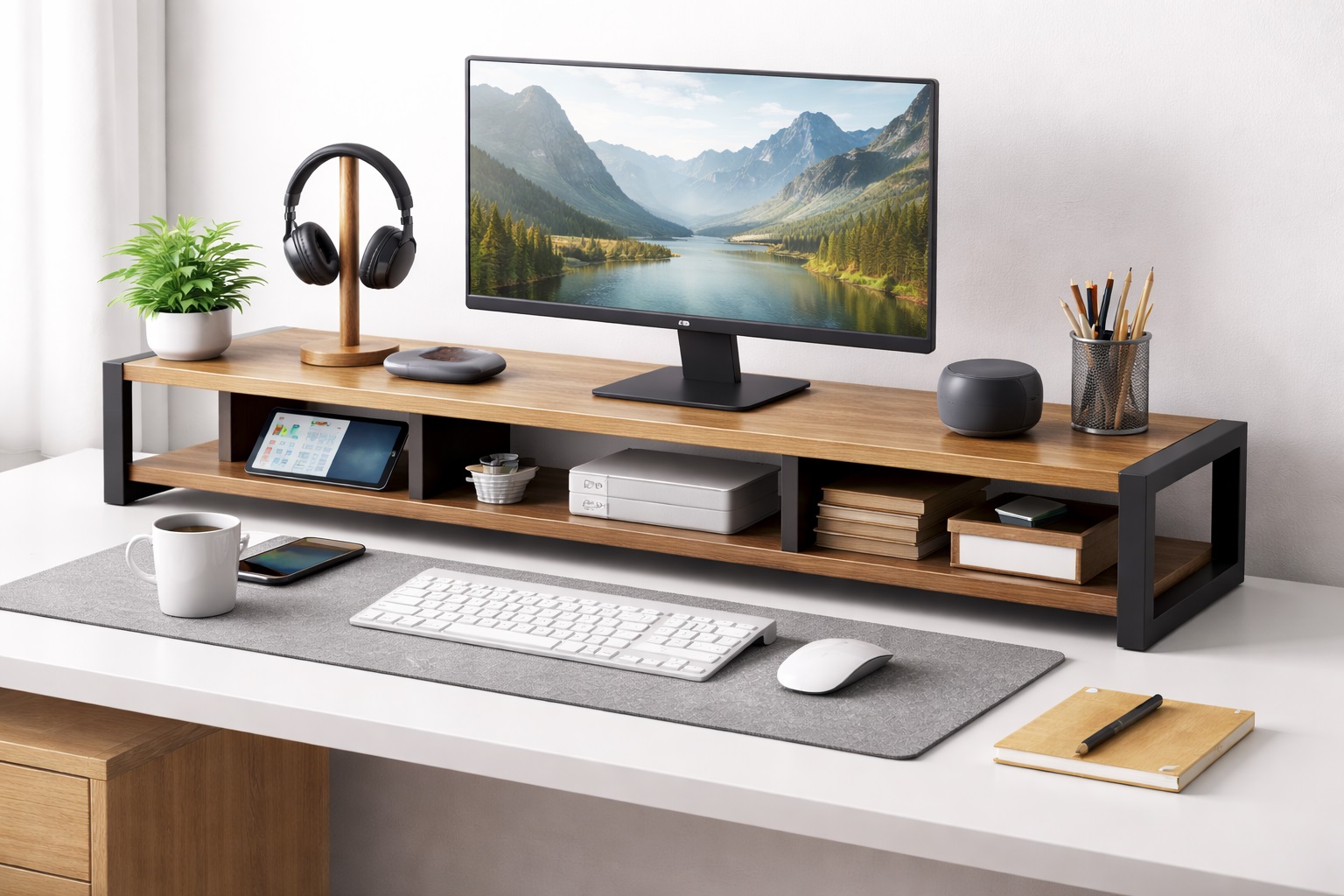
It also helps to think about the desk in layers rather than as one flat surface. The area directly in front of the keyboard needs to stay completely clear for comfortable typing. The zone just beyond that — around a monitor stand or laptop riser — can absorb a compact hub without getting in the way of daily use. And the space underneath or behind the desk is where cable clutter and bulkier hardware belong entirely. Matching a hub's size and mounting style to the right layer, rather than treating the whole desk as interchangeable space, is what actually keeps a small setup feeling open instead of cramped.
Top 3 USB Hubs for Small Desks (Detailed Reviews)
1. USB-C Multiport Hub – Best For Minimal Desk Footprint
A USB-C multiport hub plugs into a single USB-C port and expands it into several connection types in a body small enough to sit flush against a laptop's edge rather than occupying separate desk space. Typical configurations include a couple of USB-A ports, an HDMI output, and sometimes an SD slot — enough for a monitor, mouse, and keyboard without needing a second surface area for the hub itself. Because it clips onto the laptop rather than sitting freely, there's also nothing extra to knock over or accidentally unplug while reaching across a crowded surface. Because the whole unit rides along with the laptop, it also means one less thing to set up or tuck away when the desk needs to be cleared for something else entirely. For anyone who regularly moves between a desk and a couch or a kitchen table, that portability matters just as much as the space it saves while docked — the hub travels as part of the laptop rather than as a separate item that has to be packed, found, or reconnected each time.
- Pros:
- Attaches directly to the laptop rather than taking up separate desk space
- Bus-powered — no wall adapter or extra outlet needed
- Small enough to leave permanently connected
- Works across current Windows and Mac laptops without setup
- Cons:
- Running several ports at full speed at once can slow all of them down
- Most budget versions won't pass through full-speed laptop charging
Best For: Compact desk setups where every inch of surface area matters and the hub needs to disappear against the laptop itself.
Why We Recommend It: It solves the port problem without adding a second object to manage on a desk that has no room to spare, and it's the safest starting point for anyone unsure which category fits their setup.
2. Slim Powered USB-A Hub – Best For Multiple Peripherals in Minimal Space
A slim powered hub delivers the stability of independent power in a flatter, more compact housing than a typical desktop hub. Instead of a bulky brick-style adapter, these use a slim inline power connector that tucks behind a monitor stand or along a desk edge. This keeps the reliability benefits of a powered hub — steady current for demanding peripherals — without the footprint of a traditional desktop model. The power connector itself is typically no bulkier than a phone charger, which makes it far easier to route discreetly than the larger power bricks found on older powered hub designs. It's a design choice aimed squarely at people who want the reliability of a wall-powered hub but refuse to give up the last few inches of usable desk space to get it. The independent power supply also means the hub itself isn't drawing everything through the laptop's own port, which matters on a small desk where several peripherals are often plugged in at once and a single shared connection would otherwise become the bottleneck.
- Pros:
- Independent power without a bulky desktop-style housing
- Handles power-hungry accessories without dropping connections
- Slim profile tucks behind a monitor stand easily
- More ports than a compact bus-powered alternative
- Cons:
- Still requires a nearby wall outlet
- Slightly more expensive than a comparable bus-powered hub
Best For: Small desk setups running several USB-A peripherals — a full keyboard, a drawing tablet, an external drive — that need reliable power without bulky hardware.
Why We Recommend It: It's the rare option that delivers powered-hub reliability without sacrificing the compact footprint a small desk actually needs, splitting the difference between stability and space in a way most hubs don't bother attempting.
3. Under-Monitor Clamp Hub – Best For Zero Surface Footprint
An under-monitor clamp hub mounts directly to a monitor stand or the underside of a desk, keeping the entire unit off the visible work surface entirely. Cables route up to the monitor level and back down to peripherals, keeping the desk itself clear except for the keyboard and mouse. Because the hub is fixed in place rather than resting loosely, there's also no risk of it sliding or getting knocked out of position during everyday use, which is a small but real annoyance with any tabletop hub on a shallow desk. This design trades a bit of installation effort for what is effectively zero permanent desk footprint. Once the initial mounting is done, the entire hub effectively vanishes from the visible workspace, which is a meaningfully different outcome than simply choosing a smaller tabletop model.
- Pros:
- Mounts out of sight, freeing up the entire desk surface
- Keeps cables routed neatly rather than crossing the desk
- A one-time setup that stays put once installed
- Ideal for desks with no spare surface area at all
- Cons:
- Requires a compatible monitor stand or desk edge for mounting
- Less convenient to unplug and move than a standalone hub
Best For: Fixed desk setups where the goal is a completely clear surface and the hub never needs to travel.
Why We Recommend It: For a desk with genuinely no spare inches, mounting the hub out of the way solves the clutter problem more completely than any tabletop option. It's a bit more effort to set up the first time, but that effort is a one-time cost against years of a genuinely clear desk.
Buying Guide: How to Choose the Best USB Hub for a Small Desk
Match the hub's physical design to your desk's actual constraints, not just its port list. The factors below are ordered with the physical fit questions first, since those tend to determine whether a hub works for a compact space at all, before moving into the performance details that matter regardless of desk size.
It's worth resisting the temptation to shop by photo alone. A hub can look compact in a product listing shot from a flattering angle and still turn out wider, taller, or more cable-heavy than expected once it actually arrives. Cross-referencing the listed dimensions against a spot already measured on the desk avoids most of the disappointment that comes from judging size purely by eye.
1. Physical Footprint and Mounting Options
Before checking ports, measure the actual clear space available on the desk. A hub that needs to sit flat with cables coming out of multiple sides needs more room than one designed to clamp to a monitor arm or attach directly to the laptop. Some hubs include adhesive mounting pads specifically for small-desk use — a detail worth checking if surface space is genuinely limited. It's worth doing this measurement with a tape measure rather than eyeballing it, since a hub that looks small in a product photo can still be surprisingly wide once its ports and connectors are accounted for.
2. Cable Length and Routing
A cable that's too long creates loops and clutter on a small desk; one that's too short forces an awkward stretch across the surface. Measure the distance from where the laptop sits to where the hub will live before choosing a length, and favor hubs with a right-angle connector if cables need to route along a desk edge rather than straight out. A cable just a few inches too long is a surprisingly common source of desk clutter, since the excess length has to go somewhere, and on a small surface that somewhere is usually right in the way.
3. USB Standard and Real-World Speed
USB 3.0 supports up to 5Gbps, USB 3.1 Gen 2 reaches 10Gbps, and USB 3.2 Gen 2x2 reaches 20Gbps on hubs that support it. For a compact desk running a mouse, keyboard, and occasional drive, USB 3.0 is plenty — the speed standard rarely matters more than the physical fit for this specific use case. Only step up to a faster standard if an external SSD or large file transfers are part of the regular routine, since paying more for speed that never gets used doesn't help a cramped setup.
4. Power Delivery for a Single-Cable Setup
On a small desk, minimizing the number of cables matters as much as minimizing physical clutter. A hub with Power Delivery passthrough lets the laptop charge through the same single cable connected to the hub, removing a second charging cable from an already tight space. Check the wattage specifically — 60W keeps most thin laptops charging, while 87W or 100W maintains full speed. On a desk where every outlet on a power strip is already spoken for, collapsing two cables into one is as much about physical clutter as it is about convenience.
5. Vertical vs. Horizontal Port Orientation
Some compact hubs orient their ports vertically rather than horizontally, which changes how cables fall once connected. On a small desk, a vertical orientation often routes cables down and out of the way more cleanly than a horizontal one, where cables tend to splay across the visible surface. It's a small detail that rarely appears in a spec sheet but is easy to spot in product photos showing the hub from the side while connected.
6. Heat Management in Tight Spaces
A hub tucked under a monitor stand or against a laptop has less open air around it than one sitting freely on an open desk, which can make heat buildup slightly more noticeable. Aluminum-bodied hubs dissipate heat more effectively than plastic ones, which matters more in a compact, enclosed mounting position than it would in open air. If the hub will sit tucked against a laptop chassis that's already warm from regular use, that combined heat is worth factoring into the material choice.
7. Bus-Powered vs. Self-Powered for Space Constraints
Bus-powered hubs avoid the need for a wall outlet and an extra adapter taking up an already-scarce power strip slot. Self-powered hubs need that outlet but handle demanding peripherals more reliably. On a small desk, the choice often comes down to whether there's a free outlet within reach or whether every open slot is already spoken for. A small desk near a wall outlet has more flexibility here than one in the middle of a room, where running a power cable becomes its own clutter problem.
8. Port Configuration Matched to a Minimal Setup
A small desk usually means a smaller peripheral list — a monitor, a mouse, a keyboard, maybe an external drive. Count exactly what needs connecting and choose a hub that covers that list without extra ports that just add unnecessary bulk to a space that can't spare it. It's tempting to buy a little extra capacity "just in case," but on a small desk that extra capacity has a real physical cost that a bigger desk wouldn't notice.
9. Compatibility With Monitor Arms and Stands
If the plan is to mount the hub under a monitor arm or clamp it to a stand, check the specific mounting compatibility before buying — not every hub includes hardware for this, and not every monitor stand has a suitable edge or surface for a clamp-style mount. Checking the clamp's maximum thickness against your specific stand or desk edge beforehand avoids the disappointment of a hub that arrives and simply doesn't fit.
10. Cable Management Accessories
Some hubs ship with small cable clips or velcro ties specifically designed to keep cords bundled and off the visible desk surface. On a small desk, these minor inclusions matter more than they would on a larger one, since even a single stray cable is more noticeable in a tight space. A few dollars spent on cable clips is often the cheapest single upgrade available for how organized a small desk actually looks day to day.
11. Driver-Free Operation
Most hubs work immediately across Windows, macOS, and Linux without any driver installation. A smaller set — mainly those supporting advanced multi-display features — require a driver. Driver-free operation is simpler and avoids the extra setup step that a small, efficient workspace generally doesn't have time for. It also means the hub keeps working the same way after an operating system update, without needing a driver reinstall to restore a feature that suddenly stopped working.
12. One Larger Hub vs. Two Smaller Ones
On a genuinely tight desk, it can be tempting to solve every port need with a single larger hub, but splitting peripherals across two small, single-purpose connectors sometimes fits better in practice. A compact hub dedicated to the monitor and drive near the back of the desk, paired with a tiny two-port adapter near the keyboard for a mouse and a headset, can end up less visually intrusive than one larger hub trying to serve every device from a single spot. The tradeoff is an extra cable run, so this approach works best when the desk layout already has two natural anchor points rather than one central hub location.
13. Visual Consistency With the Rest of the Desk
A hub in a mismatched color or a glossy finish stands out far more on a small desk than it would on a larger surface with more visual noise to blend into. Matte black or white housings that match a monitor stand or keyboard tend to disappear into the setup rather than becoming a second focal point competing with the screen. It's a minor detail next to port count and speed, but on a desk where nearly everything is visible at a glance, a hub that clashes with the rest of the setup reads as clutter even when its actual footprint is small.
Frequently Asked Questions
These are the questions that come up most often once someone starts actually shopping for a hub small enough to fit a genuinely tight desk, rather than just browsing general options.
1. Will a compact hub perform worse than a full-size one?
Not necessarily. Physical size and data performance are largely unrelated — a small hub can carry the same USB standard and speed as a larger one. The tradeoff with compact hubs is usually fewer total ports, not slower ones. Comparing the actual Gbps figure and USB standard between two hubs is a more reliable way to judge performance than comparing their physical size.
2. Can a small desk hub still charge my laptop?
Yes, if it specifically lists Power Delivery passthrough with a wattage rating. Compact hubs increasingly include this feature despite their smaller size, so check the spec sheet rather than assuming a smaller hub automatically skips charging support. This is one of the fastest-improving specs in the category, and models released more recently tend to include it more often than older ones.
3. How do I stop cables from cluttering a small desk?
Start with a hub sized and cabled appropriately for the actual distance between the laptop and the peripherals, then add cable clips or velcro ties to route the remaining cords along the desk edge rather than across the surface. Under-monitor mounting removes the visible clutter almost entirely. Even a simple binder clip repurposed as a makeshift cable holder along the desk edge can noticeably improve how tidy a small setup looks.
4. Can I mount a USB hub under my desk or monitor?
Some hubs are specifically designed for this with included clamps or adhesive mounts; others aren't built for it and will hang awkwardly or strain the cable if forced into a mounted position. Check the product description for mounting compatibility before assuming any hub can be attached this way. Improvising a mount with generic adhesive strips can work in a pinch, but it's worth confirming the hub's weight won't strain a mount that wasn't designed to hold it.
5. Is a bus-powered hub better for a small desk?
Often, yes, simply because it avoids needing an extra wall outlet and power adapter that take up additional space. If the peripherals connected are power-hungry — an external hard drive, for example — a slim powered hub may still be worth the extra outlet requirement. The deciding factor is usually whether the desk already sits near a wall outlet or a power strip with a free slot to spare.
6. Does a smaller hub mean fewer features?
Sometimes, but not always. Many compact hubs match the port variety of larger models; they simply arrange the ports more tightly or use a slimmer housing. Compare the actual spec sheet rather than assuming size and features move together. A hub's dimensions are a poor proxy for its capabilities once manufacturers start optimizing specifically for compact housings.
7. How long should a small desk hub last?
Two to five years is reasonable for a well-built hub from an established brand with normal use. Compact hubs see the same cable-related wear as larger ones, so a detachable cable is still worth prioritizing even in a small form factor. Storing the cable loosely rather than coiled tightly around the hub body also reduces the wire fatigue that eventually causes intermittent connections.
8. Can I return a hub if it doesn't fit my desk well?
Most retailers allow returns within 15 to 30 days. Measure your available space and test the actual cable routing during that window before deciding the hub is a good long-term fit for your setup. Living with it for a few days under normal daily use reveals fit issues that a five-minute unboxing test won't.
9. What is the best USB hub for a compact desk that needs port expansion without clutter?
It depends on whether the desk has any spare surface area at all. A laptop-attached hub works if there's truly no room to spare; a slim powered hub works if a bit of space exists near an outlet. And an under-monitor clamp works best when the setup is permanent and the goal is a completely clear surface rather than flexibility.
10. Does brand name matter for a small desk hub?
Established brands generally offer more consistent build quality and warranty support. Newer brands sometimes make genuinely well-designed compact hubs, so it's worth reading recent, verified reviews rather than dismissing an unfamiliar name outright. Reviews that specifically mention the hub's dimensions or mounting experience are more useful here than general star ratings.
11. What's the difference between a compact hub and a regular one besides size?
Mostly port count and sometimes port orientation, since compact hubs are designed around fitting into tight spaces rather than maximizing every possible connection type. The internal chipset and data speeds are frequently identical to a larger hub in the same product line. In practice, choosing between the two often comes down entirely to how much surface area is actually available rather than any real difference in day-to-day performance.
12. Can a USB hub interfere with a wireless mouse or keyboard on a crowded desk?
It's possible in rare cases. USB 3.0 hubs and cables can emit radio interference in the same 2.4GHz range used by many wireless mice and keyboards, and on a small desk everything sits closer together than on a larger surface, which can make the effect more noticeable. If a wireless peripheral starts stuttering after adding a hub, moving the receiver a few inches away from the hub's housing or switching to a USB extension cable usually resolves it.
13. Is it worth buying a hub with more ports than I currently need?
On a small desk, generally no. Extra ports mean a larger housing and more cables that aren't being used, both of which work against the goal of a clean, compact setup. It's more efficient to count the exact peripherals in regular use and choose a hub sized to that list, then reassess if the setup changes later rather than buying oversized capacity upfront just in case.
Final Verdict
Whichever category fits best, the underlying goal stays the same across all three: adding connectivity to a small desk should feel like a subtraction of clutter, not an addition of another object to work around.
- Best Overall: USB-C Multiport Hub – disappears against the laptop itself, ideal when every inch of desk space counts.
- Best for Multiple Peripherals: Slim Powered USB-A Hub – reliable power in a footprint built for tight spaces.
- Best for Zero Clutter: Under-Monitor Clamp Hub – keeps the entire desk surface clear by mounting out of sight.
A small desk doesn't have to mean fewer ports — it means choosing a hub built around the space you actually have rather than the one with the most impressive spec sheet. Measure the desk, plan the cable routing, and match the category to how the space is actually used, and a compact hub adds capability without adding clutter. Get that match right, and the hub becomes invisible in the best possible way — there simply because it works, not because it's competing for space with everything else on the desk.