Best Desk Shelves for Productivity: Keep Your Workflow Clear and Organized
A cluttered desk quietly drains focus in ways most remote workers never trace back to their actual cause. Cables tangle behind the monitor, notebooks stack in the wrong spot, and the accessories you reach for ten times a day end up buried under whatever landed on the desk last. A desk shelf built for productivity solves this at the structural level rather than papering over it with another storage bin — it gives your monitor proper height, your accessories a fixed home, and your desk surface room to actually function as a workspace again.
Remote workers and home office professionals face a slightly different version of this problem than a traditional office desk user. The desk is often shared with a kitchen table or a spare bedroom corner, screen time runs longer, and there is no facilities team to quietly fix an uncomfortable setup. A well-chosen desk shelf addresses several of these issues in one purchase: better monitor height, a defined home for small accessories, and a visually calmer desk that stays that way past the first week.
This guide compares the three shelf formats that consistently show up in productivity-focused home office setups: the monitor riser with lower storage, the freestanding multi-zone organizer, and the wall-mounted floating shelf. Below you will find detailed reviews of each, a ten-point buying guide, and answers to the questions home office workers ask most often before choosing one.
None of these three formats is universally correct, which is precisely why so many buyers end up disappointed with their first purchase. A shelf chosen because it looked tidy in a photo often turns out to be the wrong depth, the wrong height, or simply the wrong category of storage for what actually piles up on a given desk. Working through the comparisons below with your own desk dimensions and daily habits in mind will get you to the right answer far faster than trial and error.
It's also worth acknowledging that a desk shelf is a relatively small purchase in the scheme of a full home office setup, but it's one of the few upgrades that touches your workflow every single hour of the day rather than sitting in the background. A chair or a desk gets chosen once and mostly forgotten; a shelf that holds your monitor or your daily accessories is something you interact with constantly, which is exactly why getting the format right matters more than its modest price tag might suggest.
Top Picks Reviewed
At a glance, the three formats split cleanly along one question: how much of the problem is monitor height versus general clutter versus reclaiming desk real estate? The monitor riser-shelf answers the first question directly and the second one partially. The freestanding organizer answers the second question thoroughly but leaves monitor height untouched unless paired with something else. The wall-mounted shelf answers the third question completely, at the cost of a permanent installation decision. Reading through all three reviews below, even if you already suspect which one fits, is worth the few extra minutes — the pros and cons sections often surface a practical detail that changes the calculation.
1. Monitor Riser with Lower Storage Shelf – Best All-Purpose Desk Shelf
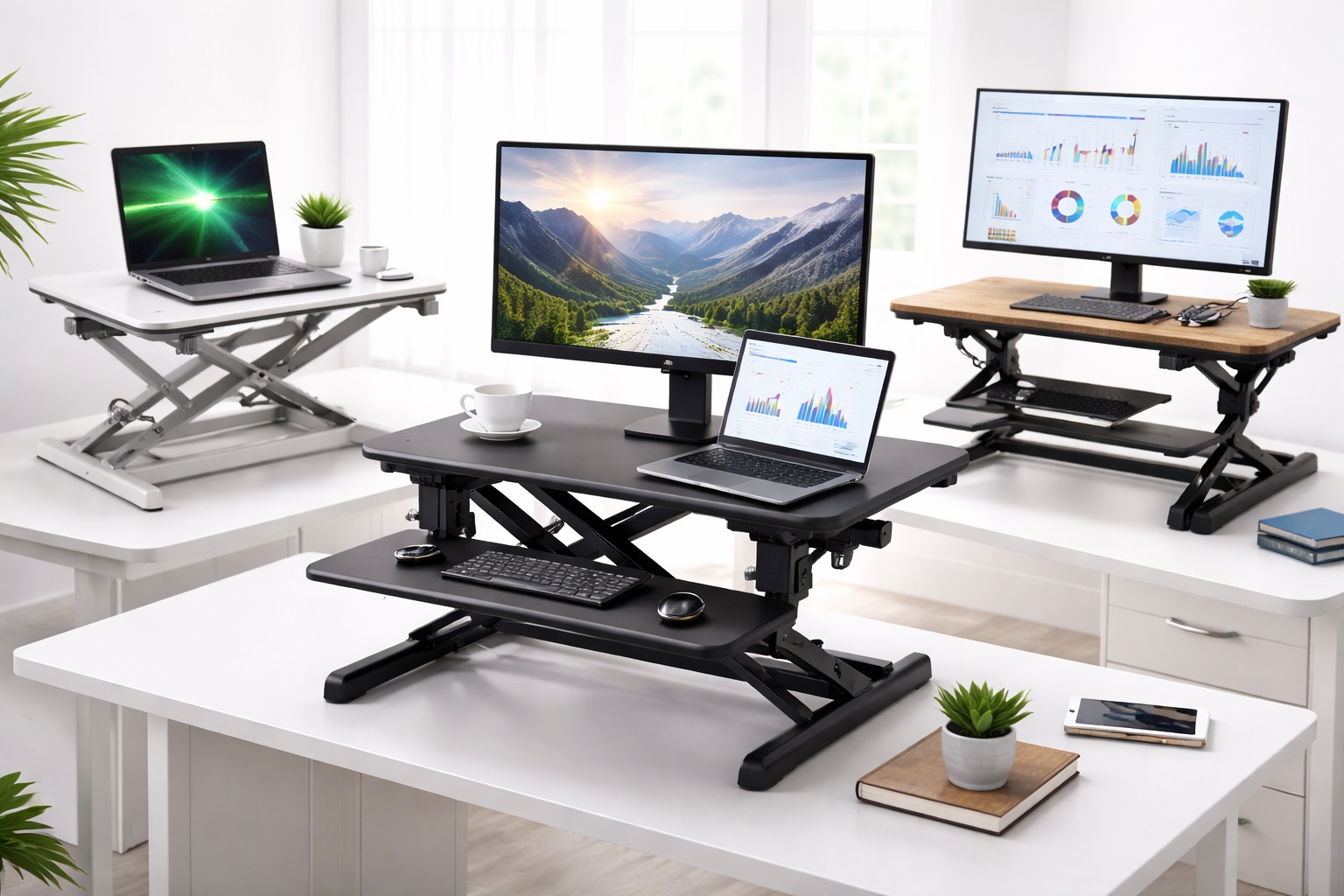
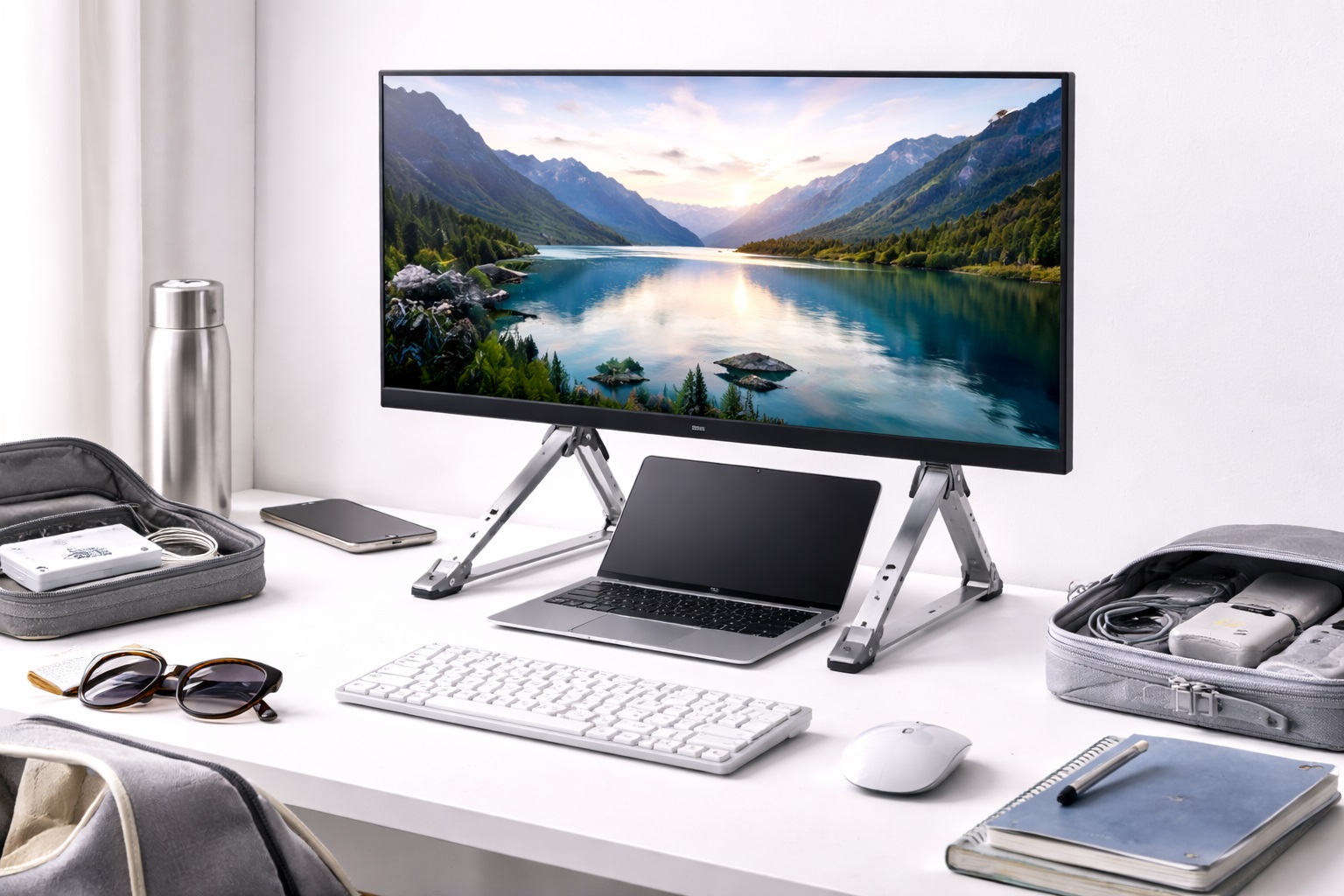
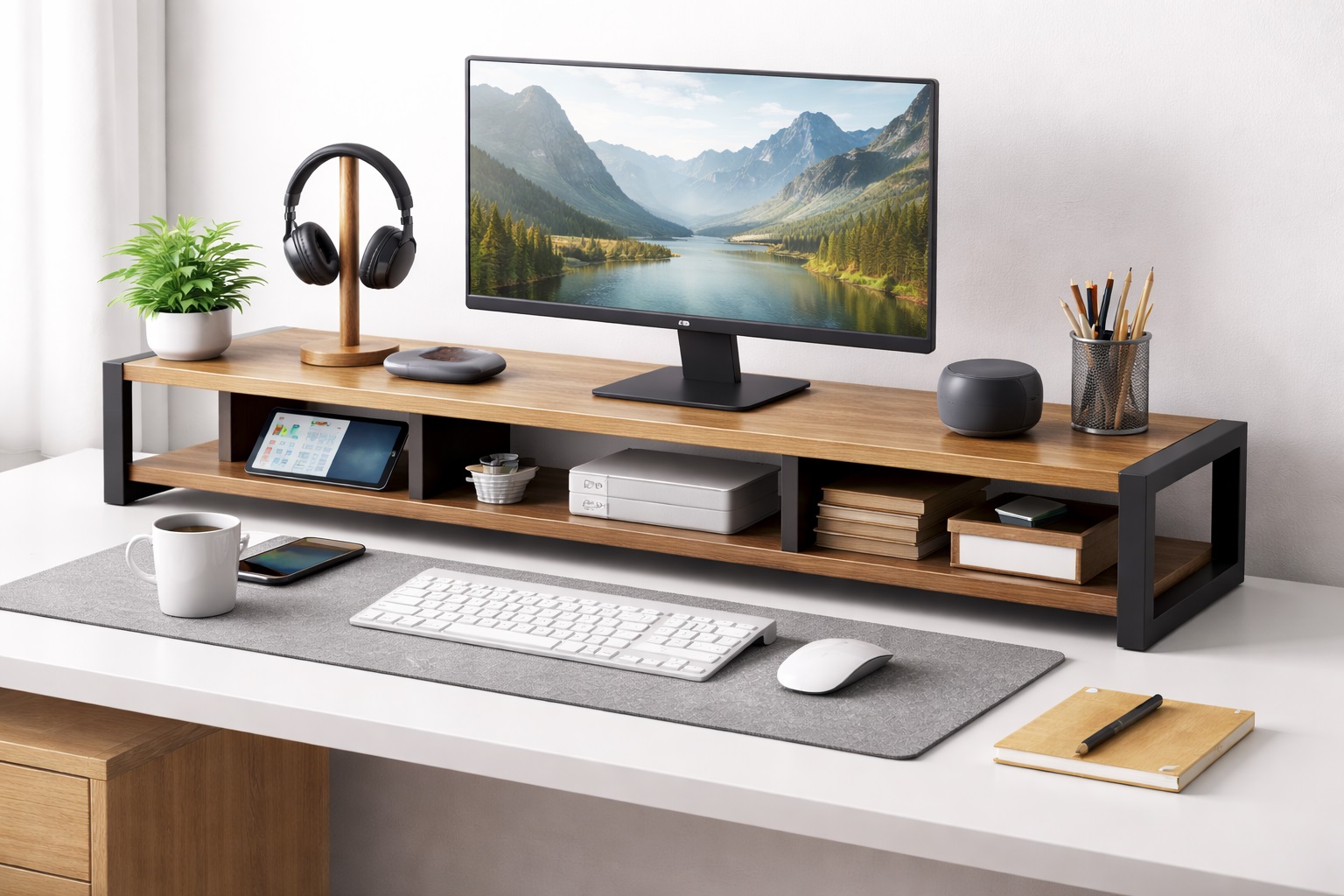
A monitor riser shelf raises the monitor to ergonomic eye level while creating an accessible storage space underneath for keyboards, notebooks, or accessories. This single piece solves monitor height and storage simultaneously. Most are made from bamboo, MDF, or metal and suit most desk aesthetics. For anyone who spends the working day looking directly at a screen, this tends to be the first productivity purchase worth making, because posture and neck strain compound into fatigue over a full workday in a way that's easy to underestimate until it's actually fixed.
The format works because it addresses two separate pain points with one object instead of two. Buying a monitor stand and a separate desk organizer means two purchases, two footprints, and two things to arrange around each other. The riser-shelf combination collapses that into a single, coherent piece of furniture the desk was arguably missing all along, and it does so without adding visual clutter of its own.
- Pros:
- Raises monitor to correct ergonomic height
- Storage space below for keyboard or accessories
- Single purchase solves two desk problems
- Available in natural, white, and dark finishes
- Cons:
- Fixed height — not adjustable after placement
- Takes defined desk footprint at the rear
Best For: Home office workers who want ergonomic screen positioning and accessible storage in a single, elegant piece, and who would rather solve both problems with one uncomplicated purchase than assemble a custom setup from several separate accessories.
Why We Recommend It: The monitor riser-shelf is the most practical desk organization purchase available — it improves posture and creates storage in one piece, with no separate accessory required for either function. It is also the easiest of the three formats to justify, since the ergonomic benefit alone tends to pay for itself in reduced end-of-day fatigue within the first week of use. Because it requires no drilling and no permanent commitment, it is also the lowest-risk of the three options to try first — if your needs change later, the piece is easy to relocate or repurpose elsewhere in the home.
2. Freestanding Desktop Organizer Shelf – Best for Multi-Zone Storage
A freestanding desktop shelf unit provides multiple storage zones at different heights — reference books at the top, accessories in middle compartments, and items in lower sections. These typically span 18–24 inches of desk width and create a visual organizing system for frequently accessed items. Where the monitor riser solves one specific problem, the multi-zone organizer is built for people whose desk clutter comes from variety rather than volume — a mix of notebooks, chargers, pens, and reference materials that each need a defined place rather than a single catch-all tray.
Because it sits directly on the desk with no installation step, it is also the format most people reach for first simply because there is nothing to plan around. You set it where it makes sense, load the compartments, and adjust the arrangement over the following weeks as you learn which zone actually gets used for what — a small but meaningful advantage over a fixed shelf that can't evolve with your habits.
- Pros:
- Multiple storage compartments for organized access
- No installation — sits directly on desk
- Repositionable as needs change
- Available in various widths to match desk size
- Cons:
- Takes desk footprint across the width it covers
- Heavier than wall-mounted alternatives
Best For: Users who need organized multi-category storage for books, accessories, and work items at varying heights, especially anyone who has already tried a single flat tray and found that everything simply piles back into one undifferentiated heap within days.
Why We Recommend It: The multi-level freestanding shelf creates a vertical organization system that keeps everything visible and accessible without the items consuming the primary working desk surface. For anyone whose job involves switching between several small tools throughout the day, having each one in a known, fixed spot removes a surprising number of small interruptions. It is also the easiest option to try without committing to a single layout, since most units can be shuffled, restocked, or paired with a second unit later without disrupting whatever else is already on the desk. For desks shared between work and personal use, this flexibility matters more than it might on a dedicated office desk that never changes purpose.
3. Wall-Mounted Floating Shelf – Best for Freeing Desk Surface Completely
A wall-mounted floating shelf above the desk stores monitors, speakers, plants, and reference items completely off the desk surface, freeing the entire desk for working use. Installation requires basic tools and appropriate wall anchors. Once mounted, the shelf provides stable, permanent storage with no desk footprint. This is the format built for people who have already tried freestanding organizers and still feel like the desk surface is too crowded — the only remaining way to solve that is to stop using the desk surface at all for anything beyond the immediate task at hand.
The tradeoff is obvious and worth stating plainly: it requires committing to a wall position, and it is not something you casually reposition on a whim once installed. But for a permanent home office setup, that permanence is exactly the point — it is the one format on this list where storage genuinely disappears from your field of view while you work, rather than sitting at the edge of the desk reminding you it's there.
- Pros:
- Frees entire desk working surface below
- Permanent, stable storage at any height
- Creates a clean, organized visual appearance
- Suitable for heavier items when correctly anchored
- Cons:
- Requires wall drilling — not suitable for renters
- Shelf position is fixed after installation
Best For: Permanent home office users who want maximum desk working surface and are comfortable with wall-mount installation, particularly anyone who has already outgrown what a freestanding organizer alone can clear off the desktop.
Why We Recommend It: Moving items from the desk surface to a wall shelf above creates the most working space of any desk organization approach. The one-time installation investment produces permanent daily benefit, and for anyone who has already decided their home office is a fixed, long-term setup rather than a temporary arrangement, that tradeoff resolves easily in favor of the wall shelf. Homeowners in particular tend to find that once installed, this format quietly becomes the shelf they recommend to friends first, simply because the difference in usable desk space is the most visible of the three changes. It is worth planning the exact mounting height carefully before drilling, ideally by taping a paper template to the wall and living with it for a day, since repositioning afterward means patching and repainting.
Buying Guide: How to Choose the Best Desk Shelf for Productivity
Use these ten factors to match your purchase to your actual working habits rather than to whichever shelf photographs best online. Working through them roughly in order — starting with what you're storing and ending with assembly effort — tends to narrow the field to one clear format well before you reach the final factor.
1. Define What You're Shelving
Before comparing products, list specifically what needs a home — monitor only, monitor plus speakers, reference books, chargers, notebooks. The items you actually own determine which shelf format fits, and skipping this step is one of the most common reasons people end up returning a shelf that looked right in photos but didn't match their real desk contents. Taking two minutes to actually inventory the desk before shopping consistently produces a better result than relying on memory or a rough guess of what usually ends up there.
2. Height for Monitor Ergonomics
If you are using a monitor riser-shelf, verify the height places your screen center at or slightly below seated eye level. Most risers sit in the 4–6 inch range, which suits average seated heights, but taller users should double-check this against their own chair and desk combination before ordering, since a riser that's too short defeats its own ergonomic purpose entirely. A simple way to check is to sit normally at the desk, close your eyes for a moment, and open them — wherever your gaze naturally lands is roughly where the top third of the screen should sit.
3. Weight Capacity
Confirm the shelf's stated weight capacity covers everything you intend to place on it. A monitor plus a pair of speakers plus a stack of reference books adds up faster than expected. Wall-mounted shelves in particular need anchoring into studs, or hollow-wall anchors rated for the intended load, if you plan to store anything beyond lightweight items. Manufacturers typically list a maximum load rather than a comfortable everyday load, so leaving some margin below the stated limit is a sensible habit rather than an overcautious one, especially once you factor in the incidental weight of cables, a phone stand, or a small desk lamp that often ends up on the same shelf.
4. Desk Depth Measurement
A monitor riser shelf typically needs 10–14 inches of desk depth to sit properly. On a shallow desk under 20 inches deep, that leaves very little clear working space in front of the keyboard. Measure your desk before ordering and compare it against the shelf's footprint rather than assuming it will simply fit. It helps to physically mark the depth with a piece of tape on the desk beforehand, so you can see exactly how much clearance remains for a keyboard and wrists once the shelf is in place.
5. Material Choice
Bamboo is durable, sustainable, and naturally scratch-resistant, making it a reliable default for daily use. MDF is more affordable but heavier and less moisture-resistant over time. Metal frames are lightweight and suit modern setups. Solid wood carries a premium look and the highest price. Match the material to your budget and the aesthetic of the rest of your workspace. If the shelf sits near a window or a humid room, moisture resistance is worth weighing more heavily than it might in a dry, climate-controlled office.
6. Rental Compatibility
Renters should generally favor freestanding or monitor-riser designs that need no wall installation at all. Wall-mounted shelves require drilling that can conflict with lease terms or simply isn't practical to undo before moving out. C-clamp desk shelf accessories exist as a middle-ground alternative for renters who still want elevated storage without permanent changes. Some property managers are more flexible about small anchor holes than lease language suggests, so it's worth a quick conversation before ruling out a wall shelf entirely.
7. Cable Management Integration
Monitor riser shelves that include cable routing holes or channels make a real difference once the monitor is elevated, since raising a monitor without a plan for the cables behind it tends to create a visible tangle. This is a small design detail, but it's one of the more noticeable quality-of-life differences between similarly priced risers. A shelf without any cable provision can still work fine — it just means budgeting for a separate cable sleeve or clip strip to keep things tidy underneath.
8. Width and Coverage
A shelf spanning the full width of your desk creates one unified visual layer above or below the working surface. A narrower shelf instead creates a defined single-purpose zone. Measure your desk width and decide which effect better matches how you want the space to feel once the shelf is in place. Full-width coverage generally reads as more deliberate and finished, while partial coverage keeps part of the desk visually open and less structured.
9. Aesthetic Compatibility
The shelf will sit in your direct line of sight for most of the working day, so its finish matters more than it might for other furniture. Natural bamboo suits warm, organic aesthetics. Black metal suits modern or gaming-oriented setups. White MDF suits minimal or Scandinavian-style rooms. Choose a finish that genuinely complements what's already in the space rather than picking based on price alone. It can help to hold a fabric swatch or paint chip from the room next to a product photo before ordering, since screen colors rarely match a finish exactly once it's sitting under real room lighting.
10. Assembly Requirement
Most freestanding desk shelves need only minimal assembly, typically inserting support legs or attaching side panels. Wall-mounted shelves require more involved installation, including locating studs and drilling. Reading assembly-specific reviews for the exact model you're considering is worthwhile, since unclear instructions can turn an otherwise simple product into a frustrating afternoon. Having a second person on hand for a wall-mounted install, even briefly, tends to make leveling and marking anchor points considerably less error-prone.
Frequently Asked Questions
1. What is the difference between a desk shelf and a monitor riser?
A monitor riser is primarily built to elevate the monitor to correct eye level and may include storage underneath as a secondary feature. A desk shelf is primarily an organizational storage surface that may also happen to elevate the monitor. Many products on the market genuinely combine both functions, which is why the riser-shelf hybrid tends to be the most popular starting point for productivity-focused buyers. If you're unsure which you need, picturing your desk with the monitor at the right height first, then deciding whether anything else still needs a home, usually clarifies the answer quickly.
2. Do I need a desk shelf or a wall shelf?
A desk shelf, whether freestanding or a riser, suits renters and anyone who wants the flexibility to reposition their setup later. A wall shelf suits permanent home office arrangements where freeing up the maximum amount of desk surface is the priority. The right choice mostly comes down to whether you're able and willing to drill into the wall, and whether your current desk setup is likely to change in the next year or two.
3. What material is best for a desk shelf?
Bamboo is the most commonly recommended option for everyday productivity setups — it's durable, sustainable, naturally scratch-resistant, and visually warm. MDF is the most affordable option. Solid wood carries a premium feel and price. Metal frames offer the strongest support for heavier loads. The right pick depends on which of aesthetics, durability, or budget matters most to you, and there's rarely a wrong answer as long as the material matches how the shelf will actually be used.
4. Is the most expensive desk shelf for productivity always the best?
Not always. Price generally reflects material quality and build details, but many mid-range options perform just as well for everyday productivity needs as premium alternatives. It's worth matching the product to your actual use case rather than assuming a higher price guarantees a better daily experience — a simple bamboo riser can outperform a costlier metal one if it actually fits your desk correctly.
5. How long should a quality desk shelf for productivity last?
A well-built desk shelf for productivity from a reputable manufacturer typically lasts several years with reasonable care. The length of the manufacturer's warranty is usually a fair indicator of how confident they are in the product's long-term durability, so it's worth checking before you buy rather than assuming all listings offer comparable coverage.
6. Can I return a desk shelf for productivity if it doesn't suit me?
Most retailers offer a standard return window, commonly somewhere between 15 and 30 days. Keeping the original packaging on hand during your evaluation period makes any return process considerably simpler if the shelf ends up not fitting your desk or workflow as expected. It's also worth photographing the shelf assembled before you decide, in case a retailer requests proof of condition for the return.
7. What should I prioritize when buying a desk shelf for productivity?
Start with your actual use case — who is using the desk, in what kind of workspace, and how many hours a day. Matching the shelf's format and dimensions to those real conditions produces a better outcome than chasing whichever model has the most features listed on the box or the highest star rating in a general search.
8. Does brand name matter for a desk shelf for productivity?
Established brands typically offer more reliable warranty support and more consistent quality control across production runs. That said, newer or lesser-known brands can still offer excellent value — reading verified purchase reviews closely is usually the better signal than brand recognition alone, particularly for a category where the underlying build is fairly simple.
9. Can a desk shelf actually improve my productivity, or is that overstated?
The productivity gain is real but indirect — it comes from removing small daily friction points like searching for a misplaced item or hunching toward a too-low monitor, rather than from the shelf itself doing anything active. Over a full workday, those small removed frictions add up to a noticeably clearer, calmer working rhythm that's easy to underrate until you've actually experienced it for a week or two.
10. Should I measure my desk before or after choosing a shelf style?
Measure first. Desk depth, width, and existing monitor height should all be confirmed before you settle on a shelf format, since the same shelf that works beautifully on a deep 30-inch desk can crowd out all usable space on a shallow 20-inch one. A tape measure and five minutes upfront will save far more time than dealing with a return later, and it's a step that's easy to skip when you're excited to finally tidy up a messy desk.
Final Verdict
- Best All-Purpose Desk Shelf: Monitor Riser with Lower Storage Shelf — Best two-in-one desk organization and ergonomic improvement.
- Best for Multi-Zone Storage: Freestanding Desktop Organizer Shelf — Best multi-category organized vertical storage without installation.
- Best for Freeing Desk Surface Completely: Wall-Mounted Floating Shelf — Best permanent desk surface recovery for home office owners.
The right desk shelf for productivity depends on your use case and priorities — whether that's solving monitor height, organizing a wider variety of desk items, or reclaiming the entire desk surface for focused work. Use the buying guide and reviews above to match a format to how you actually work, rather than to whichever option simply looks best in a product photo.
Whichever format you land on, the underlying goal stays the same: a desk that supports the work instead of quietly competing with it for attention. Small, consistent organization habits paired with the right shelf tend to outlast any single purchase, so treat the shelf as the foundation of a system rather than a one-time fix, and revisit the arrangement every few months as your workload and habits shift. A shelf that fit perfectly when you started a role can feel cramped a year later once new equipment, side projects, or a second monitor enter the picture, and there's nothing wrong with reassessing the setup rather than forcing the original purchase to keep working past its usefulness.