Best USB Hubs for Small Desks: Compact Picks for Tight Spaces
A small desk punishes bad accessories faster than a large one does. A hub that would go unnoticed on a wide corner workstation becomes the first thing you bump, the thing whose cables tangle with your mouse, or the block that eats the last few inches of usable surface you have left. Choosing a USB hub for a small desk is really a question of footprint discipline first and port count second — the most capable hub in the world is a poor fit if it turns your desk into a cable knot.
This guide focuses on the practical side of that decision: how a hub sits on (or off) your desk, how its cable behaves once it is plugged in daily, and how much connectivity it can add before it starts working against the space it was supposed to save. None of the picks below assume unlimited surface area or a dedicated cable-management setup — they assume a desk where every square inch already has a job.
The options that follow represent different strategies for solving the same core problem: flat designs that lie nearly flush with the desktop, mounted designs that get the hub off the surface entirely, and compact USB-C designs built around how modern laptops are actually used. There is no single correct answer, only the one that matches how your desk is arranged and how many peripherals you are trying to keep connected at once.
It also helps to think about how a desk changes over the course of a day. A hub that seems to fit fine on an empty morning desk can become an obstacle once a notebook, a mug, and a second monitor cable are all competing for the same few inches of clear surface. Considering that daily variation, rather than the empty-desk photo in a product listing, tends to produce a better long-term choice.
It is worth separating two questions that often get blended together: how much desk space a hub takes up, and how many ports it actually offers. A larger hub is not automatically more capable, and a tiny one is not automatically limited — port count, port type, and physical size are independent variables that each deserve their own attention. A buyer focused purely on minimizing size can end up with a hub that lacks a port they actually need, while a buyer focused purely on port count can end up with something too bulky for the space available. Keeping both factors in view at once, rather than optimizing for only one, is what separates a hub that quietly works from one that becomes a daily minor irritation.
Top Picks Reviewed
Each of the categories below solves the small-desk problem from a different angle. Some reduce the hub's own footprint directly, some remove it from the desk surface altogether, and others focus on taming the cables that come with it rather than the hub's physical size. Reading through the trade-offs of each approach, rather than picking whichever sounds most impressive, is the fastest way to land on a hub that actually fits how your desk works day to day.
1. Flat Slim USB Hub – Best For Nearly Invisible Desk Presence
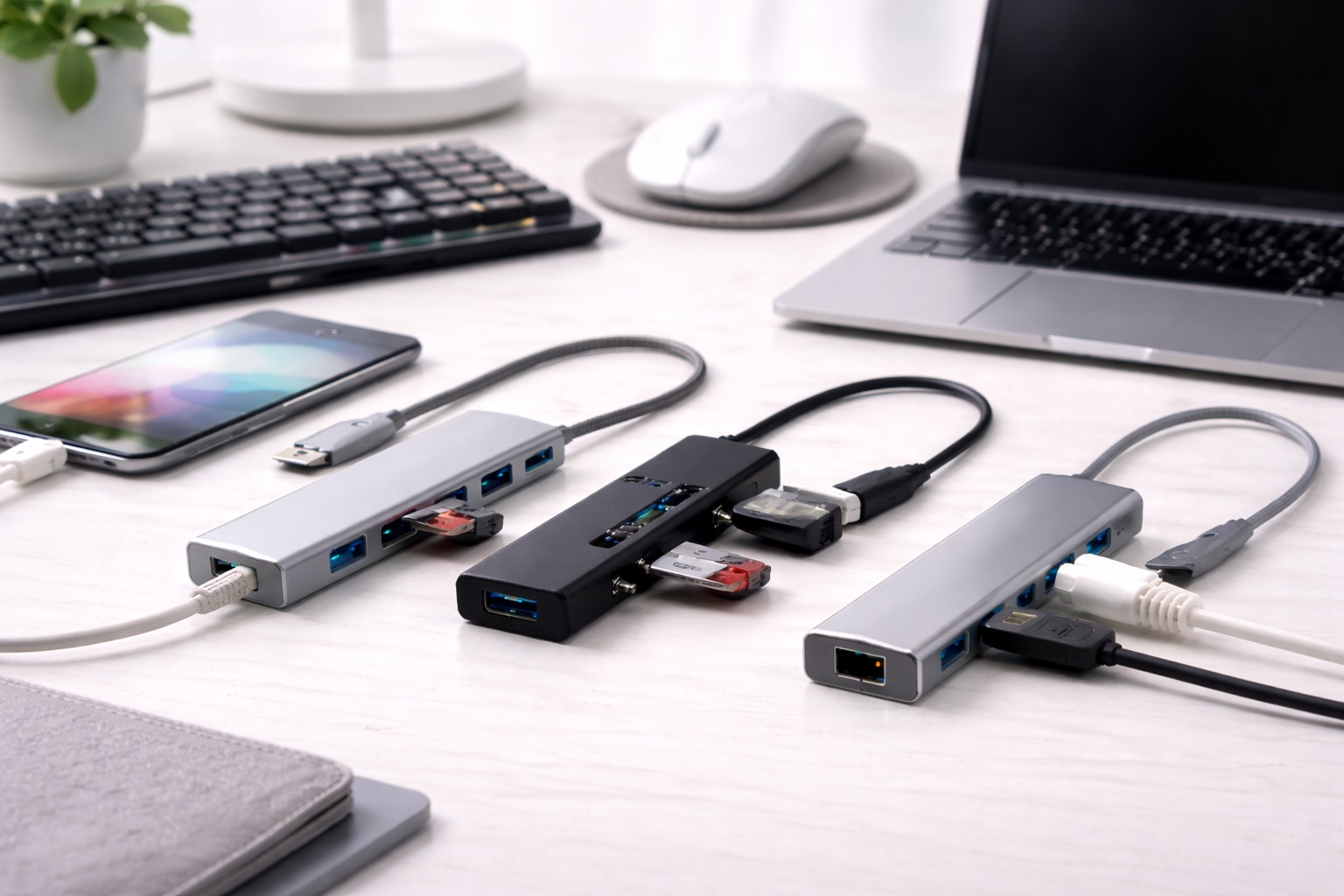
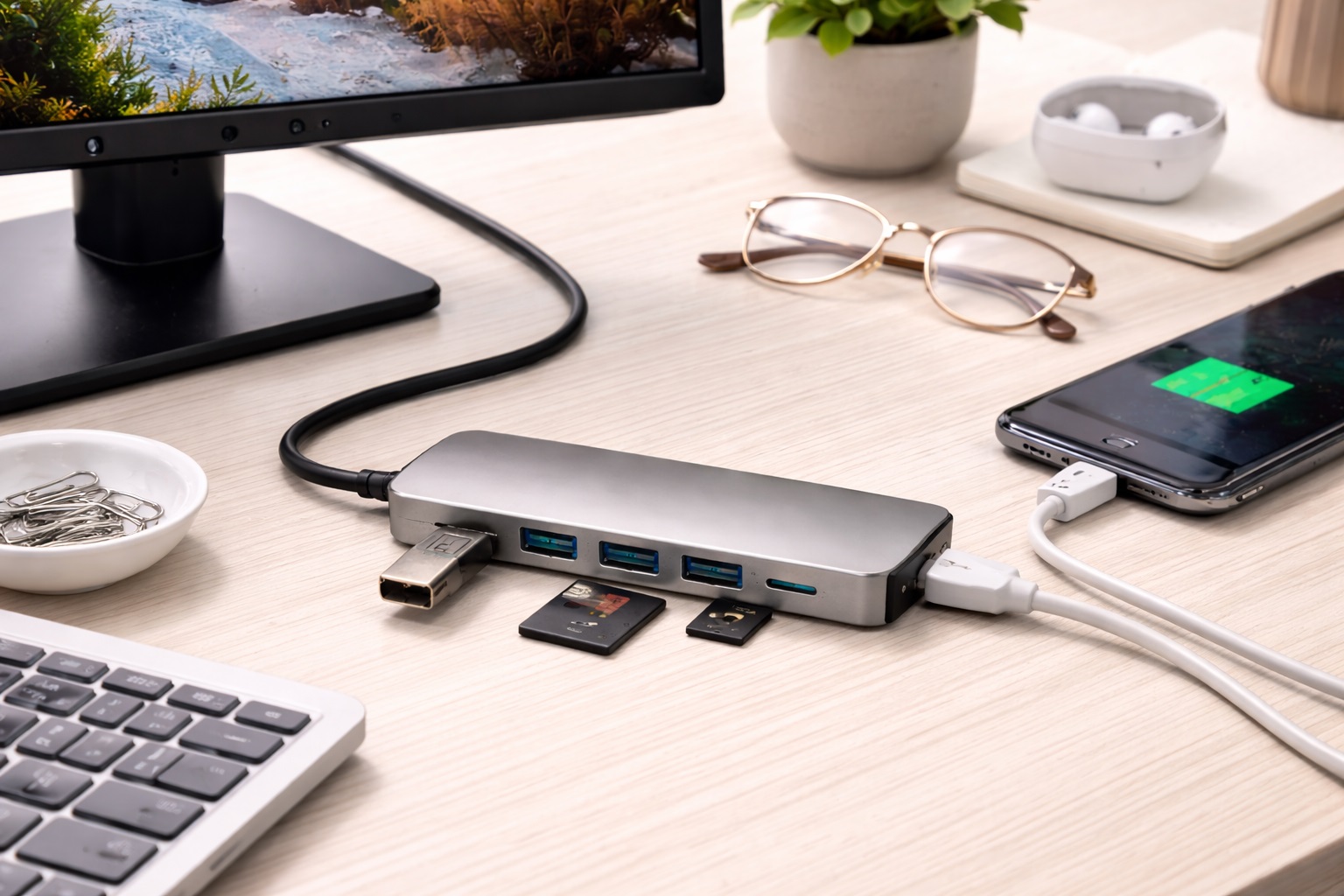
A flat slim hub is built to disappear. Rather than standing upright or adding height to your setup, it lies close to the desktop surface, often thin enough to slide partly under a laptop or monitor stand. This design trades a bit of physical bulk for a lower visual and spatial footprint, which matters most on desks where every inch of clear surface counts. Because the housing sits low, it also tends to stay out of the way of arm and wrist movement, which is a small but real comfort difference over a full day of typing.
- Pros:
- Sits nearly flush with the desk instead of standing above it
- Low profile keeps cables running close to the surface rather than looping upward
- Blends into a minimal desk setup without drawing attention
- Cons:
- Thin housings can limit the number of ports that fit onto one edge
- Some flat designs slide around without a non-slip base
Best For: Anyone who wants extra ports without adding visible bulk to a desk that is already tight on space, particularly setups where the desktop itself is the primary constraint.
Why We Recommend It: When surface area is the scarce resource, a hub that keeps a low physical profile solves the actual problem rather than just relocating it elsewhere on an already crowded desk.
2. Desk-Mount USB Hub – Best For Permanent Under-Desk Installations
A desk-mount hub attaches to the underside of the desk, the edge of a monitor arm, or a similar fixed point, removing it from the desktop entirely. This is the most direct way to reclaim surface space, since the hub is no longer competing with your keyboard, notebook, or coffee mug for room. Once installed, the ports stay in a fixed, predictable location, which makes plugging in a flash drive or charging cable a quick, unthinking motion rather than a search across a crowded desk.
- Pros:
- Frees up desktop surface completely since the hub is not resting on it
- Keeps ports within reach without cluttering the visible work area
- Well suited to setups that rarely change once installed
- Cons:
- Mounting hardware or adhesive strength varies and may not suit every desk material
- Less convenient if you frequently move the hub between locations
Best For: A fixed desk setup where you would rather mount the hub once and forget about it than manage it on the surface daily, especially in a home office that rarely gets rearranged.
Why We Recommend It: Removing the hub from the desktop is the most complete way to solve a small-desk space problem, provided your setup is stable enough to justify a permanent mount and the mounting surface can support it securely.
3. Compact USB-C Hub – Best For Modern Laptop Owners
Built around a single USB-C connection, this style of hub is typically the smallest physical footprint of any option here, since it is designed to plug directly into a laptop rather than sit as a standalone desk accessory. It suits anyone whose small desk also doubles as a laptop station. Because it travels with the laptop rather than staying fixed to the desk, it also works well for anyone who moves between a home desk and a second location during the week.
- Pros:
- Smallest physical size of the group, often close to pocket-sized
- Plugs directly into the laptop, reducing the need for a separate cable run
- Matches the connector modern ultrabooks and MacBooks already use
- Cons:
- Limited to devices with a free USB-C port
- Very compact bodies can run warmer under sustained heavy use
Best For: Small desks used primarily as a laptop workstation rather than a fixed desktop computer setup, including hybrid setups that move between home and office.
Why We Recommend It: For a laptop-centric desk, a hub that plugs straight into the machine removes an entire cable and holds true to the small-footprint goal without needing a separate power source.
4. USB Hub With Cable Management – Best For Clutter-Free Cable Routing
Some hubs are less about their own size and more about controlling everything connected to them. Built-in cable clips, channels, or wrap points keep peripheral cables organized so a small desk does not turn into a knot of wires the moment a mouse, keyboard, and headset are all plugged in. This matters more than it sounds on a small desk, where a tangle of cords can visually eat up space even when the hub itself is quite compact.
- Pros:
- Reduces visible cable clutter even when several devices are connected
- Makes it easier to keep a small desk looking orderly day to day
- Useful for setups with several short-cable accessories
- Cons:
- Cable management features add a bit of bulk to the hub body itself
- Only helps with the cables you actually route through it
Best For: Desks with several small peripherals where cable clutter is as much of a space problem as the hub itself, such as a setup with a mouse, keyboard, headset, and phone charger all sharing the same corner.
Why We Recommend It: On a small desk, a tidy cable run often matters as much as the hub's own size — this style addresses both at once instead of solving one problem while ignoring the other.
5. Budget Small Desk Hub – Best For Value-Focused Buyers
Not every small-desk setup needs advanced features. A straightforward, no-frills hub covers the basics — a handful of extra ports in a compact shell — without the added cost of mounting hardware, cable channels, or premium materials. For a desk used mainly for basic tasks like charging a phone or connecting a mouse and keyboard, this is often all the connectivity that is actually needed.
- Pros:
- Lower cost than hubs with mounting or cable-management extras
- Simple to set up with no installation decisions to make
- Covers basic port-expansion needs without excess features
- Cons:
- Fewer extras for keeping cables or the hub itself tidy
- Build materials are typically more basic than pricier options
Best For: Buyers who need extra ports on a small desk without paying for features they will not use, including first-time hub buyers who are not yet sure what extras matter to them.
Why We Recommend It: A simple hub done well is often the right call when the core need is just a few more ports in a small space, and it leaves budget available for other desk essentials.
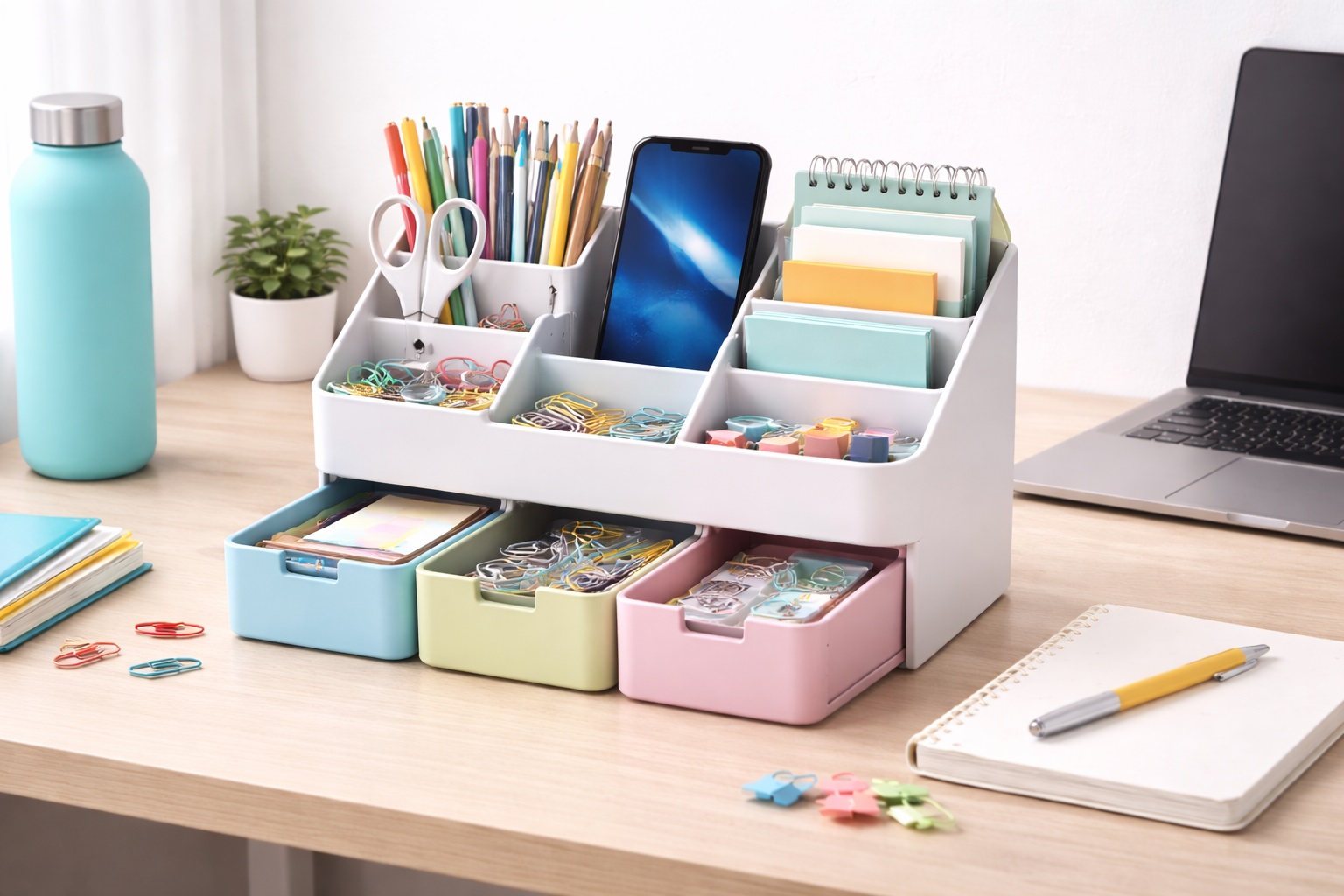
6. USB Hub That Doubles As a Desk Accessory – Best For Multi-Purpose Desk Organization
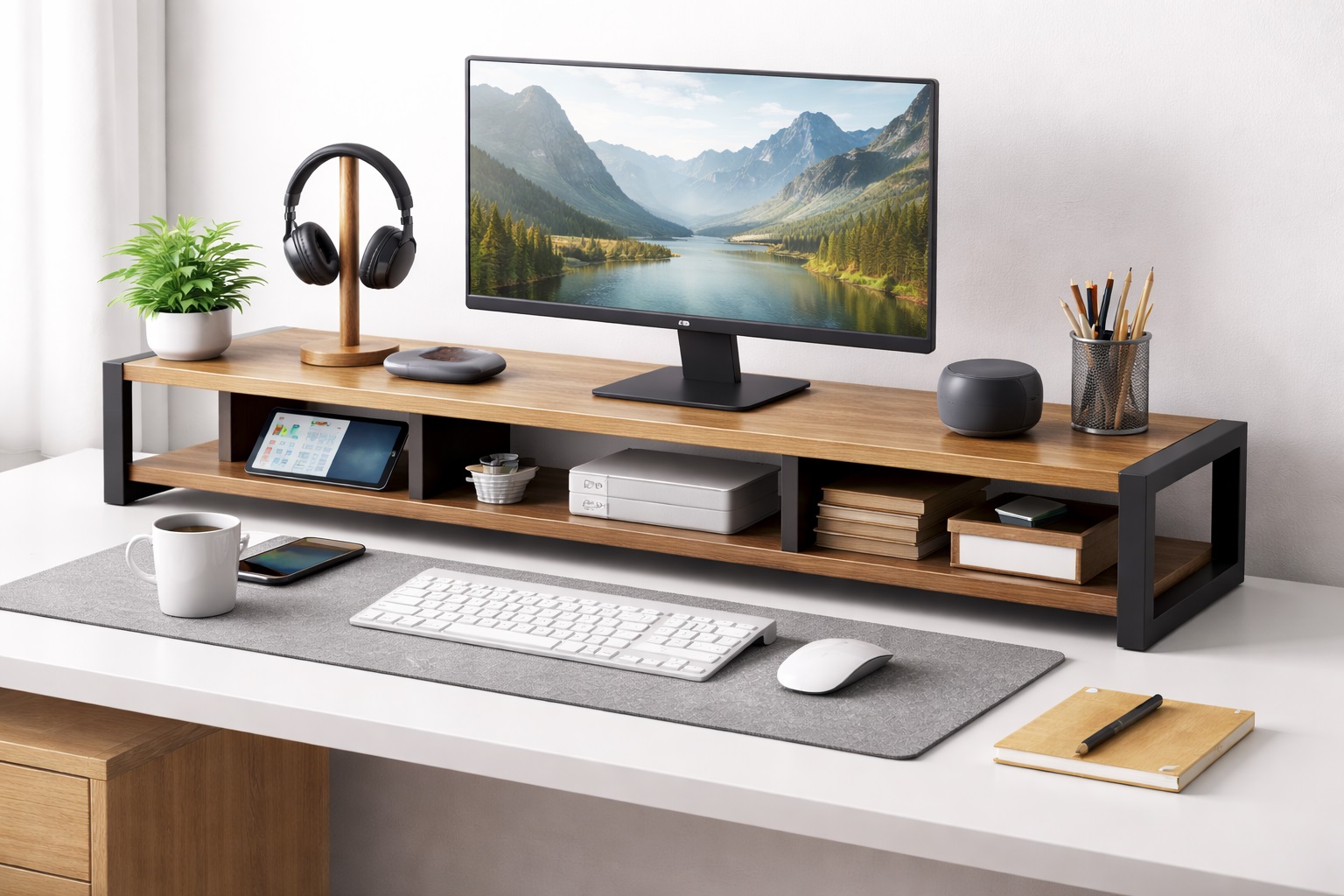
This style folds hub functionality into another desk object — a phone stand, a small organizer tray, or a monitor riser base — so the connectivity comes bundled with something the desk already needed. It is a practical answer to the question of where a hub should live when there is no spare surface for it. Rather than adding a new object to an already crowded desk, it replaces an object you likely already own with one that does double duty.
- Pros:
- Combines two desk items into one, saving space overall
- Often doubles as a place to rest a phone or small accessory
- Can look more intentional than a standalone hub sitting loose
- Cons:
- Only useful if you actually want the secondary function it provides
- Port placement is dictated by the accessory's design, not pure hub layout
Best For: Small desks where every object needs to justify its footprint by serving more than one purpose, particularly minimalist setups built around a handful of well-chosen accessories.
Why We Recommend It: Combining a hub with an item you already need is one of the more efficient ways to add ports without adding clutter, and it keeps the overall desk layout feeling deliberate rather than accumulated.
Buying Guide: How to Choose the Best USB Hub for a Small Desk
Before making a purchase decision, weigh these factors against how your specific desk is arranged rather than against a generic feature checklist. It is easy to get pulled toward whichever hub has the longest spec sheet, but on a small desk, the specs that matter most are rarely the ones printed largest on the box — footprint, cable behavior, and mounting flexibility tend to affect daily comfort more than an extra port or two ever will.
1. Compact Flat Form Factor
A low-profile shape sits closer to the desktop, reducing how much it visually and physically intrudes on limited surface area. Measure the clear space you actually have before assuming a given hub will fit comfortably. A few centimeters of difference in height or footprint can matter more than it seems once a keyboard and monitor stand are already in place.
2. Short Cable Length for Tight Desk Routing
A hub with an overly long connecting cable creates loops and slack that a small desk has no room to hide. Shorter, direct cable runs keep the setup tidy in confined spaces. If the listed cable length is not specified, treat that as a sign to check reviews for how it behaves in practice.
3. Ports Needed Without Excess Bulk
More ports generally means a larger housing. Count what you actually need to connect — mouse, keyboard, external drive, headset — rather than buying extra capacity that adds unnecessary size. It is easy to overestimate future needs and end up with a bulkier hub than the desk actually requires.
4. Cable Clip or Desk-Mount Option
Hubs that include a clip, mount, or adhesive pad give you a way to get the unit off the open desk surface, which is often the single biggest space win available. Check whether the mounting method suits your desk material, since some adhesives do not hold well on painted or laminate surfaces.
5. Quiet and Heat-Efficient Operation
Compact housings sit close to your hands and often near other electronics. A hub that runs warm or draws attention through noise is a bigger annoyance on a small desk than on a spacious one, since there is less distance between the hub and where you are actually working.
6. Data Transfer Speed and Port Types
Confirm the hub supports the transfer speeds and connector types your devices actually use. A compact hub is only useful if the ports on it match what you plan to plug in, so check the port mix against your actual accessories rather than assuming any hub will do.
7. Power Delivery and Charging Support
If you intend to charge a laptop or phone through the hub, check that it supports adequate power passthrough. Not all compact hubs are built to handle charging loads alongside data transfer, and undersized power delivery can mean slower charging than plugging directly into the wall.
8. Price and Value
Compact design and cable-management extras add cost. Decide how much of that is worth paying for versus a simpler hub that covers the same basic port needs, and remember that a well-reviewed basic model often outperforms a feature-heavy one at a similar price.
9. Brand Reliability
Established manufacturers tend to offer steadier build quality and more consistent long-term performance, which matters for a hub you will plug and unplug daily in a small space where it gets handled more often than a hub sitting untouched on a large desk.
10. Warranty and Support
A hub used daily in a tight space experiences frequent handling. Warranty coverage is a reasonable gauge of how confident the manufacturer is in the unit's durability, and it becomes more valuable the more the hub gets moved, bumped, or repositioned.
11. User Reviews and Real-World Feedback
Reviews from other small-desk users often reveal how a hub behaves in practice — whether it slides around, runs hot, or holds up to daily plugging and unplugging — details that rarely show up in a product listing's specifications.
12. Compatibility With Your Existing Setup
Check that the hub works with your laptop or desktop's existing ports and operating system before buying, especially if your small desk setup already has other accessories connected. A hub that requires additional drivers or software can add friction to an otherwise simple plug-and-use setup, so confirm driverless compatibility where possible.
Frequently Asked Questions
The questions below cover the practical concerns that come up most often when shopping for a hub meant for a small or crowded desk, from fit and compatibility to warranty and return policies.
1. What should I look for when buying a USB hub for a small desk?
Prioritize physical footprint and cable behavior first, then confirm it has the ports and speeds you actually need. A hub that fits your space but lacks the right ports is just as frustrating as one with everything except room to sit, so weigh both factors together rather than optimizing for just one.
2. Is spending more always better for a small-desk USB hub?
Not necessarily. Premium features like cable management or mounting hardware are valuable only if your setup benefits from them. A simple, well-built basic hub can be the better value if your needs are modest, since paying extra for features you never use adds cost without adding usefulness.
3. How long should a quality small-desk USB hub last?
With regular but careful use, a well-built hub from an established brand typically holds up for several years. Warranty length is a reasonable proxy for expected durability, and consistent daily plugging is a good stress test for build quality over time.
4. What are the most common complaints about small-desk USB hubs?
Frequent issues include hubs that slide around without a stable base, cables that are too long for tight spaces, and inconsistent build quality at very low price points. Checking verified reviews before buying helps avoid these, particularly reviews that specifically mention desk size or mounting.
5. Can I mount a small-desk USB hub under the desk?
Many compact hubs support mounting via an included clip, adhesive pad, or clamp, though not all models are designed for this. Check the product description specifically for mounting compatibility before assuming it will work, and confirm the mounting surface can support the hub's weight once cables are attached.
6. Does a compact hub affect data transfer speed?
A well-designed compact hub should perform at the speed its ports are rated for, but very cheap or poorly built units can bottleneck transfer speeds. Checking the rated port specifications helps set accurate expectations, especially for large file transfers where a slower hub becomes noticeable.
7. How do I know if a hub will physically fit my desk space?
Measure your available clear surface area, including under-desk clearance if you are considering a mounted option, and compare it against the hub's listed dimensions before purchasing. It also helps to account for the space taken up by whatever cable or connector protrudes from the hub once it is plugged in, since that is easy to overlook when only checking the main body dimensions.
8. Are there significant differences between brands in this category?
Yes. Established brands typically offer steadier quality control and more reliable warranty support, though smaller brands can still be competitive at lower price points, particularly for simple, single-function hubs where there is less room for design missteps.
9. How important is warranty coverage for a small-desk USB hub?
A longer warranty suggests the manufacturer expects the unit to hold up under regular daily handling, which is a meaningful signal for an accessory used constantly in a compact space where it gets picked up, repositioned, and re-plugged more than most desk gear.
10. What's the best way to compare small-desk USB hub options before buying?
List the two or three factors that matter most for your desk — footprint, cable length, mounting option — and compare models against those specifically rather than every listed feature. A shortlist built around your actual constraints tends to produce a faster and more satisfying decision than an exhaustive spec comparison.
11. Can I return a small-desk USB hub if it doesn't fit my setup?
Most retailers allow returns within 15 to 30 days. Keep the original packaging until you have tested the hub on your actual desk to confirm it fits as expected, including trying any mounting hardware on the surface you intend to use.
12. Is it worth buying from an online marketplace versus a retail store?
Online marketplaces typically offer a wider range of compact and niche designs, while a physical store lets you gauge size and build quality firsthand before committing. For a small desk in particular, physically seeing the footprint of a hub before buying can prevent a mismatch that photos alone do not reveal.
Final Verdict
Choosing a USB hub for a small desk comes down to matching the hub's physical strategy to how your desk is actually used. A flat design solves the problem for a mostly-clear desktop, a mounted hub solves it by removing the unit from the surface entirely, and a compact USB-C hub solves it for a laptop-first setup.
- For most small desks: A flat, low-profile hub with a short cable offers the simplest balance of ports and footprint.
- For permanent setups: A desk-mount hub clears the surface completely and is worth the one-time installation effort.
- For laptop-centric desks: A compact USB-C hub keeps the whole connectivity chain as small as the rest of the setup.
- For cable-heavy setups: A hub built with cable management in mind keeps a small desk looking orderly even with several peripherals connected.
- For multi-purpose desks: A hub combined with another accessory, such as a stand or organizer, avoids adding a separate object to an already tight surface.
Whichever style you choose, measure your actual available space before buying, and treat cable length and mounting options as seriously as port count — on a small desk, they are often what determines whether the hub feels like a solution or one more thing in the way.
It is also worth revisiting your choice after a few weeks of regular use. A hub that seemed perfectly sized on installation day sometimes reveals a minor annoyance once your daily routine settles in — a cable that catches on a drawer, a port that is slightly harder to reach than expected, or a spot where the mount rubs against a monitor arm. None of these issues are usually dealbreakers, but noticing them early makes it easier to adjust cable routing or hub placement before the friction becomes a habit you simply work around. Treat the first month as a trial period rather than a final verdict on the hub itself.
None of this needs to be complicated. A small desk simply rewards intentional choices more than a large one does, because there is less spare room to absorb a poor fit. Spend a few extra minutes measuring, reading reviews from people with similarly sized desks, and thinking through your actual daily cable needs, and the hub you land on is far more likely to feel like a natural part of the setup rather than a compromise you tolerate.