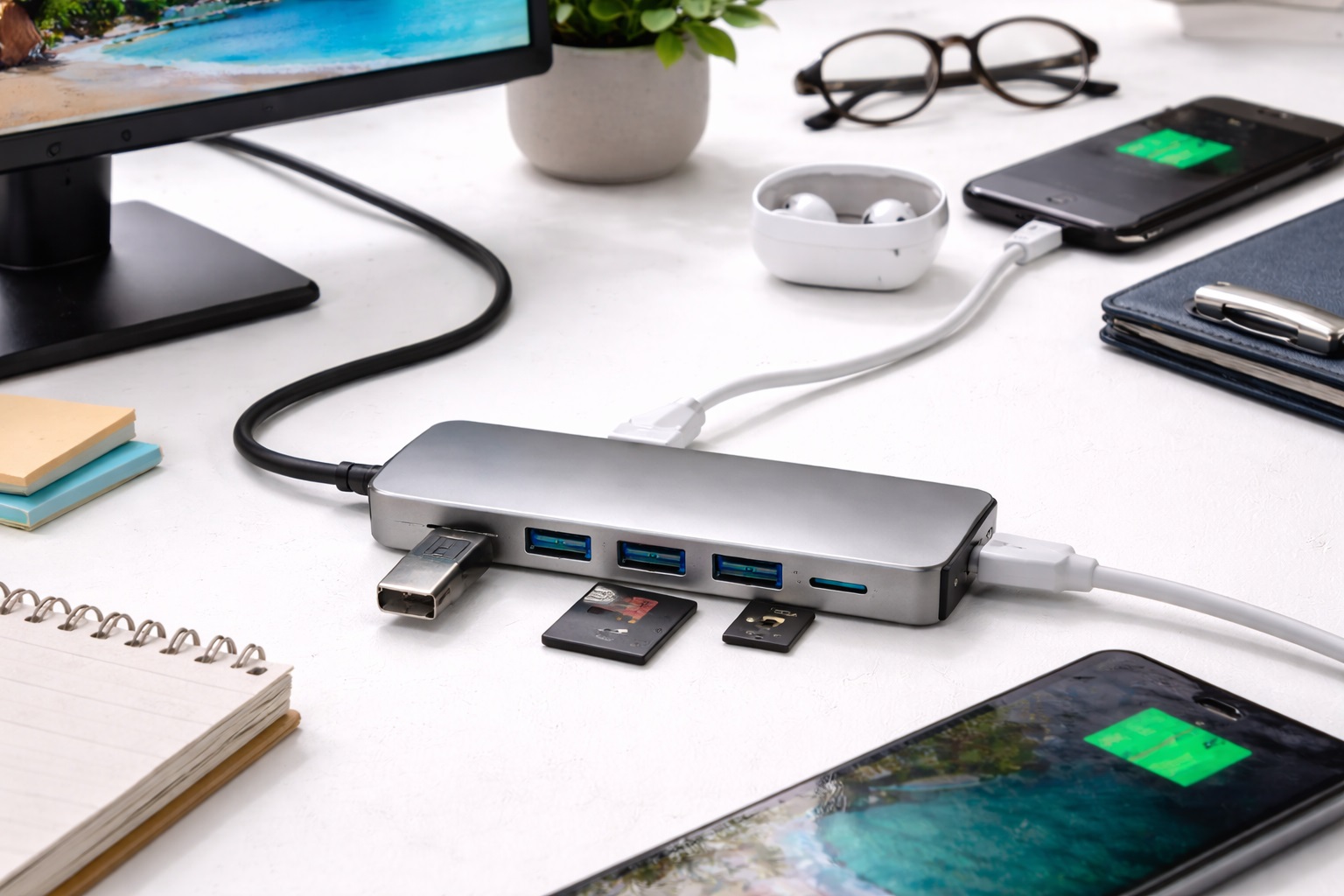
Best USB Hubs for Beginners: Simple Ways to Add Ports
Running out of USB ports is one of those small, recurring annoyances that eventually pushes people to buy their first hub, usually right after realizing a mouse, a keyboard, and an external drive can't all be plugged in at once. For someone who has never bought one before, the options can look more complicated than they need to be — port counts, connector types, driver requirements, and power specifications all show up in listings that assume the buyer already knows what they're comparing. A first USB hub really only needs to do one thing well: let you plug in more devices without adding a new problem to solve.
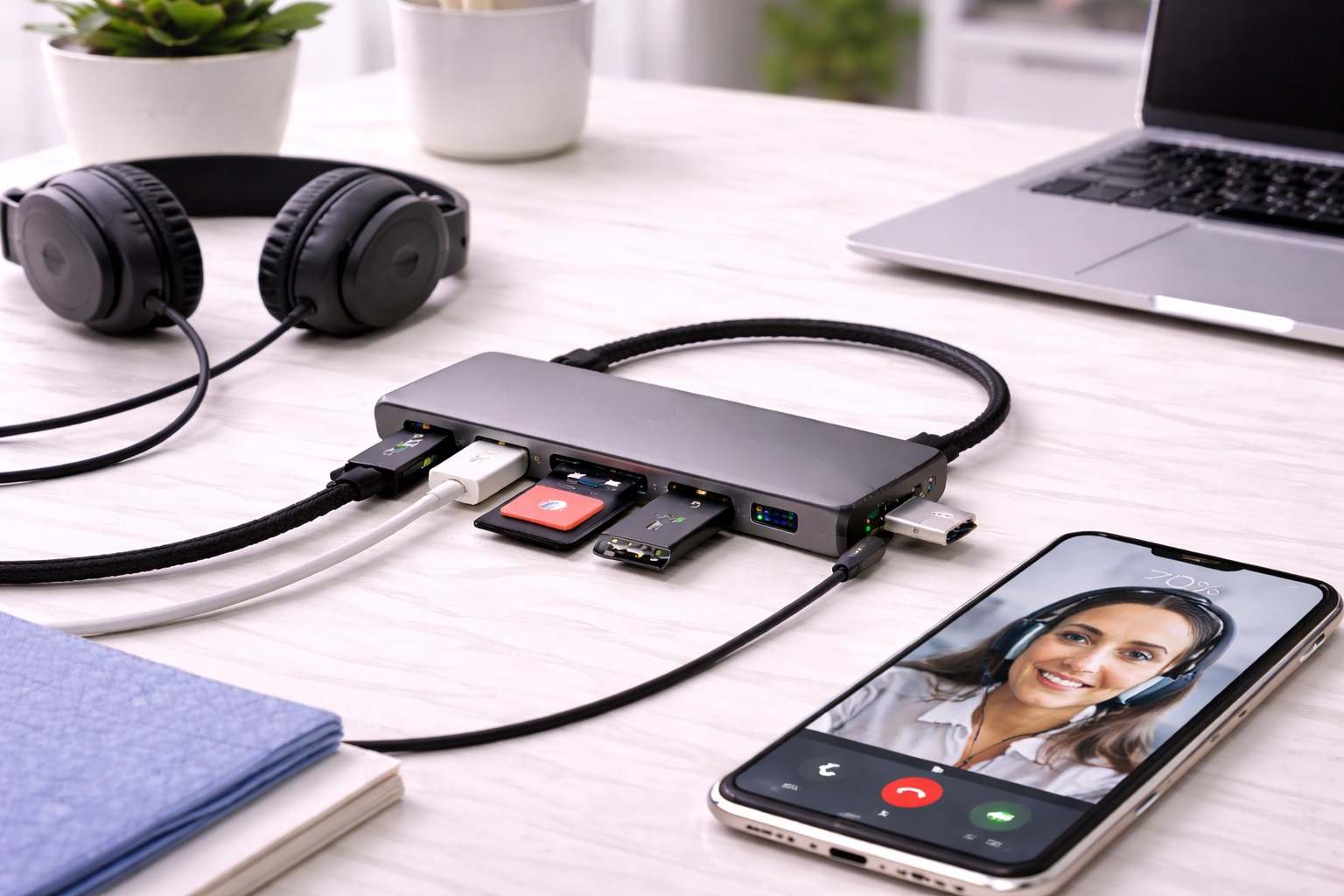
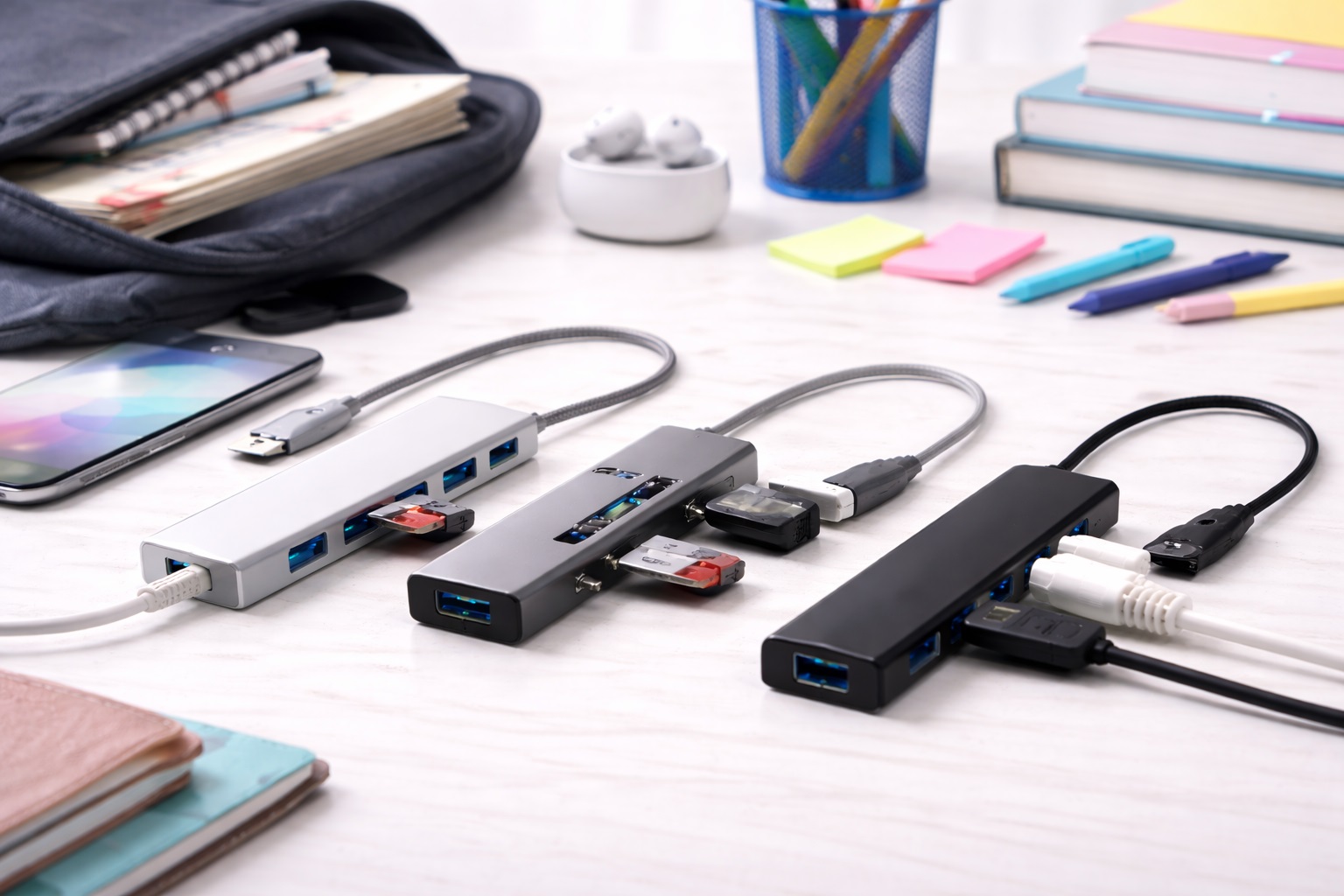
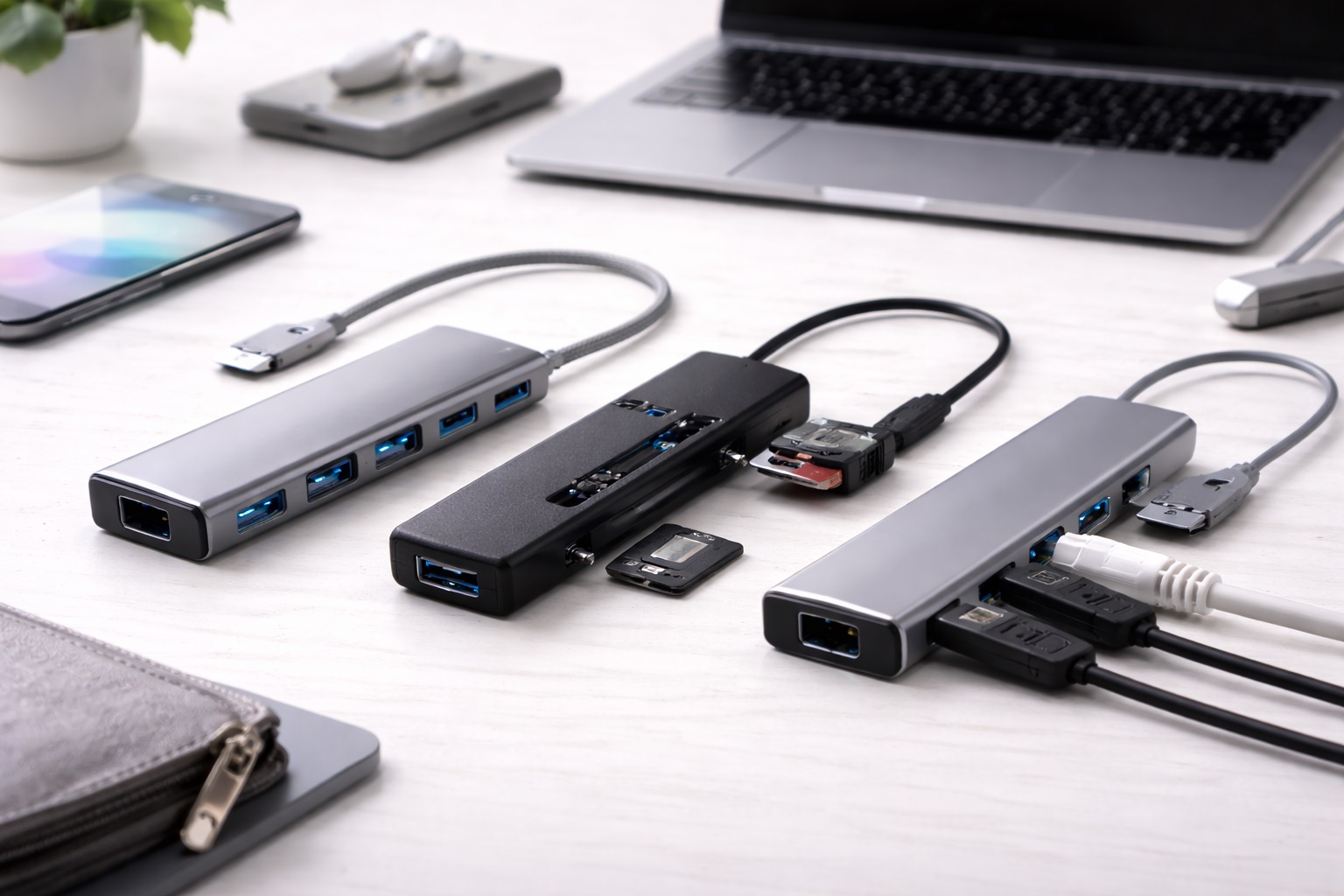
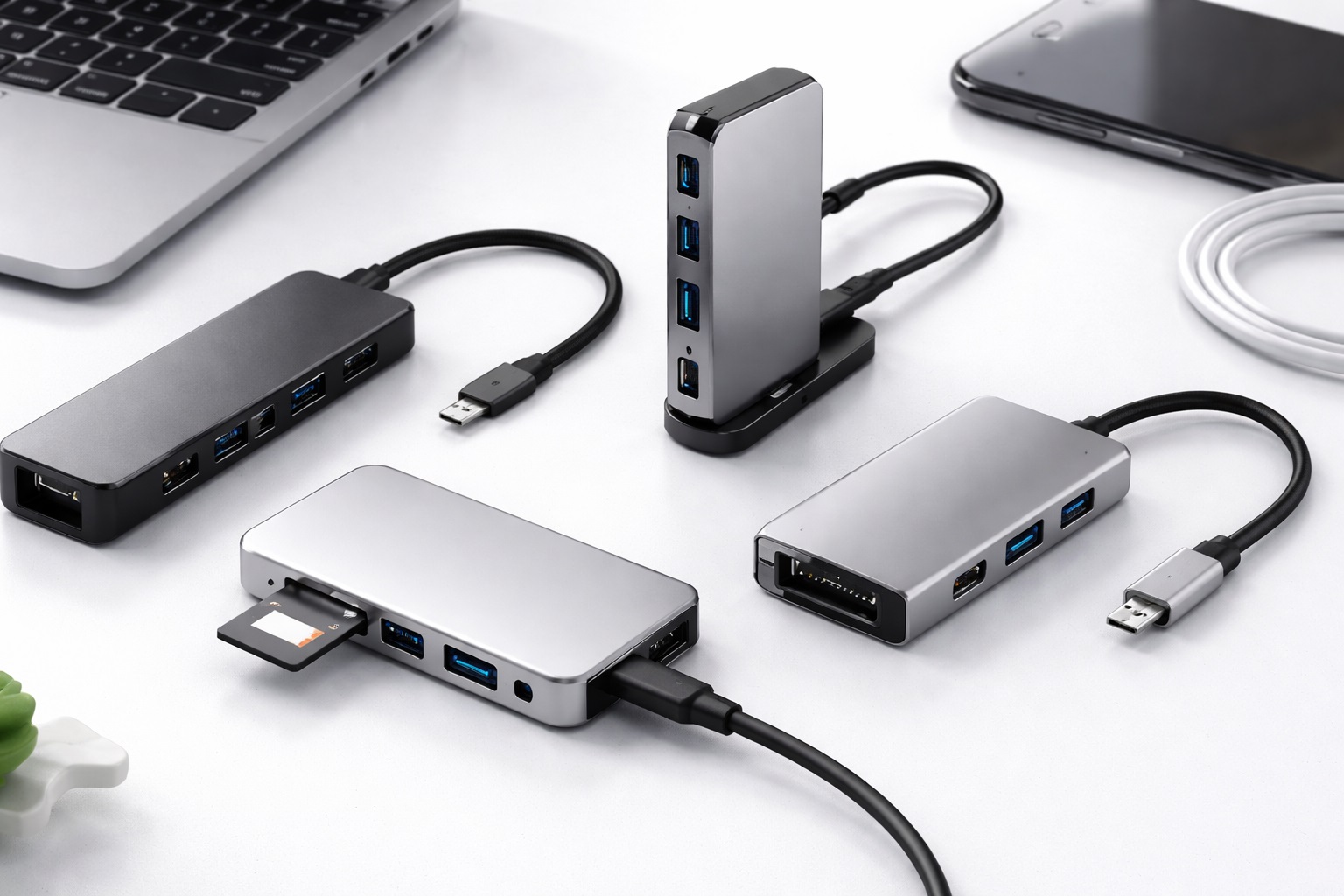
This guide is written for first-time hub buyers who just need to plug in more devices without complications, not a deep technical breakdown of USB standards. Instead of ranking every hub on the market, it groups the realistic beginner-friendly options into categories that map to how new buyers actually shop: a simple 3-port hub for light, occasional use, a slightly larger 4-port option for a few more devices at once, a true plug-and-play model that skips driver installation entirely, a budget pick for testing whether a hub even solves your problem, a combo hub covering both USB-A and USB-C devices, and a USB-C hub built specifically for modern laptops that only have USB-C ports to begin with.
None of these categories is the universally correct starting point. Someone who just wants to connect a mouse and a flash drive occasionally has very different needs than someone juggling a webcam, an external drive, and a keyboard at the same time, and the right category depends on matching your actual device count and connector types to what a specific hub is built to handle.
It also helps to think about what usually goes wrong the first time someone buys a USB hub, since it's rarely about the hub being defective. More often, the issue is a mismatch between expectations and the product — plugging in too many high-power devices into a hub that wasn't built for that load, buying a hub with the wrong connector type for a modern laptop, or assuming every hub works identically across every operating system. Reading a category description with your actual devices and computer in mind, rather than just the port count on the box, tends to prevent most of these early frustrations.
It's also worth understanding, in plain terms, why a hub is even necessary in the first place. Most laptops and even many desktop computers ship with a fairly limited number of USB ports, since manufacturers increasingly prioritize a thinner, lighter design over a large selection of built-in connectivity. A hub simply restores some of that lost connectivity by splitting one available port into several, and for a beginner, the entire buying decision really comes down to how many devices you need connected at once, what connector types those devices use, and how much fuss you're willing to tolerate to get there.
Top 6 USB Hubs for Beginners (Detailed Reviews)
1. 3-Port Starter USB Hub – Best for Light, Occasional Use
This category covers the simplest, smallest step up from a single USB port, aimed at buyers who mainly need to connect a couple of devices at once — a mouse and a flash drive, for example — rather than running a full desk setup through the hub. The limited port count keeps the hub small and inexpensive, which suits someone who isn't sure yet how much hub capacity they'll actually need long term. For a lot of first-time buyers, this ends up being the right long-term fit as well, since the actual need that prompted the purchase — one or two extra ports for a mouse and a drive — doesn't necessarily grow over time just because more elaborate hubs exist on the market.
- Pros:
- Small, simple, and inexpensive entry point into USB hubs
- Covers light everyday needs like a mouse and a flash drive without excess capacity
- Easy to understand and use with no unnecessary complexity
- Cons:
- Limited port count can be outgrown quickly if your device needs expand
- Not well suited to running multiple higher-power devices simultaneously
Best For: Buyers who only need to connect one or two additional devices at a time and don't anticipate needing more capacity soon.
Why We Recommend It: For a genuinely light, occasional use case, a simple 3-port hub avoids paying for capacity you won't use while still solving the immediate port shortage.
2. Simple 4-Port Hub – Best for a Few More Everyday Devices
This category adds one more port than the most basic starter option, aimed at buyers who regularly connect slightly more than the bare minimum — perhaps a mouse, a keyboard, a flash drive, and an external drive at the same time. The extra port provides a bit more breathing room without jumping to a more complex or expensive hub than necessary. It's a natural fit for someone who has already outgrown a 3-port hub once, or who suspects they will within the first few months of ownership based on how their desk setup tends to accumulate small accessories over time.
- Pros:
- One additional port provides meaningful extra flexibility over 3-port options
- Still simple and compact enough for a first-time buyer to use without confusion
- Reasonable middle ground between minimal and more expansive hub options
- Cons:
- Still limited if your setup grows to include several higher-power peripherals
- Slightly larger footprint than the most minimal 3-port designs
Best For: Buyers who consistently use four devices at once, such as a mouse, keyboard, and one or two additional accessories.
Why We Recommend It: It solves the same beginner problem as the 3-port category with a bit more everyday flexibility, without introducing the complexity of powered or higher-capacity hubs.
3. Plug and Play USB Hub – Best for Zero Setup Hassle
This category is defined by working immediately upon connection, with no driver installation or configuration step required on most common operating systems. For a first-time buyer who isn't confident navigating device settings, this removes the single most common point of confusion in the entire category — figuring out why a newly purchased hub isn't being recognized. Beyond the setup itself, these hubs also tend to reconnect automatically and without incident after a computer restart, which matters more than it might sound, since a hub that occasionally needs to be manually re-recognized after every reboot creates a small ongoing irritation.
- Pros:
- Works immediately without installing drivers or additional software
- Removes the most common source of first-time setup confusion
- Dependable choice for buyers uncomfortable with technical troubleshooting
- Cons:
- Simplicity sometimes means fewer advanced configuration options
- Very old or unusual operating systems may still occasionally need manual setup
Best For: Buyers who want to plug in the hub and have it work immediately, without troubleshooting or installing anything first.
Why We Recommend It: Removing the setup step entirely matters more to a genuine first-time buyer than any other single factor, since a failed first connection can sour the entire experience.
4. Budget Beginner USB Hub – Best for Testing the Basic Need
This category covers the essentials — stable connections and basic port expansion — at the lowest reasonable price point, aimed at someone who isn't yet sure how much hub capacity they actually need or whether a hub will meaningfully improve their setup at all. It's a sensible, low-risk way to solve an immediate port shortage without a significant financial commitment. If it turns out your needs are genuinely more demanding than a basic hub can handle, you'll have learned that at a low cost rather than discovering it after spending significantly more upfront.
- Pros:
- Low-cost way to address an immediate port shortage
- Covers essential connectivity needs without unnecessary extras
- Reasonable as a backup or secondary hub once your primary needs are better understood
- Cons:
- Build quality and long-term durability are typically more modest than pricier options
- May not handle higher-power devices as reliably as sturdier mid-range hubs
Best For: First-time buyers who want to solve an immediate port shortage without committing significant money before understanding their actual long-term needs.
Why We Recommend It: Not every beginner needs to spend heavily on a first hub, and this category offers a reasonable, low-risk starting point for someone still learning what they actually require.
5. Hub With USB-A and USB-C Combo – Best for Mixed Device Types
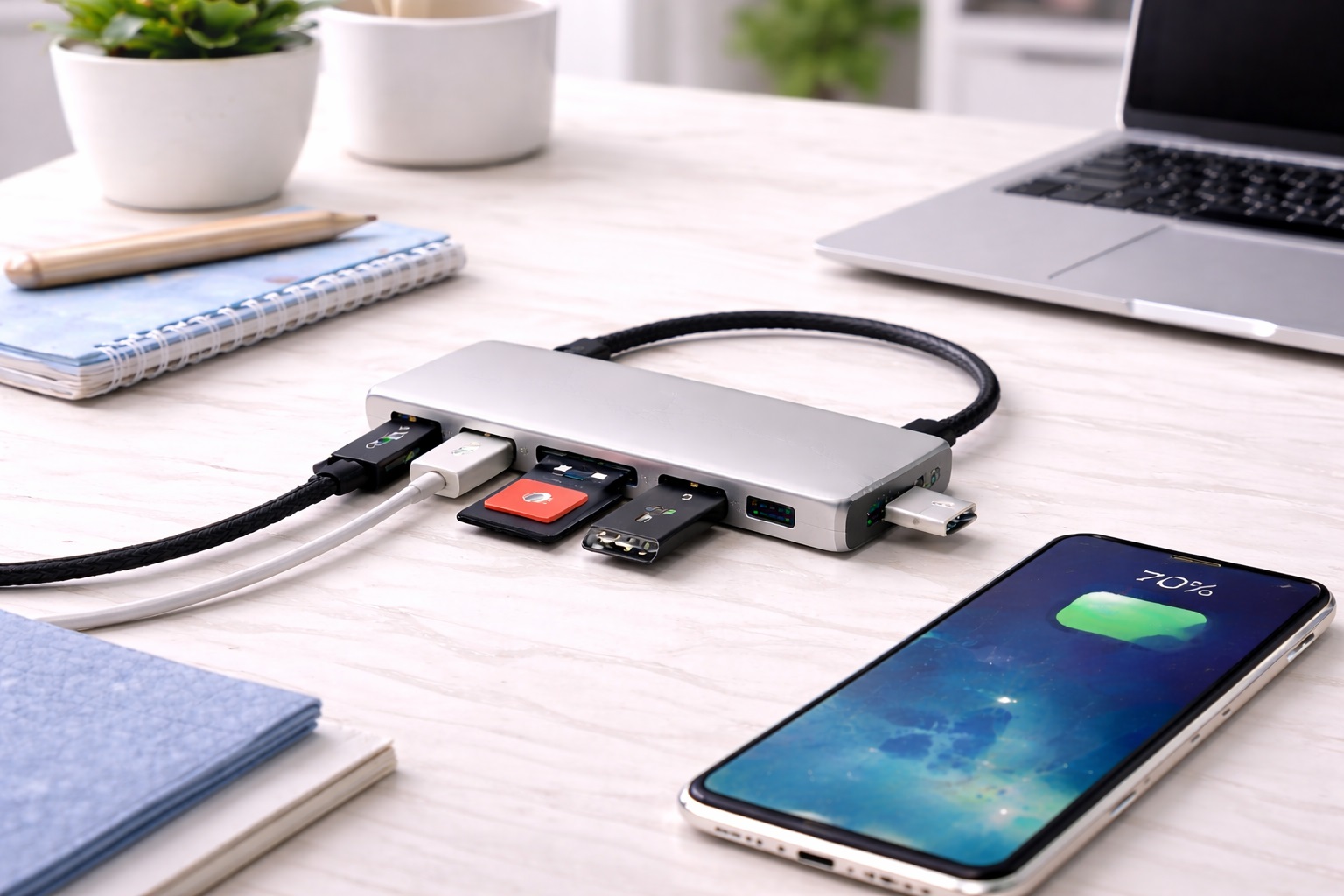
This category includes both older USB-A ports and newer USB-C ports on the same hub, aimed at buyers whose devices are a mix of older and newer connector standards — a common situation for anyone who has accumulated peripherals over several years rather than buying everything at once. Instead of forcing a choice between connector types, this hub accommodates both simultaneously. This is particularly common in households or offices where devices are purchased at different times over several years, resulting in a genuinely mixed collection of older USB-A peripherals alongside newer USB-C accessories that need to coexist on the same desk.
- Pros:
- Accommodates a mix of older USB-A and newer USB-C devices on one hub
- Avoids needing separate hubs or adapters for different connector types
- A practical fit for buyers who've accumulated devices over several years
- Cons:
- Slightly more complex port layout than a hub with only one connector type
- Total ports of each specific type may be more limited than a single-standard hub with the same overall port count
Best For: Buyers with a mix of older and newer devices who don't want to sort out connector compatibility with separate hubs or adapters.
Why We Recommend It: Most real-world device collections aren't uniform, and this category directly addresses that mismatch instead of assuming everything you own uses the same connector.
6. Beginner USB-C Hub for Laptops – Best for Modern USB-C-Only Laptops
This category is built specifically for laptops that only include USB-C ports, aimed at buyers whose newer machine can't directly connect older USB-A peripherals without some form of adapter or hub. Rather than a general-purpose hub, this category is designed around the specific constraint of a USB-C-only laptop needing broader connectivity restored. This has become an increasingly common situation as more laptop manufacturers move toward a single connector standard, leaving buyers with a drawer full of otherwise perfectly functional USB-A accessories that suddenly have nowhere to plug in.
- Pros:
- Purpose-built for laptops that only offer USB-C ports
- Restores connectivity to older USB-A peripherals on a modern laptop
- Straightforward fit for buyers who recently upgraded to a USB-C-only machine
- Cons:
- Less useful if your laptop already includes a mix of USB-A and USB-C ports natively
- Some models rely on a single USB-C connection point, which can limit total simultaneous throughput
Best For: Buyers with a newer laptop that only has USB-C ports and needs a straightforward way to connect older peripherals.
Why We Recommend It: This category solves a specific and increasingly common problem — a USB-C-only laptop meeting a collection of USB-A devices — more directly than a general-purpose hub built for older machines.
Buying Guide: How to Choose the Best USB Hub for Beginners
With the categories above in mind, here are the specific factors worth checking before you buy. These are the practical details that determine whether a first USB hub actually solves your problem or ends up as a second frustration on top of the first.
1. Plug-and-Play, No-Driver Setup
Check whether the listing specifically mentions working without installed drivers on your operating system, rather than assuming all hubs behave the same way. A hub that requires manual driver installation adds a step that trips up a lot of first-time buyers, especially if the instructions assume prior technical familiarity. If you've had a frustrating experience with a previous peripheral that needed unusual setup steps, treat a clearly stated plug-and-play claim as one of the more important lines in the entire product listing.
2. Simple LED Status Indicator
A basic light indicating power or active connection status may seem like a minor detail, but it gives a beginner an immediate, visible confirmation that the hub is working correctly. Without one, a non-technical buyer has no easy way to tell whether an unrecognized device is a hub problem or a device problem. A simple, always-on light that changes or blinks when something is wrong is a small feature that pays for itself the first time a connection issue comes up and you need a quick starting point for troubleshooting.
3. Compatible With All Common Operating Systems
Confirm the hub explicitly supports your specific operating system and version, since some older or unusual hubs may only officially support certain systems. This matters more for a first-time buyer who may not know how to troubleshoot a compatibility issue if one comes up. If your computer runs a less common or older operating system version, it's especially worth double-checking rather than assuming broad compatibility claims automatically include your specific setup.
4. Clear Labeling of Ports
Ports that are clearly labeled by type, or visually distinguished by color or shape, reduce the guesswork of figuring out which port accepts which device. This is a small detail that matters disproportionately for a first-time buyer who isn't yet familiar with the different connector standards by sight.
5. Safe Bus-Powered Design
Most beginner hubs draw power directly from the computer's USB port rather than needing a separate power adapter, which keeps things simple but does limit how many higher-power devices the hub can support at once. Understanding this limitation upfront prevents the common beginner mistake of overloading a bus-powered hub with too many demanding devices. If your setup includes an external hard drive or another device that draws noticeably more power than a mouse or keyboard, factor that into how many additional devices you can reasonably expect the same hub to support at once.
6. Cable Length and Placement
A hub connected by a short, rigid cable may sit awkwardly depending on your desk layout, while a longer, more flexible cable gives more freedom to position the hub conveniently. Consider where you'll actually place the hub relative to your computer before assuming any cable length will work equally well.
7. Build Quality of Ports Over Time
Frequent plugging and unplugging of devices puts real mechanical stress on hub ports over time. A hub with a sturdier housing and snugger port fit will generally hold up better to repeated daily use than a very lightweight or flimsy design, even if the two look similar in a product photo. Ports that feel loose right out of the box are a warning sign worth acting on early, since that looseness typically gets worse rather than better with continued use.
8. Price and Value
This consideration helps ensure your beginner USB hub purchase delivers real satisfaction beyond the first few uses. Rather than chasing the lowest price alone, weigh what you're giving up at that price point against how much those specific trade-offs will actually bother you in daily use.
9. Brand Reliability
An established brand with a track record in this specific category tends to offer more consistent build quality and clearer customer support than an unfamiliar name, which matters more for a first-time buyer who may need help if something doesn't work as expected. A brand with a longer public track record also tends to have a larger base of existing user reviews and troubleshooting discussions available online, which can be a genuinely useful resource if you run into an unfamiliar issue later.
10. Warranty and Support
Warranty length and ease of reaching support are a practical signal of how much a manufacturer stands behind its product. For a first purchase in an unfamiliar product category, easy-to-reach support can make the difference between a quick fix and an abandoned purchase.
11. User Reviews and Real-World Feedback
Reviews from other first-time buyers are more useful than a general average rating, since their concerns around setup simplicity and compatibility will mirror your own more closely than feedback from buyers with more advanced technical needs.
12. Compatibility With Your Existing Setup
Confirm the hub works smoothly with your specific computer, including the exact port type it plugs into. Some conveniences, like a specific plug-and-play behavior, are tied to particular operating systems or hardware and won't necessarily carry over if you switch devices later. If you anticipate upgrading your computer within the next year or two, it's worth checking whether the hub you're considering would still be compatible with a newer machine's likely port configuration.
Frequently Asked Questions
What should I look for when buying my first USB hub?
Prioritize plug-and-play simplicity and confirmed compatibility with your computer over a high port count. A hub that works immediately with the devices you actually own matters more to a first-time buyer than one with extra ports you may never use.
Is spending more always better for a beginner USB hub?
Not necessarily. Many premium features on higher-priced hubs go unused by first-time buyers who just need basic port expansion. Identify the handful of devices you'll actually connect and shop within that narrower set of requirements.
How long should a quality USB hub last?
This depends on build quality and how often ports are used. Hubs from established manufacturers, handled with reasonable care, commonly hold up for several years of regular use. Warranty length is a useful signal of how confident the manufacturer is in that durability.
What are the most common complaints about beginner USB hubs?
Frequent complaints include hubs that require unexpected driver installation, ports that feel loose after repeated use, and higher-power devices not being recognized reliably on bus-powered models. Reading reviews from other first-time buyers is the most reliable way to spot these issues before purchasing, particularly reviews that mention the specific number and type of devices connected at once, since that context tells you more than a generic star rating ever could.
Can I return a USB hub if it doesn't work with my computer?
Most retailers offer a return window of roughly two to four weeks. Check the specific policy before buying, and keep the original packaging during your evaluation period so a return remains an option if compatibility turns out to be an issue.
Do I need a powered USB hub as a beginner?
Not necessarily. A powered hub with its own separate power adapter is mainly useful for running several high-power devices simultaneously. A beginner connecting basic peripherals like a mouse and a flash drive usually does fine with a simpler bus-powered hub.
Why isn't my computer recognizing a device plugged into the hub?
This is often related to the hub reaching its power capacity with too many devices connected at once, particularly with bus-powered hubs. Disconnecting one device or trying a different port on the hub resolves the issue in many cases.
Do USB-C hubs work with older USB-A laptops?
Generally no — a USB-C hub is designed to plug into a USB-C port, so it won't directly connect to an older laptop that only has USB-A ports without an additional adapter. Confirm your laptop's actual port type before choosing a hub category.
Are there real differences between brands in this category?
Yes. Established brands typically offer more consistent build quality, more responsive customer support, and clearer warranty terms than lesser-known alternatives, though there are exceptions across every price range.
How important is warranty coverage for a beginner USB hub?
It matters more than many first-time buyers assume. A longer warranty suggests the manufacturer expects the product to hold up over time, and for a purchase you're still learning to use, that support can be genuinely useful if something goes wrong early on.
What's the best way to compare USB hub options before buying?
List the specific devices you plan to connect and their connector types, then check each hub option specifically against that list rather than comparing every possible feature at once.
Is it worth buying a USB hub online versus from a local store?
Online shopping usually offers a wider selection and often better pricing, while a physical store lets you confirm port types and general build quality in person before committing. For a first purchase where compatibility is uncertain, checking a display model in store before buying online is a reasonable approach.
Final Verdict
- For light, occasional use: A 3-port starter hub covers the basics without paying for capacity you won't use.
- For zero setup hassle: A plug-and-play hub removes the most common first-time frustration entirely.
- For mixed old and new devices: A USB-A and USB-C combo hub avoids sorting out connector compatibility separately.
There's no single correct first USB hub, only the one that matches your actual devices and how you plan to use them. Think honestly about how many ports you really need, what connector types your devices use, and how confident you feel troubleshooting a setup issue, then let that shape your decision rather than the highest port count on the box.
If you're not sure which factor matters most, a plug-and-play hub with a simple, clearly labeled port layout is a reasonable default, since it minimizes the risk of a frustrating first experience while still solving the core problem of running out of ports. You can always move to a hub with more ports or a specific connector mix once you've used one daily for a while and identified what your setup actually requires.
What ultimately matters most for a first USB hub isn't the number printed on the box, but how quickly it disappears into your daily routine — connecting your devices reliably, working the moment you plug it in, and giving you one less thing to think about at your desk. Once it's working the way it should, a good beginner USB hub tends to become genuinely invisible in your daily routine — which, for a purchase made specifically to reduce hassle, is really the best possible outcome.