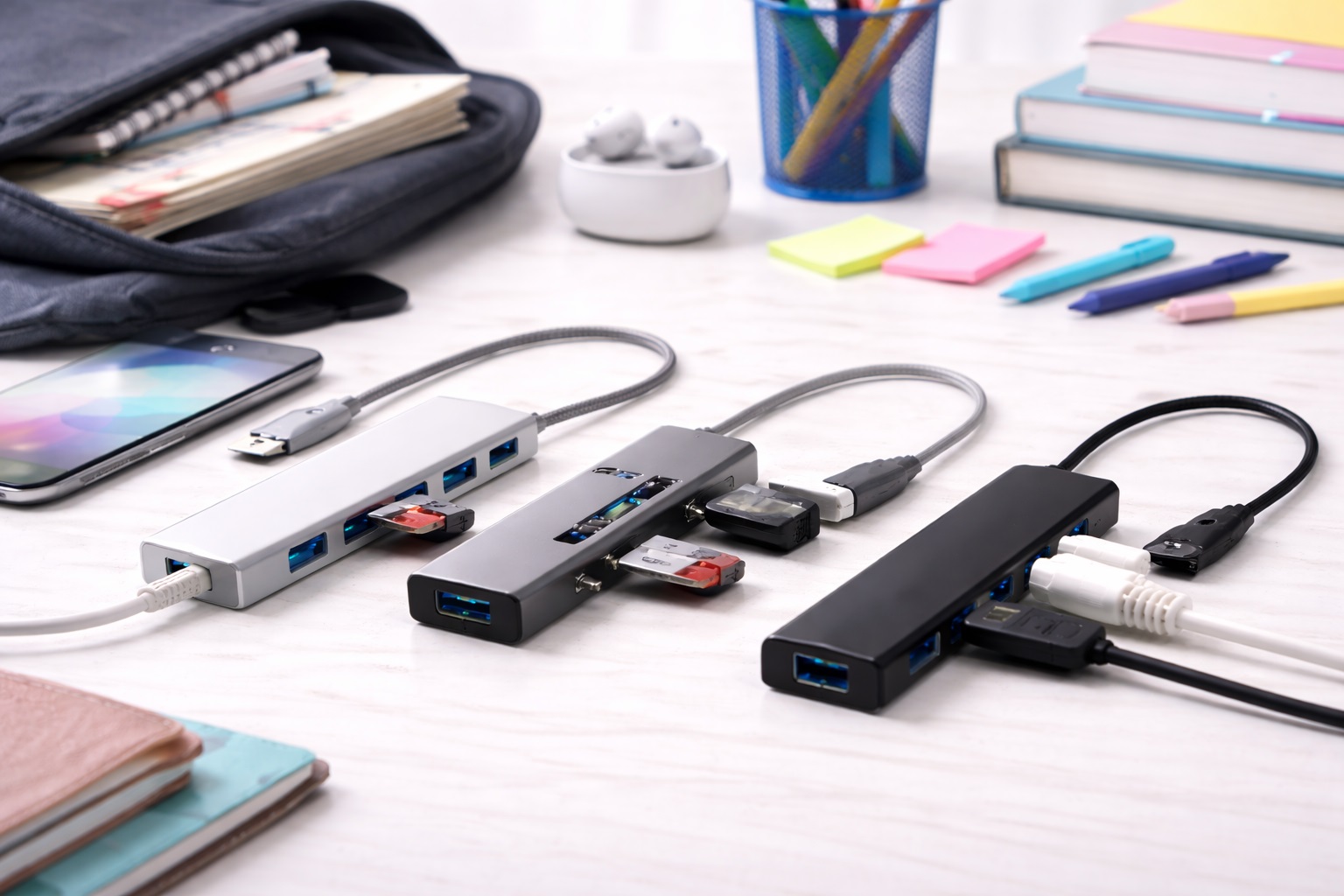
Best USB Hubs for Students: The Complete Campus Connection Kit
Student laptops live a rougher life than most. Between a backpack that gets tossed on a dorm floor, a lecture hall desk with exactly one shared outlet, and a laptop that has to double as a study tool, a gaming machine, and a video call station, the demands on a USB hub are higher than a typical office setup. A hub that works fine on a stationary desk can fail quickly under the daily wear of moving between a dorm, a library, and a lecture hall.
The options vary in ways that matter specifically for student use — durability under daily bag wear, whether the hub can charge a laptop and a phone at once during a long day between classes, and whether it survives a semester of being shoved into a backpack pocket alongside textbooks and chargers. This guide breaks down three practical categories of hub for students who connect multiple devices — laptops, USB drives, keyboards, and chargers — throughout a typical school day.
None of the options below assume an unlimited budget or a permanent desk setup. They're built around the reality of student life: shared spaces, limited outlets, and a laptop that needs to survive four years of daily use without becoming a maintenance project.
Most of the frustration students report with cheap hubs traces back to two specific habits — leaving the hub permanently coiled tightly in a bag pocket, which stresses the cable at the connector, and buying based on port count alone without checking whether the hub can actually charge a laptop through a single cable. Both are easy to avoid once you know what to check, and neither requires spending significantly more.
It also helps to think about a hub purchase the same way you'd think about a backpack or a water bottle — as gear meant to survive daily use across an entire school year, not a one-time accessory bought and forgotten. A hub that's slightly more durable but a few dollars more expensive almost always wins out over four years of use compared to the cheapest option that needs replacing every few months. That framing changes which features are worth paying extra for and which ones are just marketing on a product page.
Top 3 USB Hubs for Students (Detailed Reviews)
1. USB-C Multiport Hub – Best For Everyday Class-to-Class Use
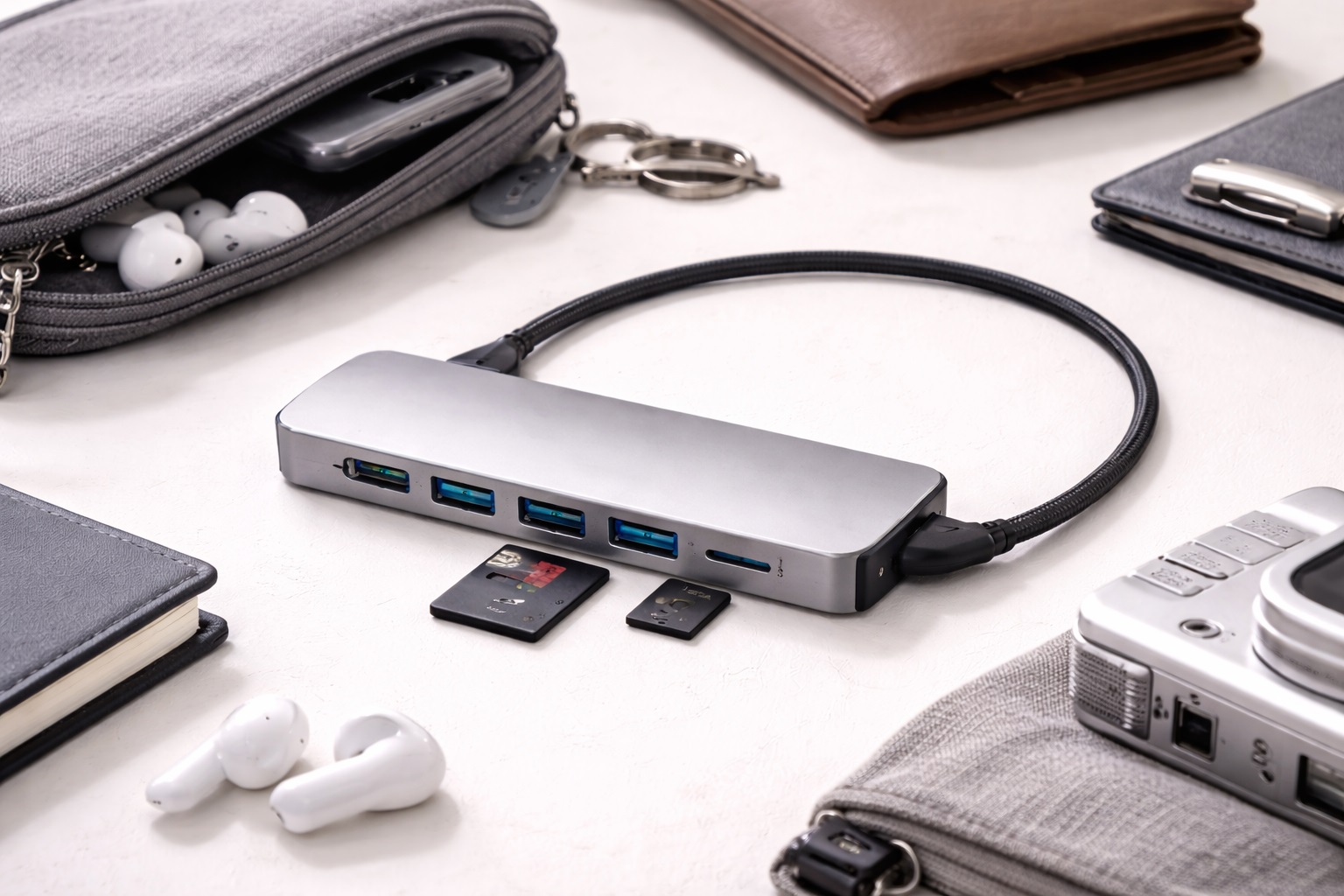
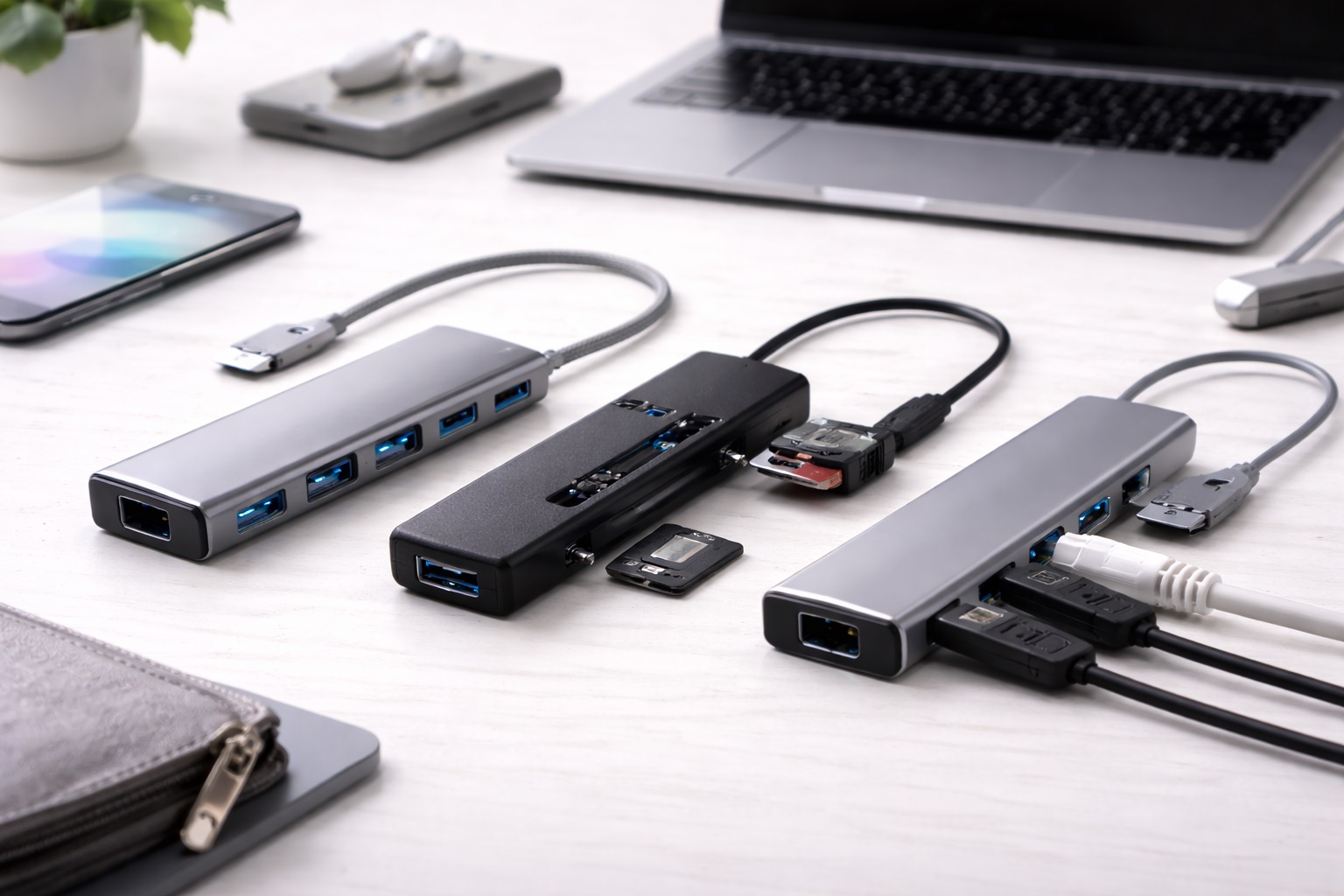
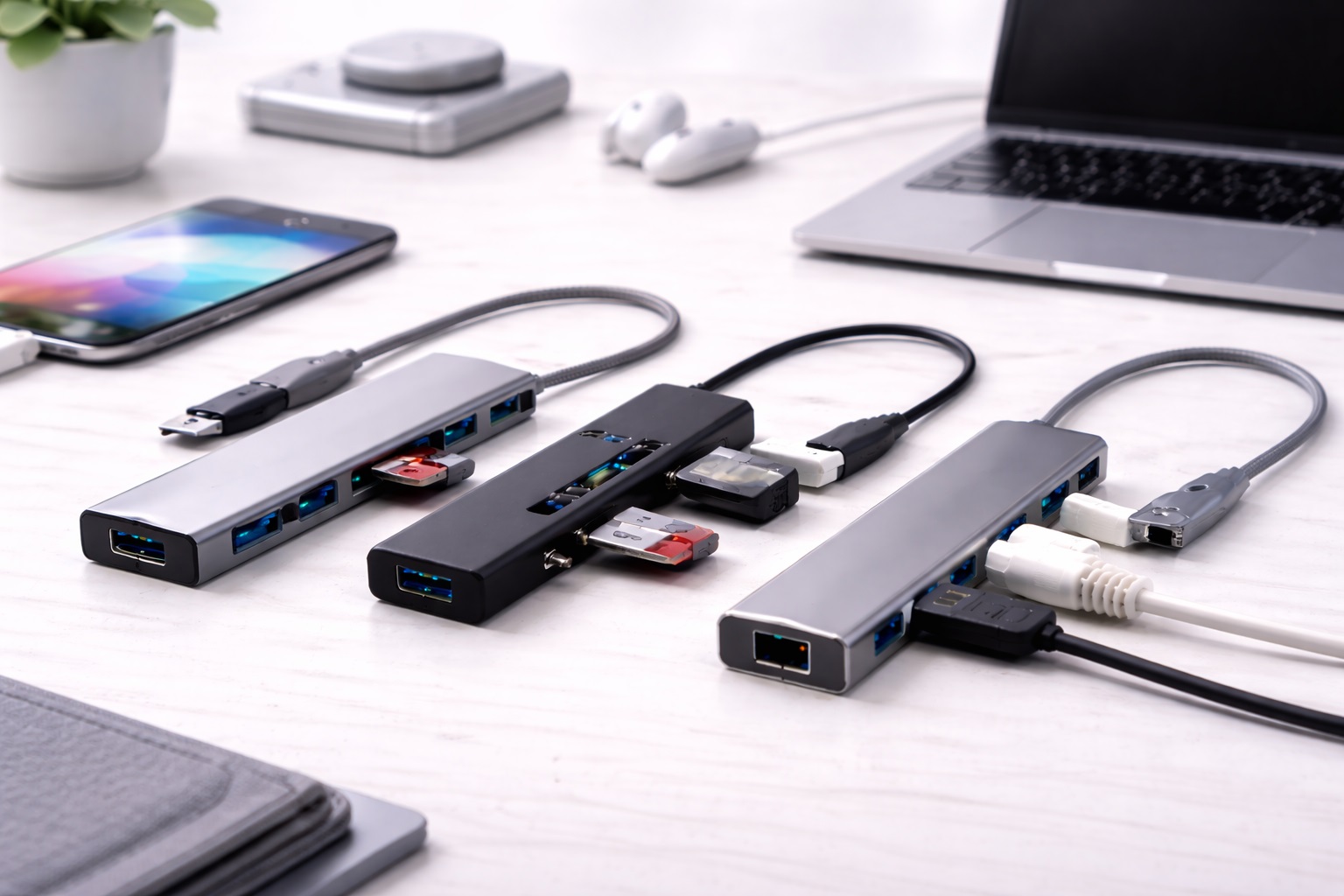
A USB-C multiport hub connects to a single USB-C port and expands it into several connection types — typically a couple of USB-A ports, an HDMI output for a shared study room screen, and sometimes an SD slot. Because it draws power from the laptop rather than a separate wall adapter, there's nothing extra to remember packing between a dorm room and a lecture hall, and the whole unit fits easily into a laptop sleeve pocket alongside a charger. It's also the category most students end up buying first, simply because it matches the exact gap a single-port laptop creates the moment a flash drive or an old-style mouse needs to be connected between classes.
- Pros:
- Connects a flash drive, mouse, and external display from a single laptop port
- Bus-powered — nothing extra to carry or plug in separately
- Small enough to leave permanently attached to a laptop
- Works across current Windows and Mac laptops without setup
- Cons:
- Running several ports at full speed at once can slow all of them down
- Most budget versions won't pass through full-speed laptop charging
Best For: Students moving between classes daily who need a dependable way to connect a flash drive, mouse, or projector cable without extra gear to track.
Why We Recommend It: It covers the exact combination of occasional connections a student actually needs during a school day, without adding anything to remember or lose.
Leaving this style permanently clipped to a laptop lid or tucked into a sleeve pocket means it's simply present every time it's needed, rather than something that has to be remembered and packed separately each morning. That habit alone prevents most of the missed-connection moments students run into — arriving at a group presentation without a way to plug in a projector cable, or realizing a flash drive from a professor has no port to go into. Because the category is so common, it's also the easiest to find at a reasonable price without sacrificing basic reliability. It also tends to be the hub students replace least often, since a smaller number of moving parts and a shorter cable run give it fewer points where daily handling can eventually cause a failure. For a freshman still figuring out what a full course load actually demands from a laptop, starting with this style is a reasonable default that rarely needs to be upgraded once dorm life and class routines settle into a predictable pattern.
2. USB-A Powered Hub – Best For Dorm Desk Setups
A powered USB-A hub plugs into the wall independently, supplying steady current to every port regardless of what the laptop itself can spare. In a dorm room running a monitor, a desk lamp, a printer, and a laptop charger off one shared power strip, that independent supply keeps peripherals from competing with the laptop for power — a common problem in cramped shared housing with limited outlets. It's a small upgrade that pays off specifically during the busiest weeks of a semester, when a laptop, a phone, a desk lamp, and a roommate's charger are all competing for the same short power strip.
- Pros:
- Independent power avoids conflicts on a shared dorm power strip
- Handles power-hungry devices like external drives and printers reliably
- More total ports than a compact bus-powered alternative
- Stays stable through long study sessions with several devices running
- Cons:
- Requires a free wall outlet, which can be scarce in a shared dorm room
- Bulkier than a hub meant to travel to class daily
Best For: Students with a fixed dorm or apartment desk setup running several peripherals at once who need dependable, adequately powered connections.
Why We Recommend It: For a semester-long desk setup, the independent power supply avoids the intermittent dropouts that come from overloading a laptop's own limited output.
Dorm rooms are also shared spaces in a way most home offices aren't, which means outlet space is often already spoken for before a hub even enters the picture. A powered hub that only needs one outlet to support several peripherals at once tends to fit more easily into that arrangement than expecting a laptop alone to power everything plugged into it. Over the course of a semester, that stability also reduces the small but recurring annoyance of a peripheral randomly disconnecting mid-assignment because the laptop's own port ran short on power. It's also worth checking whether the model includes a built-in surge protector, since dorm wiring in older residence halls isn't always as clean as a newer apartment building, and a small voltage spike can otherwise damage whatever's plugged into the hub at the time. Students running a second monitor for spreadsheet-heavy coursework or a dual-screen coding setup tend to notice the benefit of a powered hub most, since that combination draws more power than a single laptop port can reliably supply on its own.
3. Compact Travel USB Hub – Best For Backpack Durability
A compact travel hub trades port count for size and ruggedness, typically offering three or four ports in a body small enough to slide into a backpack's laptop compartment. Most use a short, built-in cable rather than a dongle-style connector, which holds up better against the daily jostling of a backpack than a hub with a separate cable that can snag or fray. It's the category best suited to being tossed in with textbooks, a water bottle, and a charging brick without a second thought about whether it will survive the walk across campus.
- Pros:
- Small enough to fit in any backpack pocket alongside textbooks
- Typically weighs under two ounces
- Built-in cable holds up better to daily bag wear
- Covers the basics most students actually need between classes
- Cons:
- Fewer ports than a dorm-desk-oriented hub
- Lower maximum transfer speeds on the smallest models
Best For: Students who carry a laptop to every class and need a couple of dependable ports without adding meaningful weight to an already full backpack.
Why We Recommend It: For daily carry across a campus, durability against constant bag wear matters more than raw port count, and this category is built specifically for that use case.
A backpack is a genuinely harsh environment for small electronics — textbooks compress whatever sits beneath them, water bottles occasionally leak, and the whole bag gets set down on floors, benches, and library tables dozens of times a day. A hub built specifically to survive that kind of handling, rather than one designed primarily for a stationary desk, tends to still be working normally well into a second or third semester of daily use. Because the whole unit is small enough to disappear into a zippered pocket, it's also the style least likely to get left behind on a lecture hall desk or a library study carrel during a rushed exit between classes — a surprisingly common way students lose track of the bus-powered dongle style entirely. For anyone who already overpacks a backpack with textbooks, a laptop, and a water bottle, the extra ounce or two this style adds is easy to justify against the alternative of needing a full-sized powered hub just to cover the same basic connections.
Buying Guide: How to Choose the Best USB Hub for Students
Match the hub to how a typical school day and semester actually unfold, not just the spec sheet on a retail listing.
1. Durability for Daily Backpack Wear
A hub that lives in a backpack gets dropped, compressed under textbooks, and jostled far more than one sitting permanently on a desk. Favor a hub with a built-in or reinforced cable and, ideally, an aluminum or reinforced-plastic body, since these hold up meaningfully better than a lightweight plastic shell over a full semester of daily use. Reading reviews specifically from students or frequent travelers, rather than office-desk reviewers, gives a much more realistic picture of how a hub performs under the kind of daily handling a backpack involves.
2. Power Delivery for All-Day Charging
Between morning classes, a library study session, and an evening group project, a laptop rarely gets a convenient outlet all day. A hub with Power Delivery passthrough lets you charge the laptop through the same cable connected to the hub. Check the wattage specifically — 60W keeps most thin laptops charging, while 87W or 100W maintains full speed for larger laptops. Running out of battery during a three-hour lab or a late study session in the library is a preventable problem once this single spec is confirmed before purchase rather than assumed.
3. Bus-Powered vs. Self-Powered for Different Locations
A bus-powered hub works well for classroom and library use since it needs no separate outlet. A self-powered hub is better suited to a fixed dorm desk where an outlet is already available and the priority shifts to handling several peripherals reliably at once. Most students end up needing both types for different parts of the day. Owning one of each rather than trying to find a single hub that does both jobs well is often the more practical and less expensive solution overall.
4. Matching Port Count to Actual Class Needs
List what actually needs connecting during a typical day — a flash drive, a mouse for note-taking software, occasionally a projector cable for a presentation — and buy toward that list. A ten-port hub is unnecessary bulk in a backpack if only three of those ports ever get used. Writing the list out honestly, rather than planning for a hypothetical future need, keeps the purchase matched to an actual daily routine instead of an imagined one.
5. HDMI Support for Presentations and Group Work
If group projects or presentations are part of the coursework, check that the HDMI port supports the resolution used by classroom projectors and shared study room displays. Many budget hubs cap out at 1080p or 4K at 30Hz, which is fine for most classroom projectors but worth confirming before a presentation depends on it. A quick test connection the day before a graded presentation is a small precaution that avoids a scramble in front of a class if a resolution mismatch causes a blank screen.
6. Heat Management During Long Study Sessions
A hub running a monitor, a mouse, and a charging laptop for hours during finals week generates real heat, and a poorly designed one throttles itself in response. Look for reviews mentioning extended-use heat specifically, and favor aluminum-bodied hubs for anything used during long study sessions rather than just quick class-to-class connections.
7. Cable Length and Repairability
A short, fixed cable works cleanly for a laptop carried to class; a detachable cable is worth prioritizing for a dorm desk hub, since a fraying cable — the most common failure point on any hub — can be replaced for a few dollars instead of requiring a whole new unit mid-semester.
8. Laptop and Chipset Compatibility
Not every hub works reliably with every laptop. Apple M-series MacBooks and certain AMD laptops have documented quirks with specific hub chipsets. Before buying, check whether the manufacturer lists your specific laptop model, or at least your processor family, as tested and compatible.
9. Budget Versus Long-Term Value
A student budget makes the cheapest option tempting, but a hub that fails halfway through a semester costs more in replacement and lost study time than spending slightly more upfront on a model with a detachable cable and a longer warranty. Weigh the total cost across four years of use, not just the sticker price today.
10. Driver-Free Operation Across Shared Computer Labs
Most hubs work immediately across Windows, macOS, and Linux without installing anything, which matters if the same hub sometimes gets used on a shared lab computer or a friend's laptop. A smaller set of hubs, mainly ones supporting advanced multi-display features, require a driver — avoid these unless there's a specific need for that feature.
11. Warranty Coverage for a Multi-Year Purchase
A hub bought during freshman year should ideally still work through senior year. Look for at least a one- to two-year warranty from an established brand with a track record of honoring claims, since a hub meant to last through a degree is a different purchase than one bought for a single semester.
12. Matching the Hub's Host Connector to Your Laptop
Before buying anything, confirm whether your laptop's available port is USB-C or a legacy USB-A connector, since a hub built for the wrong connector simply won't plug in, regardless of how many ports it offers. Most current laptops issued for coursework are USB-C only, but a small number of older or budget models still rely on USB-A. Checking this single detail before ordering avoids the common mistake of buying a well-reviewed hub that never gets used because it doesn't fit the laptop it was meant for.
13. Data Transfer Speeds for Backing Up Coursework
A hub's stated USB version determines how quickly a semester's worth of lecture recordings, design files, or a thesis draft actually copies to a backup drive. USB 3.0 (5Gbps) is fine for everyday document transfers and photo backups, but a film, design, or engineering student regularly moving large video or CAD files benefits noticeably from a USB 3.2 (10Gbps) or Thunderbolt-rated hub, where the same backup that takes several minutes on a slower hub finishes in a fraction of the time. Check the port's rated speed rather than assuming every USB-C port on a hub runs at the same speed — many budget hubs mix a couple of fast ports with several slower ones to keep costs down.
14. SD and MicroSD Card Slots for Media and Design Coursework
Photography, film, and design students frequently pull footage or images off a camera's SD card between class and an editing session, and a hub with a built-in card reader removes the need for a separate dongle that's easy to misplace in a backpack. Check whether the slot supports UHS-II speeds if coursework involves 4K video or high-resolution RAW photo files, since a UHS-I-only slot can noticeably slow down an import that would otherwise take seconds. For students outside media programs, this feature matters far less and shouldn't drive the purchase decision on its own.
15. Cable Management for a Shared or Small Dorm Desk
A dorm desk is usually shared visual and physical space with a roommate, and a hub trailing several loose cables across it makes an already small surface harder to actually study at. A hub with a slim profile, a shorter integrated cable, or a mounting clip that attaches to the underside of a desk keeps the surface clearer for notebooks, textbooks, and a coffee mug during a late study session. A small investment in a cable clip or a velcro tie, sold separately for a few dollars, does more for a cramped dorm desk than most people expect before actually living with the setup for a few weeks.
Frequently Asked Questions
1. Will a cheap hub survive daily use in a backpack?
It depends heavily on the cable design. A hub with a built-in, reinforced cable generally survives daily bag wear better than one with a thin dongle-style connector that can snag on textbooks or get bent at an awkward angle when packed tightly.
2. Can a USB hub charge both my laptop and my phone?
Only if it specifically lists Power Delivery passthrough with enough total wattage to share between devices, and only if it includes enough USB-A or USB-C ports to plug in both a laptop charger and a phone cable at once. Check the port configuration carefully if this is a priority.
3. Do I need a hub with an Ethernet port for online classes?
A wired Ethernet connection is generally more stable than dorm Wi-Fi during peak hours when hundreds of students are online at once, which matters for online exams or scheduled video calls. If reliable timing matters for a specific class, a hub with an Ethernet port is worth prioritizing.
4. Will a hub slow down my laptop during finals week?
No. A modern laptop's USB-C port handles far more data than a typical student setup demands. The only noticeable slowdown happens when transferring very large files across multiple high-speed ports simultaneously, which is uncommon for typical coursework.
5. Is it worth spending more than the cheapest hub available?
Often, yes, specifically for durability. A slightly pricier hub with a reinforced or detachable cable tends to survive years of backpack use better than the cheapest option, which usually fails at the cable first. Over four years, the more durable hub is typically the better value.
6. Does the most expensive hub always work best for student use?
Not necessarily. Past a certain price, extra cost often buys aesthetics rather than meaningfully better durability or performance for typical student needs. Several mid-priced hubs hold up just as well as pricier options for classroom and dorm use.
7. How long should a hub bought for college actually last?
Two to five years is reasonable for a well-built hub from an established brand, even with daily backpack wear. A detachable cable design extends that lifespan considerably, since the cable is the most common point of failure under frequent handling.
8. Can I return a hub if it doesn't fit my class schedule needs?
Most retailers allow returns within 15 to 30 days. Test the hub with your actual daily routine — carrying it to class, connecting it in a lecture hall, charging overnight in a dorm — during that window before deciding it's the right long-term fit.
9. What is the best USB hub for students connecting laptops, drives, and chargers?
It depends on whether the priority is daily portability between classes or a stable dorm desk setup. Match the choice to which situation applies more often across a typical week rather than trying to cover every scenario with one hub.
10. Does brand name matter when buying a hub on a student budget?
Established brands generally offer more consistent build quality and more reliable warranty support, which matters for something expected to last through a degree. Newer brands sometimes offer good value, so reading recent verified reviews is worth the extra few minutes before committing.
11. Can I use the same hub for both classes and gaming in my dorm?
Yes, as long as the port configuration covers both use cases — enough USB-A ports for a gaming mouse and keyboard, plus an HDMI output if a monitor is part of the dorm setup. A powered hub generally handles this combined load more reliably than a compact travel hub designed for lighter daily carry.
12. Can several students share the same hub in a dorm room?
It's possible, but a shared hub sees far more daily handling than one used by a single person, which shortens its practical lifespan. If a hub is going to be used by roommates as a shared dorm accessory, prioritizing a sturdier, higher-durability model is worth the extra cost, since it will be plugged and unplugged considerably more often than a single-owner setup.
13. Do I need Thunderbolt support as a student, or is USB 3.0 enough?
For most coursework — documents, spreadsheets, web browsing, and video calls — USB 3.0 is plenty. Thunderbolt only pays off if coursework regularly involves large video files, CAD models, or an external GPU, which is a smaller subset of majors like film, design, or engineering.
14. What's the real difference between a USB hub and a docking station?
A hub is a simple port expander, while a docking station typically adds more robust power delivery, multiple display outputs, and sometimes networking in a single larger unit meant to stay on a desk permanently. A docking station suits a fixed dorm setup better than daily backpack carry, where a compact hub remains the more practical choice.
15. Can a cheap or overloaded USB hub interfere with my laptop's Wi-Fi or Bluetooth?
Occasionally, yes. Poorly shielded USB 3.0 hubs can generate interference in the 2.4GHz range that affects nearby Wi-Fi or Bluetooth devices, though this is uncommon with reputable brands. If a mouse or headset starts lagging only when the hub is connected, moving the hub slightly farther from the laptop's antenna area usually resolves it.
Final Verdict
- Best Overall: USB-C Multiport Hub – covers everyday class-to-class connections without adding anything extra to carry.
- Best for Dorm Desks: USB-A Powered Hub – the steadier choice for a fixed setup running multiple devices in a shared room.
- Best for Backpack Durability: Compact Travel USB Hub – built to survive daily wear between classes across a full semester.
The right hub for a student depends on which part of campus life it needs to survive most — daily transport between buildings, a shared dorm desk, or both. Match the category to the actual routine, prioritize a durable cable over a longer port list, and a well-chosen hub can realistically last through an entire degree without becoming another thing to replace mid-semester.
It's also worth revisiting the choice after the first year rather than assuming freshman-year needs stay constant through graduation. A schedule that shifts from mostly lecture-based classes toward lab work, group projects, or a part-time job with its own laptop demands can change which category of hub actually fits best, and a quick reassessment costs nothing compared to sticking with a mismatched hub for three more years out of habit.