Best Lightweight Mice: Fast, Precise & Effortless to Move
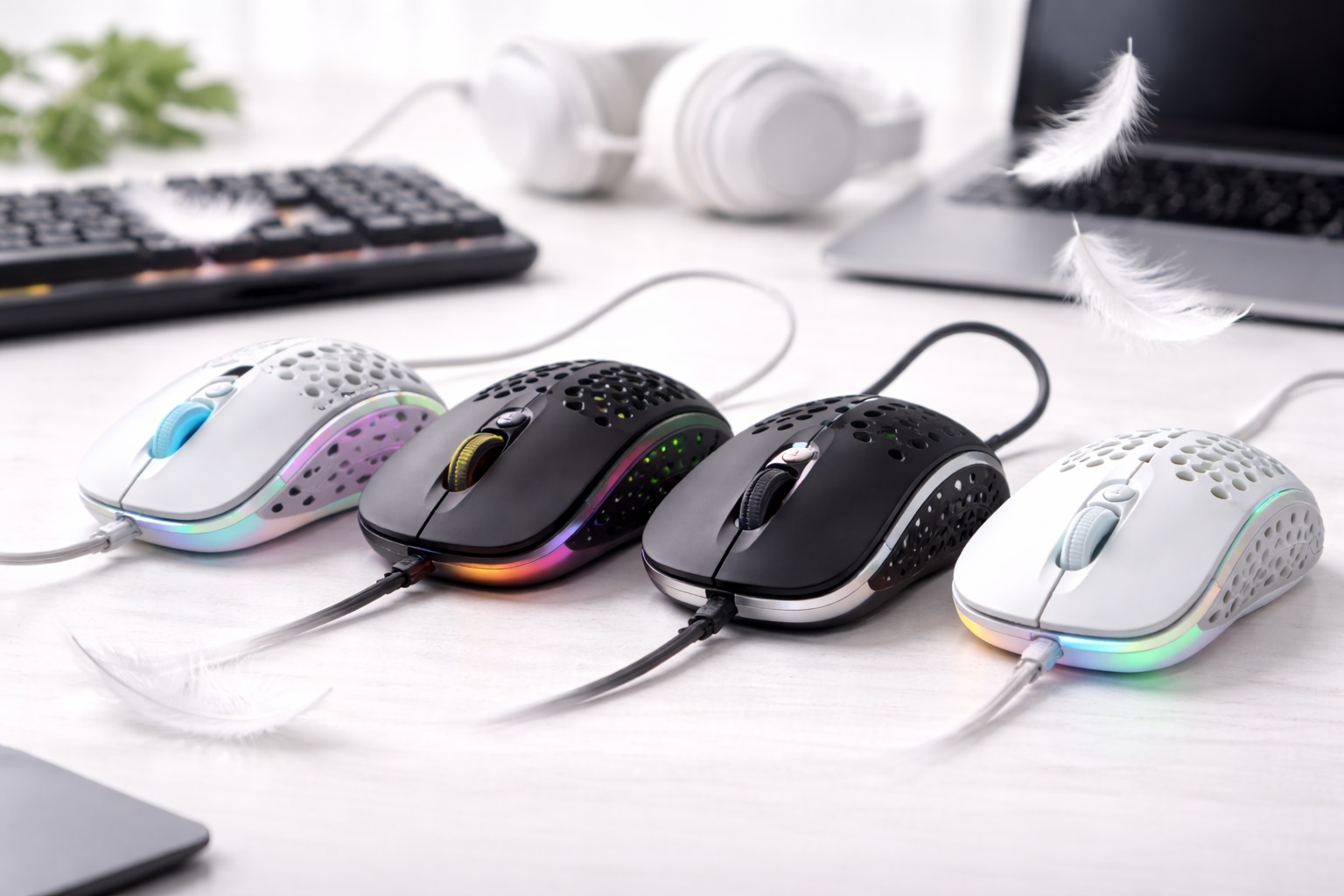
Mouse weight is one of those specifications that feels trivial in isolation but adds up meaningfully across a full day of use. A difference of thirty or forty grams barely registers during a quick email check, but repeated thousands of times over an eight-hour workday, that same small difference translates into real cumulative effort on the hand, wrist, and forearm. For anyone who already experiences fatigue during long sessions at a computer, mouse weight is one of the more overlooked variables worth addressing directly.
A lighter mouse isn't just about reducing physical effort, either. Less mass means the cursor responds with less inertia to overcome, which many users describe as a feeling of quicker, more effortless control — the mouse moves the instant the hand does, rather than requiring a beat of extra force to get a heavier body moving. That responsiveness matters for detailed work just as much as it does for reducing daily fatigue.
This guide breaks down three mouse styles suited to users who experience hand fatigue or simply want faster, lower-effort control, then walks through the buying factors that separate a genuinely well-built lightweight mouse from one that cuts weight at the expense of durability or tracking accuracy. The goal is finding a mouse light enough to make a real difference without sacrificing the reliability a heavier design sometimes provides.
It's worth being upfront that reducing weight always involves some engineering trade-off, whether that's a smaller battery, a less contoured ergonomic shape, or a thinner outer shell. None of the options below sacrifice tracking precision or basic durability to hit a lower weight figure — the trade-offs are things like total size or maximum battery life, which matter far less day to day than a mouse that tires your hand by the afternoon.
It's also worth recognizing that fatigue has more than one cause, and weight is just one contributing factor among several. Poor desk ergonomics, an unsupportive chair, or simply going too long without a break can all compound the strain a heavier mouse adds on top. Addressing mouse weight specifically is a genuinely useful piece of a broader fatigue-reduction strategy, rather than a single fix expected to solve every source of daily discomfort on its own.
Top 3 Lightweight Mice (Detailed Reviews)
1. Wireless Ergonomic Mouse – Best Overall for Reducing Daily Fatigue
A wireless ergonomic mouse shapes the hand into a more neutral, rotated position rather than forcing the wrist flat, which addresses fatigue from a different angle than pure weight reduction — posture rather than mass. Most models are designed for right-handed use, though ambidextrous versions exist. Connectivity typically runs through a 2.4GHz USB receiver, Bluetooth, or both, with adjustable DPI presets included on most models, and while this style isn't always the single lightest option available, the combination of a comfortable shape and a genuinely light build addresses fatigue more completely than weight reduction alone.
- Pros:
- Neutral hand position reduces strain independently of weight alone
- Wireless connection avoids one more cable to manage
- Adjustable DPI presets suit different sensitivity needs
- Long battery life on most wireless models
- Cons:
- Larger footprint than a dedicated ultra-light compact design
- Shape is usually right-hand specific
Best For: Anyone experiencing genuine wrist or forearm fatigue during long daily computer sessions who wants both a lighter build and a more supportive hand position rather than weight reduction alone.
Why We Recommend It: Fatigue during long sessions usually comes from a combination of poor hand positioning and unnecessary mass, and this style directly addresses both factors together rather than optimizing for just one. For users who've already tried a lighter mouse without much relief, the added ergonomic shaping here often makes the more meaningful difference.
Because posture and weight compound each other's effects, a heavier mouse in an awkward flat position causes noticeably more strain than the same weight in a properly contoured shape. This style effectively reduces the total physical demand on the hand from two directions simultaneously rather than relying on weight reduction to do all the work.
Many users who initially assume weight alone is the source of their fatigue discover, after switching to this style, that the shape change accounts for a larger share of the relief than the weight difference itself. That's a useful thing to know before assuming the single lightest mouse on the market will automatically solve a fatigue problem that's actually rooted more in posture.
2. Compact Wireless Mouse – Best for the Lowest Overall Weight
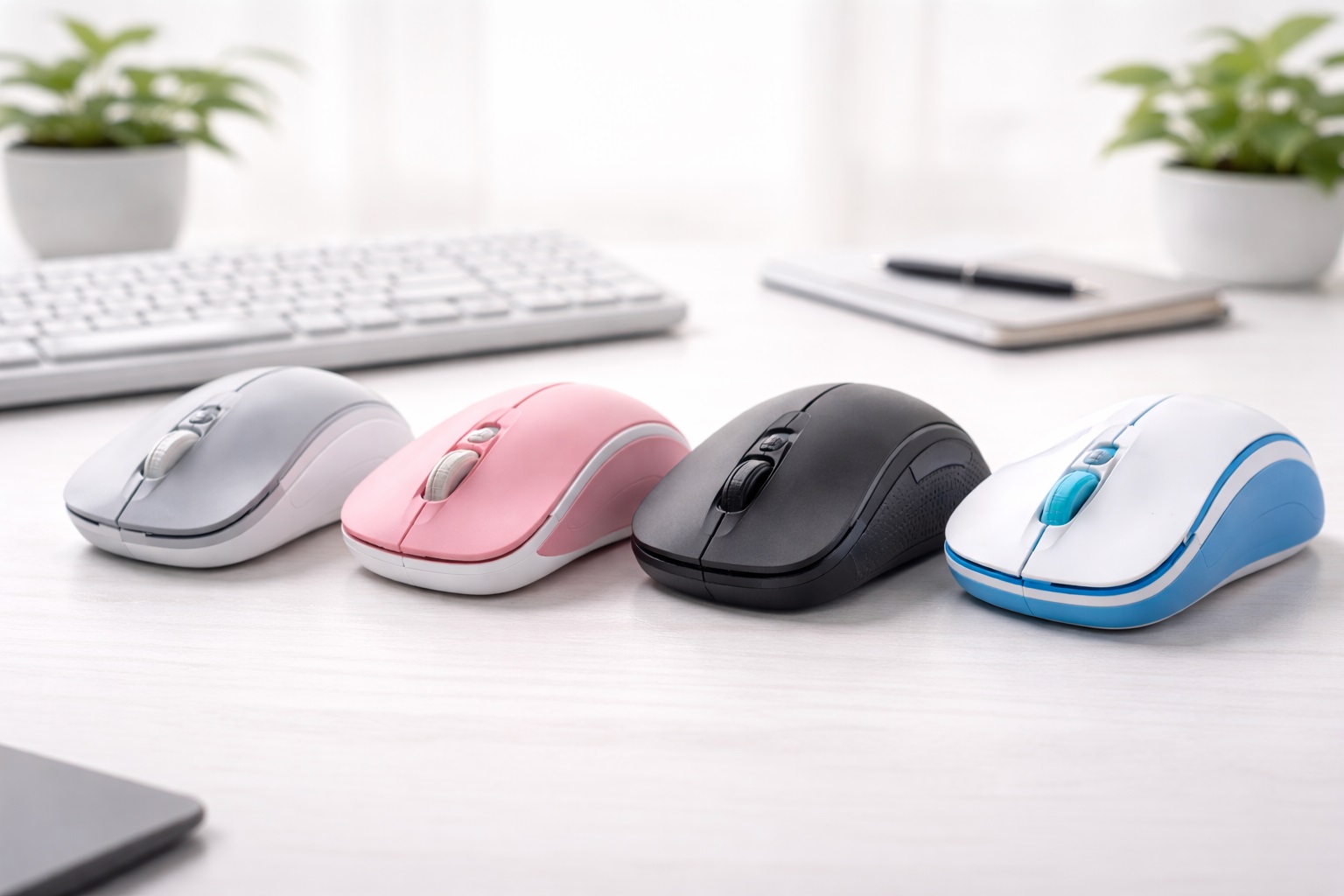
Compact wireless mice are typically the lightest category available, often weighing under 80 grams thanks to a smaller body, a compact internal battery, and a receiver that stores inside the mouse itself. For anyone whose top priority is simply the least possible physical mass to move around all day, this style usually delivers the most noticeable reduction compared to a standard-sized mouse. The trade-off is a smaller, less contoured shape that suits shorter sessions better than a full eight-hour workday.
- Pros:
- Among the lightest mouse options generally available
- Receiver stores inside the mouse body, adding no extra weight to carry
- Minimal mass means less effort required to move the cursor quickly
- Often available as Bluetooth-only for a cleaner, cable-free desk
- Cons:
- Less comfortable than a full-size ergonomic design over long sessions
- Smaller shape can tire the hand faster despite the lower weight
Best For: Users who specifically want the lowest possible weight for quick, effortless cursor movement during shorter or moderate-length sessions rather than an all-day primary mouse.
Why We Recommend It: When minimizing weight is the single most important factor, this style delivers the most direct result. For fast, precise movements across a screen — dragging windows, quick navigation, rapid clicking — lower mass genuinely reduces the physical effort required compared to a heavier design.
It's worth noting that the relationship between weight and speed isn't just subjective — less mass requires less muscular force to accelerate and decelerate during quick movements, which is part of why competitive gaming mice have trended toward lighter builds in general, a design philosophy that benefits everyday users experiencing fatigue just as much as it benefits fast-paced gameplay.
This category also tends to be the easiest to fit into a laptop bag or a small desk drawer when not in use, which is a modest secondary benefit for anyone who occasionally moves their setup between locations or simply prefers keeping a tidy desk when the mouse isn't actively needed.
3. Silent Click Wireless Mouse – Best for Fatigue Without Extra Noise
Silent click mice use a modified switch mechanism that dampens the audible snap of a standard click by roughly 90 percent while leaving tracking precision and click registration fully intact. Available in both compact and ergonomic body styles, this category lets users combine a lighter, lower-fatigue design with quieter operation, which matters for anyone whose fatigue-driven mouse search also happens to take place in a shared office, a quiet home, or during frequent video calls. The dampened switch also means the small muscular effort of a firm, audible click is reduced alongside the noise itself, which is a modest but genuine bonus for anyone already trying to cut unnecessary physical effort out of a long day of repeated clicking.
- Pros:
- Meaningfully reduced click noise compared to standard switches
- Tracking accuracy and click registration remain fully unaffected
- Available in both lightweight compact and ergonomic designs
- Useful for anyone managing fatigue in a shared or quiet workspace
- Cons:
- Some users notice the click feels slightly softer than a standard switch
- Less pronounced tactile feedback for users who prefer a firmer click
Best For: Users managing hand fatigue who also work in shared spaces, take frequent video calls, or simply prefer a quieter overall computing experience alongside a lighter physical design.
Why We Recommend It: Fatigue and noise sensitivity often overlap for the same reason — both relate to reducing unnecessary physical and sensory strain during long computer sessions. This style addresses both at once without requiring a compromise on tracking precision.
For users experiencing repetitive strain symptoms specifically, reducing every avoidable source of physical effort, including the small muscular tension involved in a firm, loud click, can meaningfully add up across a full workday of repeated clicking.
It's a combination that's easy to overlook when shopping, since weight and click noise are usually presented as entirely separate product features. In practice, buyers managing genuine fatigue often benefit from treating them as connected priorities rather than choosing a mouse based on just one specification in isolation.
Buying Guide: How to Choose the Best Lightweight Mouse
Weight is only one part of a genuinely fatigue-reducing mouse. Use the factors below to evaluate a lightweight mouse holistically rather than focusing on the gram count alone.
1. Actual Weight in Grams
Most mice marketed as lightweight fall between 60 and 90 grams, compared to 100 grams or more for standard designs. Check the specific listed weight rather than relying on marketing terms like "ultra-light," which vary considerably between brands and don't always reflect a meaningfully lower number. Comparing exact figures across a handful of listings before deciding gives a far more reliable picture than trusting a single brand's own description of its product. It also helps to compare the listed weight against a mouse you already own and know the feel of, since an abstract gram figure is much easier to judge once it's anchored to something familiar already sitting on your desk.
2. Weight Distribution and Balance
Two mice with an identical total weight can feel noticeably different depending on how that weight is distributed. A mouse that feels front-heavy or back-heavy can be more tiring to control precisely than one with evenly balanced weight, even at the same overall mass. Reviews that specifically mention how a mouse feels during fast, sweeping movements are a more useful signal here than the raw weight figure alone.
3. Sensor Quality at Higher Movement Speeds
Fast, low-effort movement is part of the appeal of a lightweight mouse, so the sensor needs to track accurately even during quick motions. A quality optical sensor tracks reliably across a wide range of speeds; a cheaper sensor can lose accuracy during rapid movement, undermining the benefit of the lighter build. This is one area where cutting corners to save on production cost defeats the entire purpose of buying a lightweight mouse in the first place.
4. Battery Life Trade-Offs
Lighter mice sometimes use a smaller internal battery to save weight, which can mean more frequent charging compared to a heavier design. Check listed battery life specifically, and decide whether more frequent charging is an acceptable trade-off for the reduced weight. Some models offset this with more efficient power management, so it's worth comparing real battery life figures rather than assuming a smaller battery automatically means significantly more frequent charging.
5. Build Material and Durability
Reducing weight sometimes means thinner plastic or a more minimal internal frame. Look for reviews specifically addressing long-term durability, since a mouse that feels flimsy when new is more likely to develop creaks, loose buttons, or a less solid feel after months of regular use. A slightly heavier but noticeably sturdier option is often the better long-term choice over the single lightest model available if durability reviews raise any real concerns.
6. Grip Style Compatibility
Lightweight mice tend to suit claw and fingertip grip styles particularly well, since these grips rely less on resting the full hand weight on the mouse body. Palm grip users may find an ultra-light mouse feels less stable underneath a fully resting hand, so testing grip compatibility matters more here than with a standard-weight design. If you already know your natural grip style, matching it against a specific model's shape before buying avoids an easily preventable mismatch.
7. Cable-Free Design for Minimum Drag
A fully wireless design avoids the drag a cable can introduce, which partially offsets the benefit of a lighter mouse body if a stiff or heavy cable is still attached. For genuinely effortless movement, a wireless connection paired with a light body delivers a more complete result than a light body still tethered by a cable. Even a lightweight wired mouse can feel noticeably heavier in practice once cable drag is factored into every movement across the desk.
8. DPI and Sensitivity for Effortless Navigation
A higher DPI setting means less physical hand movement is needed to cover the same on-screen distance, which pairs naturally with a lightweight mouse's low-effort philosophy. Adjustable presets let you match sensitivity to different tasks without needing a second device. Combining a lighter body with a slightly higher DPI setting than you might otherwise choose can further reduce the physical distance your hand needs to travel across a full day of use.
9. Side Button Placement on a Smaller Body
Lightweight mice are often more compact, which can shift side button placement compared to a standard-size mouse. Confirm that side buttons still fall naturally under your thumb on a specific model rather than assuming placement transfers identically from a larger design. A button that's slightly out of reach on a smaller body tends to simply go unused, undoing some of the convenience it was meant to add.
10. Coating and Grip Texture
A lighter mouse with a slick, glossy finish can feel less secure in the hand during fast movement than one with a lightly textured or matte coating. Grip texture matters more for a lightweight design specifically because there's less mass helping the mouse feel planted during quick motions. A textured coating also tends to resist fingerprint buildup and sweat better over long sessions, which is a small but real comfort factor.
11. Compatibility with Repetitive Strain Concerns
If fatigue is related to a diagnosed repetitive strain condition rather than general tiredness, consider combining a lightweight mouse with other ergonomic adjustments — a supportive wrist rest, proper desk height, and regular breaks — rather than expecting a mouse alone to resolve a medical concern. For persistent or worsening symptoms, consulting a medical professional alongside any equipment changes is the more responsible approach.
12. Price Versus Genuine Weight Savings
Some lightweight mice charge a meaningful premium for a relatively small weight reduction. Compare the actual gram difference against a standard mouse before assuming a significantly higher price automatically means a significantly lighter or better-performing product. A ten-gram difference rarely justifies a large price gap once sensor quality and durability are accounted for equally.
13. Mouse Feet and Glide Quality
The small plastic skates on the underside of a mouse have an outsized effect on how effortless a lightweight design actually feels in motion. High-quality feet glide smoothly with minimal friction, letting the reduced weight translate directly into easier movement, while cheap or thin feet can create drag that partially cancels out the benefit of a lighter body. Replacement mouse feet are inexpensive and simple to apply, so a mouse with excellent weight but mediocre stock feet is still worth considering if glide can be improved afterward.
14. Testing Grip Feel Before Committing
Because weight and grip comfort interact so closely, a brief in-store test or an order from a retailer with an easy return process is genuinely useful before settling on a specific lightweight model. A mouse that feels appropriately light when picked up briefly can still feel unstable or insecure once actual fast, repeated movements are attempted, which is a distinction that's hard to judge from a product listing or a few seconds of handling alone.
Frequently Asked Questions
1. How much weight difference actually matters for hand fatigue?
Even a 20 to 30 gram difference becomes noticeable across a full workday of repeated movement, particularly for anyone already experiencing some degree of hand or wrist fatigue. The cumulative effect across thousands of small movements is more significant than it seems when comparing two mice side by side for a few seconds in a store.
2. Does a lighter mouse sacrifice tracking accuracy?
Not inherently. A well-built lightweight mouse with a quality sensor tracks just as accurately as a heavier design. Tracking issues in cheaper lightweight mice usually stem from a lower-quality sensor rather than the weight reduction itself, so it's worth evaluating sensor quality and weight as separate considerations.
3. Is a lightweight mouse better for gaming or for everyday office use?
Both. Lightweight designs originated largely in gaming for faster reaction movement, but the same lower-effort benefit applies directly to everyday tasks like browsing, scrolling, and general navigation, especially for users managing daily fatigue rather than competitive reaction speed.
4. Can a lightweight mouse help with existing wrist pain?
It can help reduce one contributing factor, but it isn't a complete solution on its own. Combining a lighter mouse with proper ergonomic setup, regular breaks, and correct desk height addresses wrist strain more comprehensively than weight reduction alone, and persistent pain is worth discussing with a medical professional.
5. How do I know if a mouse is genuinely lightweight or just marketed that way?
Check the specific listed weight in grams rather than relying on marketing terms. Anything under 90 grams is reasonably considered lightweight; true ultra-light designs often fall closer to 60 to 70 grams. Comparing that figure against a mouse you already own gives a quick, intuitive sense of the real difference before purchasing.
6. Is the most expensive lightweight mouse always the best?
Not necessarily. Compare the actual weight savings and sensor quality rather than assuming a higher price guarantees meaningfully better performance. Several mid-priced options achieve very similar weight and tracking quality to premium alternatives marketed toward competitive gamers.
7. How long should a quality lightweight mouse last?
Two to five years is reasonable from a reputable brand, though ultra-light designs with thinner materials may show wear slightly sooner than sturdier standard-weight mice under identical daily use. Handling the mouse gently and avoiding drops helps offset this difference over time.
8. Can I return a lightweight mouse if it doesn't reduce my fatigue?
Most retailers offer a return window of fifteen to thirty days. Testing the mouse across genuine daily use, rather than a brief handling session, gives a more accurate sense of whether the weight reduction actually helps with your specific fatigue pattern.
9. What is the best lightweight mouse for someone who wants low-effort control?
It depends on whether comfort or minimum weight matters more — an ergonomic shape addresses fatigue through posture as well as weight, while a compact design achieves the lowest possible mass at some cost to long-session comfort. Trying both types briefly, if possible, is the most reliable way to decide.
10. Does brand name matter when choosing a lightweight mouse?
Established brands generally offer more consistent quality control for the thinner materials often used in lightweight designs. Newer brands can still offer good value, so checking recent verified reviews before purchasing is worthwhile, particularly reviews addressing long-term durability rather than only initial impressions.
11. Do lightweight mice need to be charged more often?
Sometimes, since a smaller battery is one common way to reduce overall weight. Checking the specific listed battery life before purchasing helps set realistic expectations for charging frequency, and some lightweight designs offset this with more efficient internal components.
12. Is a wired lightweight mouse a real option, or are they mostly wireless?
Both exist, though wireless designs are more common in this category since removing a cable eliminates one more source of drag and weight. A wired lightweight mouse can still offer a lower body weight even with a cable attached, if avoiding battery management is a priority over minimizing every last gram of drag.
13. Do lightweight mice need a specific type of mouse pad?
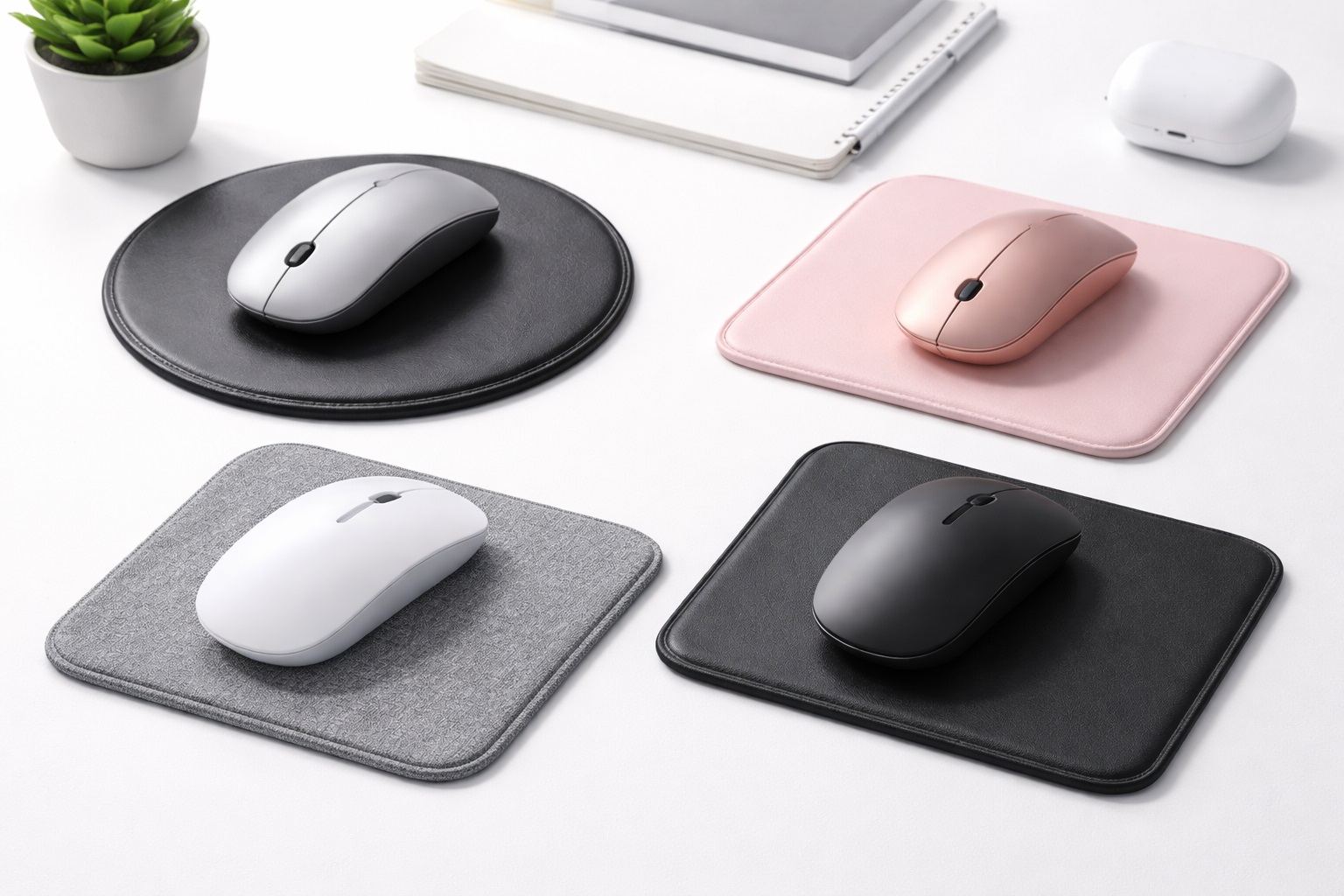
Not strictly, but a smooth cloth or hard mouse pad generally lets a lightweight mouse glide with less resistance than a rough desk surface, which further reduces the physical effort involved in moving it. Pairing a lightweight mouse with even a basic pad is a low-cost way to get the most out of the reduced weight rather than leaving some of that benefit on the table.
14. Can I add weight to a lightweight mouse if it ends up feeling too light?
Some models include small removable weights specifically for this purpose, though many budget-friendly lightweight mice don't offer this option. If a mouse ends up feeling unstable rather than simply light, checking for a version with adjustable weight inserts before buying is worth doing, since retrofitting weight onto a design that wasn't built for it isn't generally practical.
15. Do mouse feet wear out, and does that affect a lightweight mouse more?
Yes, mouse feet gradually wear down with regular use on any mouse, but the effect is more noticeable on a lightweight design specifically because smooth glide is a bigger part of the overall appeal. Worn feet on a lightweight mouse can make it feel draggy or inconsistent in a way that's easy to mistake for a sensor problem, so replacing inexpensive feet periodically is a simple way to keep a lightweight mouse performing the way it did when new.
Final Verdict
- Best Overall: Wireless Ergonomic Mouse – addresses fatigue through both a lighter build and a more supportive hand position.
- Best for Lowest Weight: Compact Wireless Mouse – the most direct option for minimizing overall mass and movement effort.
- Best for Fatigue Without Noise: Silent Click Wireless Mouse – combines a lighter design with quieter daily operation.
The right lightweight mouse depends on whether fatigue is primarily about raw weight, hand position, or a combination of both alongside noise sensitivity. Someone managing genuine long-session fatigue benefits most from the ergonomic option's combined approach, while someone simply wanting the lowest possible mass for quick, effortless movement will get more direct value from the compact design.
None of the three categories require sacrificing tracking precision to achieve a lighter feel — the differences come down to shape, total weight, and noise, all of which map onto slightly different sources of daily physical strain. Matching the choice to the specific kind of fatigue or discomfort you're actually experiencing will serve you better than assuming the lightest option on paper is automatically the right one for your hands.
If fatigue persists even after switching to a genuinely lighter, better-shaped mouse, it's worth looking beyond the mouse itself — desk height, chair support, monitor position, and break frequency all contribute to how much strain accumulates over a workday. A well-chosen lightweight mouse is a meaningful piece of that picture, but rarely the entire solution on its own, and treating it as one part of a broader setup tends to produce better long-term results than expecting a single accessory to fix everything.