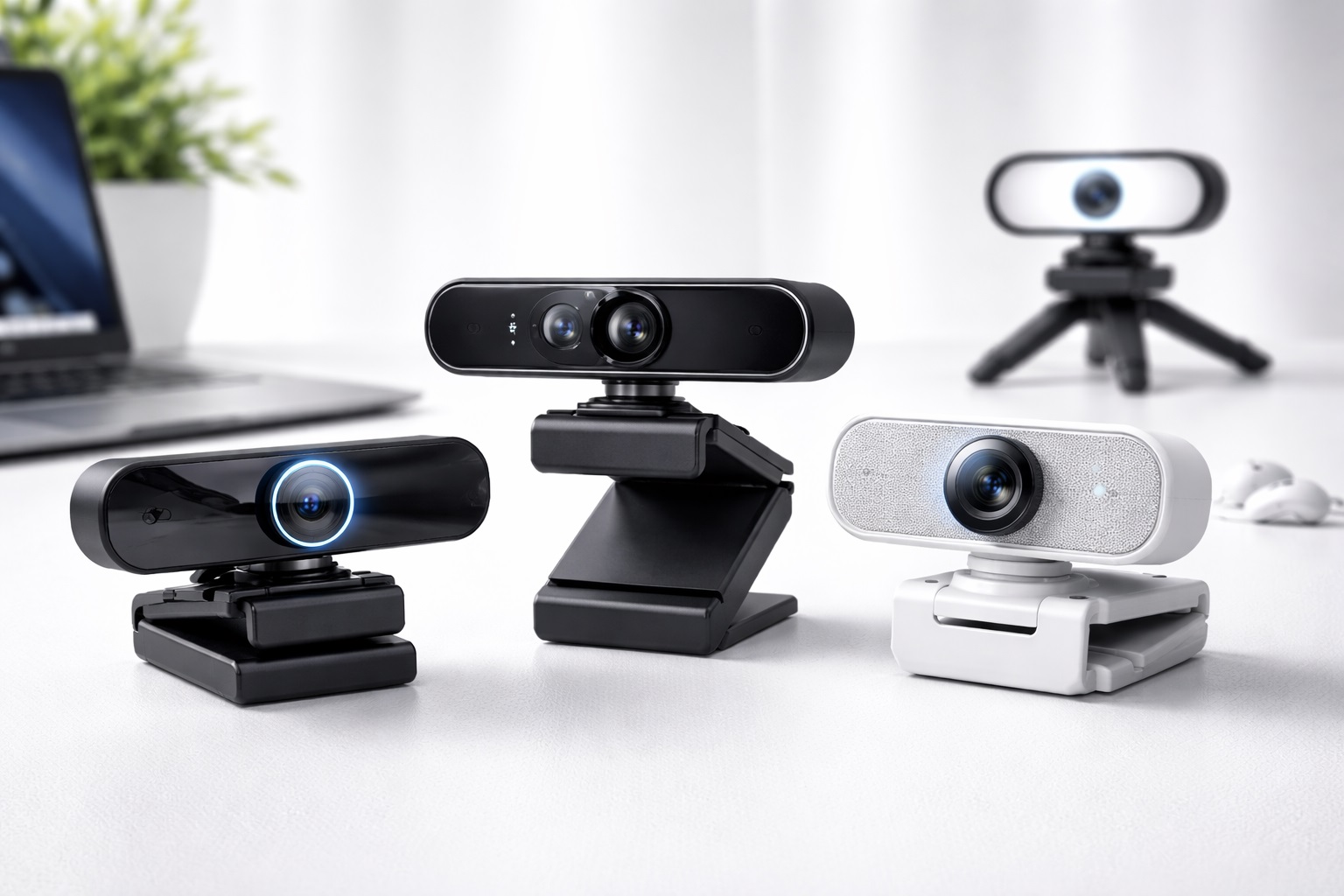
Best Webcam Under $100 in 2026: Affordable Video Quality for Work, Study, and Streaming
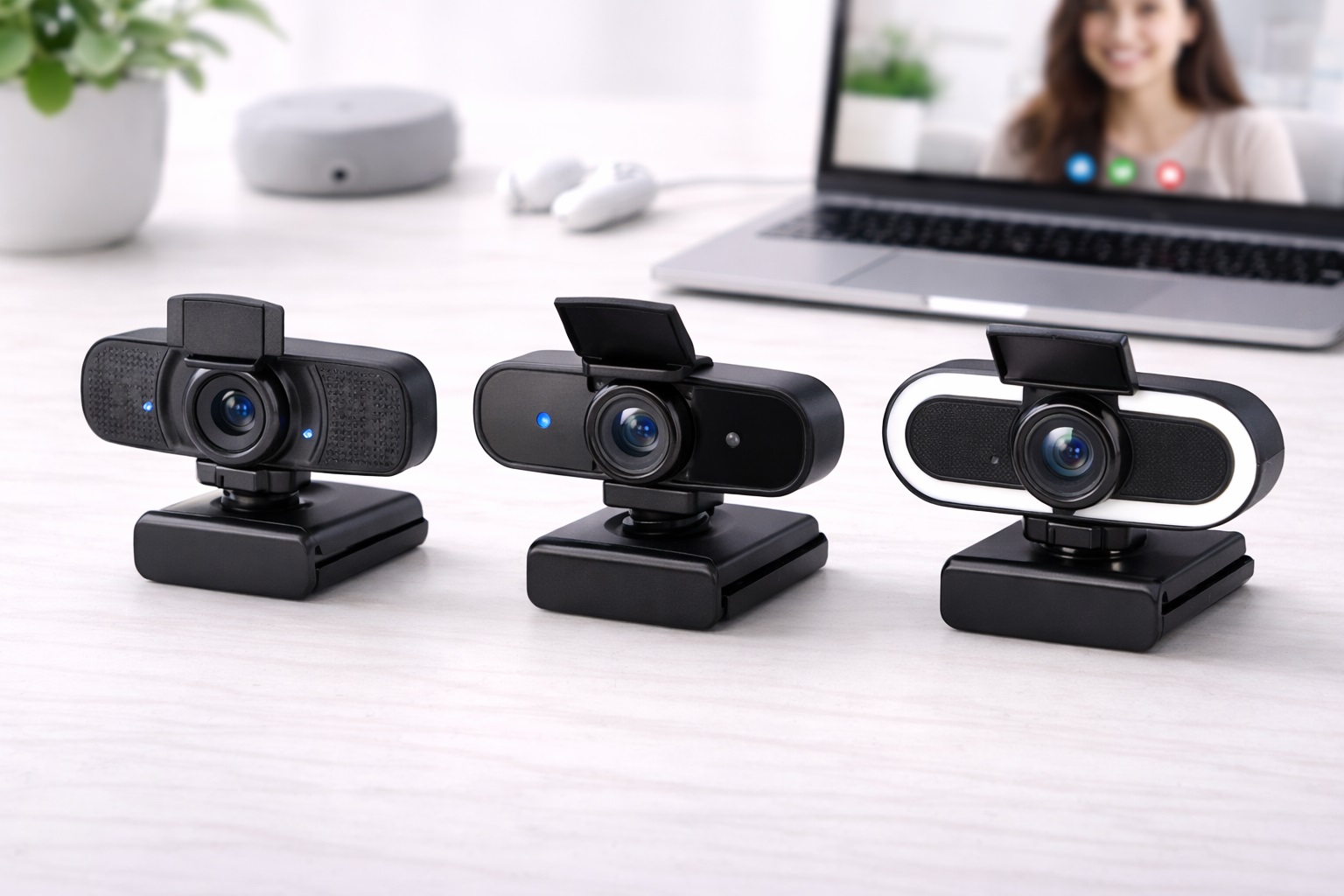
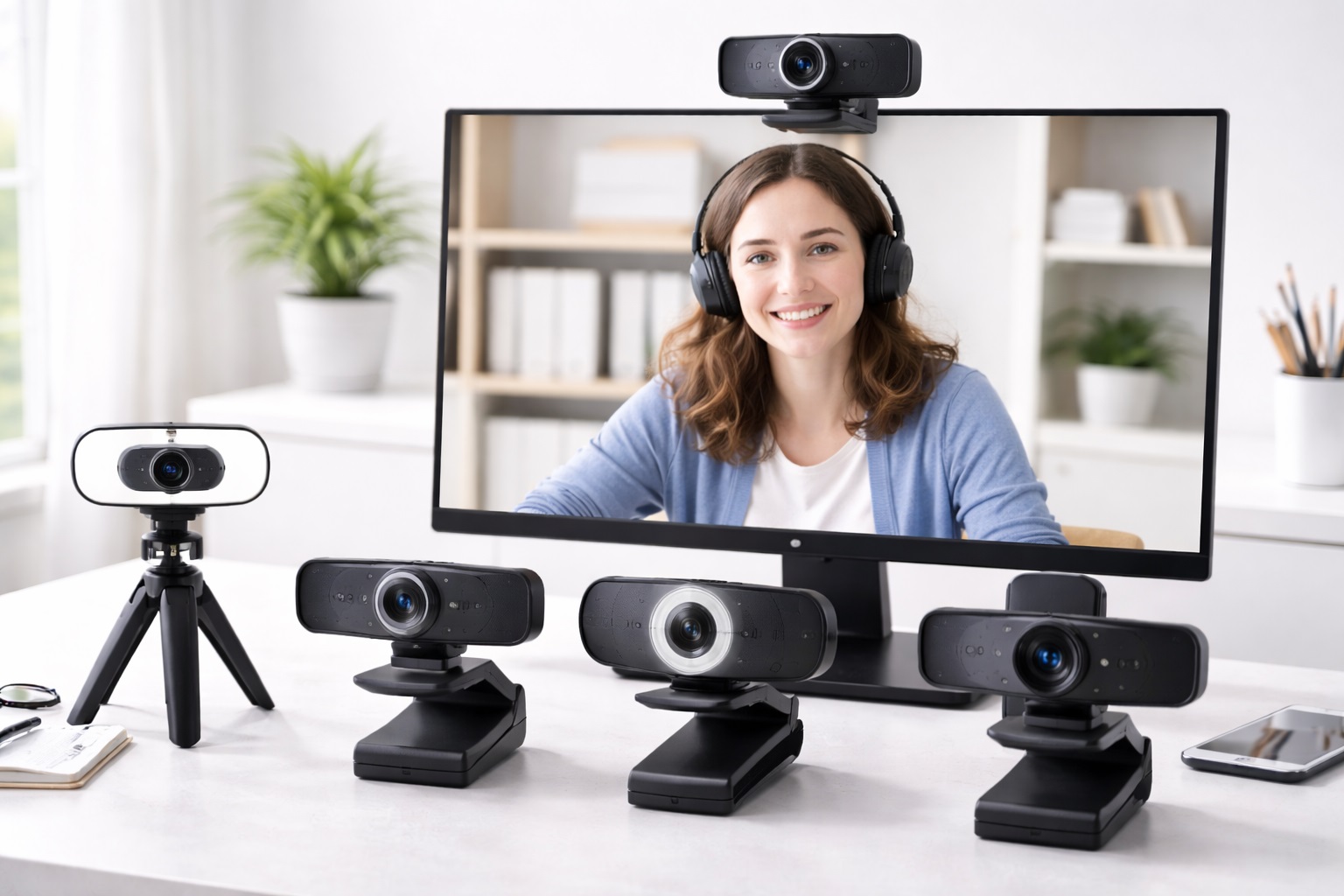
Finding a high-quality webcam doesn't have to mean spending hundreds of dollars. Today, many webcams under $100 offer sharp video, reliable autofocus, clear microphones, and easy plug-and-play connectivity, making them suitable for video meetings, online classes, live streaming, and content creation. Whether you're upgrading from a built-in laptop camera or setting up your first home office, there are plenty of affordable options that deliver excellent everyday performance.
When comparing webcams in this price range, it's important to look beyond resolution alone. Features such as image quality in different lighting conditions, frame rate, microphone performance, field of view, privacy shutters, mounting options, and compatibility with Windows, macOS, and popular video conferencing platforms can make a noticeable difference during daily use.
In this guide, we've compared some of the best webcams under $100 based on video quality, ease of use, overall features, compatibility, and value for money. Whether you're a student, remote worker, professional, or beginner content creator, these recommendations can help you find a webcam that fits both your needs and your budget.
Top 8 Best Webcams Under $100 (Detailed Reviews)
Quick Comparison Table
| Product | Best For | Action |
|---|---|---|
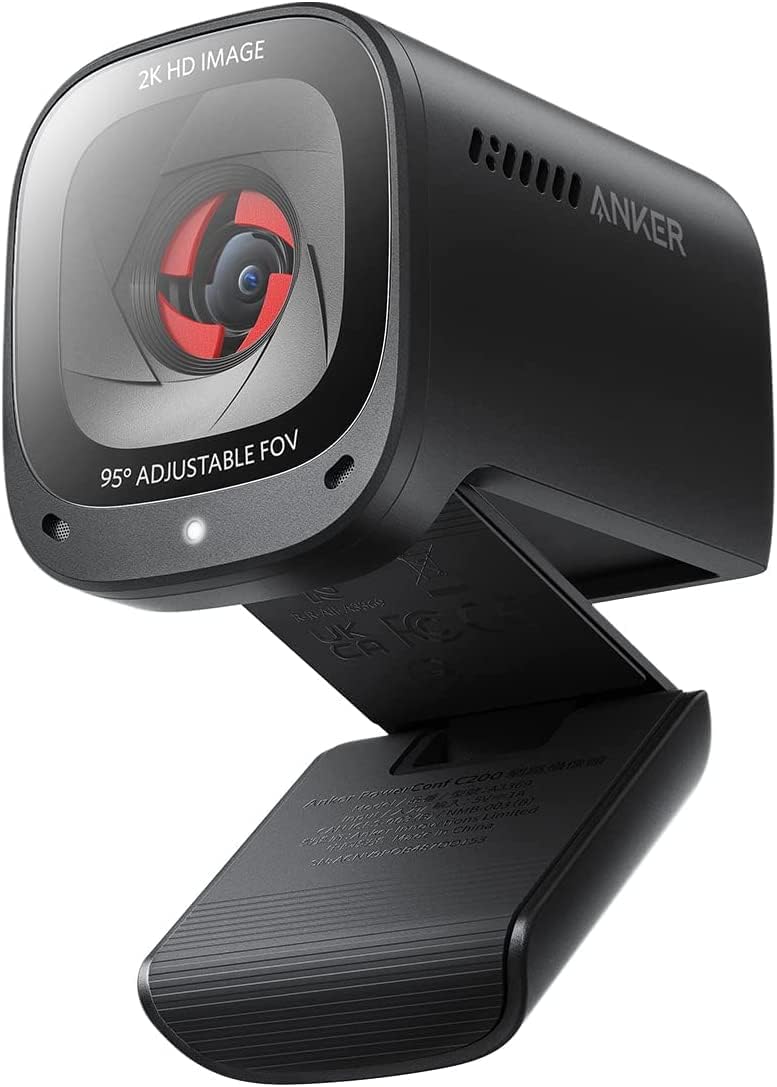
Anker PowerConf C200
Anker
|
High-Resolution Video
|
|
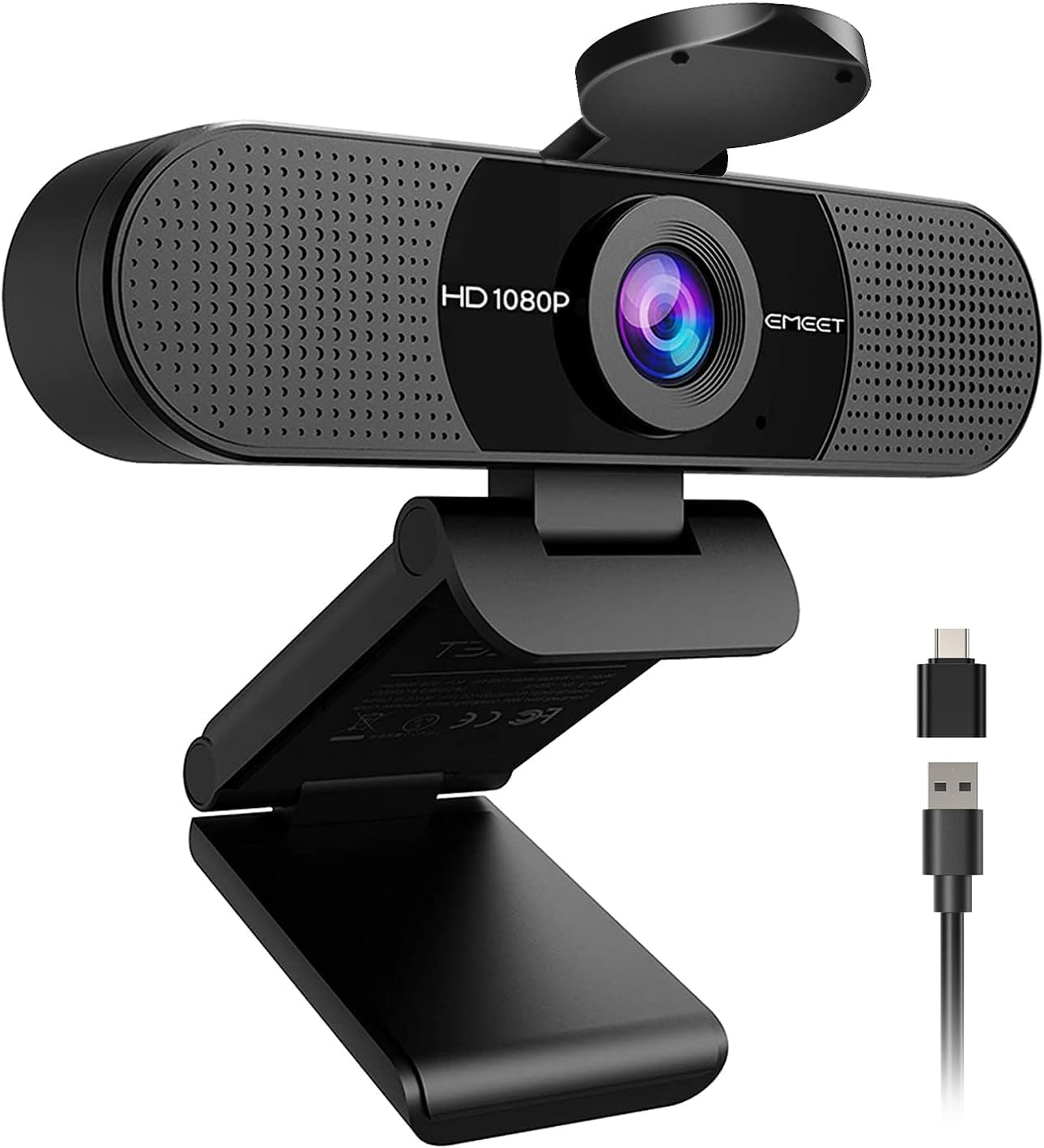
EMEET C960 1080P Webcam
EMEET
|
Students & Budget Users
|
|
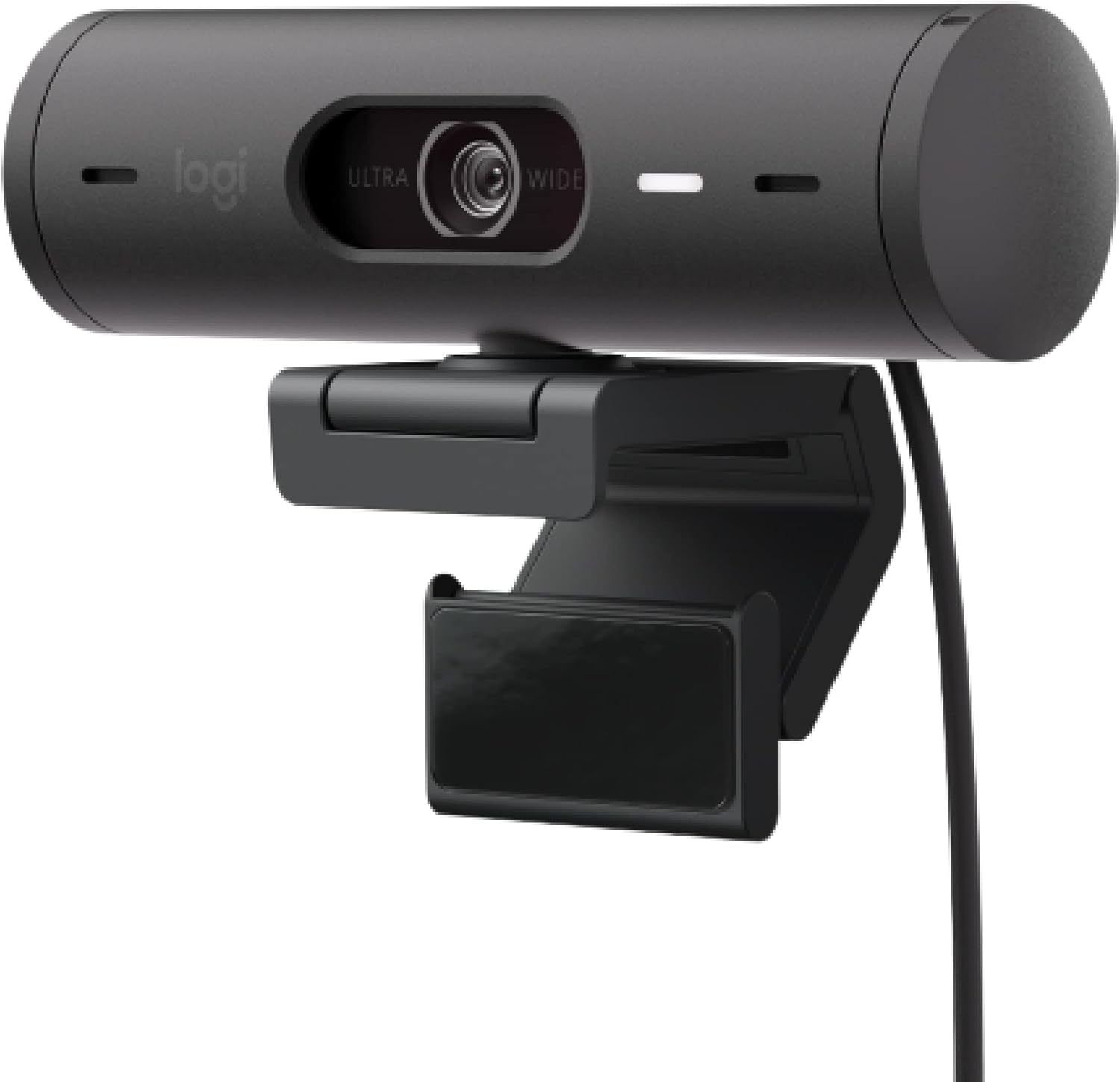
Logitech Brio 500
Logitech
|
Remote Work & Meetings
|
|
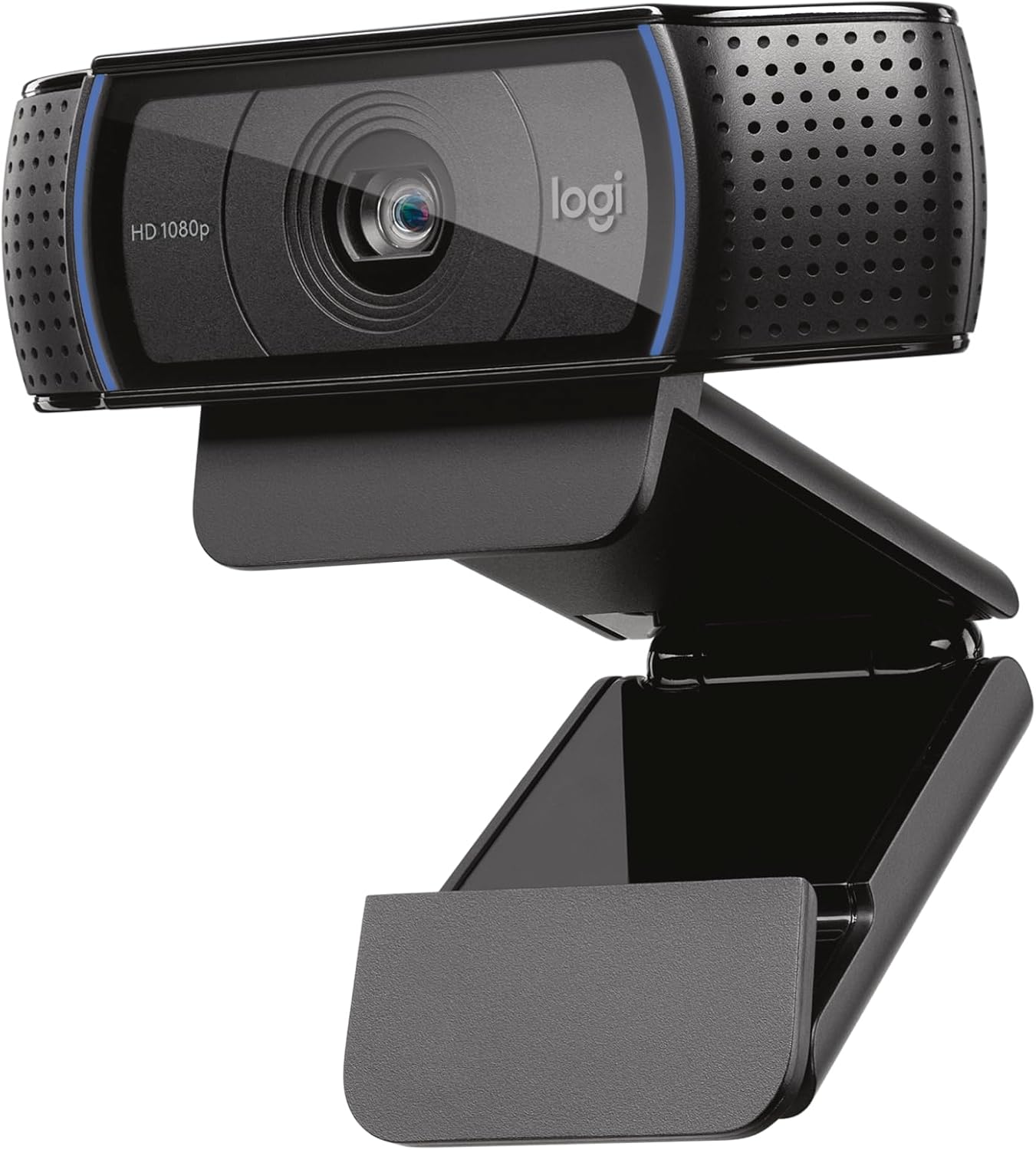
Logitech C920x HD Pro
Logitech
|
Creators & Professionals
|
|
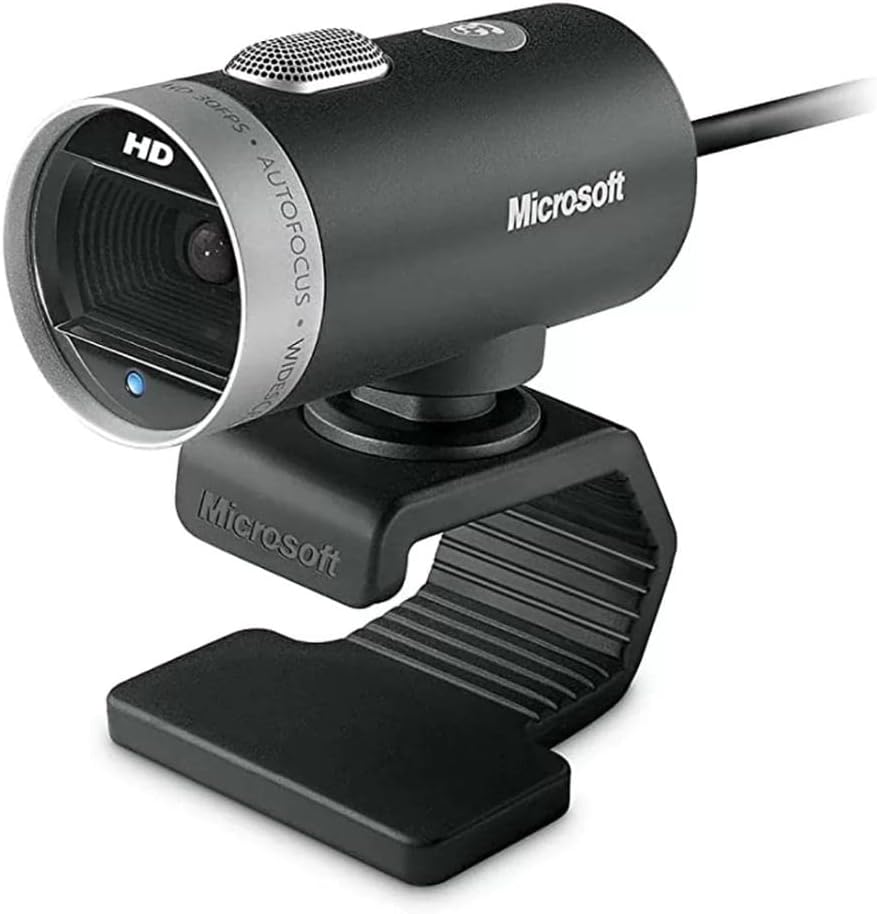
Microsoft LifeCam Cinema
Microsoft
|
Microsoft Teams Users
|
|
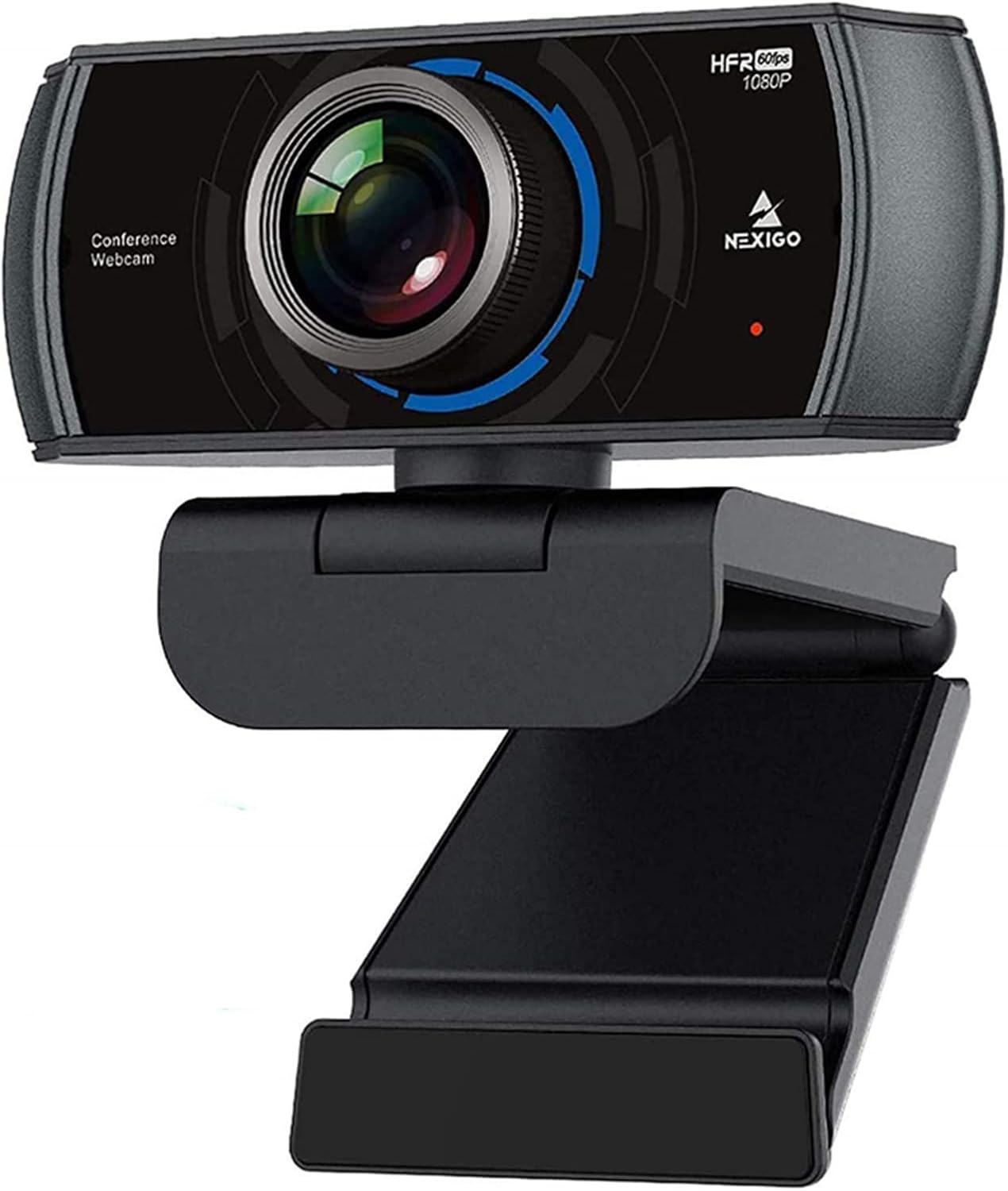
NexiGo N930P
NexiGo
|
Teachers & Presenters
|
|
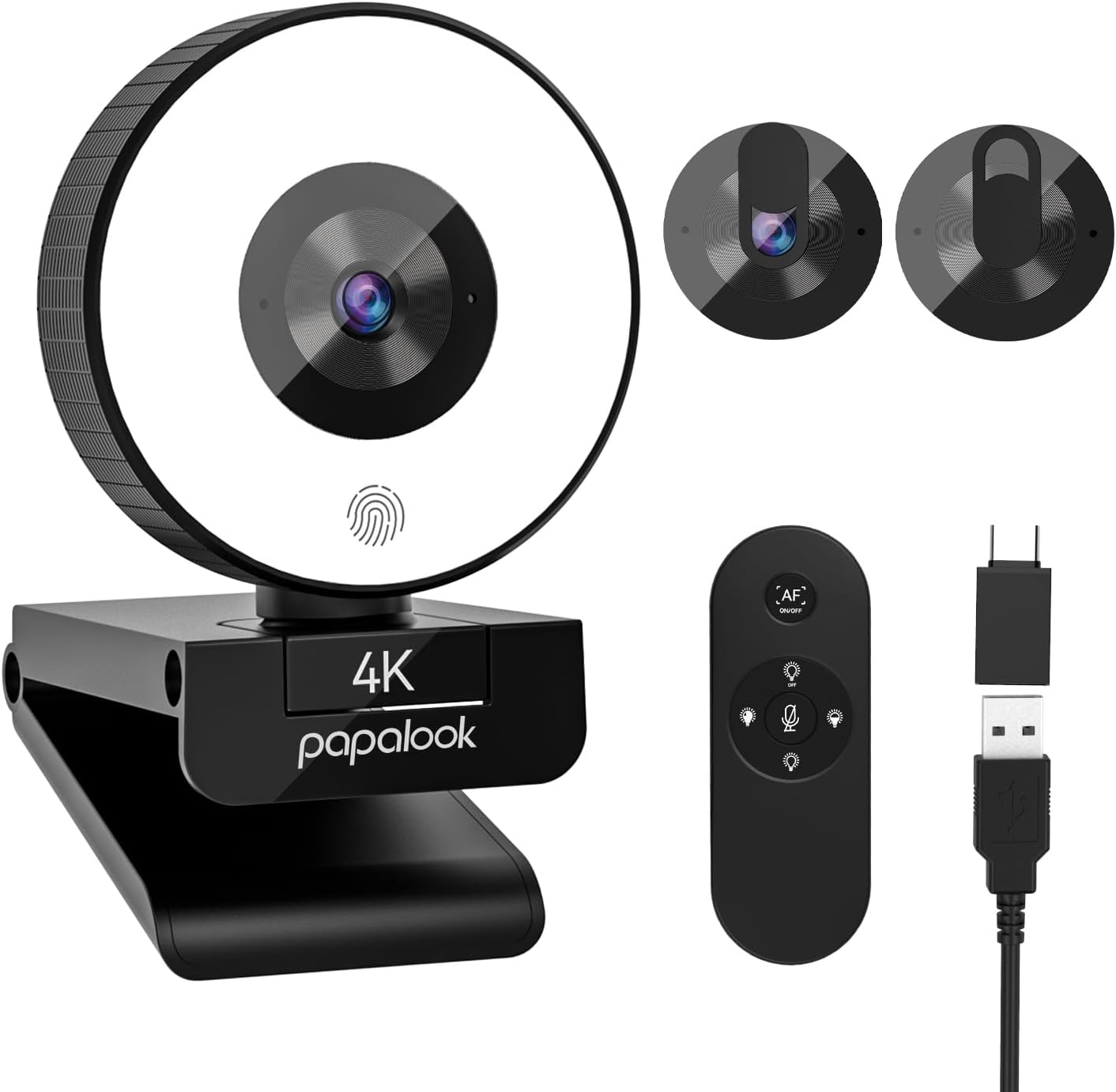
Papalook 1080p 60FPS
Papalook
|
Gamers & Streamers
|
|
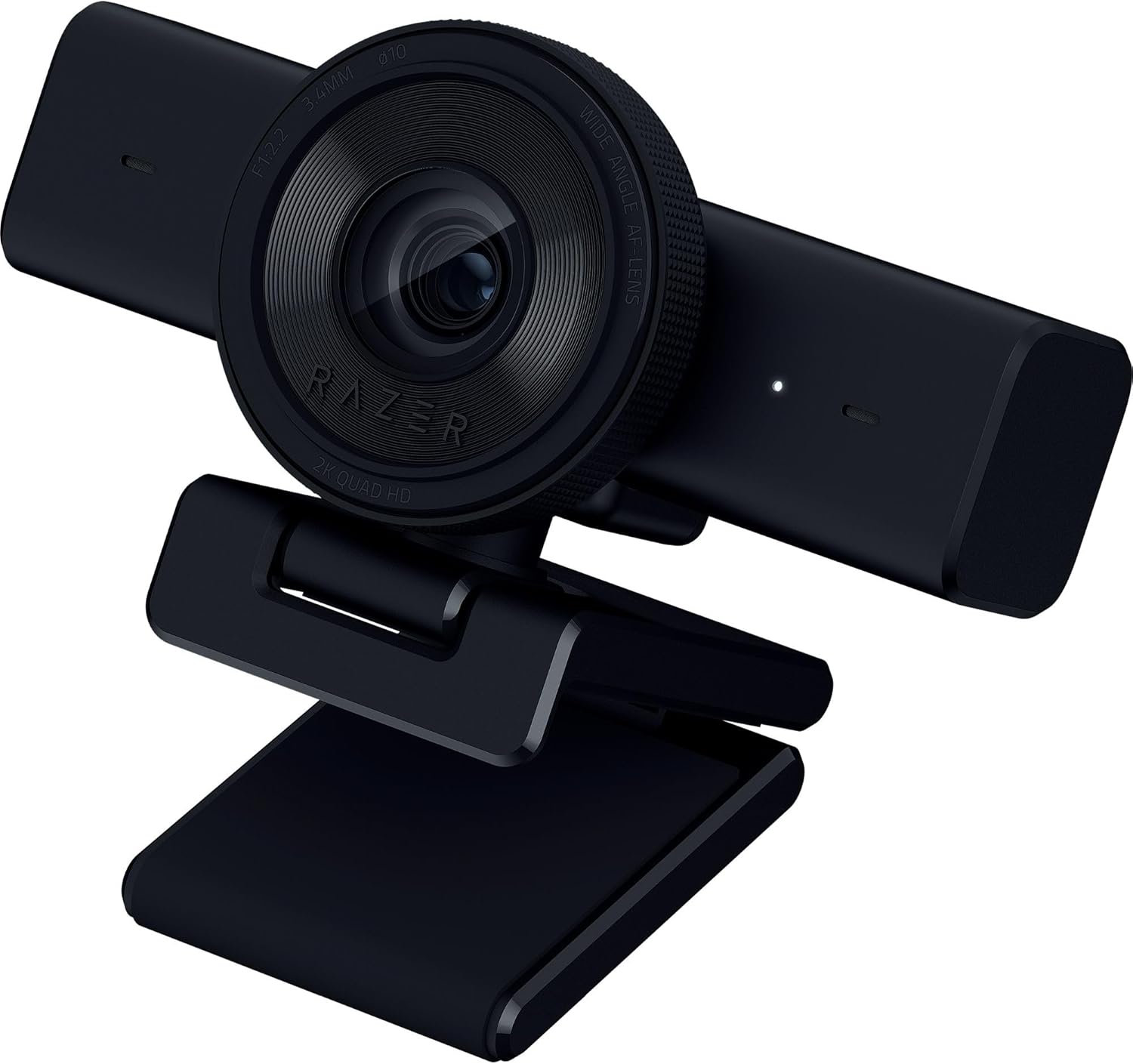
Razer Kiyo V2 X Webcam for Streaming
Razer
|
Streaming & Low-Light Rooms
|
1. Logitech Brio 500 – Best Overall Webcam Under $100
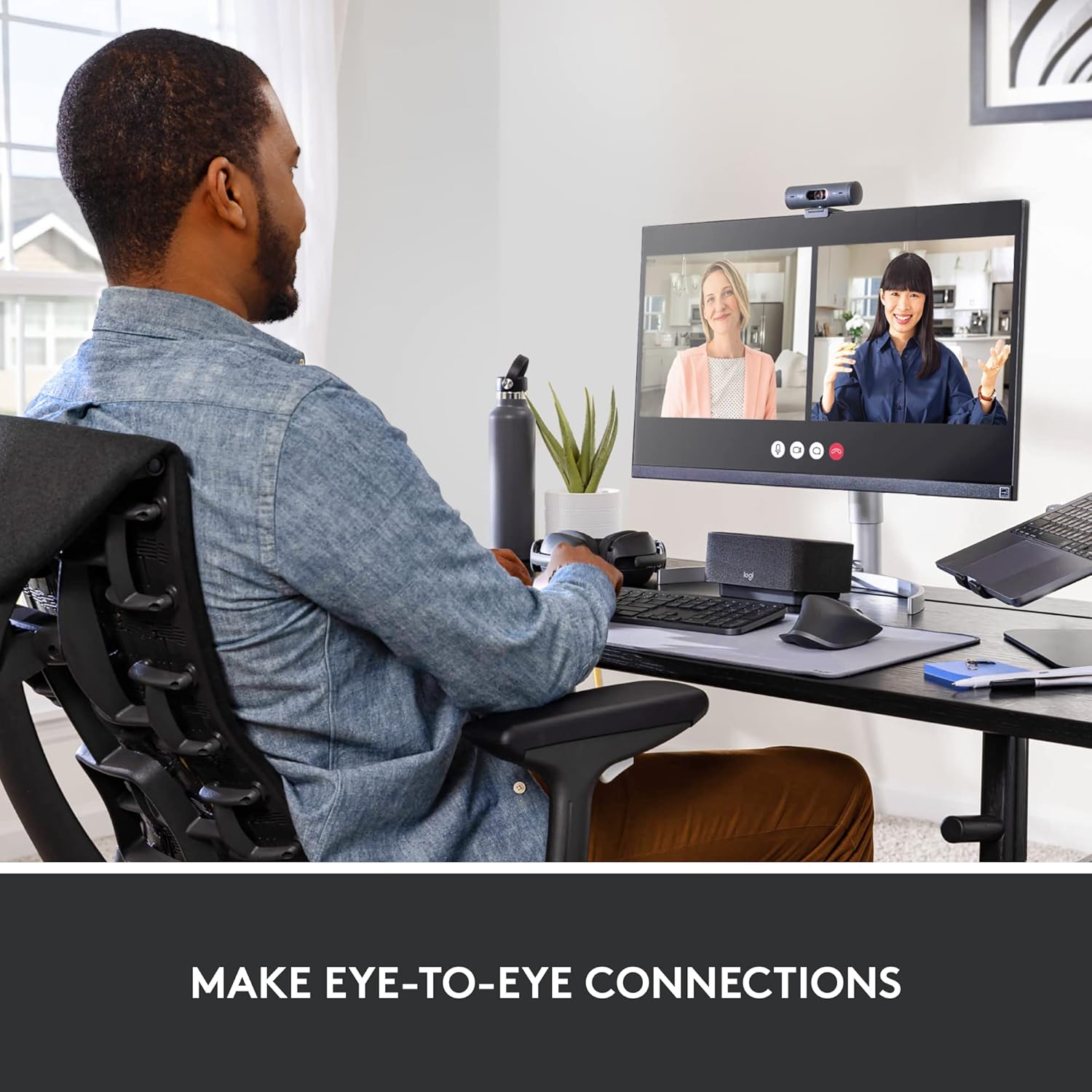
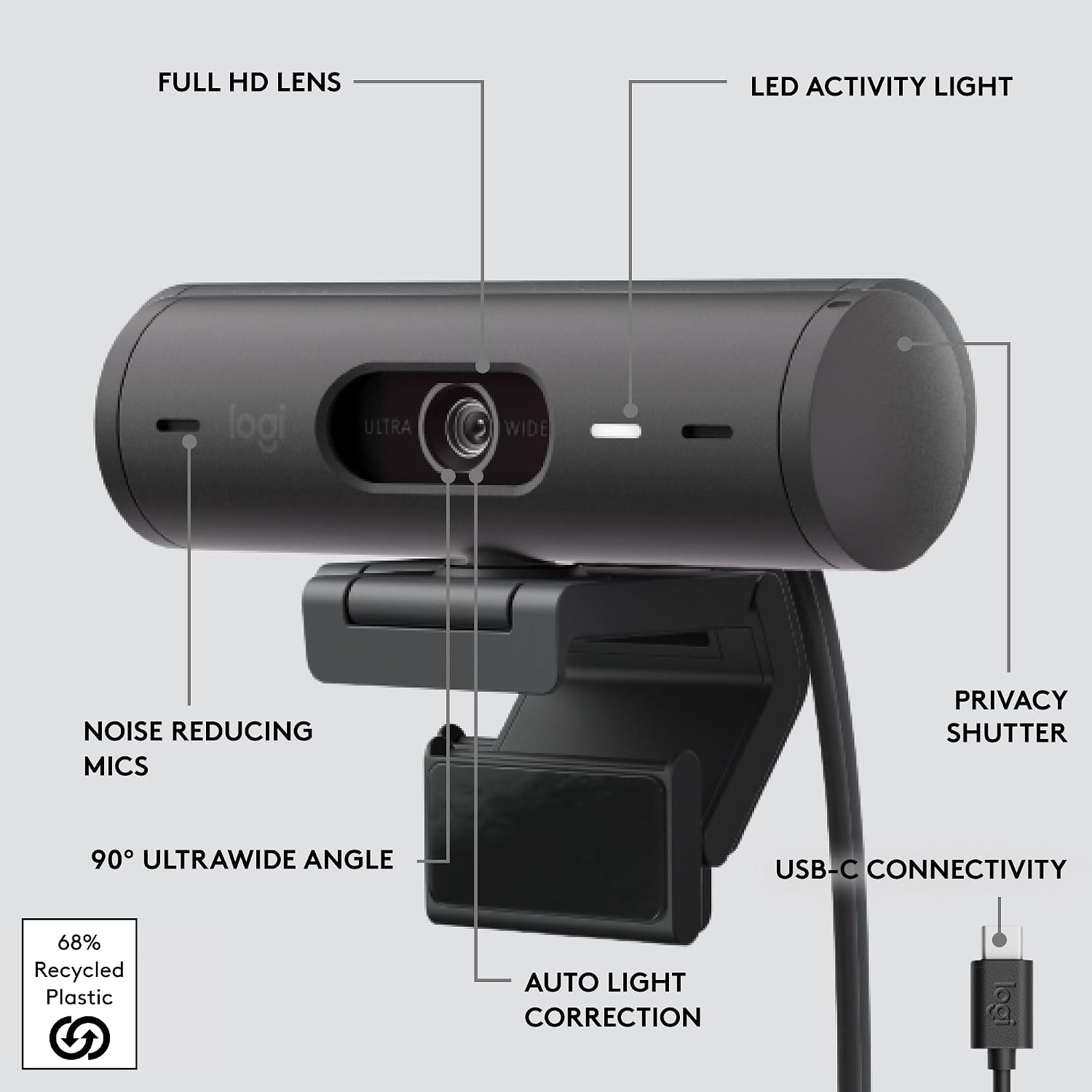
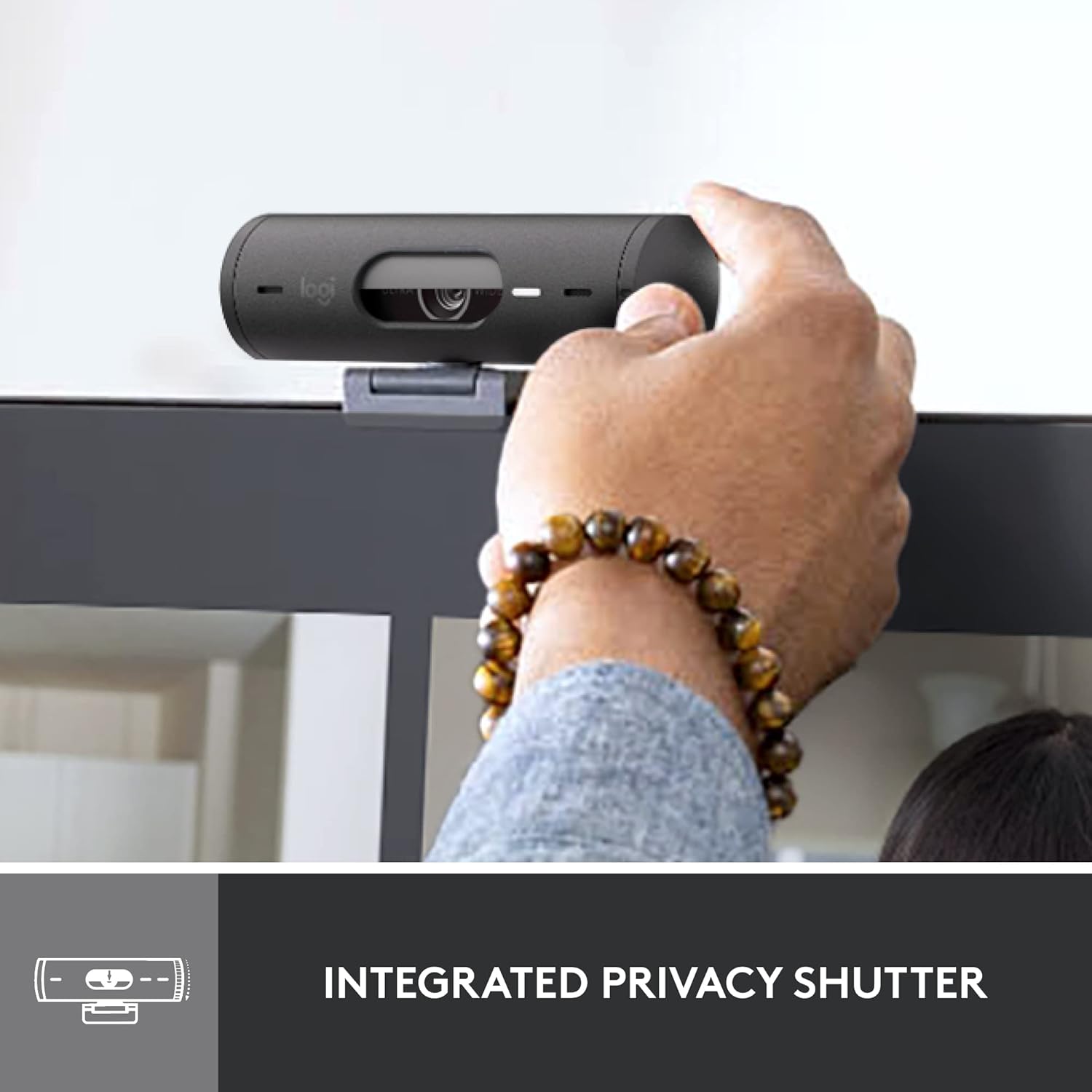
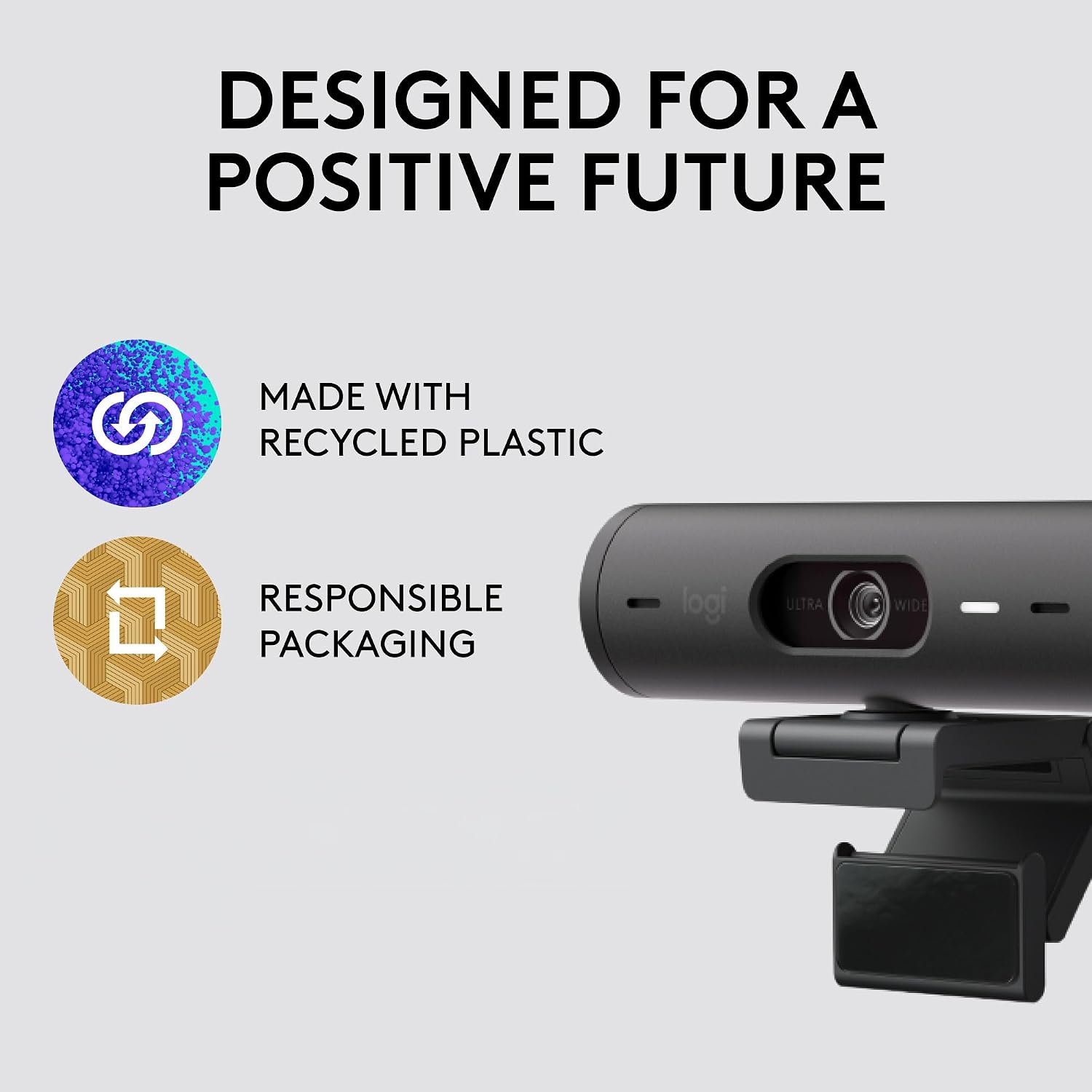
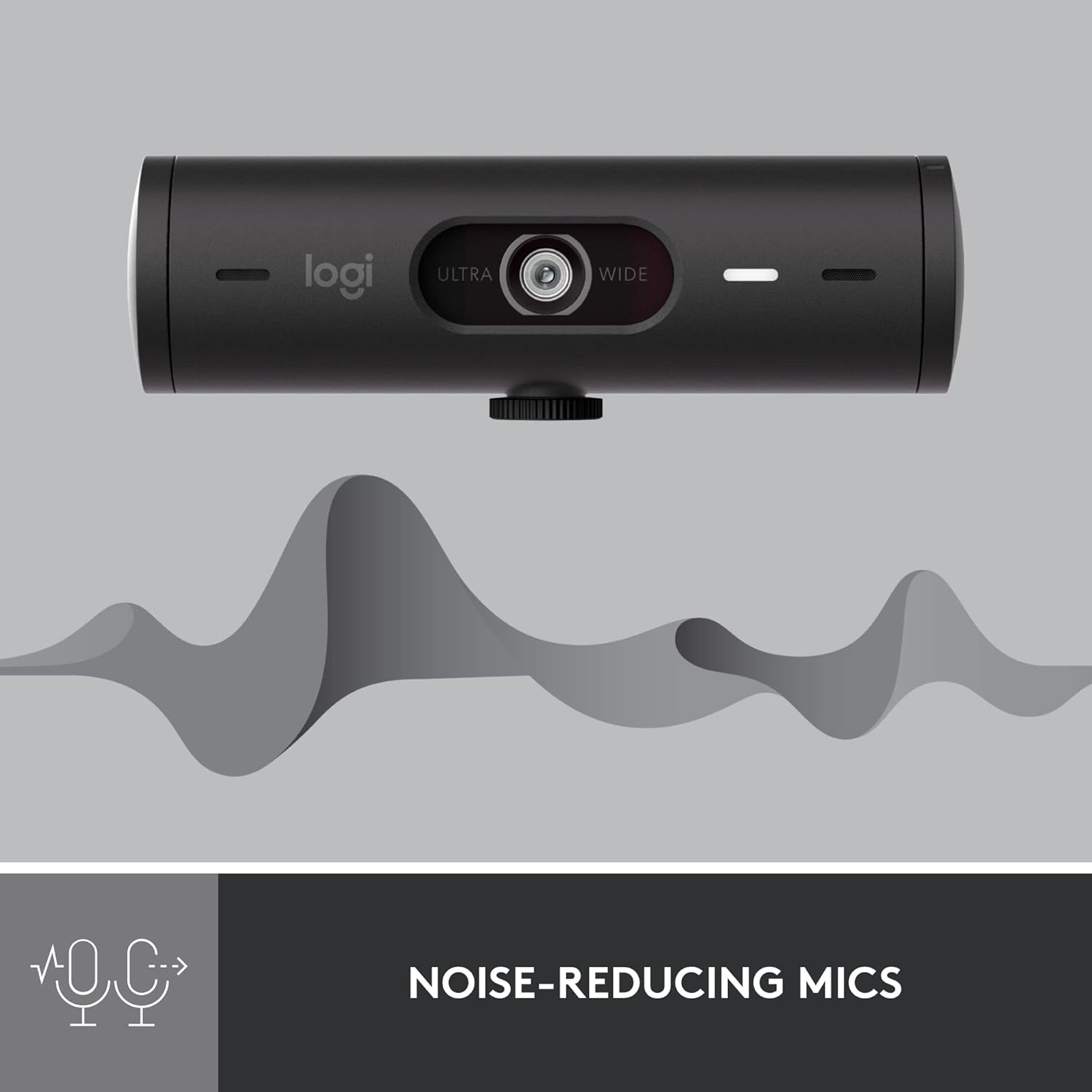
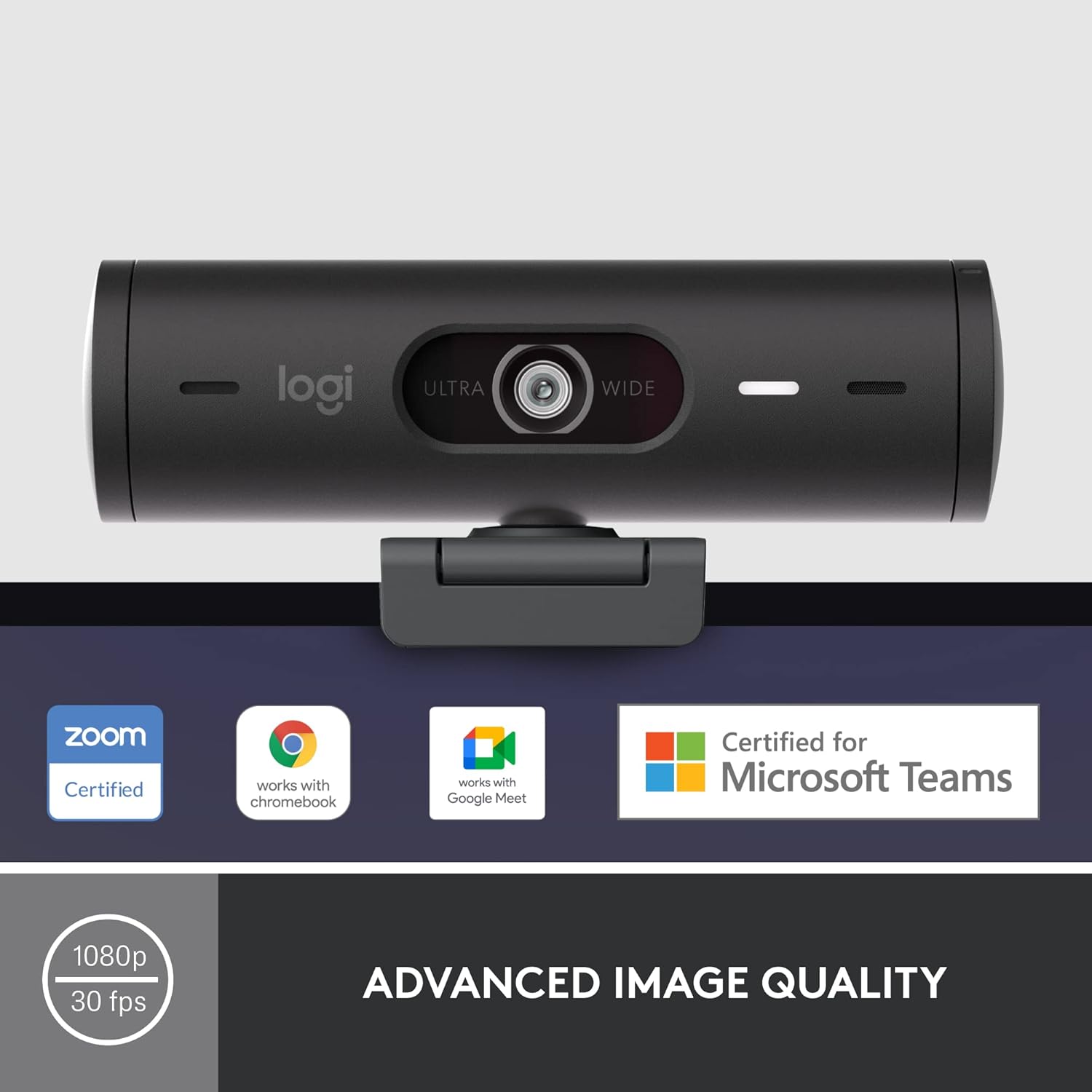
The Logitech Brio 500 is a well-balanced webcam that delivers reliable video quality for video conferencing, online classes, remote work, and content creation. It records in Full HD 1080p resolution and features Logitech's RightLight technology, which automatically adjusts brightness and color to improve image quality in different lighting conditions. The webcam also includes a built-in privacy shutter and Show Mode, allowing you to angle the camera downward when sharing documents or objects during meetings.


| Feature | Detail |
|---|---|
| Brand | Logitech |
| Photo Sensor | CMOS |
| Video Capture Resolution | 1080p |
| Maximum Focal Length | 3.8 millimeters |
| Model Number | 960-001514 |
| Camcorder Type | Webcam |
| Built-In Media | Webcam |
| Antenna Location | Camera,Webcam |
| Manufacturer | Logitech |
| Sensor Type | CMOS |
| Color | Black |
| Connectivity Technology | USB-C |
| Special Feature | Low Light |
| Water Resistance Level | Not Water Resistant |
| Image stabilization | False |
| Item Weight | 121 g |
| Style Name | Webcam |
| Item Dimensions D x W x H | 1.24"D x 4.33"W x 1.24"H |
| Operating System | Proprietary |
| Maximum Focal Length | 3.8 millimeters |
| Maximum Aperture | 2 f_stop |
| Lens Type | Zoom |
| Focus Type | Auto Focus |
| Flash Memory Type | SD |
| Flash Memory Speed Class | C4 |
| Flash Memory UHS Speed Class | C4 |
| Flash Memory Video Speed Class | V60 |
| Zoom | Digital |
- Pros:
- Sharp Full HD 1080p video quality
- Automatic light correction with RightLight technology
- Built-in privacy shutter
- Convenient Show Mode for desk sharing
- Easy plug-and-play setup
- Cons:
- Limited to 1080p resolution
- USB-C cable is permanently attached
Best For: Remote workers, students, professionals, and anyone looking for a dependable webcam for everyday video calls and online meetings.
Why We Recommend It: The Logitech Brio 500 combines reliable image quality, automatic lighting adjustment, and practical features in a user-friendly design. It offers an excellent balance of performance, ease of use, and overall value, making it one of the strongest choices for buyers looking for a quality webcam under $100.
2. Anker PowerConf C200 – Best 2K Webcam Under $100
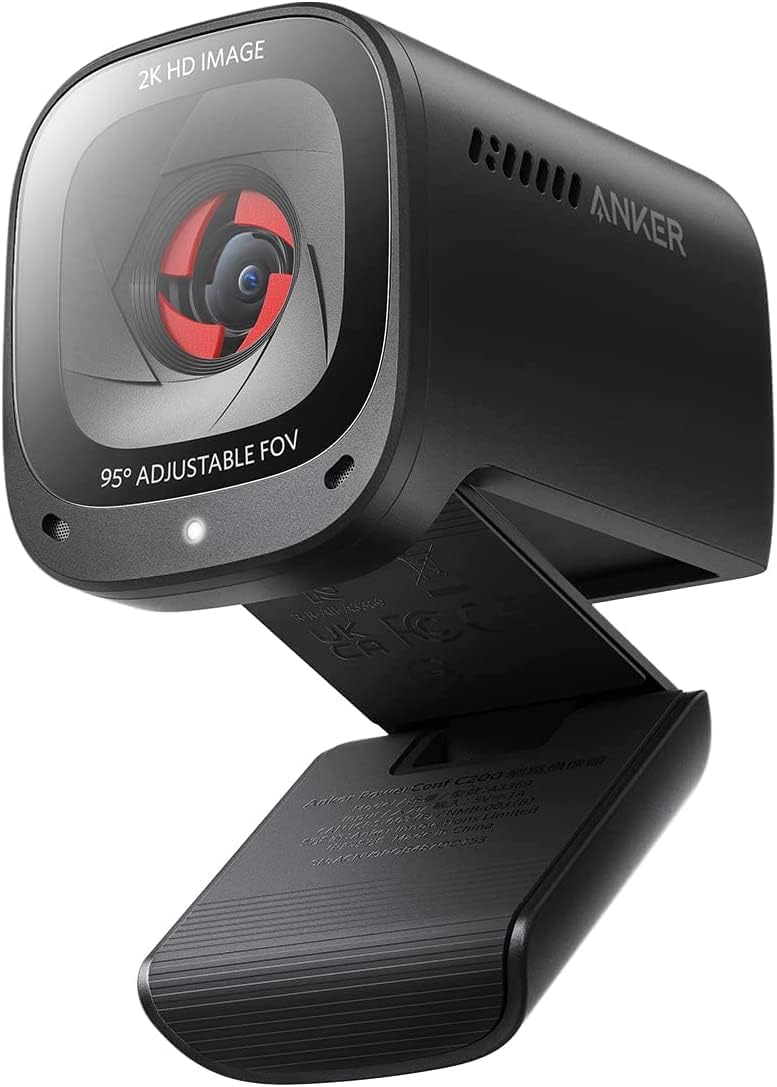
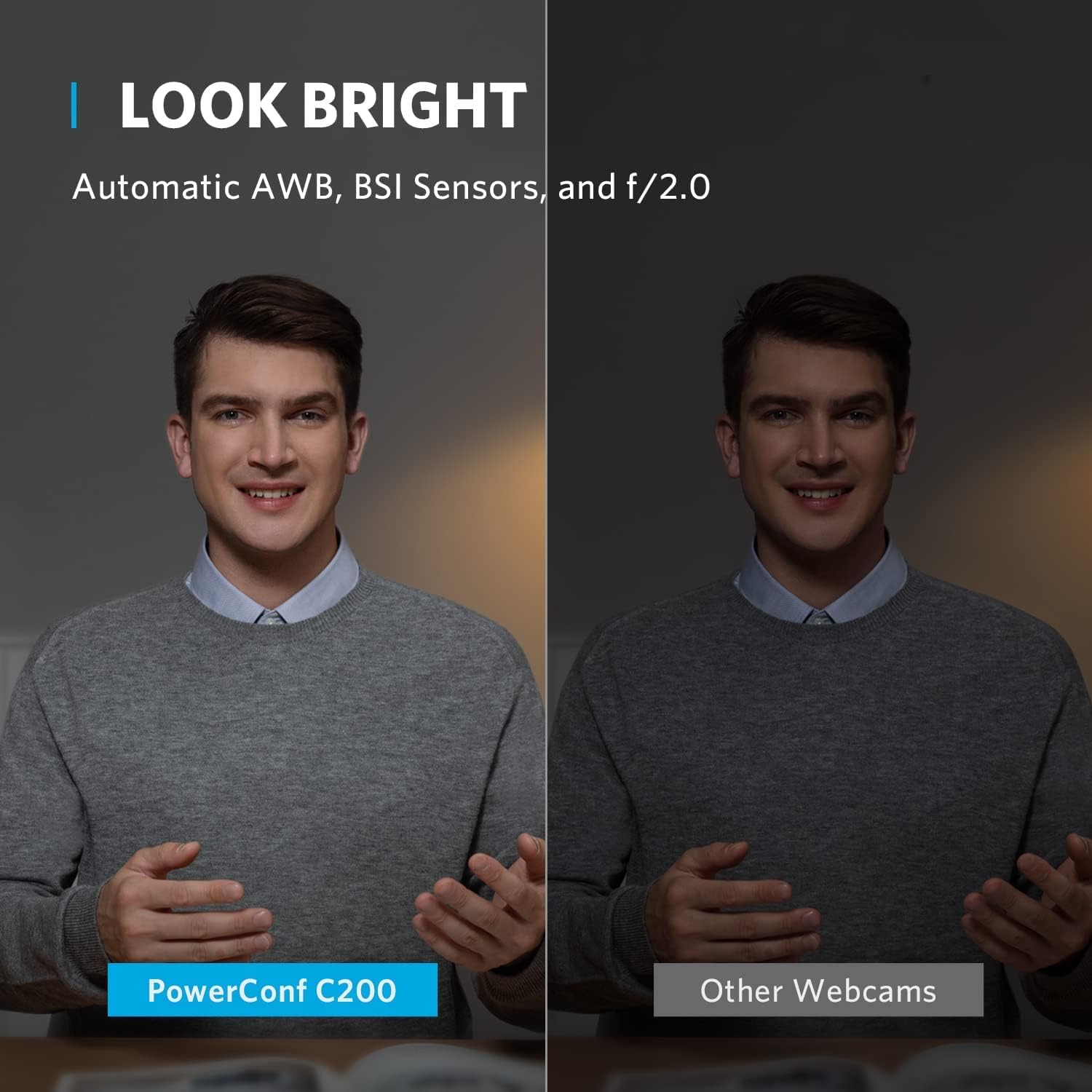
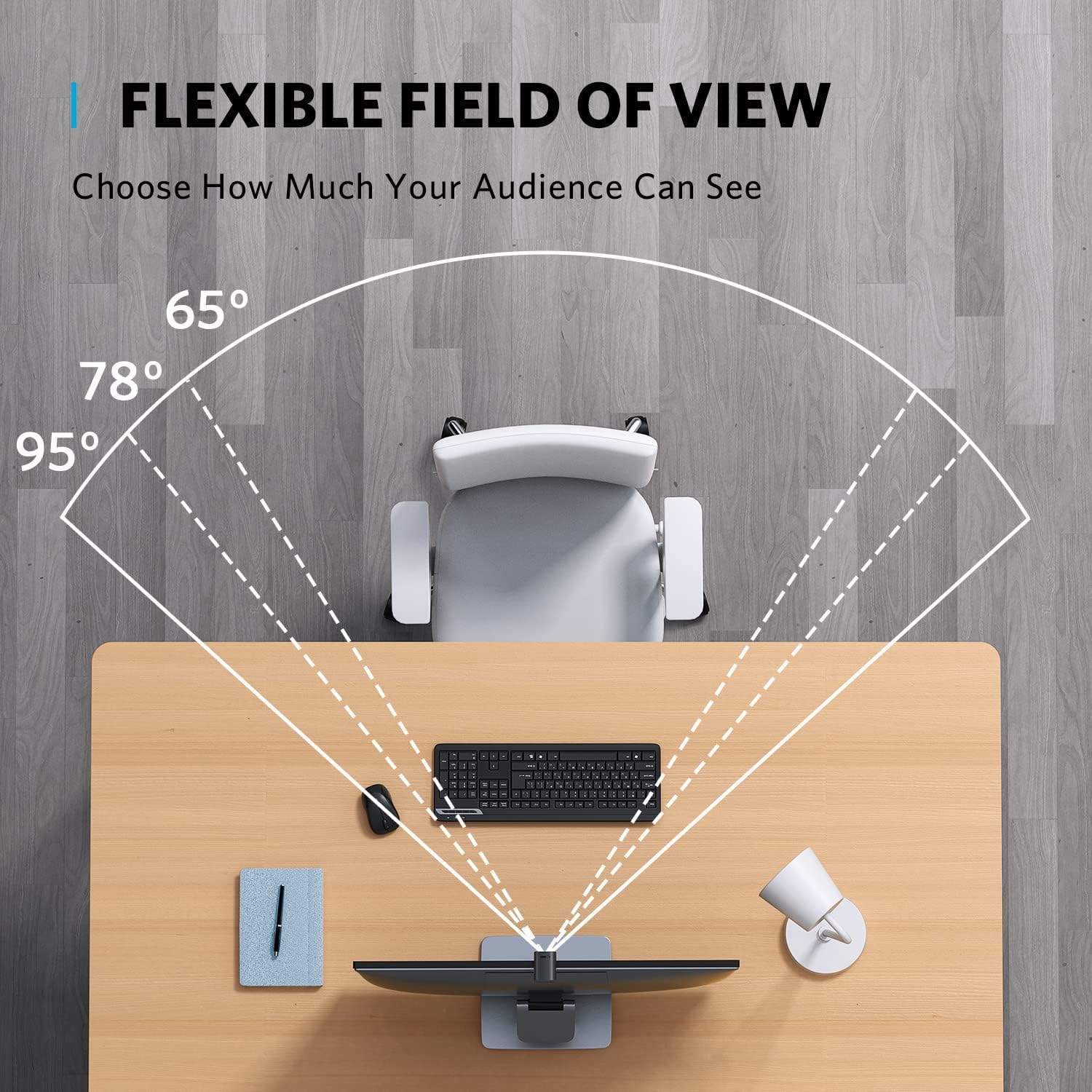
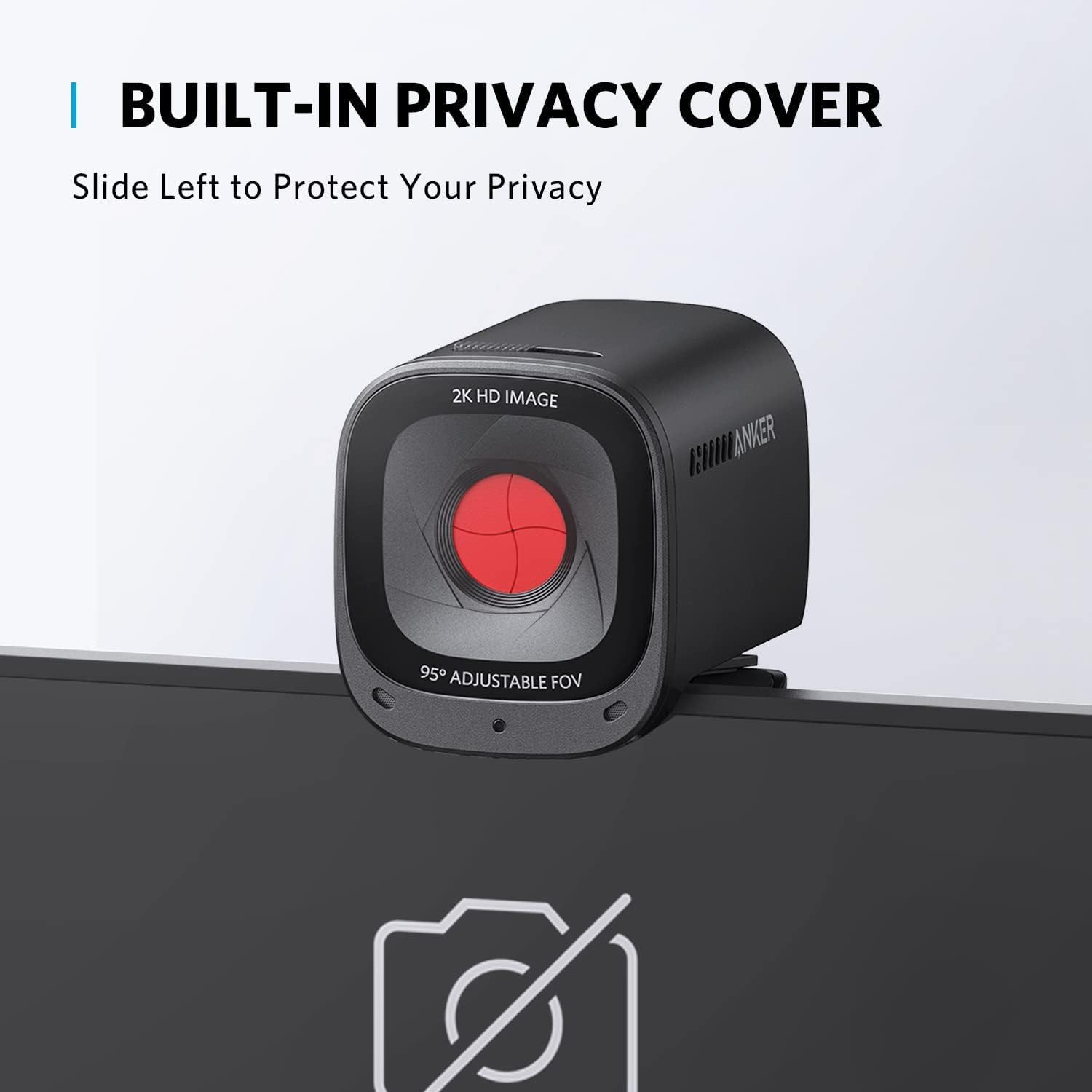
The Anker PowerConf C200 is a feature-rich webcam that offers 2K video resolution at an affordable price. It delivers clear image quality for video conferencing, online meetings, virtual classes, and content creation. The webcam also allows you to adjust the field of view to better suit individual calls or group meetings. Dual built-in microphones with AI-powered noise reduction help improve voice clarity by reducing background distractions, making it a practical choice for everyday communication.

| Feature | Detail |
|---|---|
| Brand | Anker |
| Photo Sensor Technology | CMOS |
| Video Capture Resolution | 2K |
| Maximum Focal Length | 30 millimeters |
| Model Number | A3369 |
| Camcorder Type | Webcam |
| Model Name | A3369 |
| Built-In Media | Anker PowerConf C200, USB-C Cable |
| Antenna Location | video conferencing, computer camera applications |
| Manufacturer | Anker |
| Sensor Type | CMOS |
| Connectivity Technology | USB |
| Color | Black |
| Special Feature | Low Light |
| Water Resistance Level | Not Water Resistant |
| Form Factor | Compact |
| Item Weight | 7.04 ounces |
| Style Name | 2K Webcam |
| Item Dimensions D x W x H | 1.97"D x 1.57"W x 2.17"H |
| Operating System | Windows 7 or later, macOS 10.11 or late |
| Maximum Focal Length | 30 millimeters |
| Maximum Aperture | 2 f_stop |
| Minimum Focal Length | 15 millimeters |
| Lens Type | Zoom |
| Focus Type | Auto Focus |
| Screen Size | 2.7 inches |
| Viewing Angle | 95 degrees |
| Display Resolution Maximum | 2K |
| Flash Memory Type | Micro SD |
| Supported Audio Format | MP3 |
| Compatible Devices | Laptop |
- Pros:
- Sharp 2K (1440p) video resolution
- Adjustable field of view options
- Dual microphones with AI noise reduction
- Compact and lightweight design
- Excellent value for the price
- Cons:
- Plastic construction may not feel as premium as higher-end models
- 2K recording is limited to 30fps
Best For: Remote workers, professionals, students, and content creators looking for an affordable 2K webcam with clear video quality and flexible viewing options.
Why We Recommend It: The Anker PowerConf C200 offers an impressive combination of 2K resolution, adjustable viewing angles, and reliable microphone performance at a competitive price. It provides excellent value for users who want better video quality than a standard Full HD webcam without exceeding a $100 budget.
3. Razer Kiyo – Best Webcam for Streaming and Low-Light Use
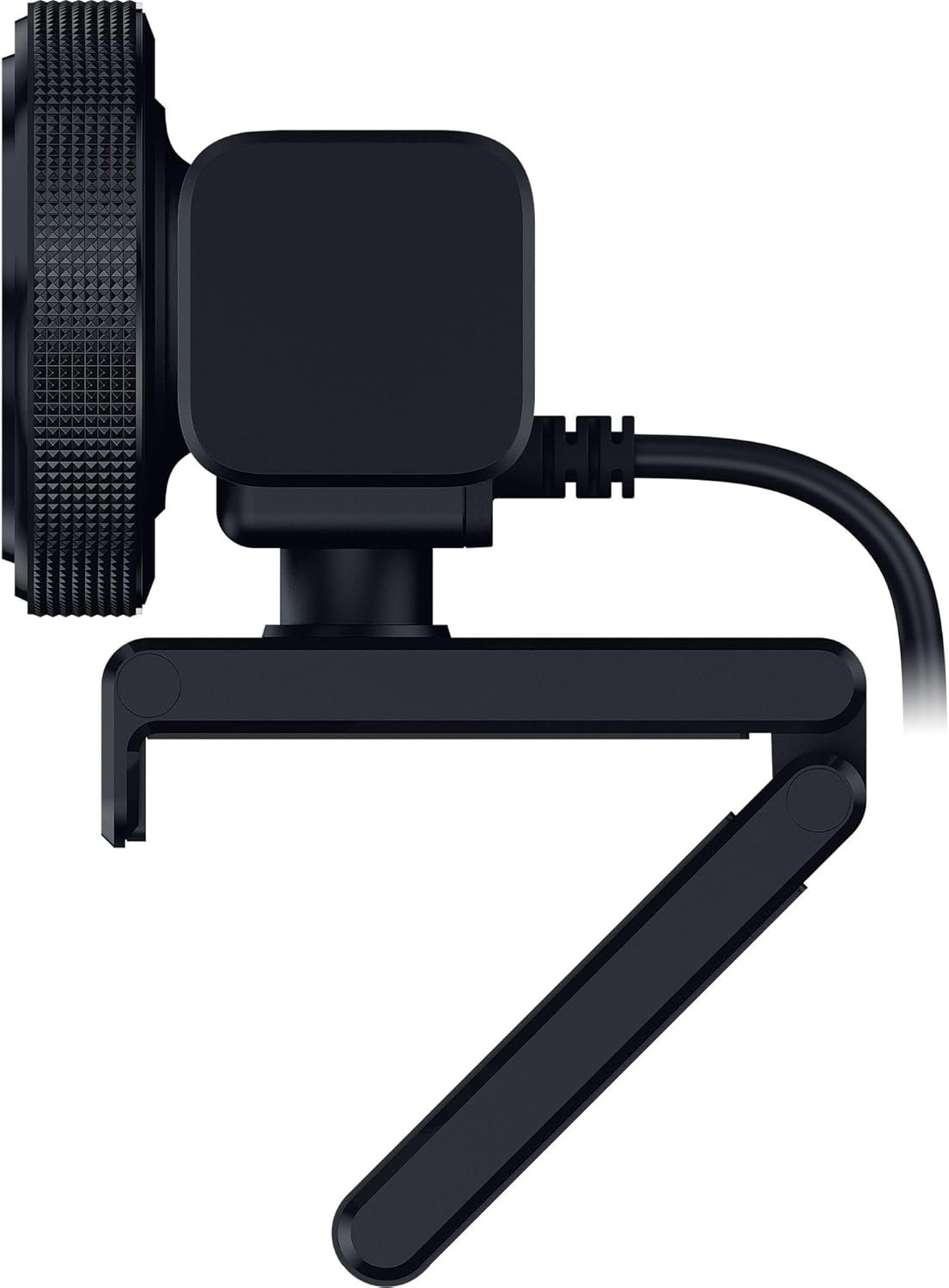
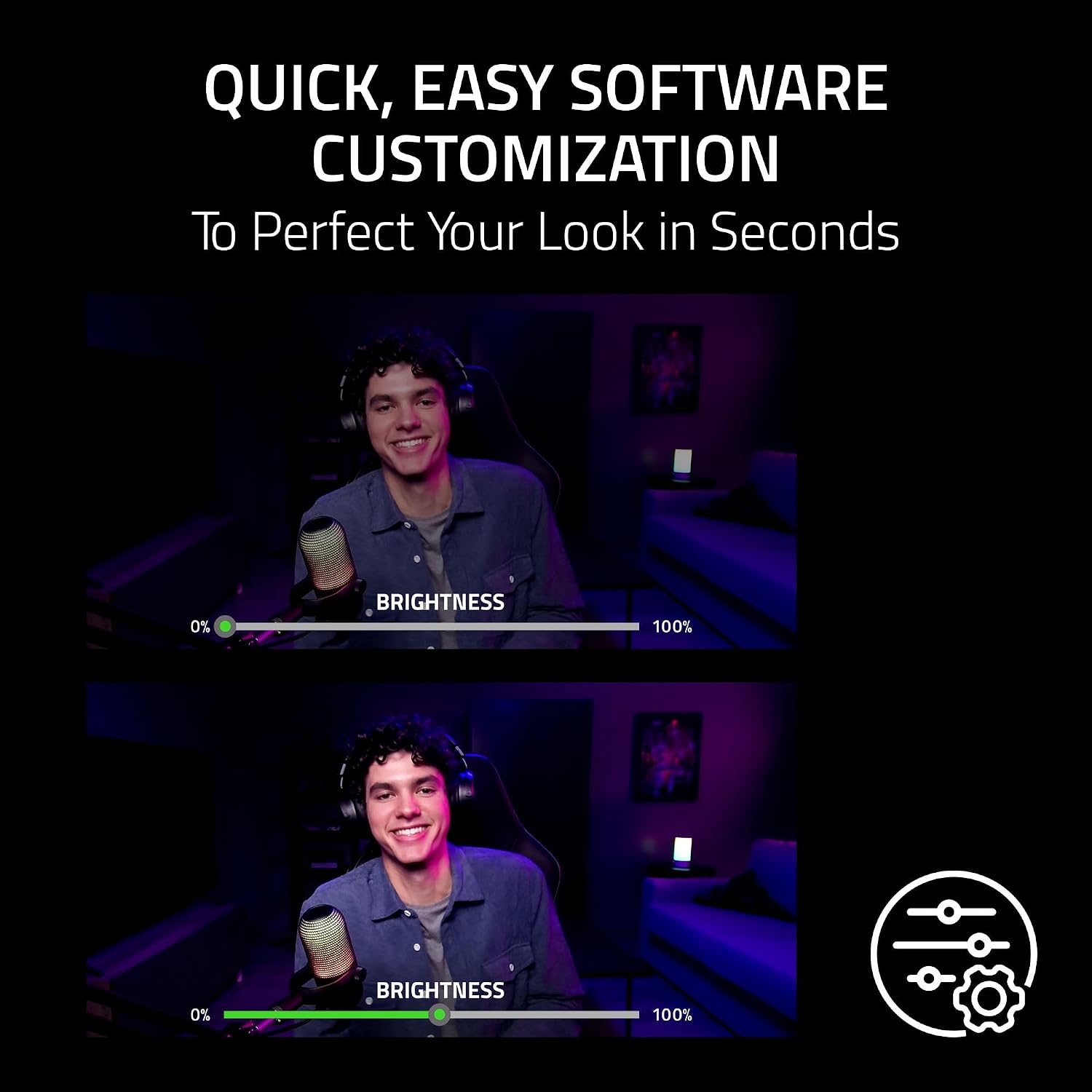
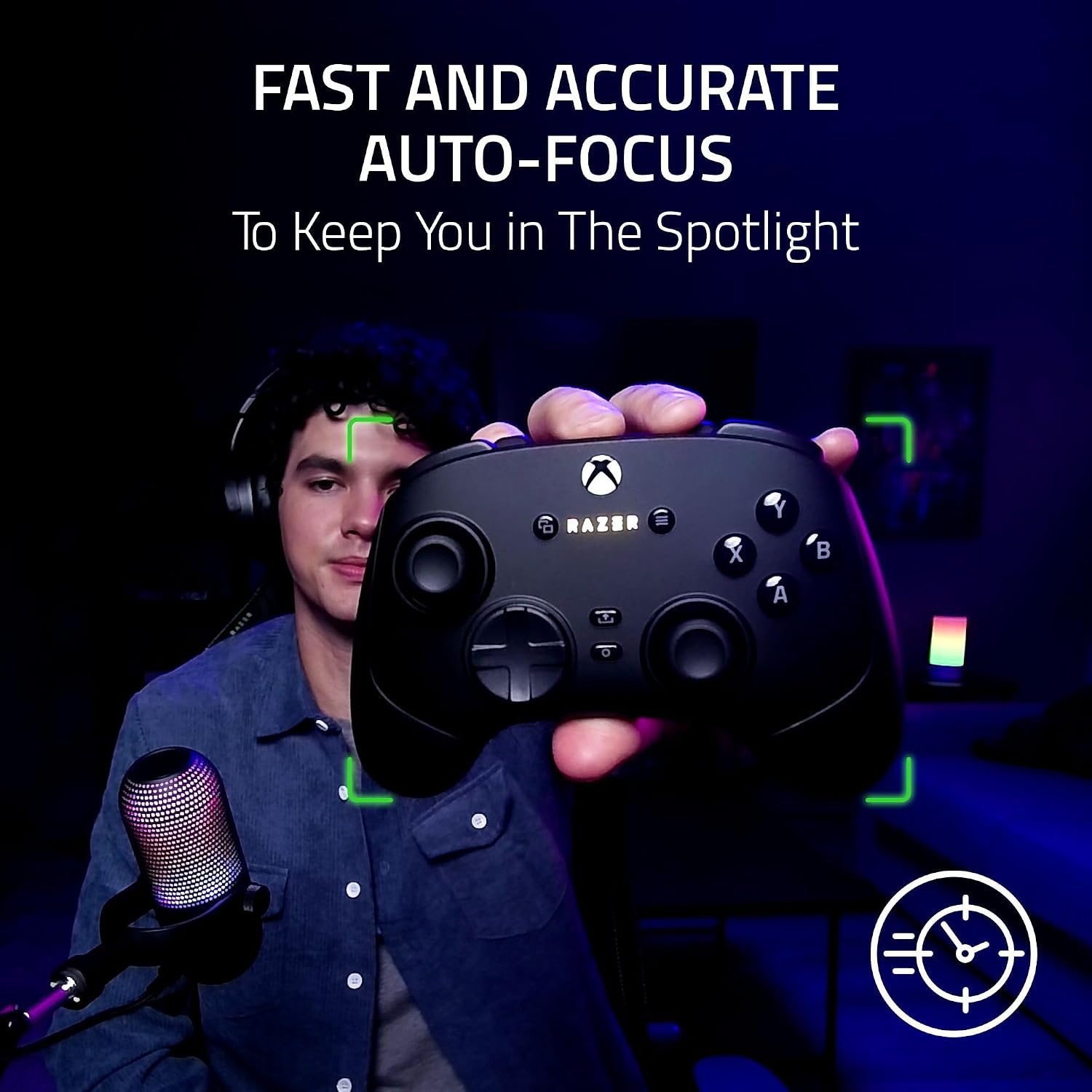
The Razer Kiyo is a popular webcam for users who frequently stream, create content, or attend video meetings in rooms with limited lighting. Its built-in adjustable ring light helps improve visibility without requiring an external lighting setup, making it easier to achieve a brighter and more balanced image. The webcam supports Full HD 1080p video at 30fps or HD 720p at 60fps, offering flexibility for both video calls and live streaming. It also works with many popular video conferencing and streaming applications through a simple plug-and-play connection.
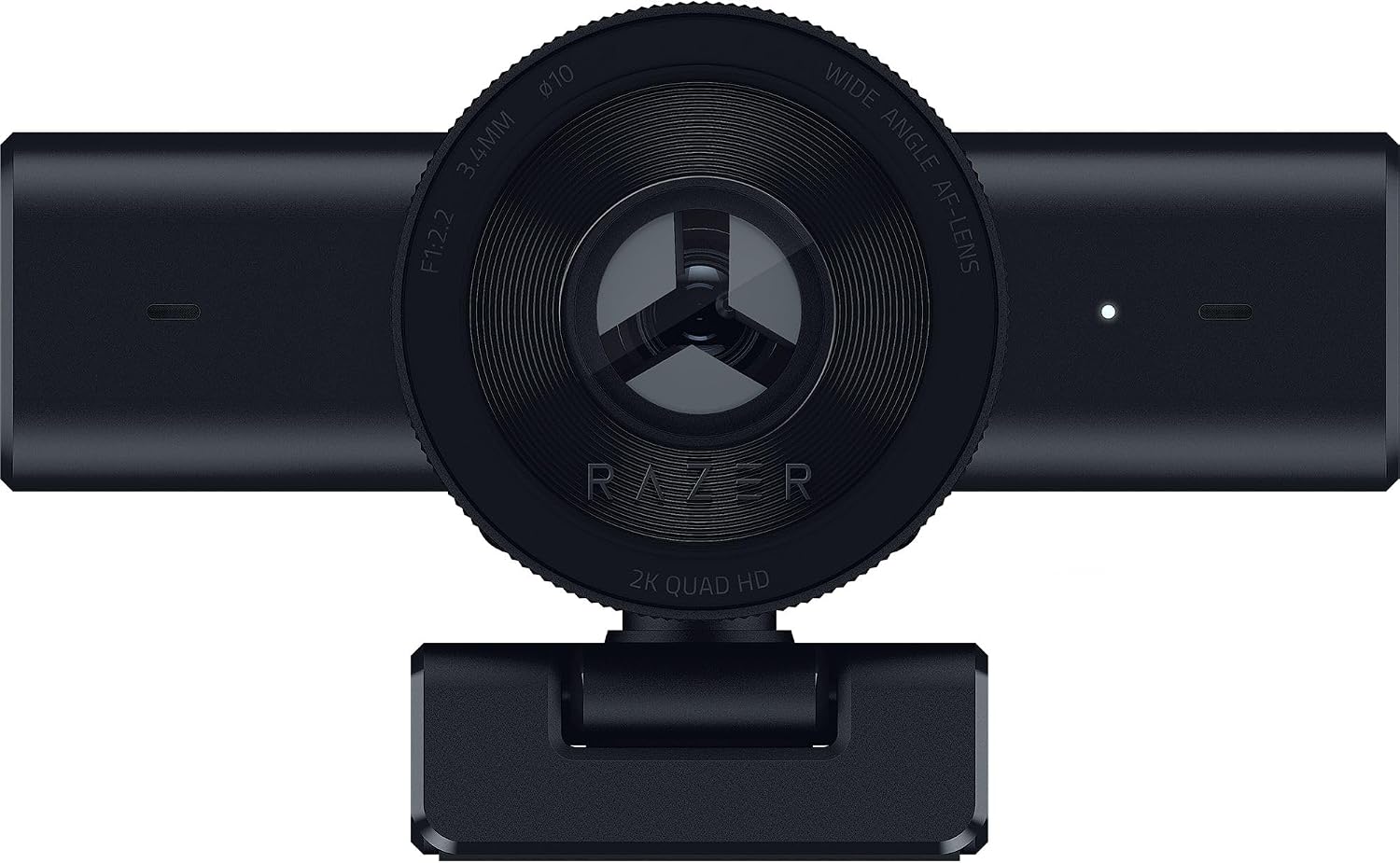
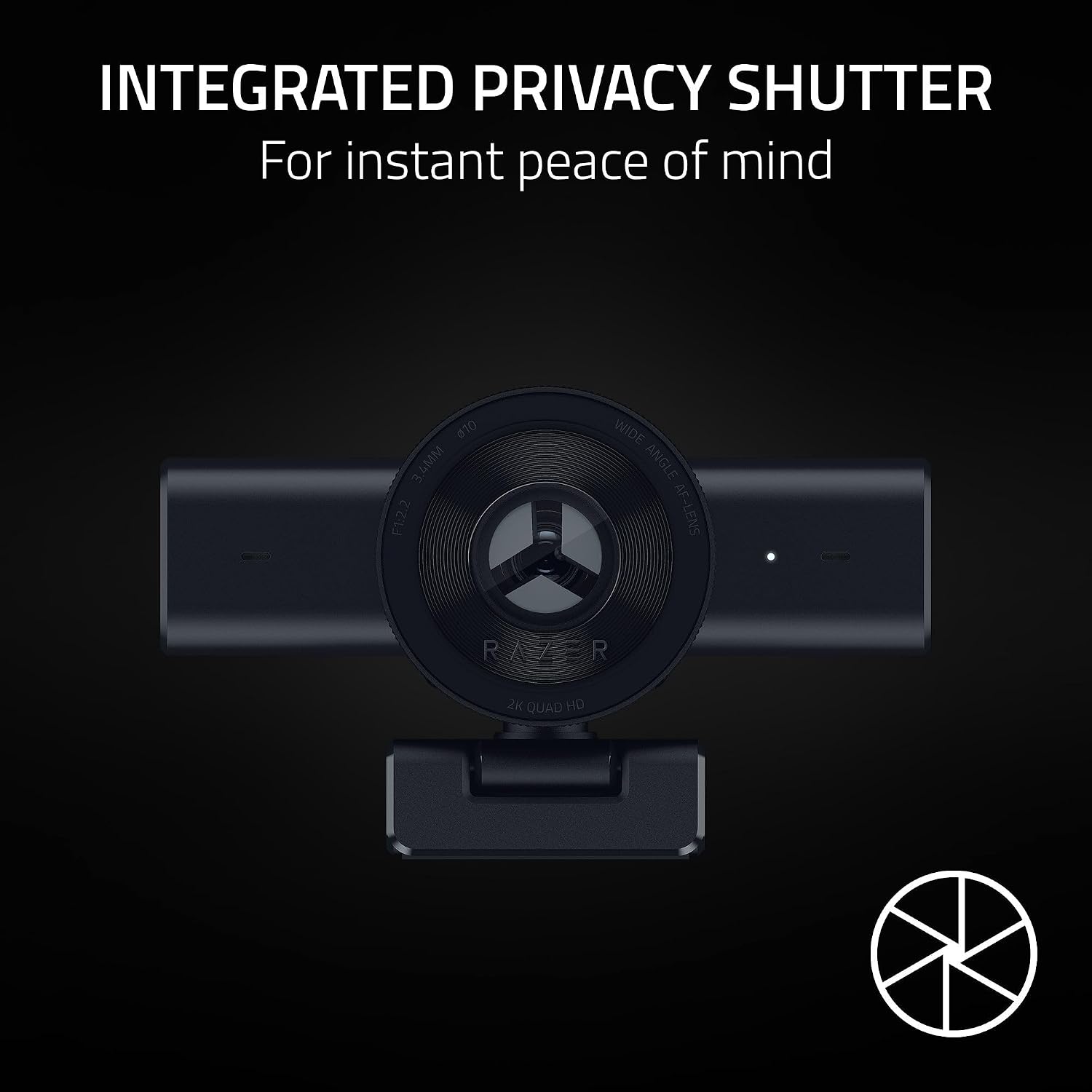
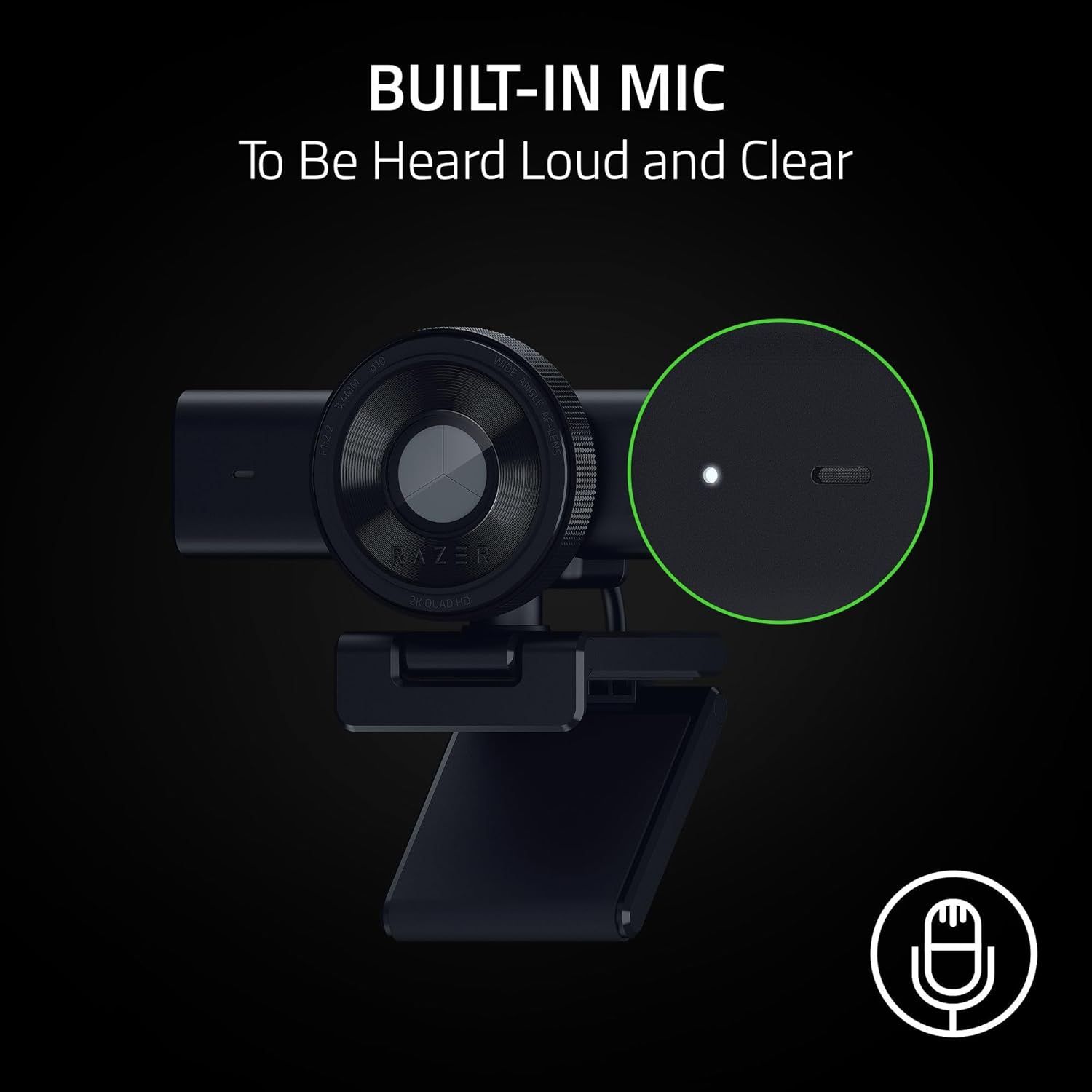
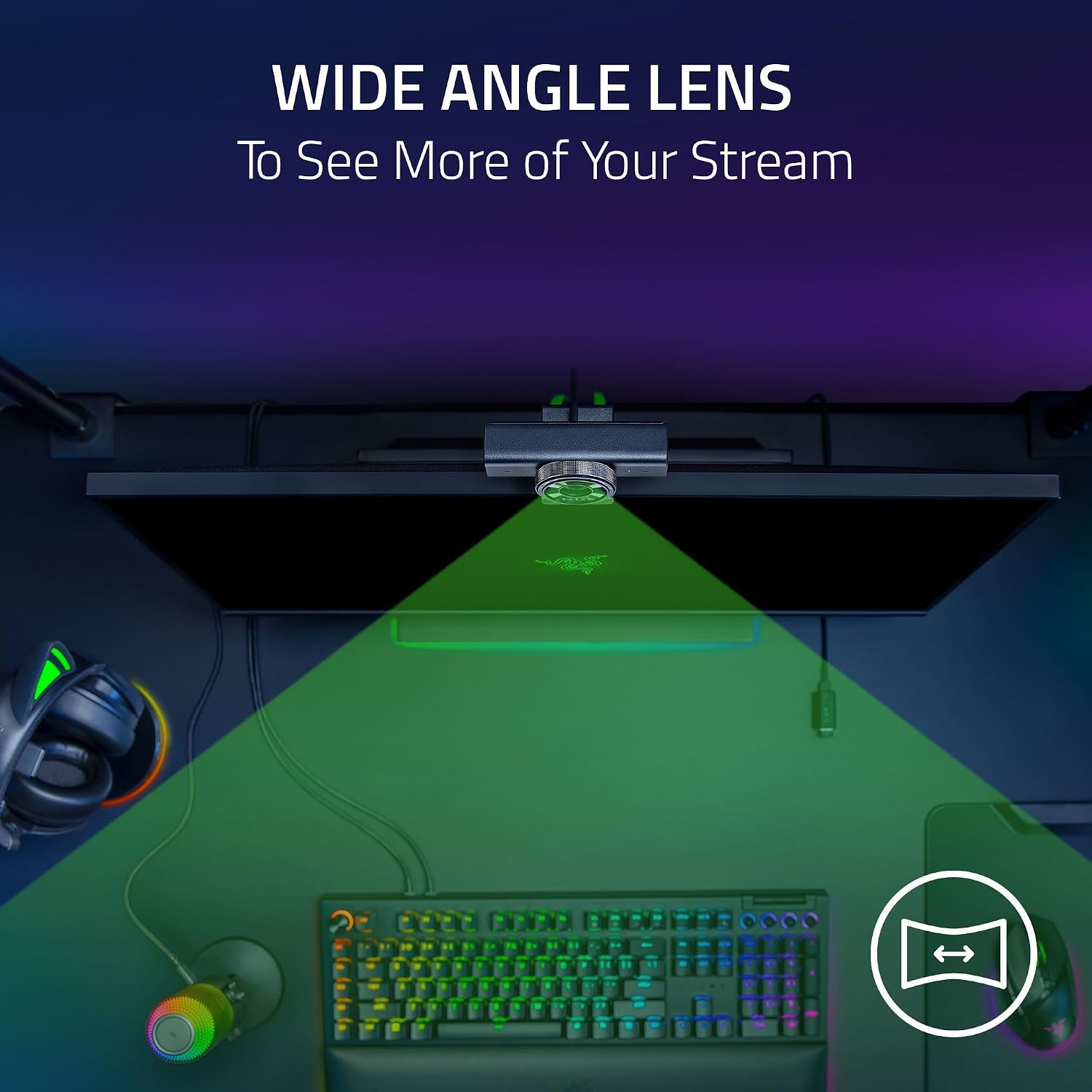
| Feature | Detail |
|---|---|
| Brand | Razer |
| Photo Sensor Technology | Other |
| Video Capture Resolution | 1440p |
| Maximum Focal Length | 3 millimeters |
| Model Number | RZ19-05380100-R3U1 |
| Camcorder Type | Webcam |
| Model Name | Kiyo V2 X |
| Built-In Media | Product Information Guide, Razer Kiyo V2 X |
| Antenna Location | Gaming, Streaming, Video Calls |
| Manufacturer | Razer |
| Warranty Description | 1 Year Manufacturer |
| Connectivity Technology | USB |
| Color | Black |
| Special Feature | Auto Focus, Built-In Mic, Integrated Privacy Shutter, QHD 1440p Video at 60 FPS, Wide-Angle Lens |
| Water Resistance Level | Not Water Resistant |
| Form Factor | Compact |
| Item Weight | 9.76 ounces |
| Style Name | Compact, Black |
| Item Dimensions D x W x H | 2.36"D x 4.29"W x 2.25"H |
| Maximum Focal Length | 3 millimeters |
| Minimum Focal Length | 20 millimeters |
| Lens Type | Wide Angle |
| Focus Type | Auto Focus, Manual Focus |
| Video Resolution | 1440p |
| Video Capture Format | MP4 |
| Effective Still Resolution | 3.7 mp |
| Shooting Modes | Action, Automatic, Custom |
| Image Aspect Ratio | 16:9 |
| Supported Image Format | JPEG |
| File Format | MP4 |
| Effective Video Resolution | 1440 pixels |
| Compatible Devices | Windows 10 64-bit (or higher) Desktop and Laptops, macOS 14 (or higher) Desktop and Laptops |
- Pros:
- Built-in adjustable ring light
- Supports 1080p at 30fps or 720p at 60fps
- Easy plug-and-play installation
- Stable monitor mount
- Suitable for streaming and video calls
- Cons:
- 1080p recording is limited to 30fps
- The ring light may become warm during extended use
Best For: Streamers, content creators, students, and remote workers who frequently work or communicate in low-light environments.
Why We Recommend It: The Razer Kiyo combines dependable video quality with a built-in adjustable ring light, reducing the need for additional lighting accessories. Its straightforward setup and versatile performance make it a practical choice for users who want a reliable webcam for streaming, online meetings, and content creation while staying within a $100 budget.
4. Microsoft Modern Webcam – Best for Microsoft Teams and Business Meetings
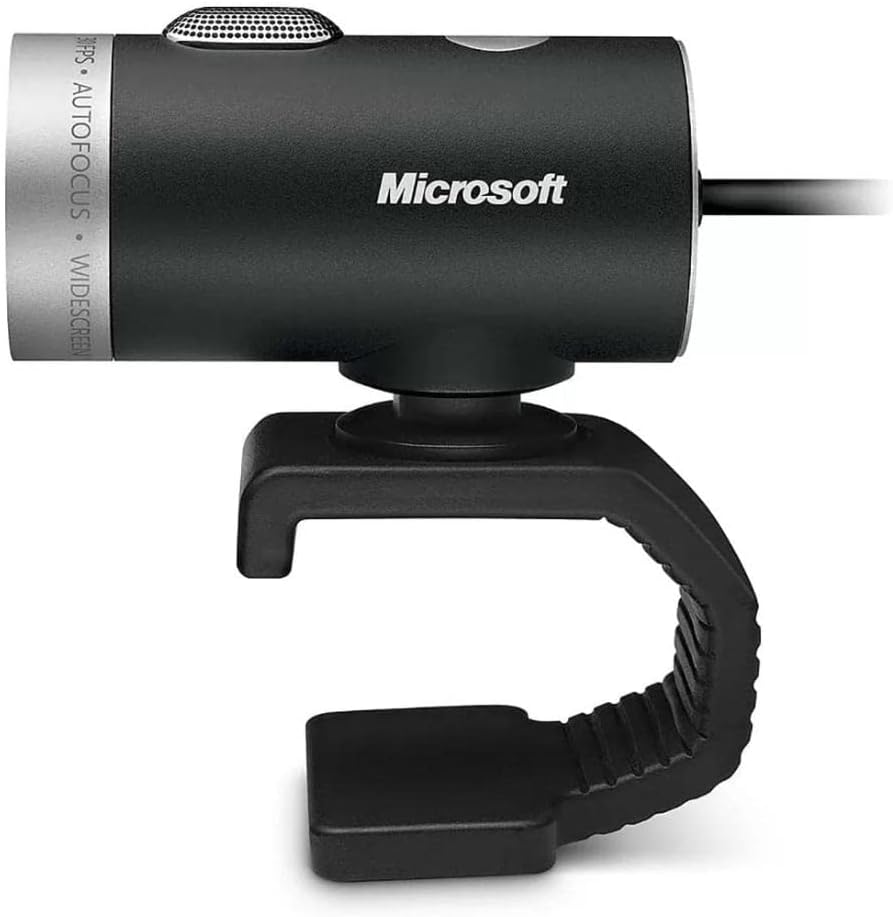
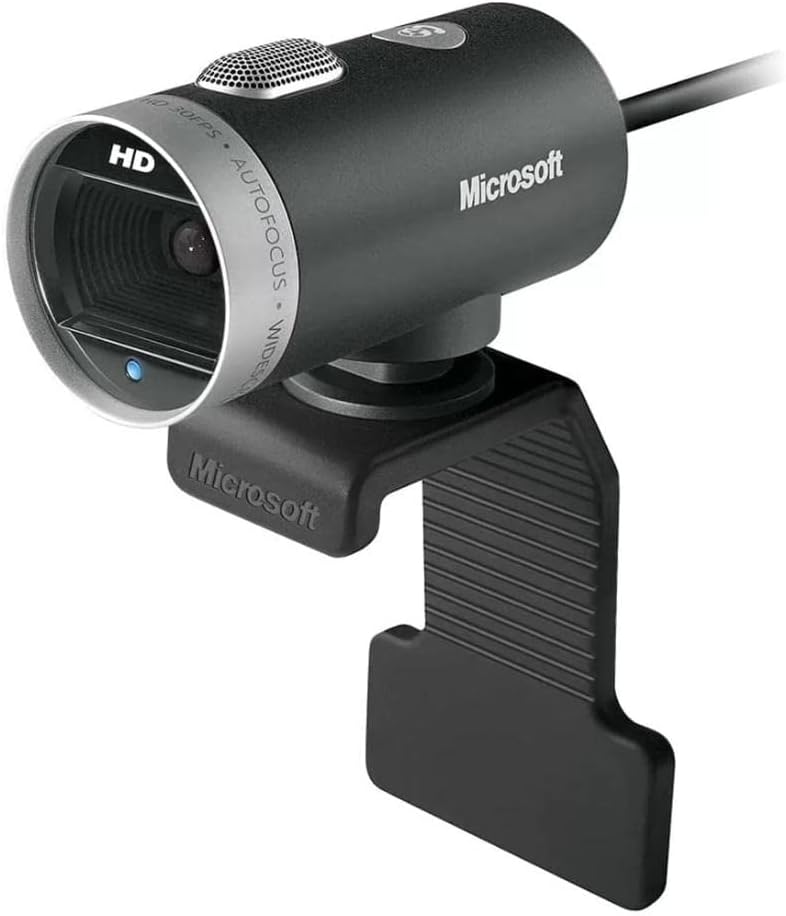
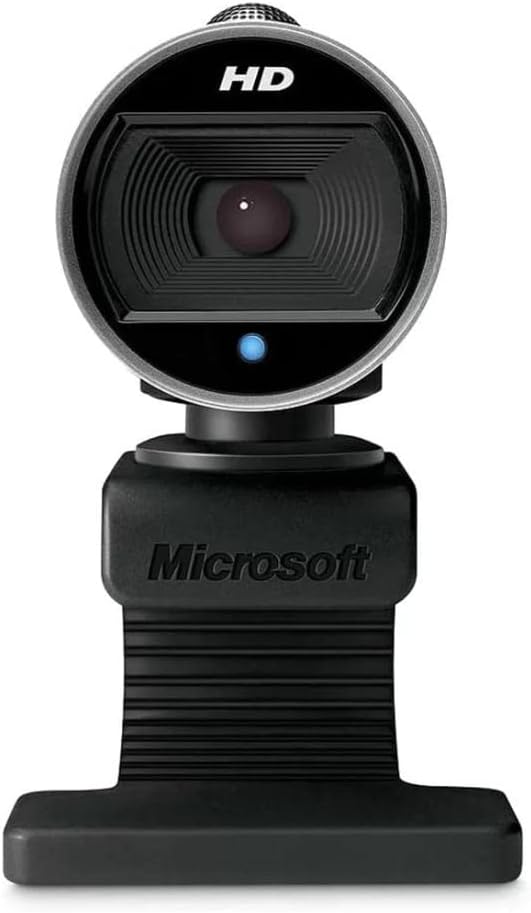
The Microsoft Modern Webcam is designed for professionals who need a dependable webcam for video conferencing and remote collaboration. It captures Full HD 1080p video with HDR support, helping deliver balanced image quality in a variety of lighting conditions. A built-in privacy shutter provides added security when the camera is not in use, while its compact design fits neatly on most monitors and laptops. The webcam is also optimized for Microsoft Teams, making it a practical option for business users and everyday office communication.
| Feature | Detail |
|---|---|
| Brand | Microsoft |
| Photo Sensor Technology | CMOS |
| Video Capture Resolution | 720p |
| Maximum Focal Length | 3.7 millimeters |
| Model Number | H5D-00013 |
| Camcorder Type | Video Camera |
| Model Name | H5D-00013 |
| Built-In Media | Carrying Case, USB Cable, User Manual |
| Antenna Location | video calling, conferencing, and streaming |
| Manufacturer | Microsoft Input |
| Warranty Description | 3-year limited hardware warranty |
| Sensor Type | CMOS |
| Connectivity Technology | USB |
| Color | Black |
| Special Feature | Low Light |
| Water Resistance Level | Not Water Resistant |
| Image stabilization | Digital |
| Form Factor | Compact |
| Item Weight | 3.36 ounces |
| Battery Average Life | 5 years |
| Style Name | sleek |
| Item Dimensions D x W x H | 2.2"D x 1.81"W x 1.58"H |
| Number of Batteries | 1 Lithium Ion batteries required. |
| Operating System | Microsoft Windows (10, 8.1, 8, 7) |
| Maximum Focal Length | 3.7 millimeters |
| Maximum Aperture | 1 f_stop |
| Minimum Focal Length | 1.6 |
| Lens Type | Prime |
| Minimum Aperture | 1 millimeters |
| Focus Type | Auto Focus |
| Screen Size | 3 inches |
| Viewing Angle | 360 degrees |
| Display Resolution Maximum | HD |
| Flash Memory Type | Memory Stick |
| Flash Memory Speed Class | C10 |
| Flash Memory UHS Speed Class | No flash memory card slot |
| Flash Memory Video Speed Class | V60 |
| Compatible Devices | Personal Computer |
| EU Spare Part Availability Duration | 3 years |
- Pros:
- Full HD 1080p video with HDR support
- Built-in physical privacy shutter
- Compact and lightweight design
- Optimized for Microsoft Teams
- Simple plug-and-play installation
- Cons:
- Fixed field of view
- Built-in microphones are suitable for basic voice calls but may not replace a dedicated microphone
Best For: Business professionals, remote workers, Microsoft Teams users, and anyone looking for a reliable webcam for everyday video meetings.
Why We Recommend It: The Microsoft Modern Webcam delivers dependable video quality, a compact design, and useful privacy features in an affordable package. Its seamless compatibility with Microsoft Teams and straightforward setup make it an excellent choice for professional video conferencing without exceeding a $100 budget.
5. NexiGo N930P – Best Webcam for Online Teaching and Presentations
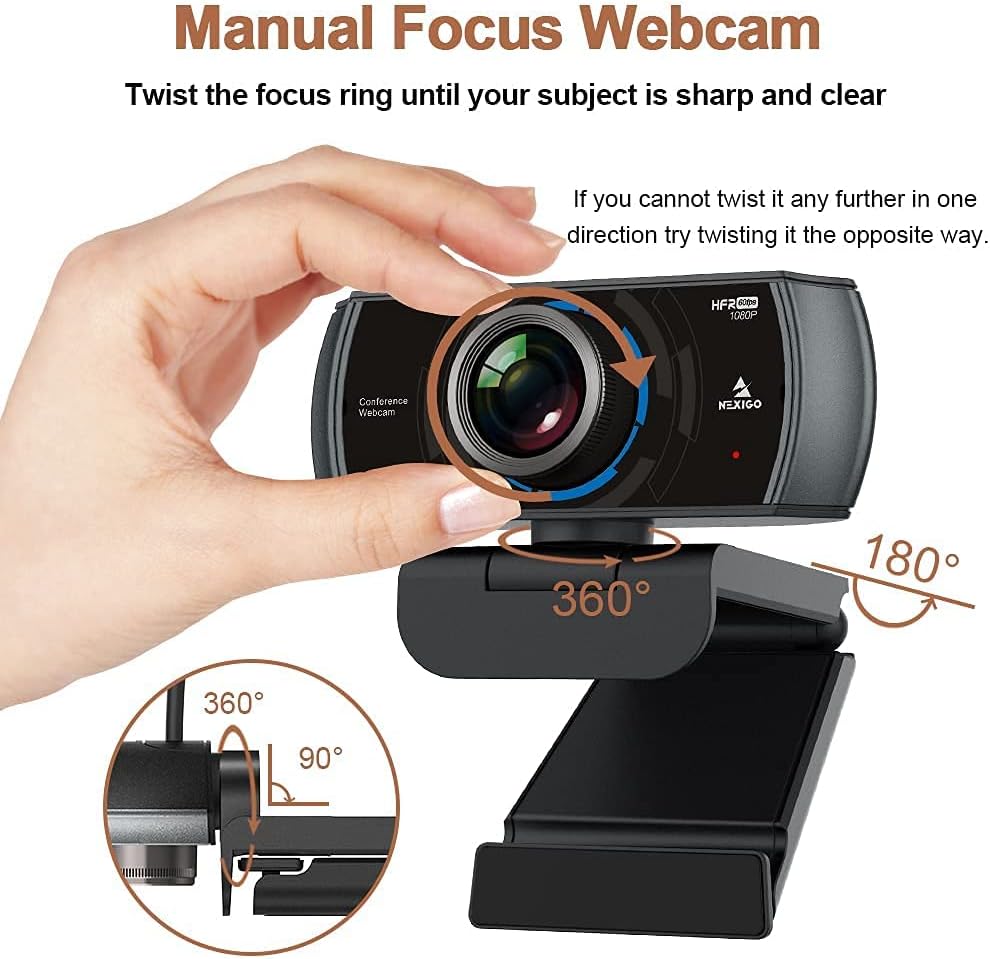
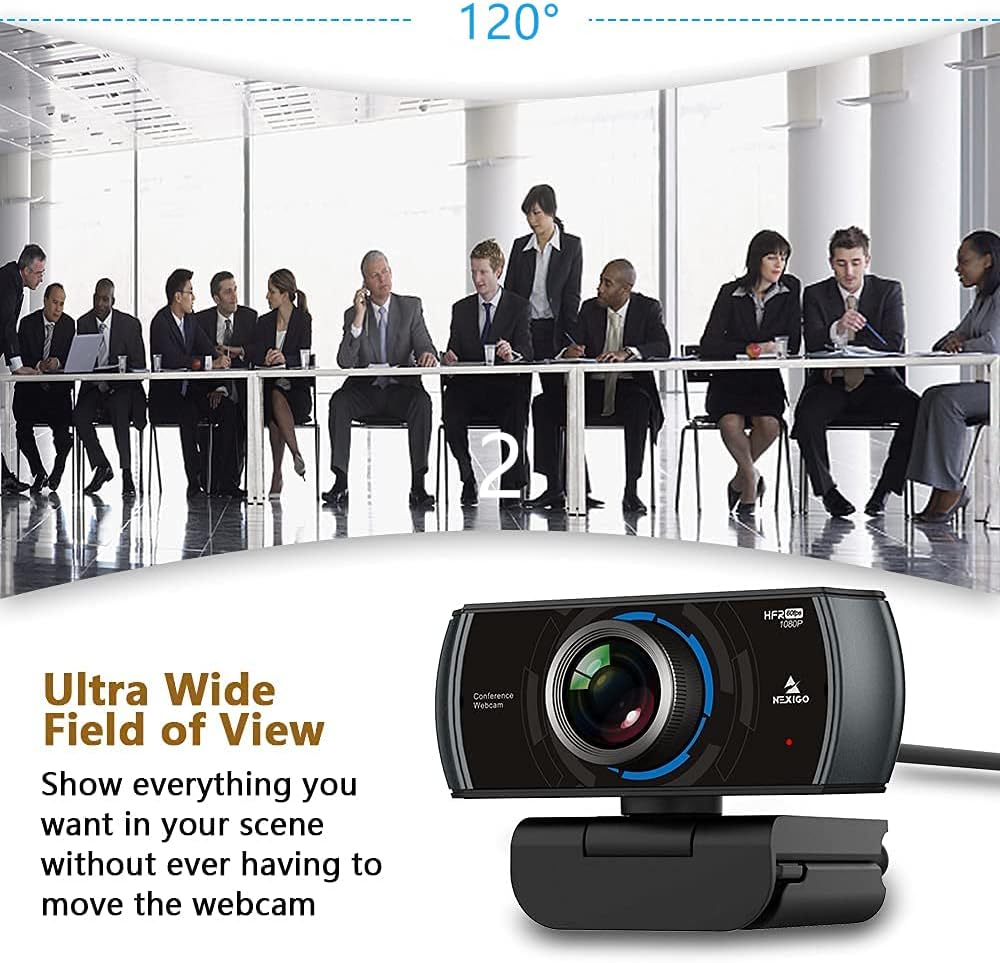
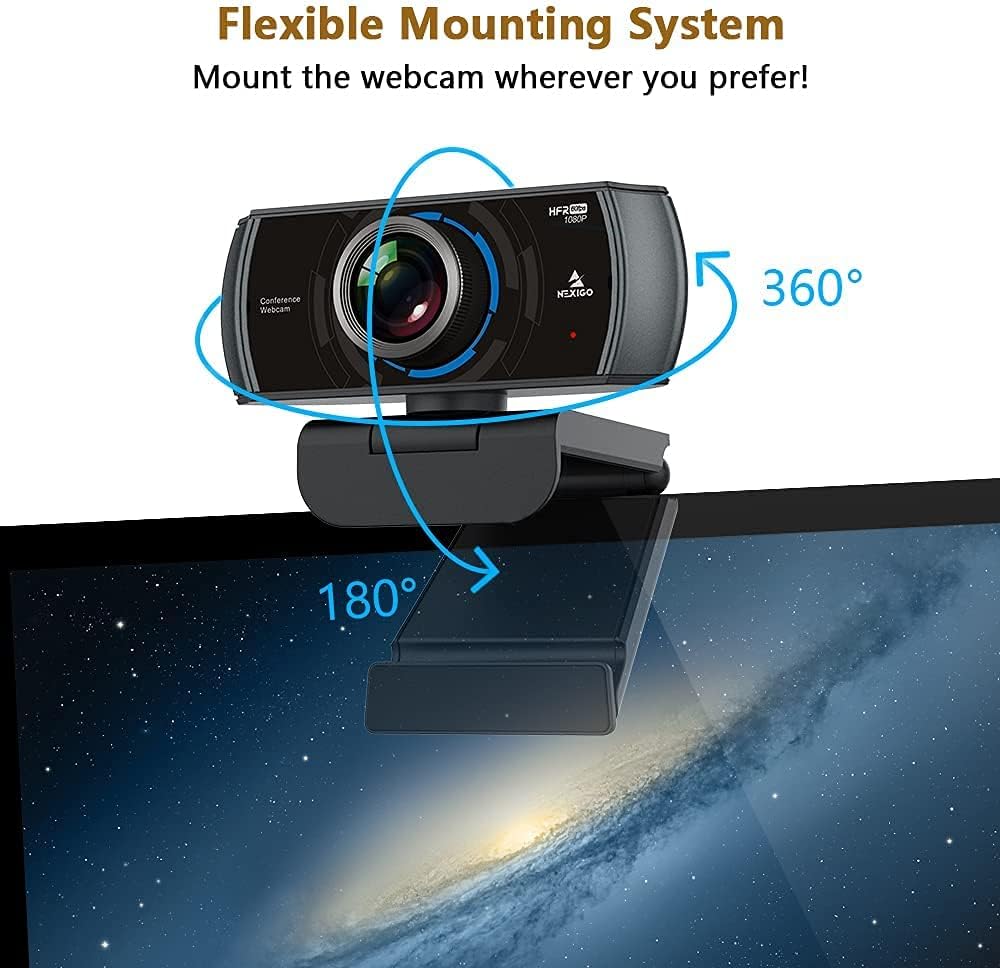
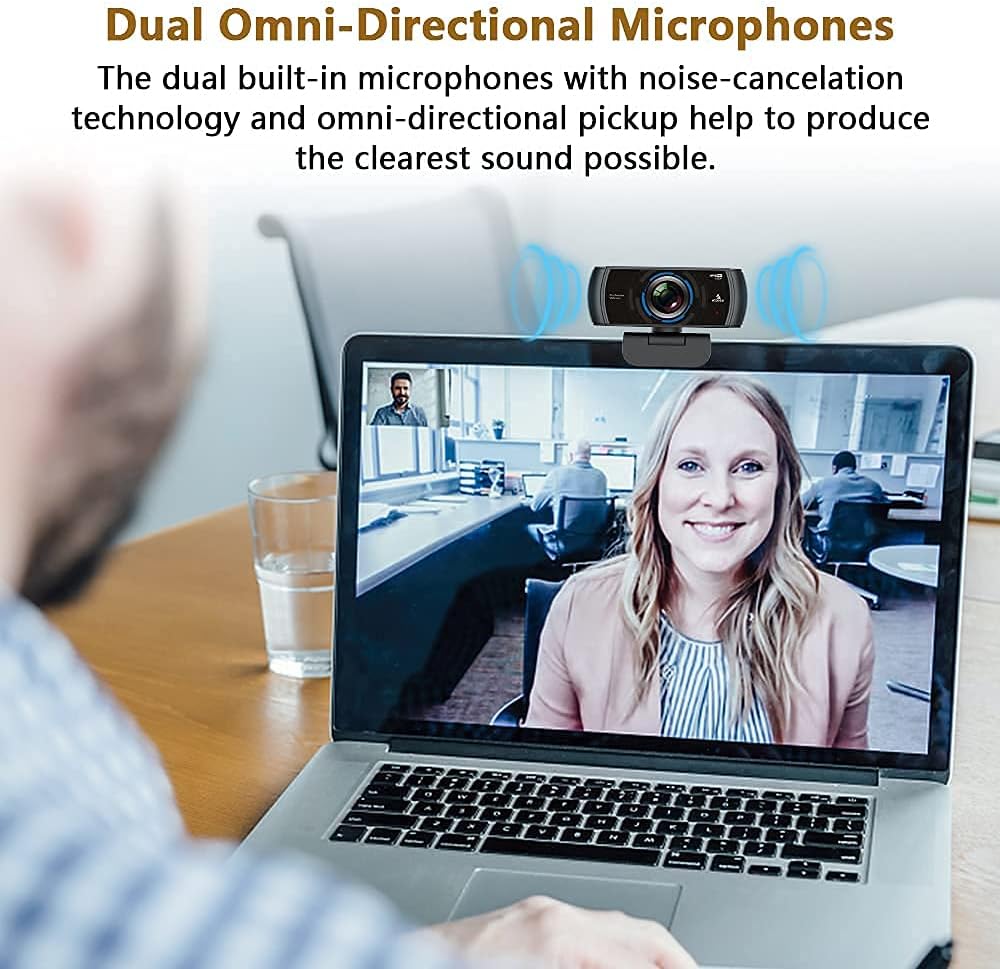
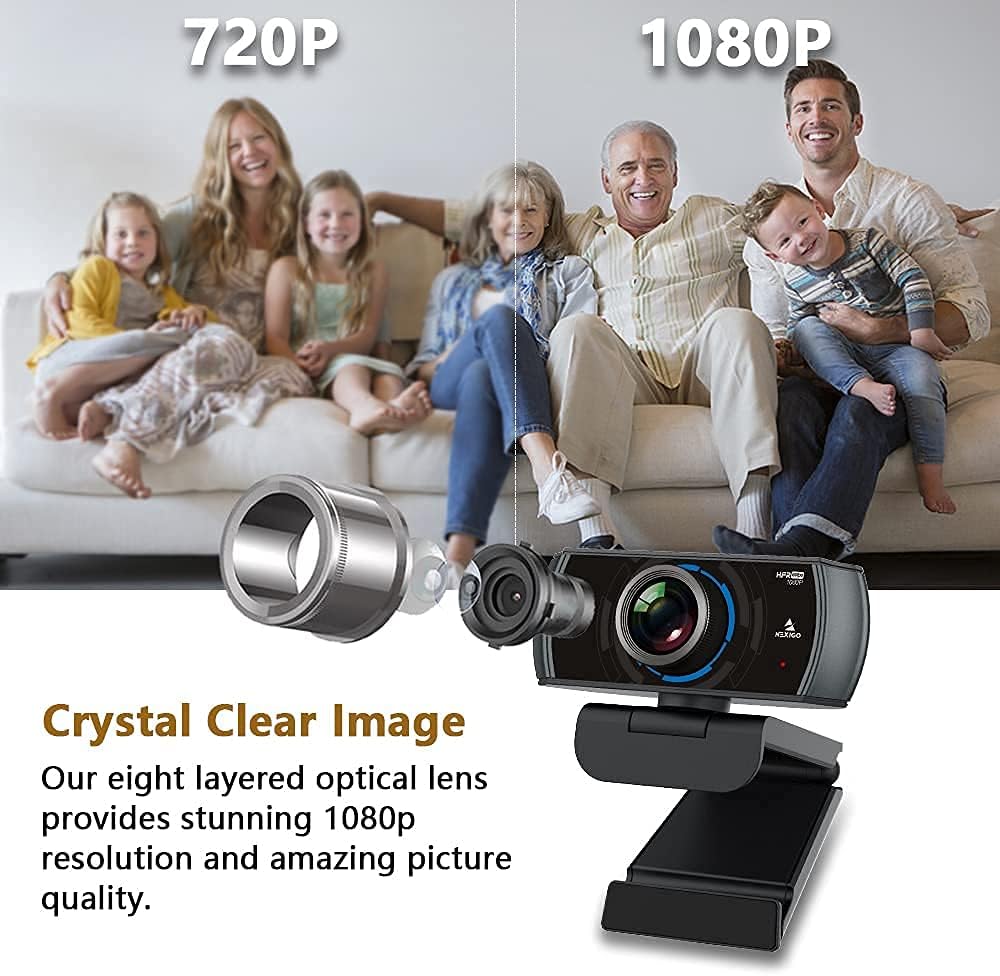
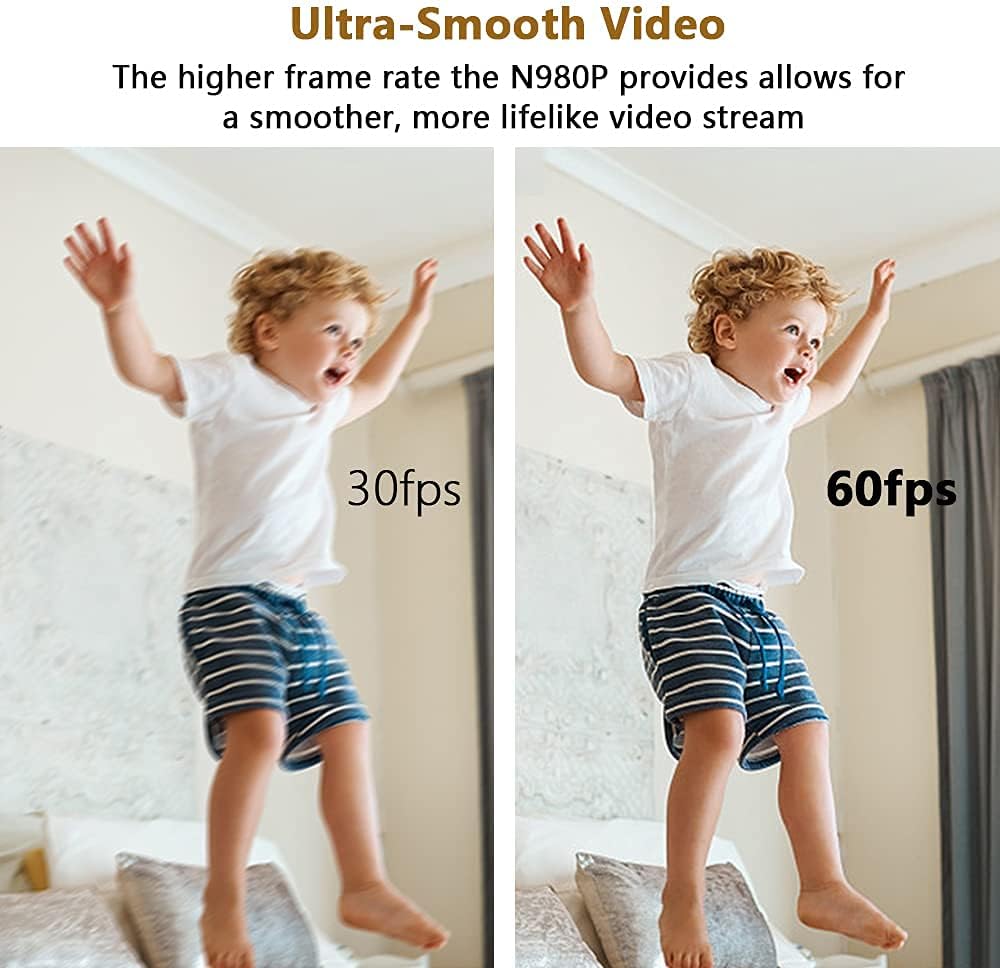
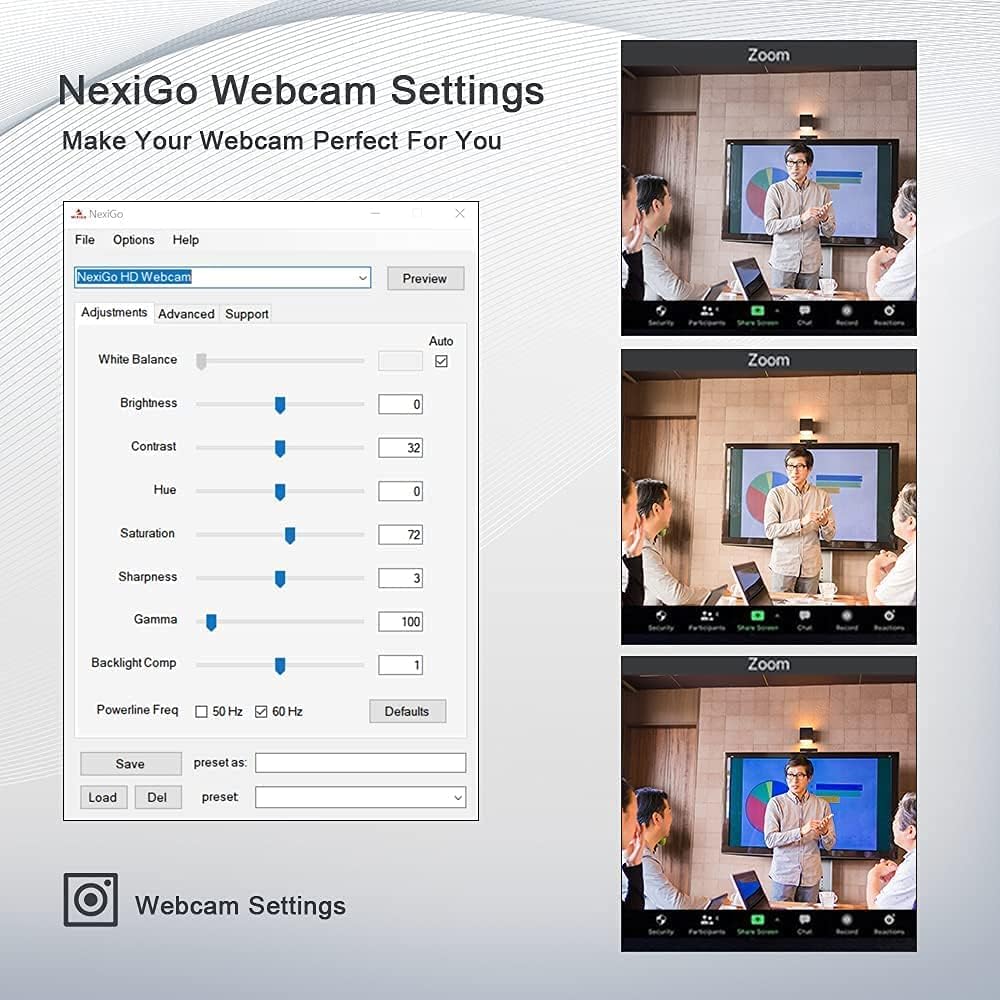
The NexiGo N930P is a practical webcam designed for video conferencing, online teaching, virtual presentations, and everyday communication. It records in Full HD 1080p resolution and includes a handheld remote control, allowing you to adjust camera settings such as zoom, pan, and image controls without touching the webcam. The built-in microphones provide clear voice capture for online meetings, while the included privacy cover adds an extra layer of security when the camera is not in use.
| Feature | Detail |
|---|---|
| Brand | NexiGo |
| Photo Sensor Technology | CMOS |
| Video Capture Resolution | 1080p |
| Maximum Aperture | 2.1 f_stop |
| Flash Memory Type | MultiMediaCard, SD |
| Model Number | N980P |
| Camcorder Type | Video Camera |
| Model Name | N980P |
| Built-In Media | Privacy Cover, USB Cable |
| Antenna Location | Video conferencing, live streaming |
| Manufacturer | NexiGo |
| Sensor Type | CMOS |
| Connectivity Technology | USB |
| Color | black |
| Special Feature | 60FPS Streaming, Built-in Privacy Cover, Manual Focus, 120° FOV, 1/4" Tripd Support, Software Support, Low-Light Correction |
| Photo Sensor Size | 1/2.7-inch |
| Water Resistance Level | Not Water Resistant |
| Image stabilization | False |
| Form Factor | Compact |
| Item Weight | 0.2 kg |
| Style Name | Webcam 60FPS |
| Item Dimensions D x W x H | 1.95"D x 3.45"W x 2.6"H |
| Operating System | Windows XP/7/8/10/11, Mac OS 10.6 or higher, Linux 2.6.24 or higher, Chrome OS 29.0.1547 or higher, Ubuntu Version 10.04 or above |
| Maximum Aperture | 2.1 f_stop |
| Lens Type | Wide Angle |
| Minimum Aperture | 2.1 millimeters |
| Focus Type | Manual Focus |
| Screen Size | 2.7 inches |
| Viewing Angle | 120 degrees |
| Display Resolution Maximum | FHD |
| Flash Memory Type | MultiMediaCard, SD |
| Flash Memory Video Speed Class | V30 |
| Flash Memory Bus Interface Type | USB |
| Supported Audio Format | PCM |
| Compatible Devices | Computer, Laptop, Tablet |
| Video Resolution | 1080p |
| Video Capture Format | MJPEG |
| Effective Still Resolution | 2 mp |
| Image Capture Speed | 60 frames_per_second |
| Shooting Modes | Automatic |
| Image Aspect Ratio | 16:9 |
| Supported Image Format | JPEG |
| White Balance Settings | Auto |
| File Format | JPEG |
| Exposure Control Type | Automatic |
| Effective Video Resolution | 1080 pixels |
| Digital Zoom | 4 x |
| Zoom | Digital |
- Pros:
- Full HD 1080p video quality
- Includes a convenient remote control
- Built-in microphones for clear voice communication
- Privacy cover included
- Easy plug-and-play setup
- Cons:
- Plastic construction may not feel as premium as higher-end models
- Monitor mount may require adjustment on thinner displays
Best For: Teachers, trainers, presenters, remote workers, and professionals who need convenient camera controls during online meetings or virtual presentations.
Why We Recommend It: The NexiGo N930P combines reliable Full HD video quality with practical features such as a remote control and privacy cover at an affordable price. Its user-friendly design makes it a solid choice for online teaching, business meetings, and presentations without exceeding a $100 budget.
6. EMEET C960 – Best Budget Webcam Under $100
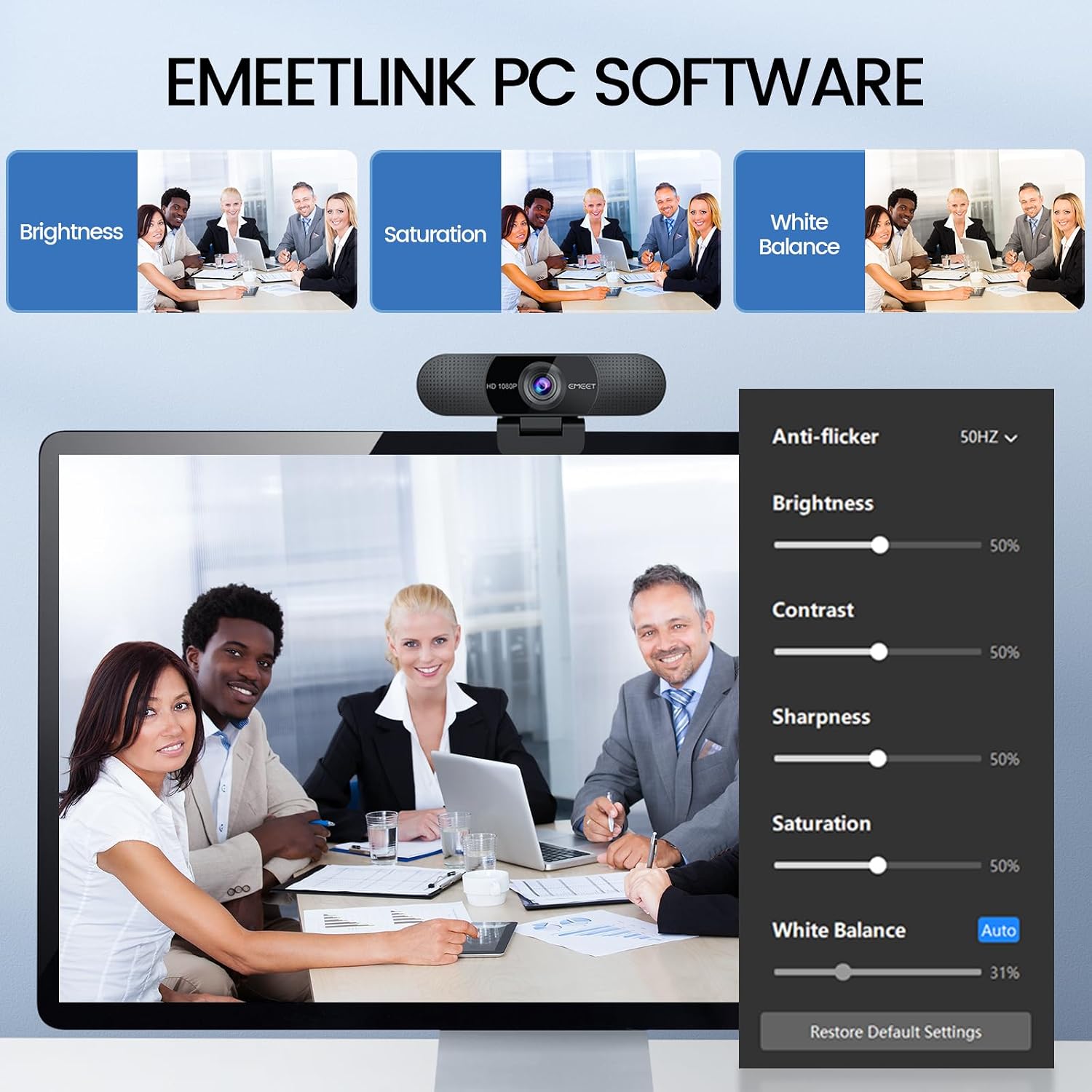
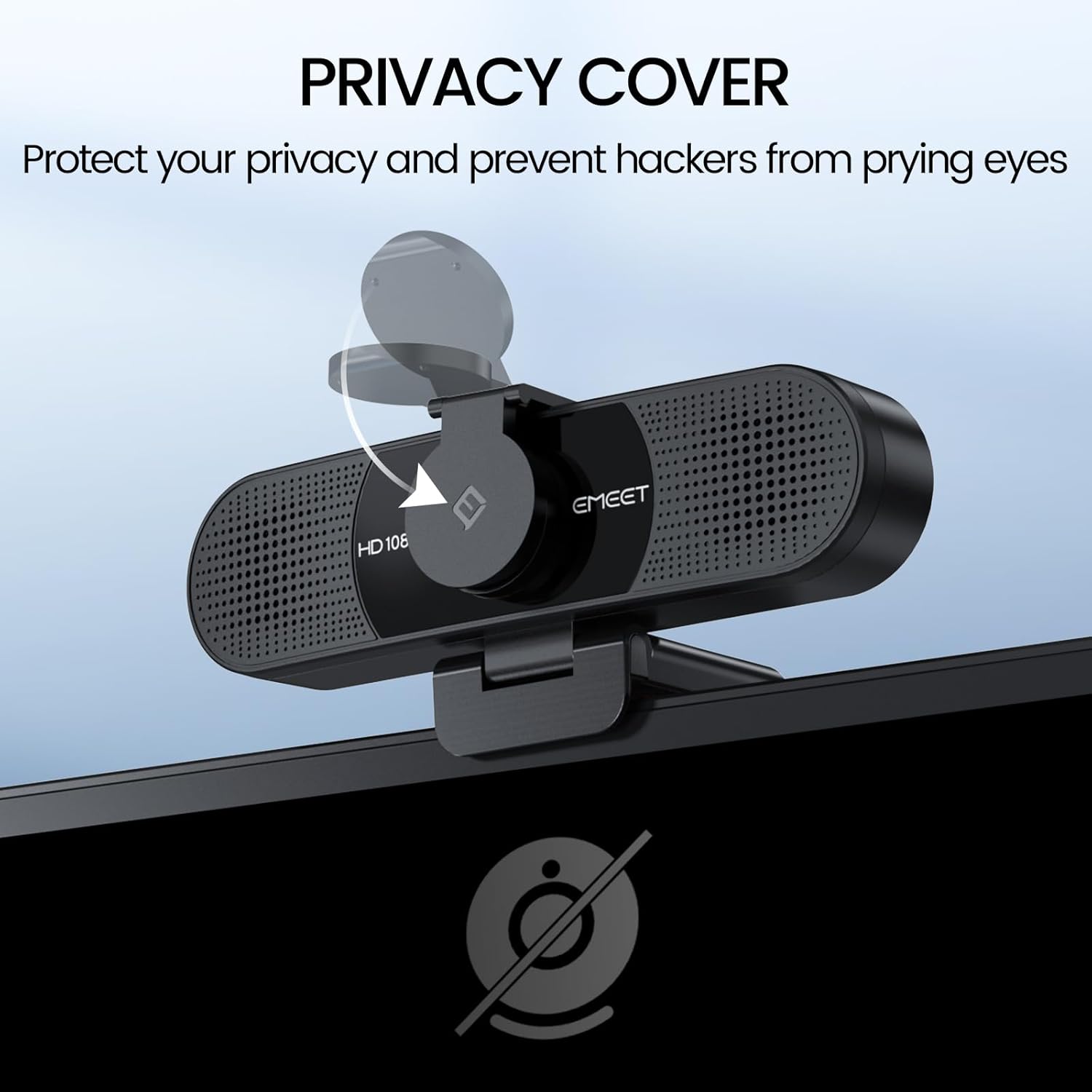
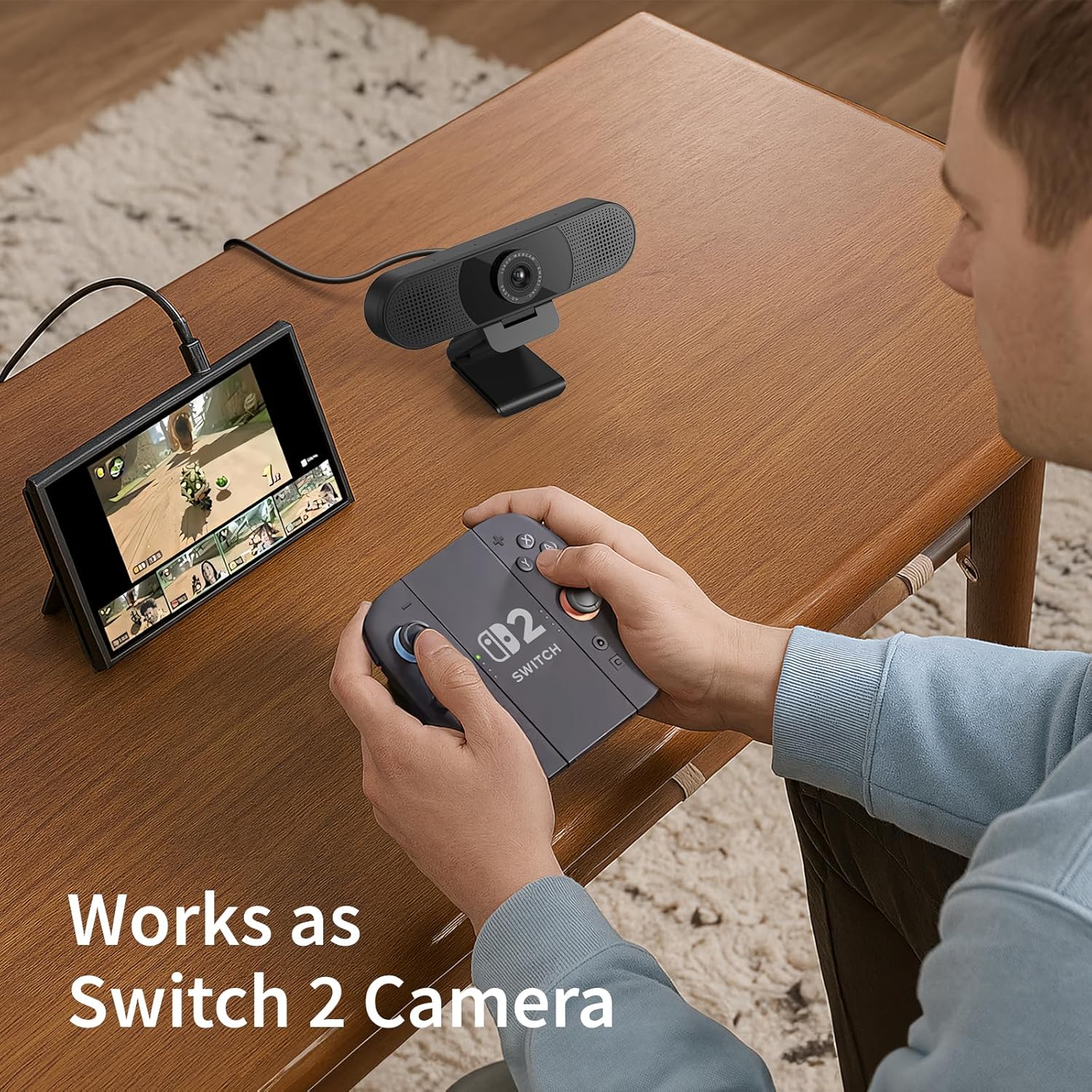
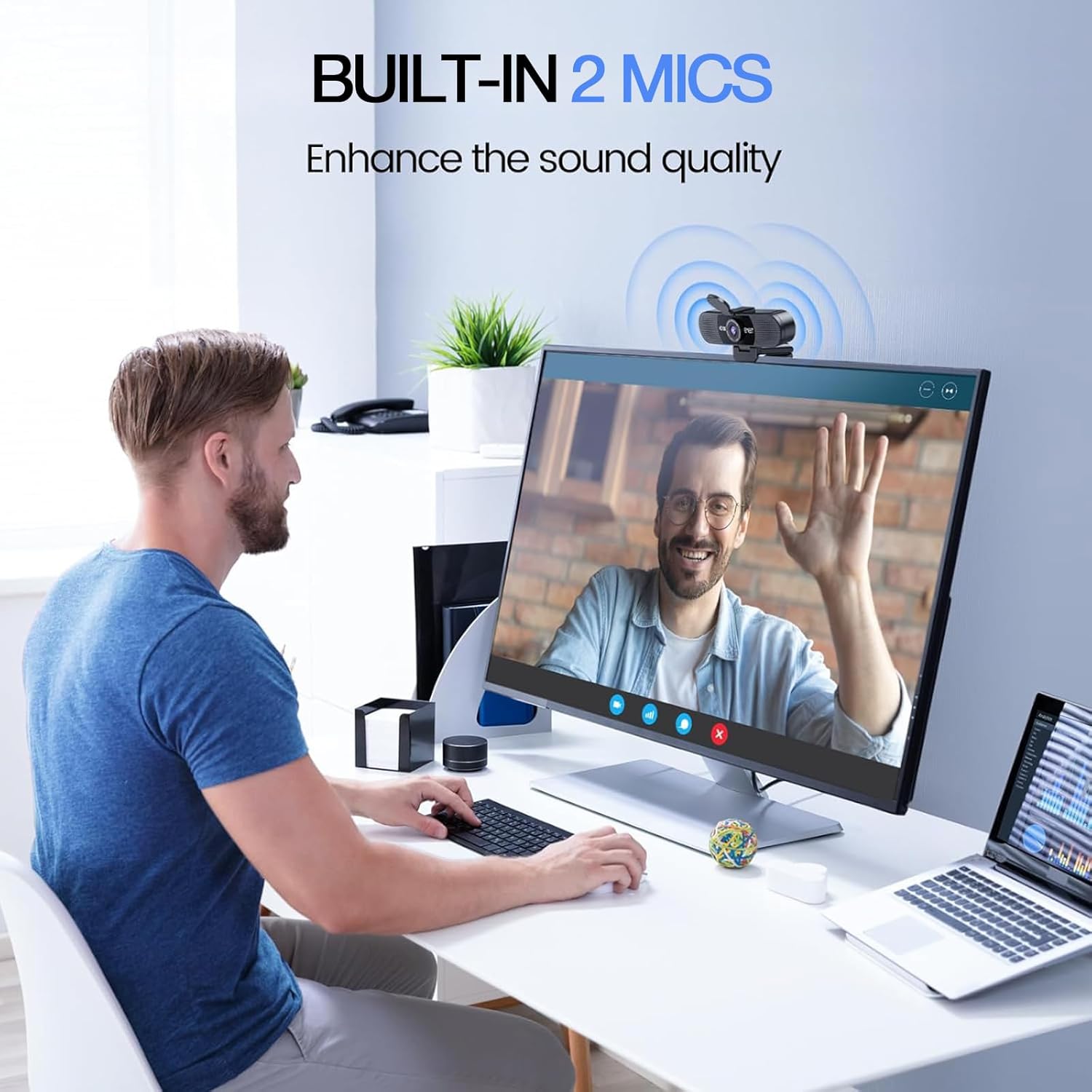
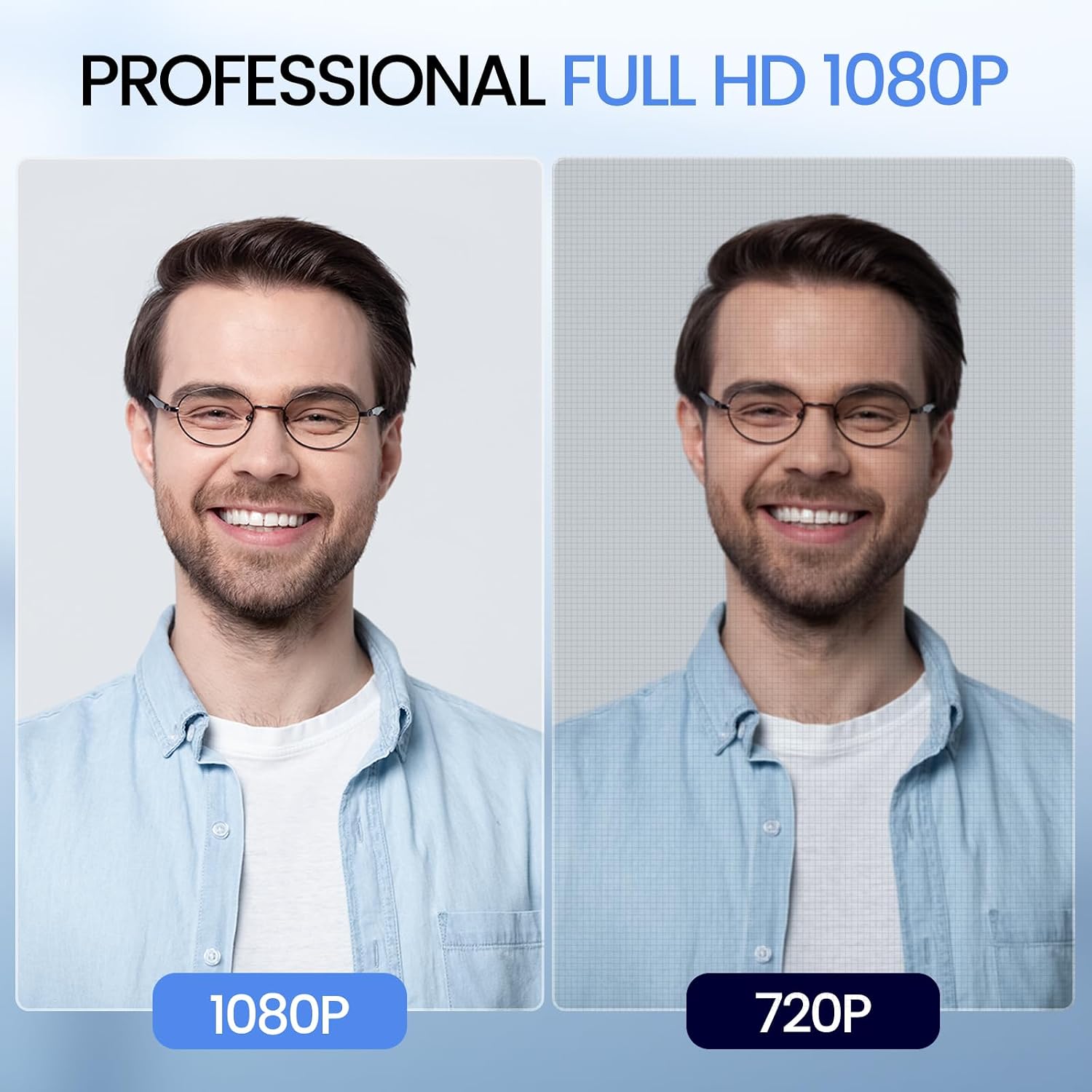
The EMEET C960 is an affordable webcam that delivers dependable Full HD video quality for online classes, video meetings, and everyday communication. It records in 1080p resolution and uses a fixed-focus lens that keeps subjects within its focus range without frequent adjustments. The webcam also features dual built-in microphones with noise reduction to help improve voice clarity during calls. Its simple plug-and-play setup makes it easy to use with most computers without requiring additional software.
| Feature | Detail |
|---|---|
| Brand | EMEET |
| Photo Sensor Technology | CMOS |
| Maximum Focal Length | 3 meters |
| Flash Memory Type | NOT Available, Rely on Your PC/Mac |
| Video Capture | AVI |
| Model Number | C960 2025 Version |
| Camcorder Type | Webcam |
| Model Name | C960 2025 Version |
| Built-In Media | C960 Webcam, Cover, User Manual, USB Cable |
| Manufacturer | Shenzhen eMeet technology Co.,Ltd. |
| Warranty Description | 2-Year Warranty |
| Sensor Type | CMOS |
| Connectivity Technology | USB |
| Color | Black |
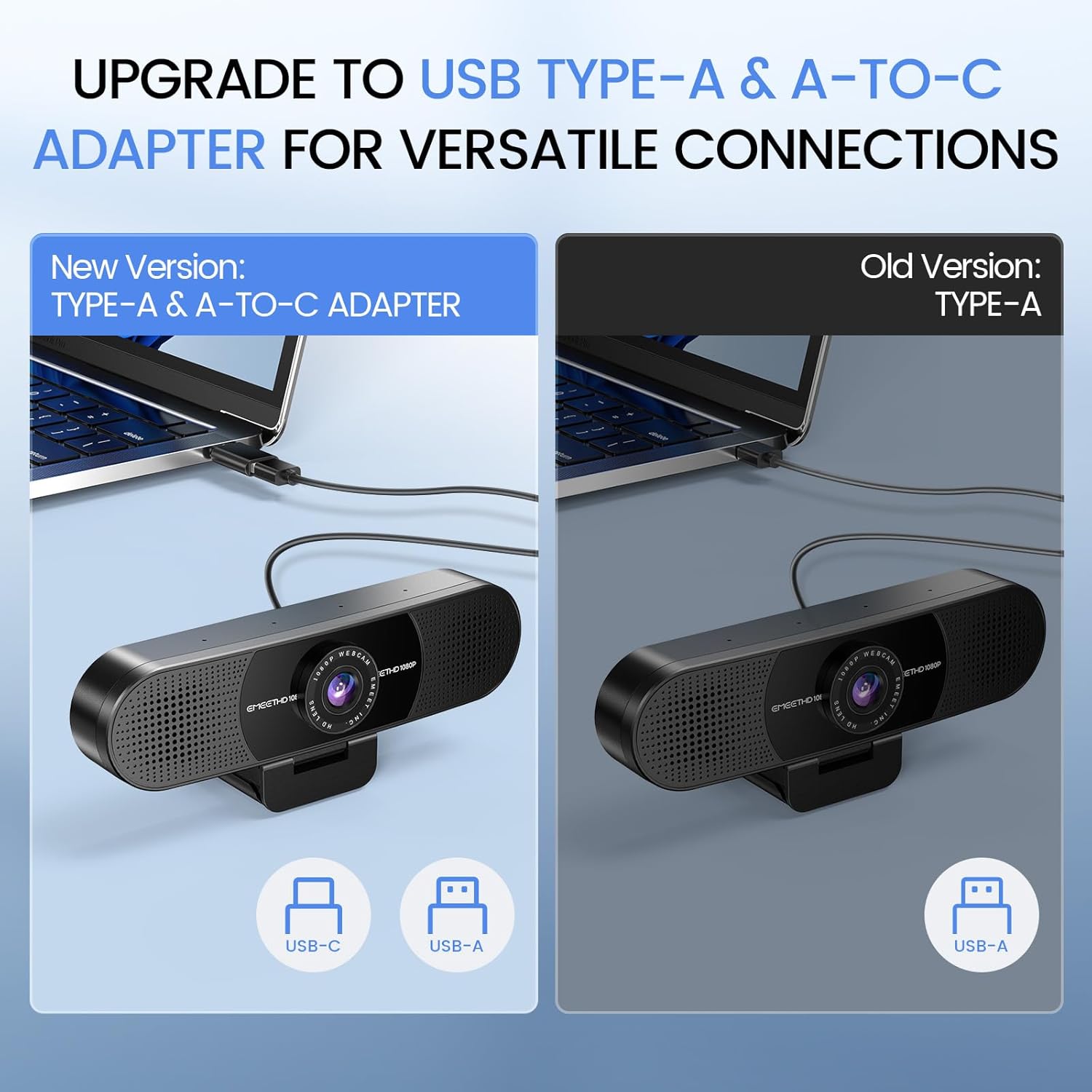
| Special Feature | Auto Light Correction, Clip Base, Dual Omnidirectional Microphones, Privacy Cover, USB Type-A & A-to-C Adapter |
| Water Resistance Level | Not Water Resistant |
| Form Factor | Ultra Compact |
| Item Weight | 0.16 kg |
| Style Name | 1080P Updated |
| Item Dimensions D x W x H | 4.88"D x 2.65"W x 2.04"H |
| Operating System | Android TV (V7.0 and above), We recommend using the mainstream operating systems instead of Chrome OS which may not be compatible with all versions and models., Windows (Win 10, 11,Tips: Incompatible with Windows Hello functions), macOS (10.14 and above) |
| Maximum Focal Length | 3 meters |
| Minimum Focal Length | 50 centimeters |
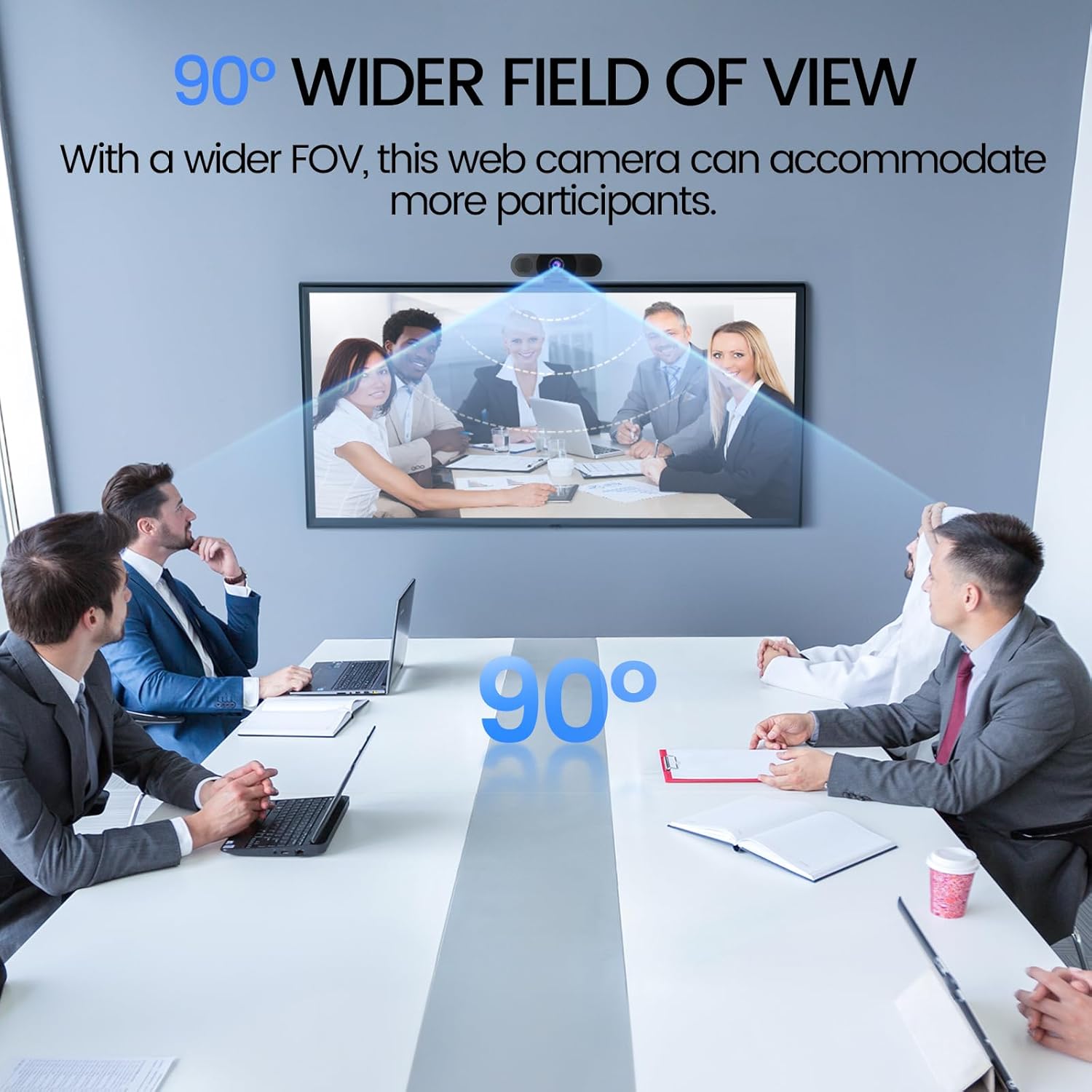
| Lens Type | Wide Angle |
| Screen Size | 3.8 inches |
| Supported Audio Format | AAC, MP3, PCM |
| Video Capture Format | AVI |
| Effective Still Resolution | 1080 pixels |
| Supported Image Format | Mjpeg |
| Effective Video Resolution | 1080 pixels |
| Flash Memory Type | NOT Available, Rely on Your PC/Mac |
| Zoom | Digital |
- Pros:
- Affordable Full HD 1080p video quality
- Fixed-focus lens for stable image performance
- Dual microphones with noise reduction
- Simple plug-and-play installation
- Compatible with most video conferencing platforms
- Cons:
- Image quality is best in well-lit environments
- Fixed field of view offers limited framing flexibility
Best For: Students, remote workers, home office users, and budget-conscious buyers looking for a reliable webcam for online meetings and virtual classes.
Why We Recommend It: The EMEET C960 offers dependable Full HD video quality, clear microphone performance, and an easy setup at an affordable price. It is a practical choice for users who need a reliable webcam for everyday video calls without paying for premium features they may not use.
7. Logitech C920x HD Pro – Best Value Classic Webcam
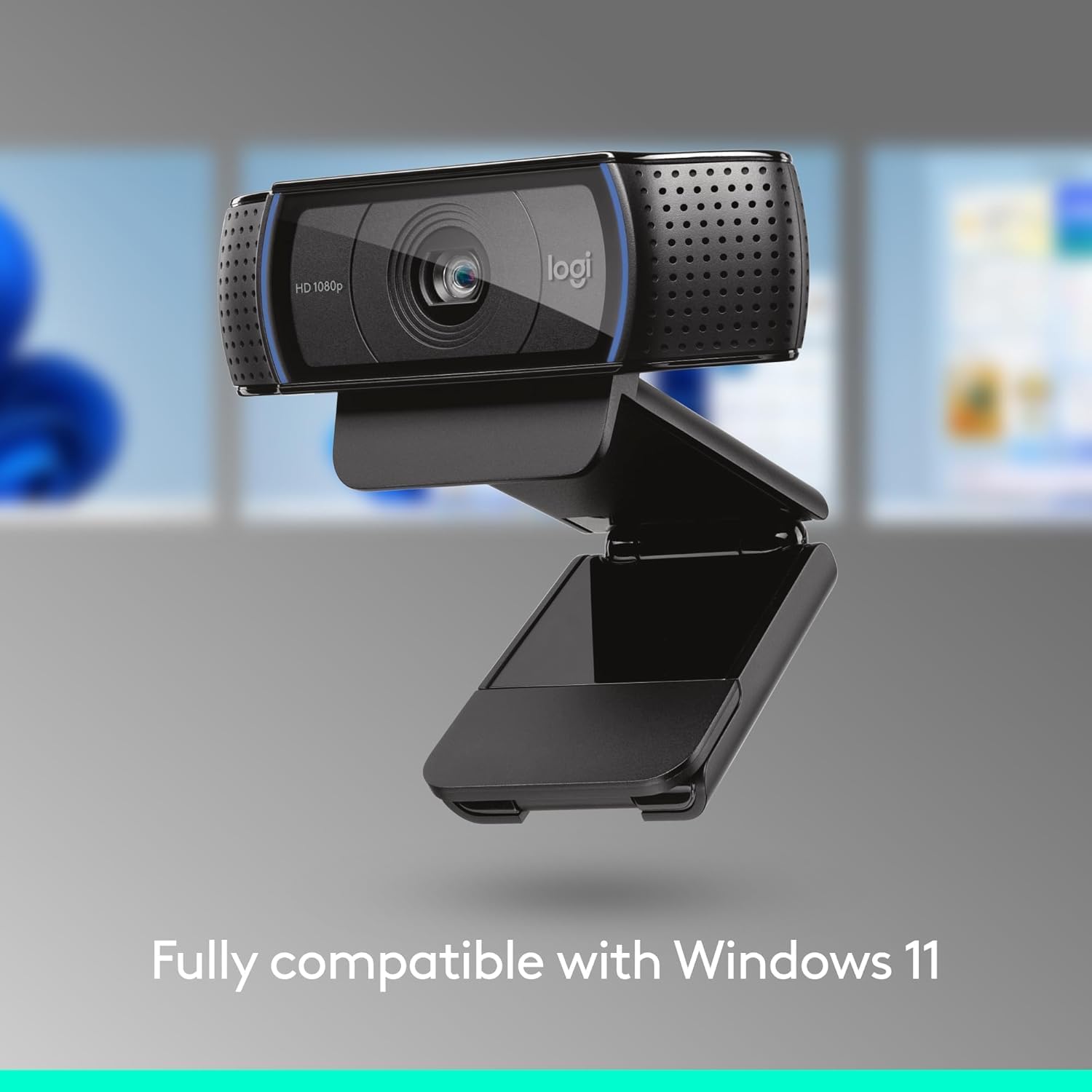
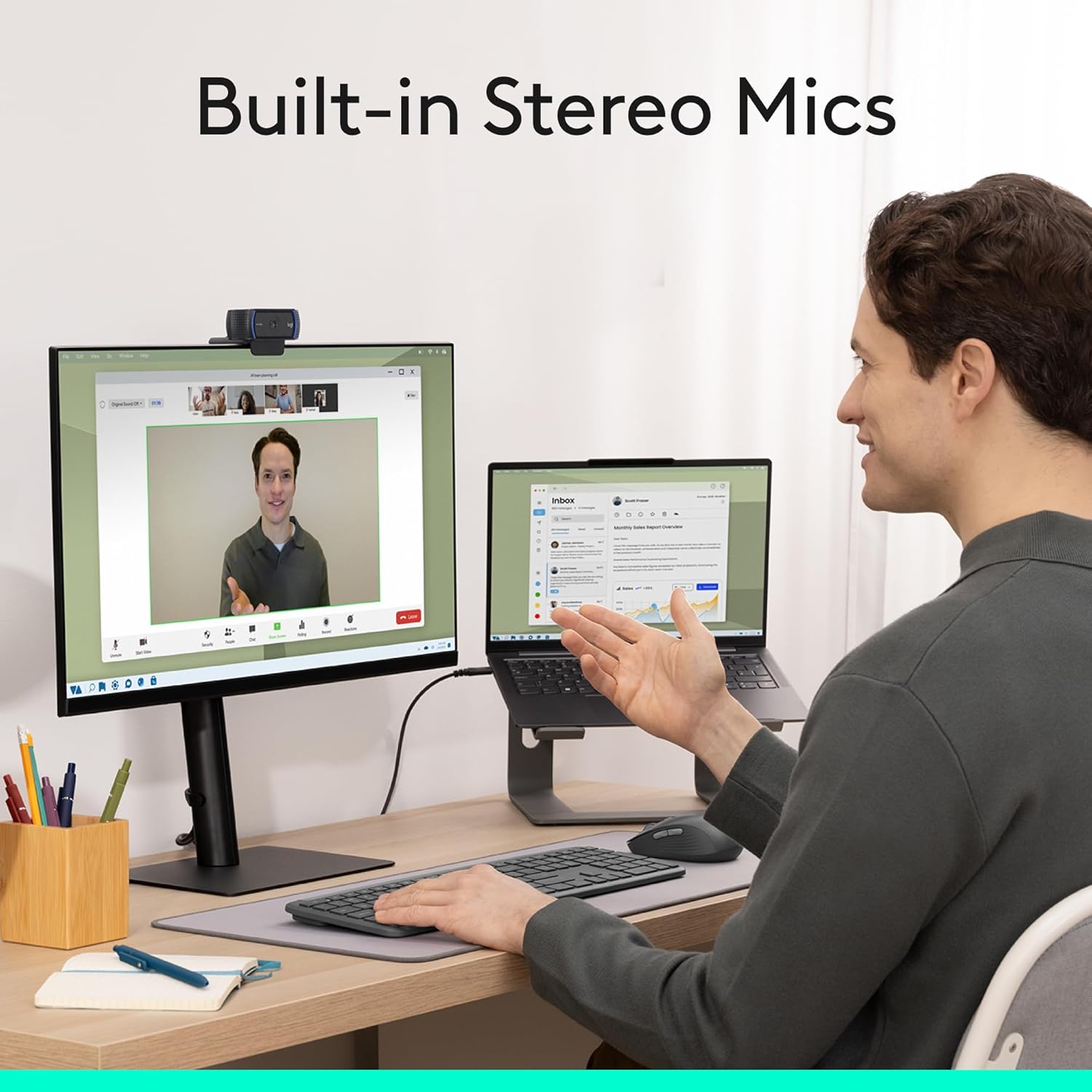
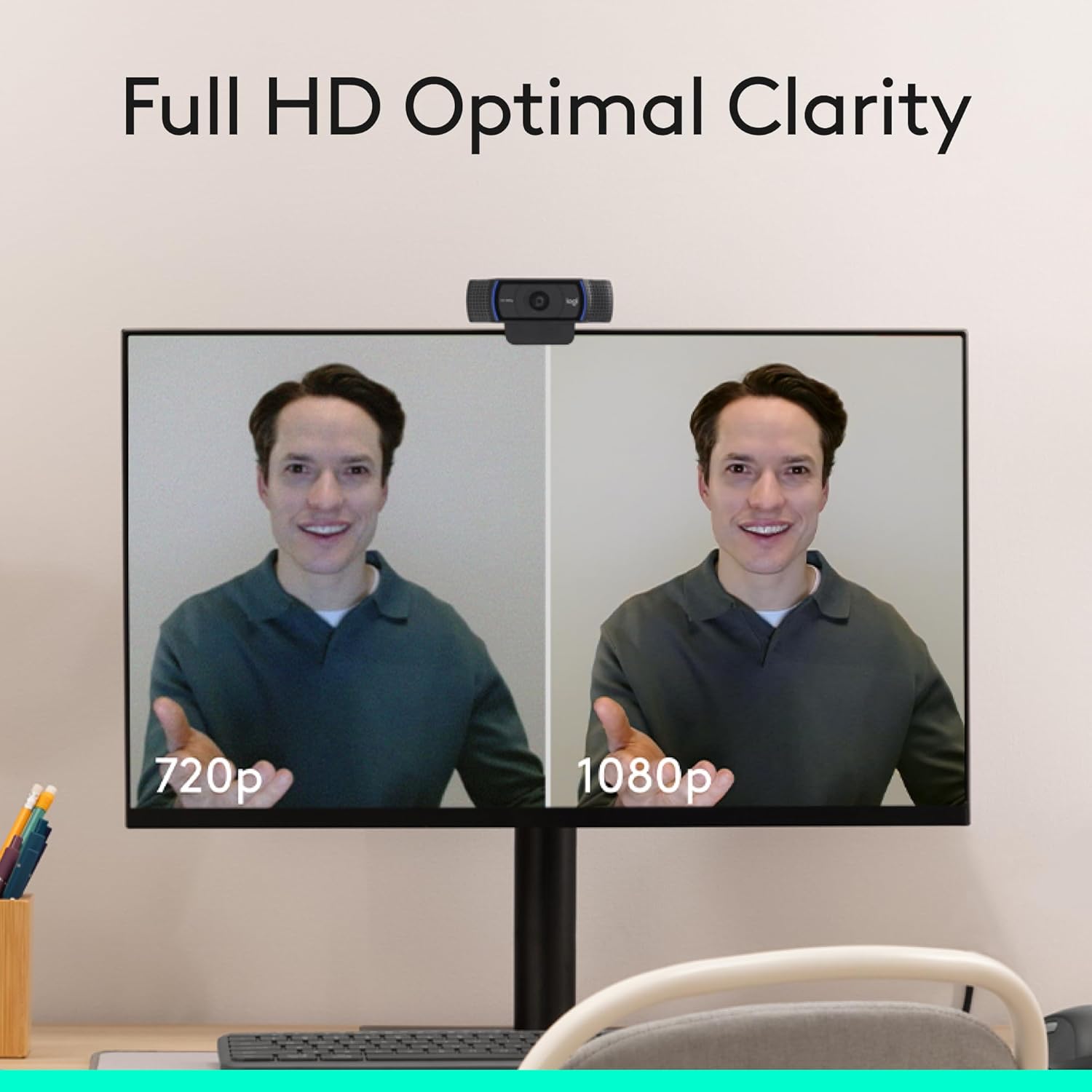
The Logitech C920x HD Pro remains one of the most trusted webcams for video conferencing, online teaching, live streaming, and content creation. It captures Full HD 1080p video and features a premium glass lens that delivers clear, natural-looking images. Automatic autofocus helps keep subjects sharp during calls, while the dual stereo microphones provide clear audio for everyday communication. Its wide compatibility and simple plug-and-play setup have made it a reliable choice for both personal and professional use.



| Feature | Detail |
|---|---|
| Brand | Logitech |
| Photo Sensor Technology | CMOS |
| Video Capture Resolution | 1080p |
| Maximum Focal Length | 0.01 millimeters |
| Model Number | 960-001335 |
| Camcorder Type | Webcam |
| Model Name | C920x |
| Built-In Media | C920x Webcam, USB Cable, User Documentation |
| Antenna Location | video conferencing, live streaming, video recording |
| Manufacturer | Logitech |
| Item Type Name | WEBCAM |
| Sensor Type | CMOS |
| Connectivity Technology | USB |
| Color | Black |
| Special Feature | XSplit VCam compatibility |
| Photo Sensor Size | 1/2.9 inch |
| Water Resistance Level | Not Water Resistant |
| Form Factor | Webcam |
| Item Weight | 5.7 ounces |
| Style Name | 1080P/30 fps, 720p/30fps |
| Item Dimensions D x W x H | 1.7"D x 3.7"W x 2.7"H |
| Number of Batteries | 1 Nonstandard Battery batteries required. |
| Operating System | [Multiple] |
| Maximum Focal Length | 0.01 millimeters |
| Maximum Aperture | 1.8 f_stop |
| Minimum Focal Length | 2.8 millimeters |
| Lens Type | glass |
| Minimum Aperture | 1.8 millimeters |
| Focus Type | Auto Focus |
| Screen Size | 2.7 inches |
| Viewing Angle | 78 degrees |
| Display Resolution Maximum | FHD |
| Flash Memory Type | Micro SD |
| Flash Memory Speed Class | C10 |
| Flash Memory Video Speed Class | V60 |
| Flash Memory Bus Interface Type | SD |
| Supported Audio Format | [POSSIBLY] MP3, AAC |
| Compatible Devices | Personal Computer |
| Video Resolution | 1080p |
| Video Capture Format | Webcam |
| Effective Still Resolution | 1080 pixels |
| Image Capture Speed | 30 frames_per_second |
| Shooting Modes | Shutter Priority |
| Image Aspect Ratio | 16:9 |
| Supported Image Format | JPEG, PNG |
| White Balance Settings | Auto |
| File Format | JPEG |
| Exposure Control Type | Automatic |
| Effective Video Resolution | 1080 pixels |
| Zoom | Optical |
- Pros:
- Sharp Full HD 1080p video quality
- Premium glass lens for improved image clarity
- Reliable autofocus performance
- Dual stereo microphones
- Compatible with most video conferencing and streaming platforms
- Cons:
- Older design compared to newer Logitech models
- Some versions do not include a built-in privacy shutter
Best For: Remote workers, students, content creators, and anyone looking for a dependable Full HD webcam with a proven performance record.
Why We Recommend It: The Logitech C920x HD Pro continues to deliver reliable video quality, dependable autofocus, and broad software compatibility at a competitive price. Its consistent performance and durable design make it an excellent option for users seeking a trusted webcam under $100.
8. Papalook 1080p 60FPS Webcam – Best for Smooth Video Performance
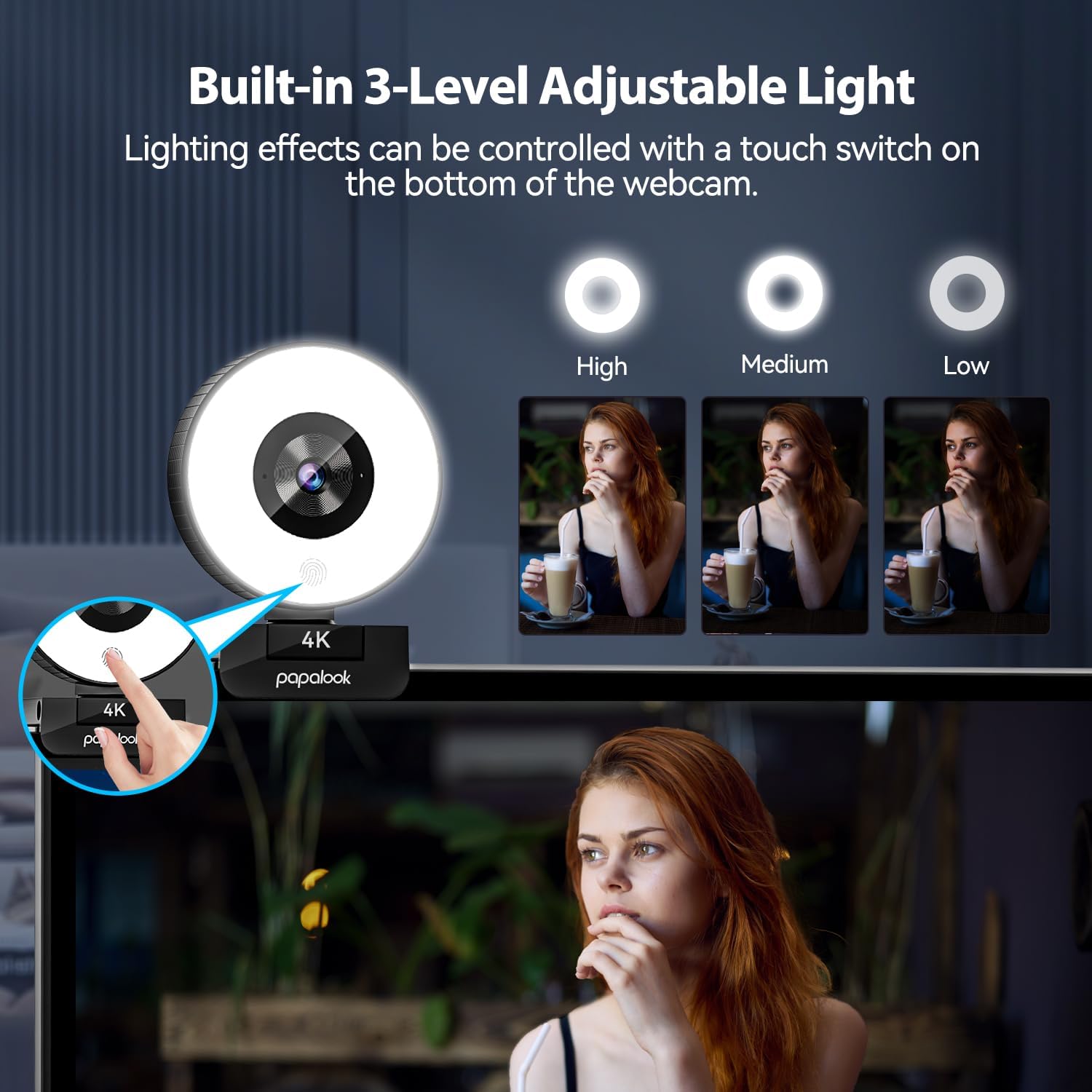
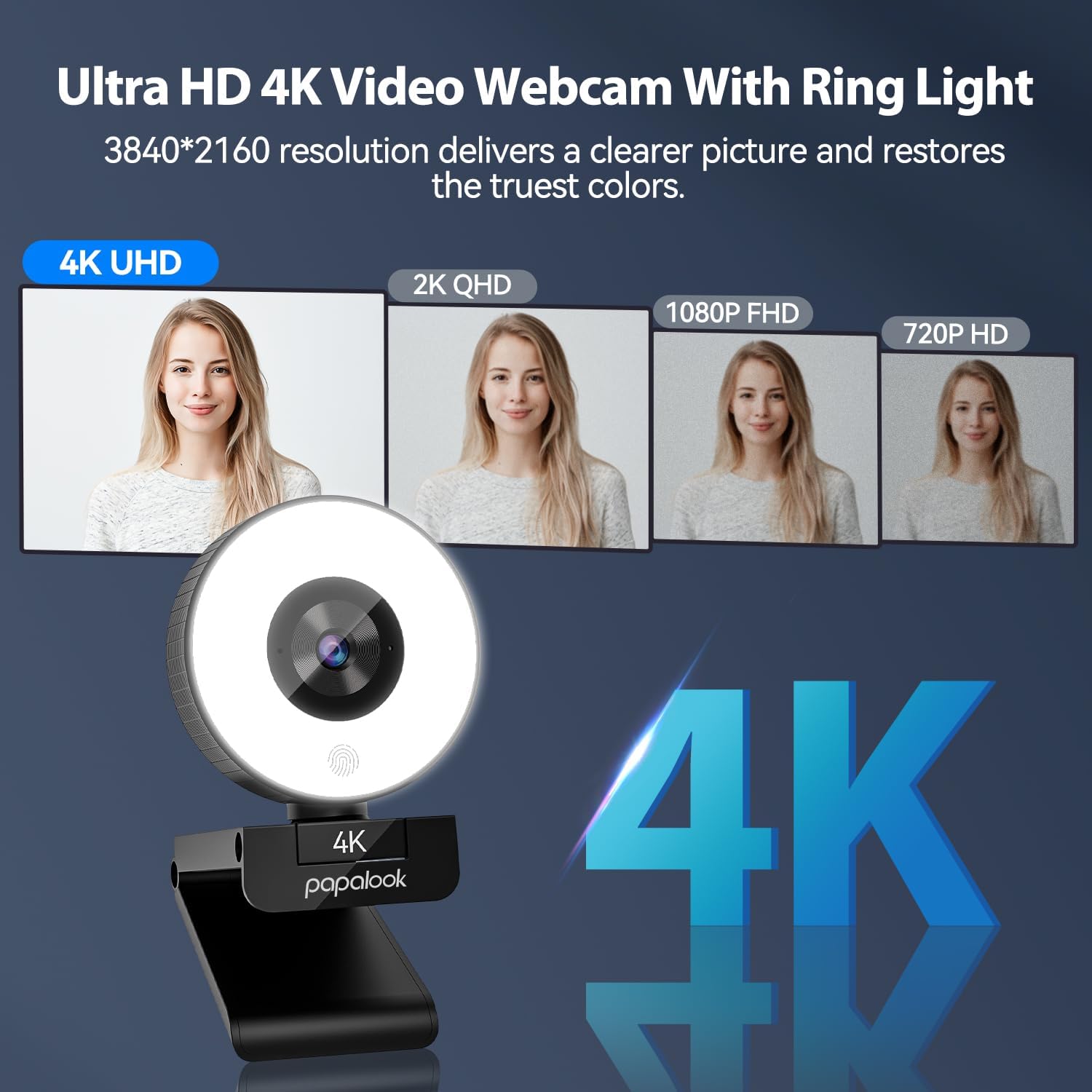
The Papalook 1080p 60FPS Webcam is designed for users who want smoother video quality for streaming, online meetings, and content creation. It supports Full HD 1080p recording at up to 60 frames per second, delivering more fluid motion than standard 30fps webcams. The webcam also features a multi-layer glass lens for improved image clarity and a built-in privacy shutter that helps protect your privacy when the camera is not in use. Its plug-and-play design makes installation quick and straightforward on most computers.


| Feature | Detail |
|---|---|
| Brand | Papalook |
| Photo Sensor Technology | CMOS |
| Video Capture Resolution | 4K |
| Maximum Focal Length | 150 centimeters |
| Model Number | PA552 4K |
| Camcorder Type | Webcam |
| Model Name | PA552 4K |
| Built-In Media | 1 x papalook 4k webcam, User Manual |
| Manufacturer | papalook |
| Warranty Description | 1 Year Warranty |
| Sensor Type | CMOS |
| Connectivity Technology | USB |
| Color | Black |
| Special Feature | 360 Degree Capture, Built-In Light, Lightweight, Remote Control, Wind Noise Reduction |
| Water Resistance Level | Not Water Resistant |
| Form Factor | Desk/Monitor Mountable |
| Item Dimensions D x W x H | 6.61"D x 1.85"W x 6.58"H |
| Operating System | Android, Chrome OS, Mac OS, Windows |
| Maximum Focal Length | 150 centimeters |
| Maximum Aperture | 5.6 f_stop |
| Minimum Focal Length | 75 centimeters |
| Lens Type | Zoom |
| Focus Type | Auto Focus |
| Screen Size | 5 centimeters |
| Viewing Angle | 85 degrees |
| Display Resolution Maximum | UHD pixels |
| Flash Memory Type | SmartMedia |
| Flash Memory Video Speed Class | V60 |
| Zoom | Digital |
| Video Resolution | 4K |
| Video Capture Format | MPEG |
| Effective Still Resolution | 8 mp |
| Shooting Modes | 4K, 2.7K, 1080p, 720p, 480p, 320p |
| Image Aspect Ratio | 16:9 |
| Supported Image Format | JPG |
| File Format | MJPEG, YUY2, MPEG |
| Effective Video Resolution | 8 mp |
| Supported Audio Format | AAC, MP3 |
| Compatible Devices | Laptop, Personal Computer |
- Pros:
- Smooth 1080p video at up to 60fps
- Multi-layer glass lens for sharp image quality
- Built-in privacy shutter
- Easy plug-and-play setup
- Suitable for streaming and video conferencing
- Cons:
- Color settings may require minor adjustment depending on lighting conditions
- Brand recognition is more limited than some major competitors
Best For: Gamers, content creators, remote workers, and users who want smoother Full HD video for streaming, video calls, and online presentations.
Why We Recommend It: The Papalook 1080p 60FPS Webcam offers smooth Full HD video, a quality glass lens, and practical privacy features at an affordable price. It is a solid option for users looking for higher frame rates and dependable everyday performance without exceeding a $100 budget.
Buying Guide: How to Choose the Best Webcam Under $100
Choosing the right webcam involves more than comparing prices. Video quality, microphone performance, lighting, and compatibility all affect your overall experience. Before purchasing a webcam, consider the following features to find the best option for your needs.
1. Choose the Right Resolution
Resolution determines how sharp your video appears. A 1080p webcam is suitable for most video meetings, online classes, and streaming. If you need extra detail for content creation or professional presentations, consider a 2K webcam. Higher resolutions generally require a stronger internet connection and more processing power.
2. Look for Good Low-Light Performance
Not everyone works in a well-lit room. Webcams with automatic light correction or HDR can improve image quality by adjusting brightness and contrast in different lighting conditions. This helps produce a clearer and more natural-looking video without additional lighting equipment.
3. Consider the Field of View (FOV)
The field of view determines how much of the surrounding area appears in the frame. A narrower field of view works well for individual video calls, while a wider angle is better for presentations, group meetings, or showing more of your workspace. Some webcams allow you to adjust the viewing angle for added flexibility.
4. Don't Overlook Microphone Quality
Built-in microphones can be convenient for everyday meetings and online classes. Models with dual microphones or noise reduction technology generally provide clearer voice pickup and help reduce background noise. If you frequently record videos or stream content, you may still benefit from using a dedicated external microphone.
5. Check Compatibility and Connectivity
Most modern webcams support plug-and-play installation and work with Windows, macOS, and popular video conferencing platforms. Before purchasing, confirm that the webcam is compatible with your operating system and offers the connection type your computer supports.
6. Privacy Features Matter
A webcam with a built-in privacy shutter provides additional security by physically covering the lens when the camera is not in use. This simple feature can help protect your privacy without requiring additional accessories.
Frequently Asked Questions
Is a webcam under $100 good enough for professional video meetings?
Yes. Many webcams in this price range offer Full HD 1080p or even 2K resolution, making them suitable for remote work, online meetings, virtual classes, and everyday video conferencing. Choosing a model with good lighting performance and a quality microphone can further improve your overall experience.
Do I need 4K resolution for video calls?
For most users, a 1080p webcam provides excellent image quality for meetings and online communication. A 2K or 4K webcam may offer additional detail, but it also requires more system resources and a stable internet connection. Unless you create professional video content, Full HD is usually sufficient.
What features should I look for in a webcam?
Important features include video resolution, autofocus, low-light correction, microphone quality, field of view, privacy shutter, and compatibility with your operating system and preferred video conferencing software.
Are built-in webcam microphones good enough?
Built-in microphones are suitable for most video meetings and online classes. However, if you regularly record videos, stream content, or participate in professional presentations, an external microphone can provide clearer and more consistent audio quality.
Will these webcams work with Windows and Mac?
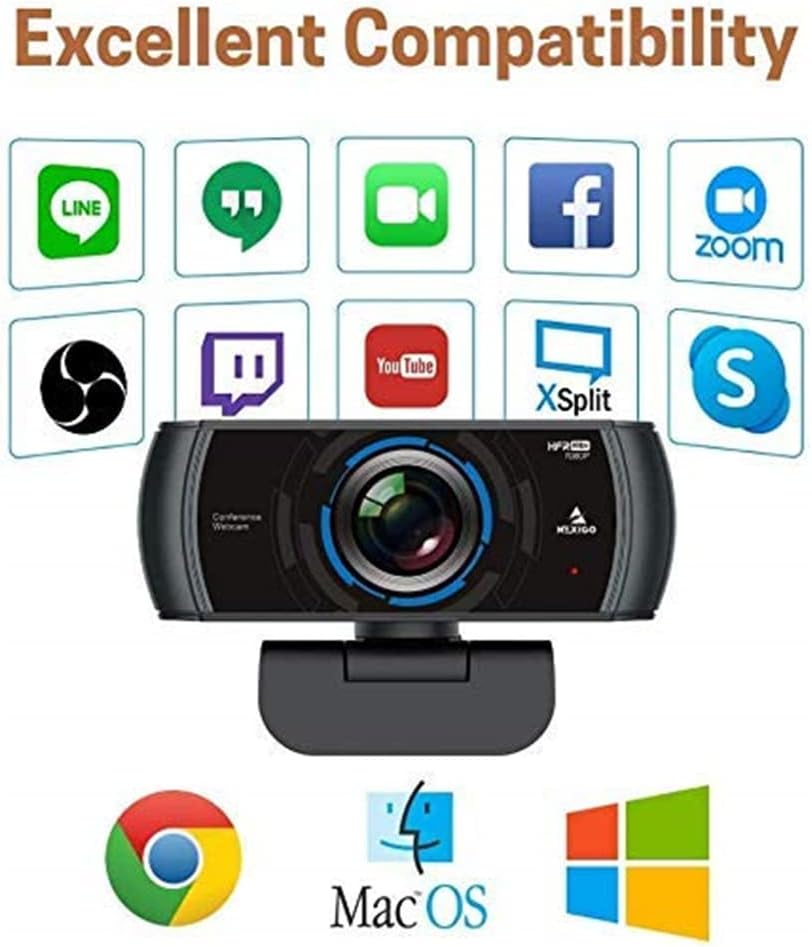
Most modern webcams support plug-and-play installation and are compatible with both Windows and macOS. Many models also work with popular platforms such as Zoom, Microsoft Teams, Google Meet, Skype, and OBS Studio.
Is a privacy shutter worth having?
Yes. A built-in privacy shutter allows you to physically cover the camera lens when it is not in use, providing additional privacy and peace of mind without requiring separate accessories.
Does lighting affect webcam quality?
Absolutely. Even a high-quality webcam performs better in a well-lit environment. Natural daylight or a simple desk lamp positioned in front of you can significantly improve image clarity and color accuracy.
Can I use these webcams for live streaming?
Yes. Many webcams under $100 are suitable for live streaming, online teaching, gaming, and content creation. If smooth motion is important, consider a model that supports higher frame rates such as 60fps.
Final Verdict
- Best Overall: Logitech Brio 500 delivers an excellent balance of video quality, ease of use, privacy features, and dependable performance for everyday work and communication.
- Best 2K Option: Anker PowerConf C200 offers impressive image quality, flexible field-of-view settings, and excellent value for users who want higher resolution within a reasonable budget.
- Best Budget Choice: EMEET C960 provides reliable Full HD performance and an easy plug-and-play experience at an affordable price.
- Best for Streaming: Razer Kiyo combines dependable video quality with a built-in adjustable ring light, making it a practical choice for streaming and recording in different lighting conditions.
The best webcam under $100 depends on how you plan to use it. Whether you need a webcam for remote work, online classes, business meetings, streaming, or content creation, there are several affordable options that deliver dependable video quality without exceeding your budget. Compare the available features, compatibility, and performance to choose the webcam that best fits your needs.