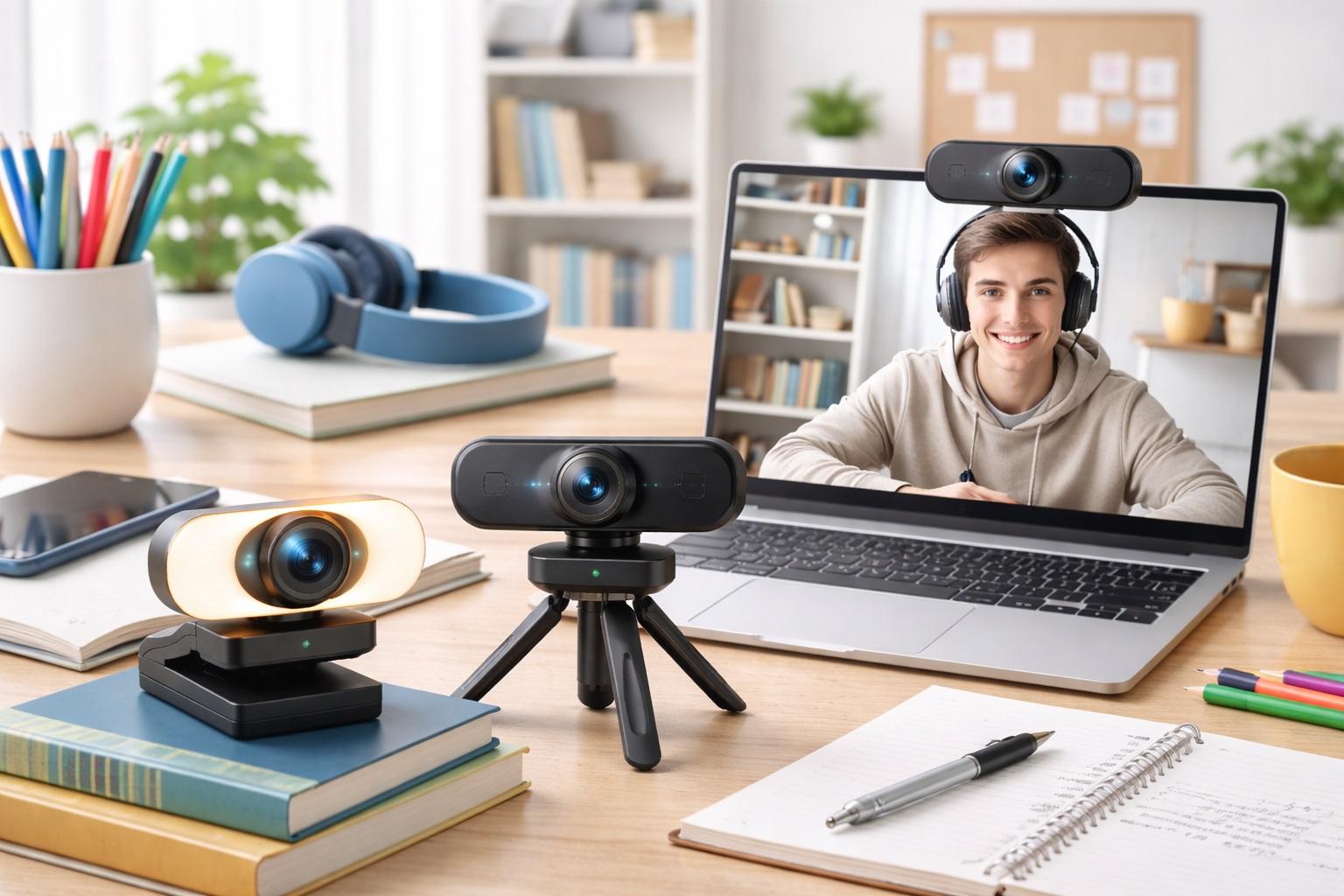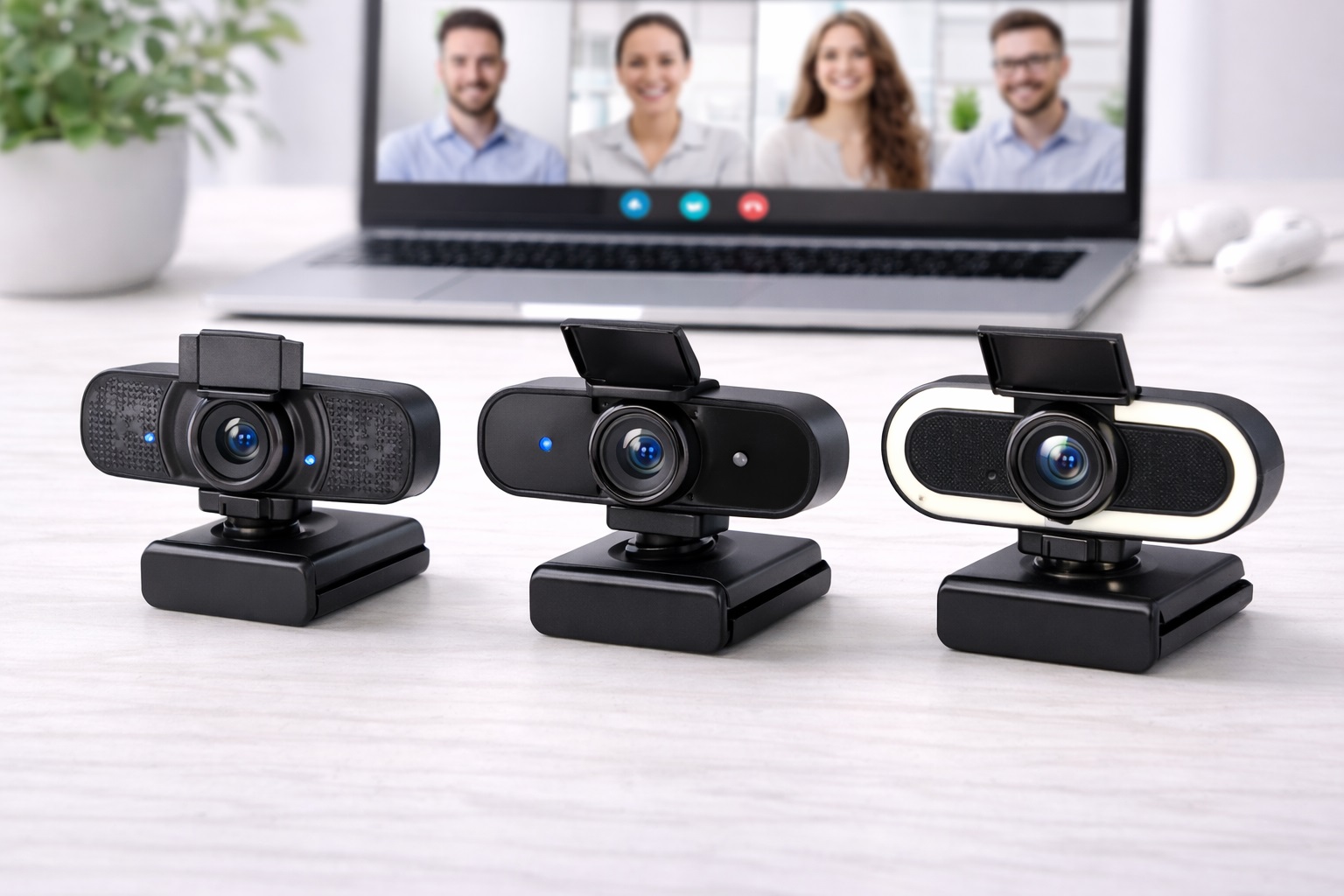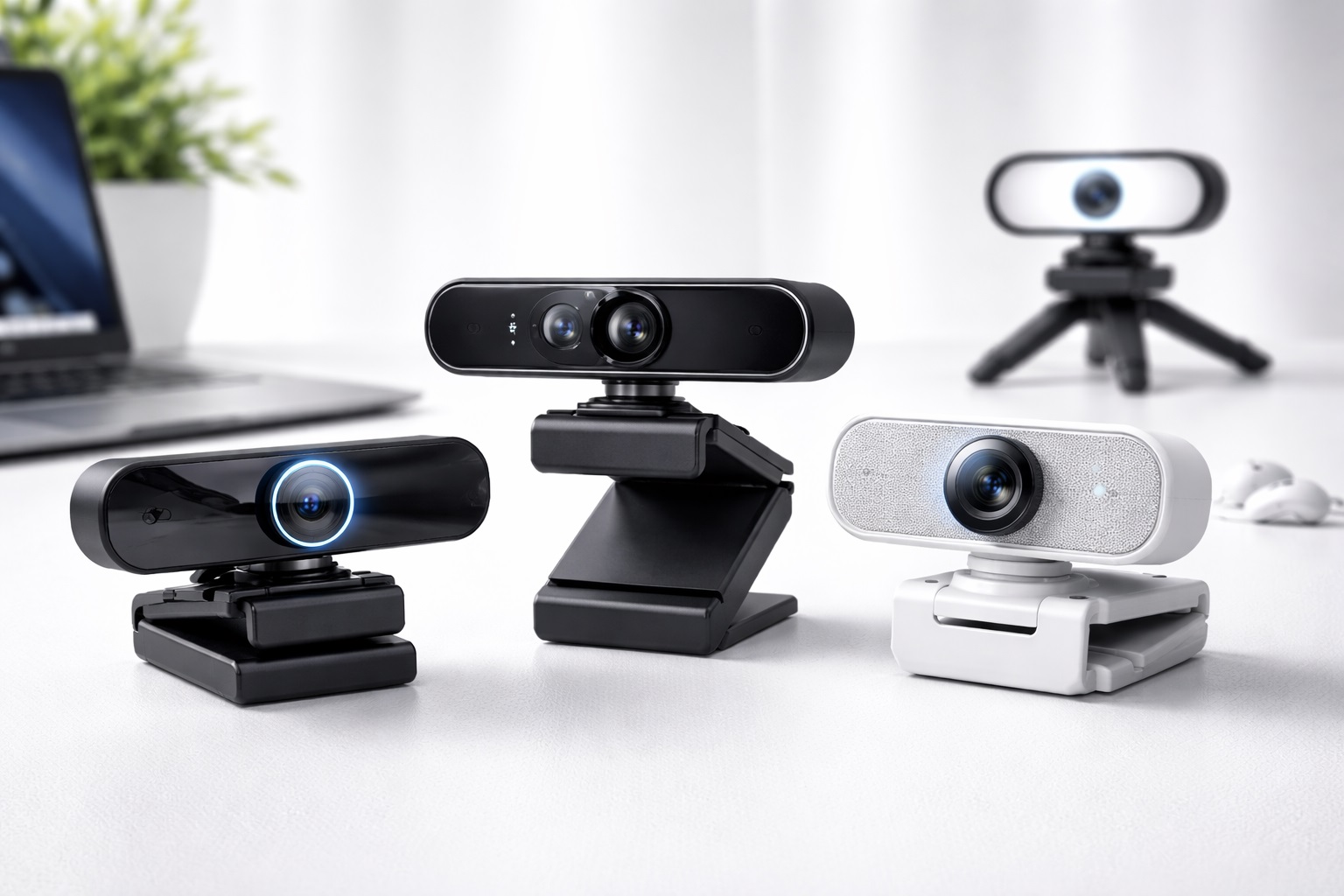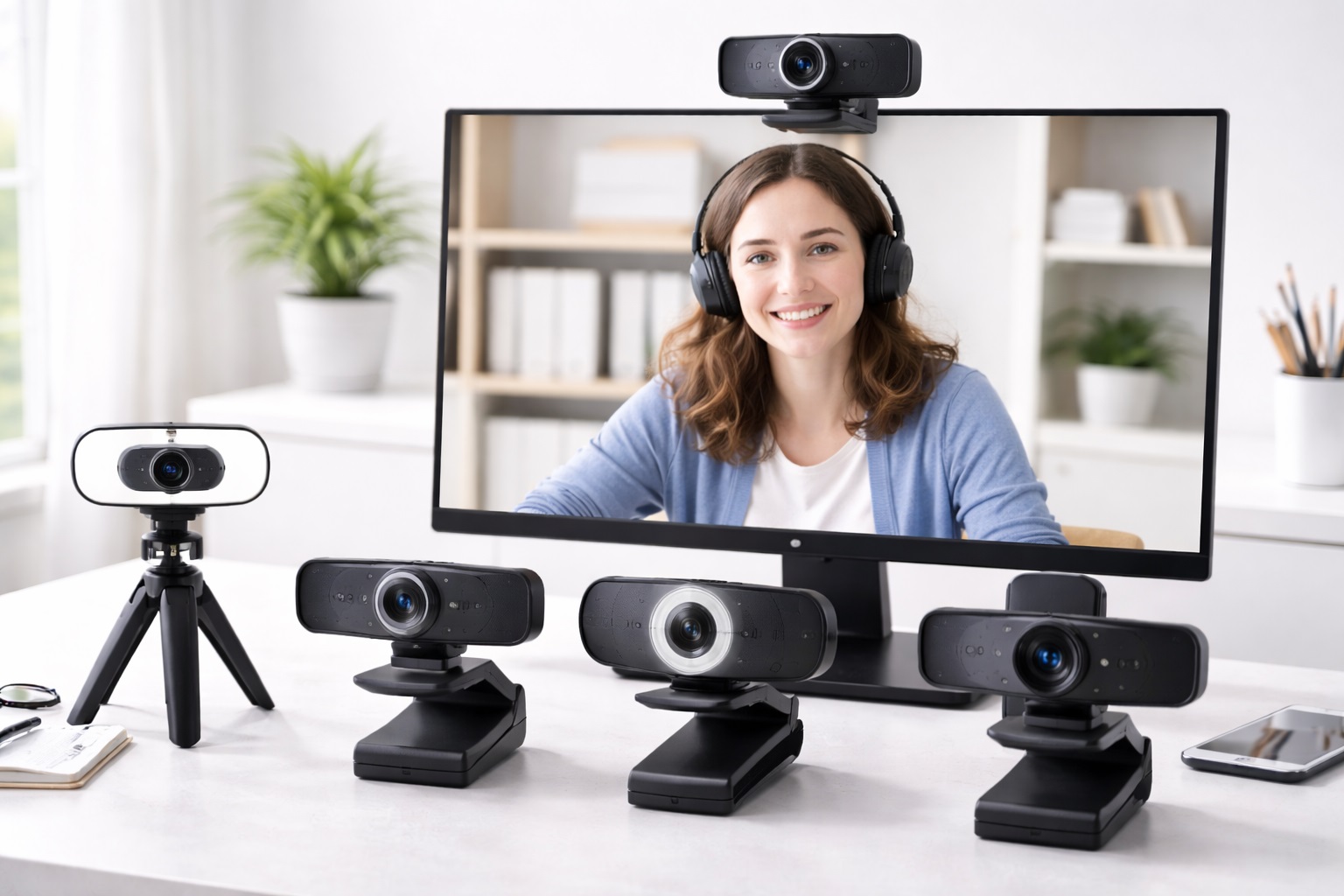
Best Webcams for Online Classes: Sharper Video, Clear Audio
A laptop's built-in camera is usually the first thing students discover is inadequate once a full semester of video classes gets underway. Grainy footage in a dim bedroom, a microphone that picks up every keyboard click, and a fixed angle that can't be adjusted once the laptop is propped up on a stack of books all add up to small but constant frustrations during a live class. A dedicated webcam solves most of these problems directly, and the right one depends more on your actual study setup than on chasing the highest resolution number on the box.
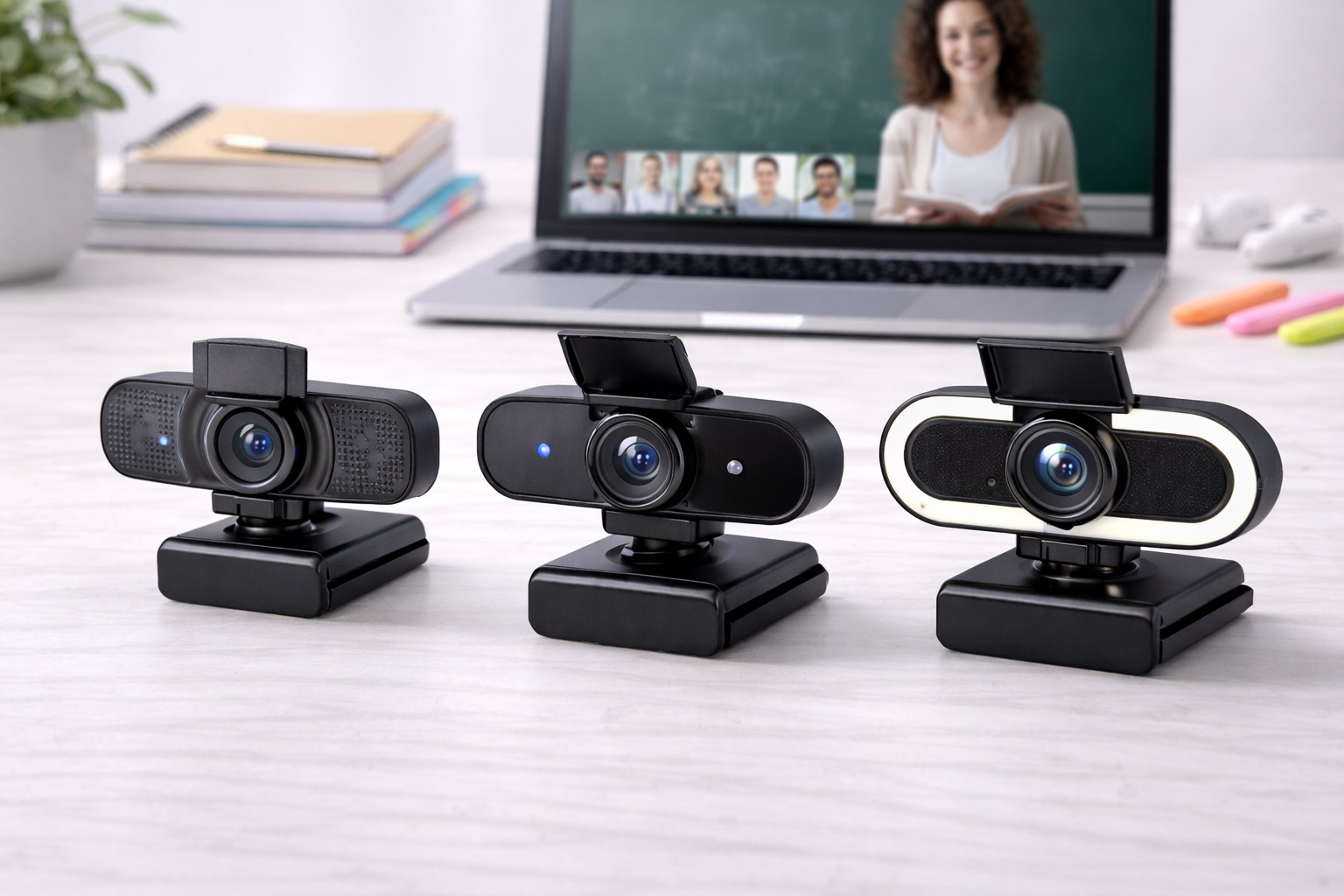
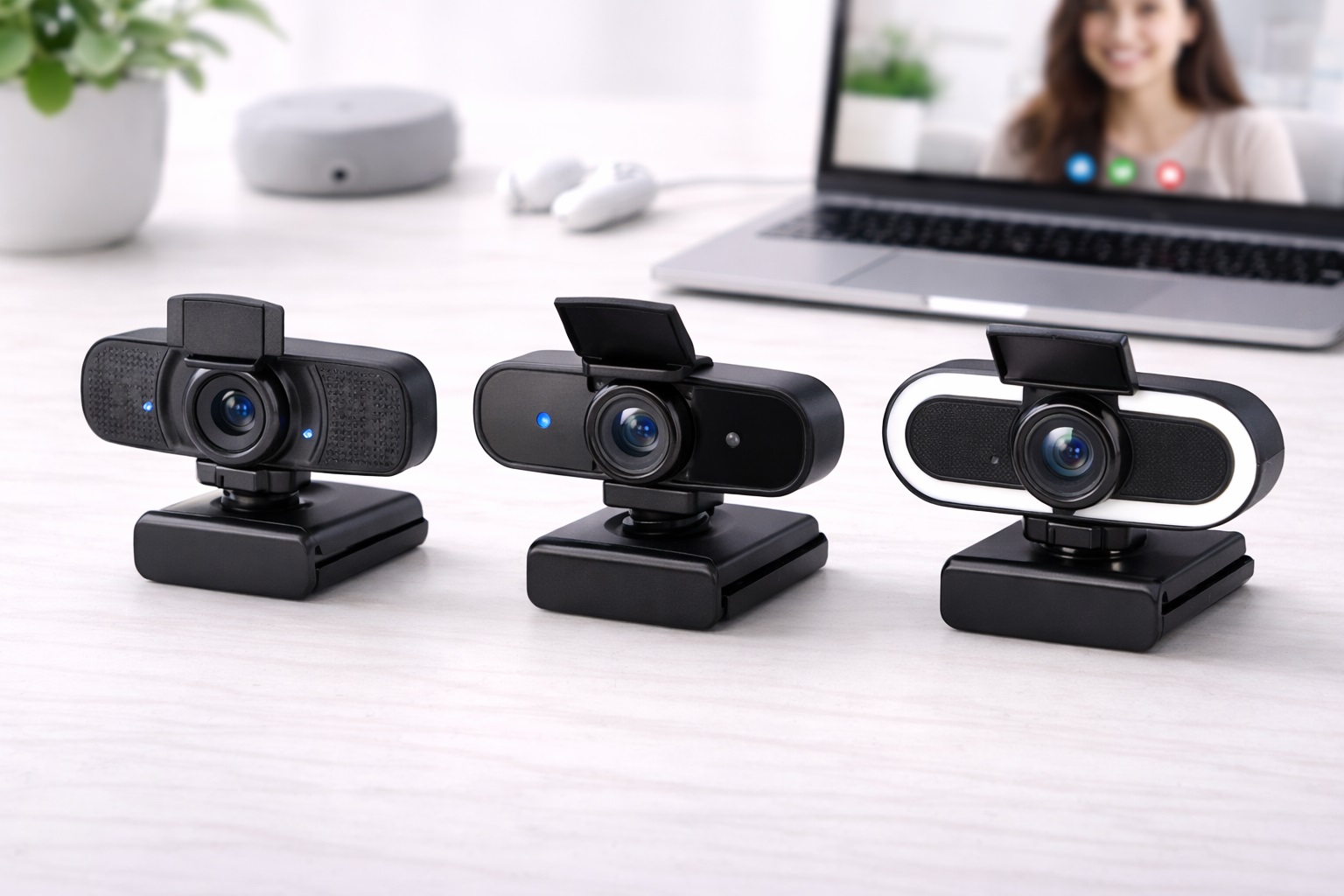
The category splits into a few distinct approaches rather than one obvious best choice. Some webcams focus purely on sharp 1080p video, others build in a noise-reducing microphone aimed at students in shared or noisy households, and still others prioritize being small enough to clip onto a laptop lid without adding bulk to a backpack. Chromebook compatibility and wide-angle framing for group study sessions round out the rest of the category, each solving a slightly different problem for a slightly different kind of student.
This guide walks through six common types of webcams built for online classes, what each one does well, where it falls short, and the specific factors worth checking before you buy — followed by the questions students and parents tend to ask most often when shopping for one.
None of these categories is universally "the best." A webcam built around a wide field of view is genuinely useful for a shared study space but overkill for someone attending class alone at a small desk, and a compact clip-on model that travels well may skip features that matter more to someone who never leaves their room. Matching the category to your actual routine will get you to a better decision faster than comparing every spec sheet side by side.
It also helps to think about how long you'll actually need the webcam for. Someone taking a single online course for a semester has different priorities than someone planning years of remote or hybrid learning, and the amount you're willing to spend should reflect that timeline rather than a general sense that more expensive always means better. A webcam bought for one specific problem — noise, portability, compatibility, or simply image quality — tends to serve a student better than one bought because it had the longest feature list on the page.
It's worth remembering that a webcam is only one half of the video quality equation — the room around it does plenty of the work too. A well-chosen webcam pointed at a cluttered wall or backlit by a bright window can still look worse than a modest webcam paired with a lamp positioned in front of the student rather than behind them. Before assuming a pricier camera will fix a dim or washed-out call, it's worth testing whether repositioning a desk lamp or facing a window solves the same problem for free.
Top 6 Webcams for Online Classes (Detailed Reviews)
1. 1080p Student Webcam – Best Overall
This category represents the standard, no-frills choice for a student who just needs a clear, dependable picture during class. Built around full 1080p capture, it's designed to replace a laptop's built-in camera with noticeably sharper video without asking the buyer to learn any new software or think much about setup. For most students attending regular video lectures and discussion sections, this is the category that solves the actual problem — a fuzzy, dim laptop camera — without adding complexity. It's also the safest first purchase for a student who hasn't yet identified a more specific problem, such as background noise or a cramped desk, since it improves the fundamentals that every video class depends on.
- Pros:
- Noticeably sharper picture than a typical built-in laptop camera
- Straightforward setup with no learning curve involved
- Works well across a wide range of lighting conditions in a typical dorm or bedroom
- Cons:
- Lacks specialized features like AI noise reduction or a wide-angle lens
- Microphone quality is usually adequate rather than exceptional
Best For: Students who want a clear, reliable upgrade over a built-in laptop camera without extra bells and whistles.
Why We Recommend It: It solves the single most common complaint about online classes — poor video quality — directly and without unnecessary complexity.
2. Webcam With AI Noise Reduction Mic – Best for Noisy Households
Students sharing a house, apartment, or dorm with roommates, siblings, or a busy household often find that background noise is a bigger problem during class than video quality. This category pairs a webcam with a microphone built specifically to reduce background noise, aiming to keep a student's voice clear during discussions and presentations even when the room around them isn't silent. It's a more targeted solution than a general-purpose webcam, built around one specific pain point. For a student who has already tried adjusting microphone settings or moving to a quieter corner of the room without much success, this category addresses the problem at the hardware level instead.
- Pros:
- Reduces background noise more effectively than a standard built-in or webcam microphone
- Genuinely useful for students without access to a quiet, dedicated study space
- Video quality is still solid even though the microphone is the main selling point
- Cons:
- Noise reduction can occasionally soften voice clarity along with background sound
- Costs more than a basic webcam without a comparable video quality upgrade
Best For: Students attending class from a shared or noisy household who need their voice to come through clearly.
Why We Recommend It: It directly addresses a specific, common problem — background noise — that video quality alone can't fix.
3. Budget Online Class Webcam – Best Budget Pick
This category strips the webcam down to its essentials: a functional camera and microphone at the lowest reasonable price point, without the resolution polish or extra features found elsewhere in the category. It's a sensible choice for a student who needs a working webcam quickly, is on a tight budget, or only expects to need it for a single semester or course. Quality varies more at this price point than elsewhere in the category, so checking specific reviews matters more here than with pricier options. Buyers who take a few minutes to compare specific models rather than assuming all budget webcams perform similarly tend to end up much happier with the result. A budget model picked up for a single required course often ends up serving as a spare camera later, which is a reasonable way to get ongoing value from what might otherwise feel like a disposable purchase.
- Pros:
- Low-cost entry point for students who need a working webcam without a big investment
- Covers the basic job — a functional camera and mic — without unnecessary extras
- Reasonable as a backup webcam once a primary one is already owned
- Cons:
- Video and microphone quality are noticeably more basic than mid-range options
- Build quality can be inconsistent between specific models at this price point
Best For: Students on a tight budget who need a functional webcam without paying for features they won't use.
Why We Recommend It: It removes cost as a barrier to attending class with a working camera and microphone, which matters most for students on a strict budget.
4. Compact Clip-On Webcam – Best for Laptop Users on the Go
Built to be small and light enough to leave clipped to a laptop lid, this category suits students who move between a dorm room, library, and classes throughout the day and don't want to carry or set up a separate accessory each time. The compact size trades away some of the flexibility of a larger, mountable webcam, but for a student whose laptop travels with them constantly, that trade-off is usually worth it. It's built around portability first, with video and microphone quality treated as secondary priorities. For students who study in the library between classes or split time between a dorm room and a shared common space, not having to pack and unpack a separate accessory each day is a real, everyday convenience.
- Pros:
- Small and light enough to stay clipped to a laptop without adding noticeable bulk
- Convenient for students who attend class from multiple locations throughout the day
- Quick to set up and remove without needing a separate stand or mount
- Cons:
- Smaller lens and housing can mean a slightly less polished image than larger webcams
- Limited or no adjustability once clipped in place
Best For: Students who regularly attend class from different locations and want a webcam that travels easily with their laptop.
Why We Recommend It: It solves a portability problem that larger, desk-bound webcams don't address, without requiring a separate carrying case or setup routine.
5. Webcam for Chromebook – Best for Chromebook Compatibility
Not every webcam works smoothly with Chrome OS, and this category is built specifically around plug-and-play compatibility with Chromebooks, which are common in many school-issued device programs. Rather than requiring extra drivers or software that may not run properly on Chrome OS, these webcams are designed to be recognized automatically, which matters more to students on school-issued hardware than any other single feature. Video and audio quality are generally comparable to other mid-range options in the category. For a family managing a school-issued device, avoiding a compatibility headache is often worth more than a marginal upgrade in image sharpness that a general-purpose webcam might otherwise offer.
- Pros:
- Reliable plug-and-play recognition on Chrome OS without extra driver installation
- Particularly useful for students using school-issued Chromebooks
- Comparable video and audio quality to other mid-range webcams in the category
- Cons:
- Less advantage for students using Windows or macOS laptops instead
- Feature set is generally basic compared to premium, platform-agnostic options
Best For: Students using a Chromebook, especially a school-issued one, who need dependable compatibility above all else.
Why We Recommend It: It removes a specific compatibility headache that can otherwise turn a simple webcam purchase into a troubleshooting project.
6. Wide-Angle Classroom Webcam – Best for Shared or Group Spaces
This category uses a wider field of view than a standard webcam, aimed at situations where more than one person needs to appear on camera at once — siblings sharing a study space, a small group project call, or a room where the student can't always sit at a fixed, ideal distance from the camera. The wider frame trades away some of the close-up detail a standard webcam offers, but it solves a real problem for students whose setup isn't a single person at a private desk. It's a reasonable choice for family homeschool arrangements or siblings who share a computer for different class periods throughout the day, where a fixed narrow frame would otherwise mean constantly repositioning the camera between sessions. Because the wider lens captures more of the room, it also rewards a bit of extra attention to lighting placement, since more of the frame needs to be evenly lit rather than just the face of one student sitting close to the lens.
- Pros:
- Captures more of the room, useful when more than one person needs to be visible
- More forgiving of imperfect seating distance and desk setup
- Well suited to shared study spaces and group project calls
- Cons:
- Wider framing can make an individual student appear smaller in frame
- Less ideal for a single student wanting a tighter, more personal-feeling shot
Best For: Students sharing a study space or attending group calls where more than one person needs to be visible.
Why We Recommend It: It solves a framing problem that standard webcams don't address well, without requiring the student to reposition furniture around a single fixed camera angle.
Buying Guide: How to Choose the Best Webcam for Online Classes
With the categories above in mind, here are the specific factors worth checking before you buy. These are the practical details that determine whether a webcam quietly does its job during class or becomes a recurring distraction.
1. Video Resolution and Clarity
Resolution is the most obvious spec, but it's worth pairing with a look at how the webcam performs specifically in typical indoor lighting rather than a bright showroom. A webcam rated for sharp video in good light can still look noticeably worse in a dim dorm room, so checking real-world sample footage or reviews matters more than the resolution number alone. Pay attention to how a webcam handles backlighting too, since a window or lamp behind you can wash out an otherwise sharp picture regardless of the stated resolution.
2. Built-In Microphone Quality
Many students rely on the webcam's built-in microphone rather than a separate headset, especially for shorter classes where wearing headphones feels unnecessary. Check whether the microphone is described as directional or noise-reducing, since a basic omnidirectional mic will pick up far more background sound in a shared space. If you're regularly speaking up in discussion sections or giving presentations, this factor deserves as much attention as the camera itself.
3. Auto-Focus Performance
A webcam that struggles to refocus when you lean forward, gesture, or shift position mid-sentence creates a distracting blur at exactly the wrong moment, such as during a presentation. Reviews that specifically mention auto-focus responsiveness are more useful here than general video quality comments. A webcam that locks focus quickly and holds it steady tends to feel more natural during back-and-forth conversation than one that visibly hunts for focus every time you move.
4. Field of View and Framing
A narrow field of view suits a single student sitting close to their laptop, while a wider angle better serves shared spaces or situations where the student isn't always centered in frame. Consider your actual desk setup and who else might need to appear on camera before assuming a wider angle is automatically better. Sitting further back from the screen than expected is a common reason students end up disappointed with a narrow-angle webcam.
5. Plug-and-Play Compatibility
Ideally, a webcam should be recognized automatically by your laptop or school-issued device without installing extra software, particularly important for students on Chromebooks or school-managed computers where installing new drivers may not even be possible. A webcam that requires administrator permissions to install software can be a genuine dead end on a locked-down school device, so plug-and-play recognition is worth confirming in advance rather than discovering the problem on the first day of class.
6. Privacy Cover or Shutter
A physical privacy cover or shutter is a small but meaningful feature for students who want a simple, tactile way to confirm the camera is off between classes, rather than relying solely on software indicators that can be harder to verify at a glance. This matters especially in shared living spaces where other people may walk past an open camera.
7. Low-Light Performance
Many students attend early morning or evening classes in rooms with limited natural light. A webcam that performs reasonably well in dim conditions avoids the grainy, washed-out look that can make video calls feel unprofessional regardless of resolution.
8. Mounting and Positioning Flexibility
Consider whether the webcam clips onto a laptop screen, sits on a separate desk mount, or both. Students who switch between a laptop and an external monitor benefit from a webcam that mounts flexibly rather than one designed for a single specific setup.
9. Price Relative to Actual Needs
It's easy to overspend on features that won't matter for a typical class schedule. A student who only needs to be seen clearly during discussion sections doesn't necessarily need the most expensive option with features built for streaming or professional video production.
10. Brand Reliability and Software Support
Established webcam brands tend to offer more consistent driver updates and better long-term software support than lesser-known alternatives, which matters if your operating system receives updates that occasionally affect camera compatibility.
11. Warranty and Return Policy
A webcam is a small purchase, but a reasonable warranty and return window still matter, especially for a device that needs to work reliably for graded participation or presentations rather than just casual use.
12. Compatibility With Your Existing Setup
Confirm the webcam works with your specific laptop, operating system, and any video conferencing software your school requires before buying, particularly if you're using a school-issued Chromebook or an older laptop with limited USB ports.
13. USB Connection Type and Cable Length
Most webcams for online classes connect over a standard USB cable, but the connector type and cable length are easy to overlook until setup day. A webcam with a short, fixed cable can be awkward on a desk where the laptop sits further from a monitor or stand, while a longer cable gives more flexibility for mounting the camera at eye level. It's also worth checking which USB port type is included, since a newer laptop with only USB-C ports may need an adapter if the webcam ships with a standard USB-A connector.
14. Testing the Webcam Before a Graded Session
Before relying on any new webcam for a graded presentation or important discussion, it's worth doing a short test call in the room and at the time of day you'll actually be using it. Lighting that looks fine in the afternoon can look noticeably dimmer during an early morning class, and a webcam that performed well in a quick unboxing test may reveal auto-focus or framing issues once it's mounted in its actual spot on a desk. A five-minute test call with a friend catches most problems while there's still time to fix them.
Frequently Asked Questions
Do I really need a separate webcam if my laptop already has a built-in camera?
Not always, but a dedicated webcam usually offers meaningfully sharper video and often a better microphone than a built-in laptop camera, especially on older or budget laptops where the built-in camera was never a priority for the manufacturer.
Will a webcam work with the video conferencing software my school requires?
Most webcams work as a standard USB video device recognized by any major conferencing platform, but it's still worth checking compatibility notes, particularly if your school uses a less common platform or you're on a Chromebook.
Is a higher resolution always worth paying more for?
Not necessarily. Once you're at a clear, sharp 1080p image, additional resolution mainly matters for professional streaming rather than typical class attendance. Lighting and auto-focus performance usually make a bigger practical difference than resolution alone.
Do I need a webcam with a built-in microphone if I already use headphones with a mic?
If you already have a reliable headset microphone, the webcam's built-in mic becomes less important, and you can prioritize video quality, field of view, or portability instead when choosing a model.
How do I know if a webcam is compatible with my Chromebook?
Look specifically for Chromebook or Chrome OS compatibility mentioned in the product details, since not all webcams are guaranteed to work without extra driver installation that Chrome OS may not support.
What's the most common complaint about budget webcams?
Inconsistent build quality and noticeably weaker low-light performance are the most common issues at the lower end of the price range. Reading reviews focused specifically on video quality in dim rooms helps identify these issues before buying.
Can I return a webcam if the video quality doesn't meet my expectations?
Most retailers offer a return window of roughly two to four weeks. Check the specific policy before purchasing, and test the webcam in the lighting conditions you'll actually use it in during that window.
Is it worth buying a webcam with a privacy cover?
For many students, yes — a physical cover offers a simple, visible way to confirm the camera is off between classes, which some people find more reassuring than relying on a software indicator light alone.
Do wide-angle webcams work well for a single student sitting alone?
They can, but a single student sitting close to their desk usually looks better framed with a standard or slightly narrower field of view. Wide-angle models are better suited to shared spaces or group calls.
How important is auto-focus for online classes specifically?
It matters more than many students expect, particularly during presentations or discussions where leaning forward or gesturing is common. A webcam that refocuses quickly avoids a blurry moment right when you're speaking.
Should I buy a clip-on webcam if I mostly attend class from one fixed location?
Probably not as a first choice — clip-on webcams are built around portability, and a student who rarely moves locations may get more value from a standard or desk-mounted model with a slightly better lens or microphone.
Do webcams for online classes need any special software to work well?
Most work fine using your operating system's built-in camera drivers and whatever video conferencing software your class uses, without any additional companion app. A few brands offer optional software for adjusting settings, but it's rarely required for basic class use.
Can a webcam improve how I come across during presentations and interviews conducted over video?
Yes — clearer video and audio genuinely change how attentive and prepared you appear on screen, which matters for presentations, office hours, and any video interviews conducted through the same setup you use for class.
Is it better to mount a webcam on top of the laptop or use a separate stand?
Mounting on top of the laptop screen is simpler and works well for most students, while a separate stand gives more flexibility for camera angle and height if you use an external monitor or want the camera positioned at eye level rather than looking up or down at you.
Do webcams matter for exams that require camera monitoring, not just class attendance?
Yes, and arguably more so — proctored exams often require a clear, steady view of your face for the full session, which makes reliable auto-focus and consistent lighting more important than for a typical discussion. A webcam that occasionally blurs during a lecture becomes a bigger problem when an exam platform is actively monitoring the feed.
Are wireless webcams a good option for online classes?
Most webcams built for online classes still use a wired USB connection rather than a wireless or Bluetooth link, mainly because a wired connection avoids the lag and occasional dropouts a wireless signal can introduce. For a live class or graded presentation, that reliability advantage outweighs the convenience of removing one cable from the desk.
Final Verdict
- Best Overall: The 1080p student webcam offers a clear, dependable upgrade over a built-in laptop camera.
- Best for Noisy Households: The webcam with AI noise reduction mic keeps your voice clear even in a busy shared space.
- Best Budget Pick: The budget online class webcam covers the essentials without unnecessary extras.
- Best for Portability: The compact clip-on webcam travels easily between classes and study locations.
There's no single webcam that's correct for every student, since the right choice depends on your living situation, your laptop or Chromebook, and how often you move between study locations. What matters most is matching the category to your actual routine — a quiet dorm room calls for a different priority list than a shared house with siblings or roommates constantly moving through the background.
If you're not sure which factor matters most yet, start with a straightforward 1080p option and pay closer attention to lighting and camera placement in your specific room, since those two factors often affect video quality more than any single spec on the box. You can always adjust your next purchase once you know which limitation actually bothers you during real classes.
A webcam is a small purchase in the context of a semester's worth of tuition and coursework, but it has an outsized effect on how confidently you show up to discussions, presentations, and office hours. Choosing one that matches your actual setup — rather than the most expensive option on the shelf — is the more reliable path to a webcam you're not thinking about once class starts.