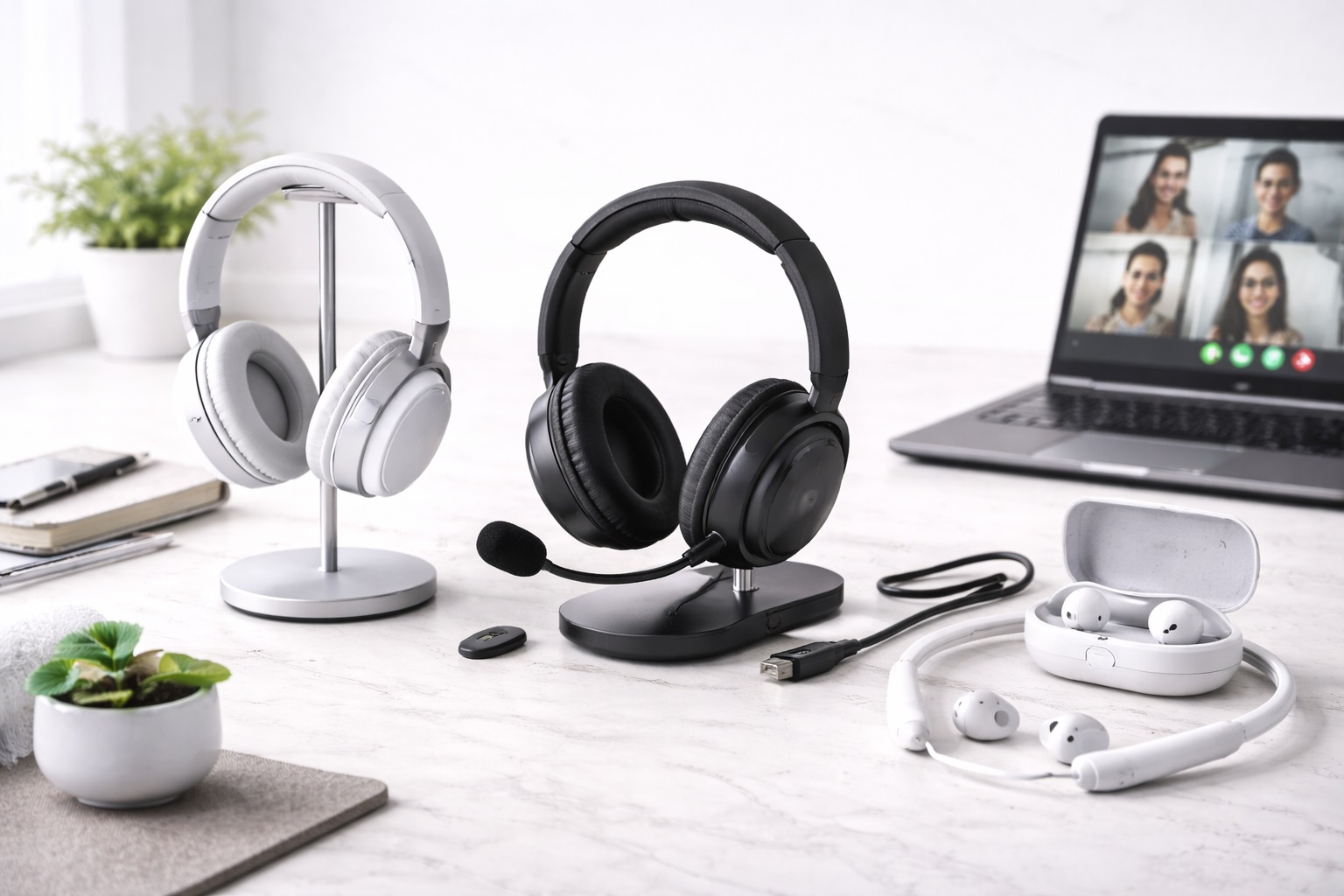
Best Headphones for Working from Home: Focus, Calls & Comfort
Working from home puts headphones through a different kind of test than gaming or commuting ever does. A pair that sounds great for music can still fail on a Tuesday afternoon full of back-to-back video calls if the microphone picks up a barking dog, the ear cups turn uncomfortable after hour four, or the noise cancellation lets a neighbor's lawnmower bleed into every meeting. The demands of remote work are specific: clear voice pickup, comfort across a full workday, dependable wireless connection during calls, and enough noise isolation to create a bubble of focus in a house that was never designed to be an office.
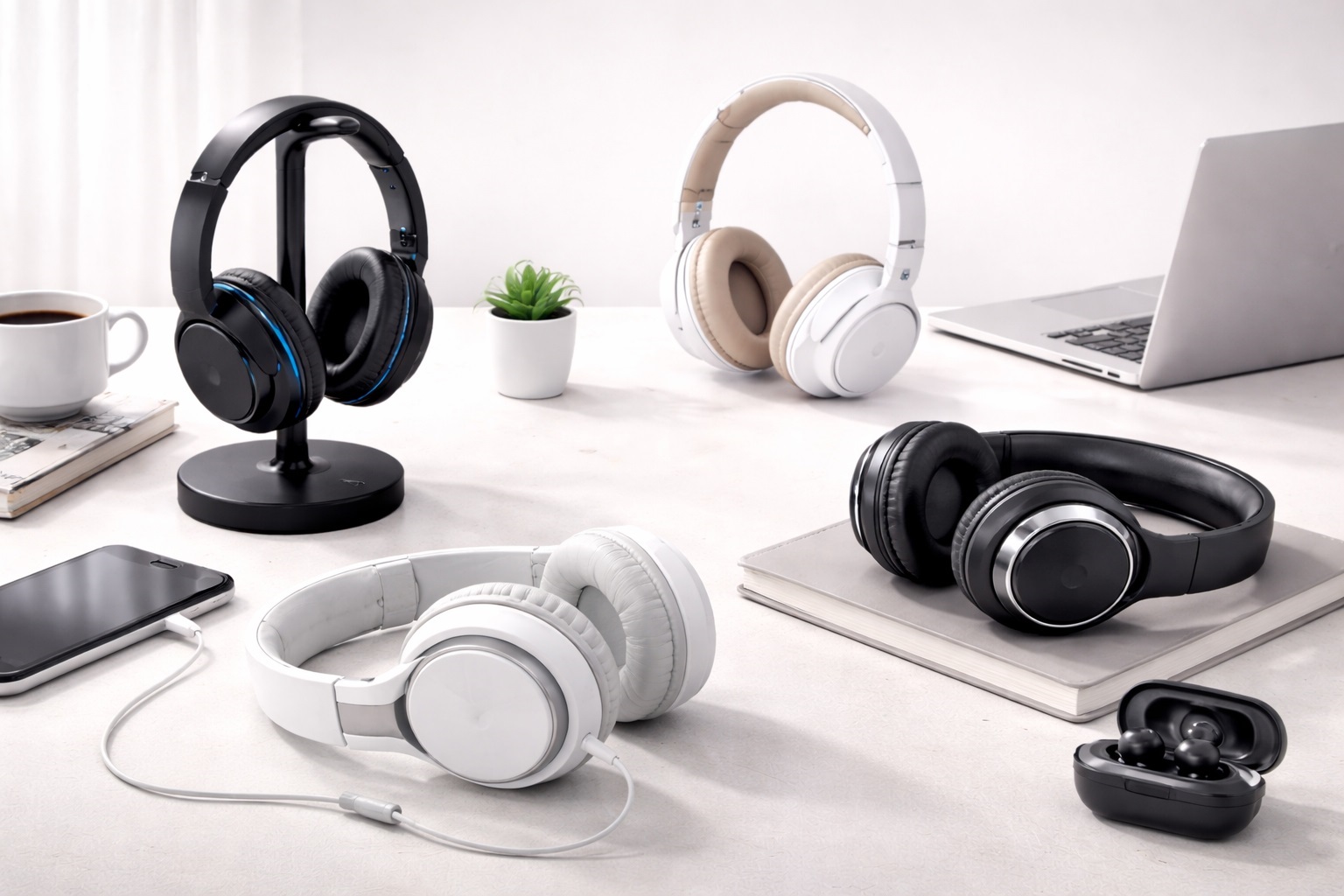
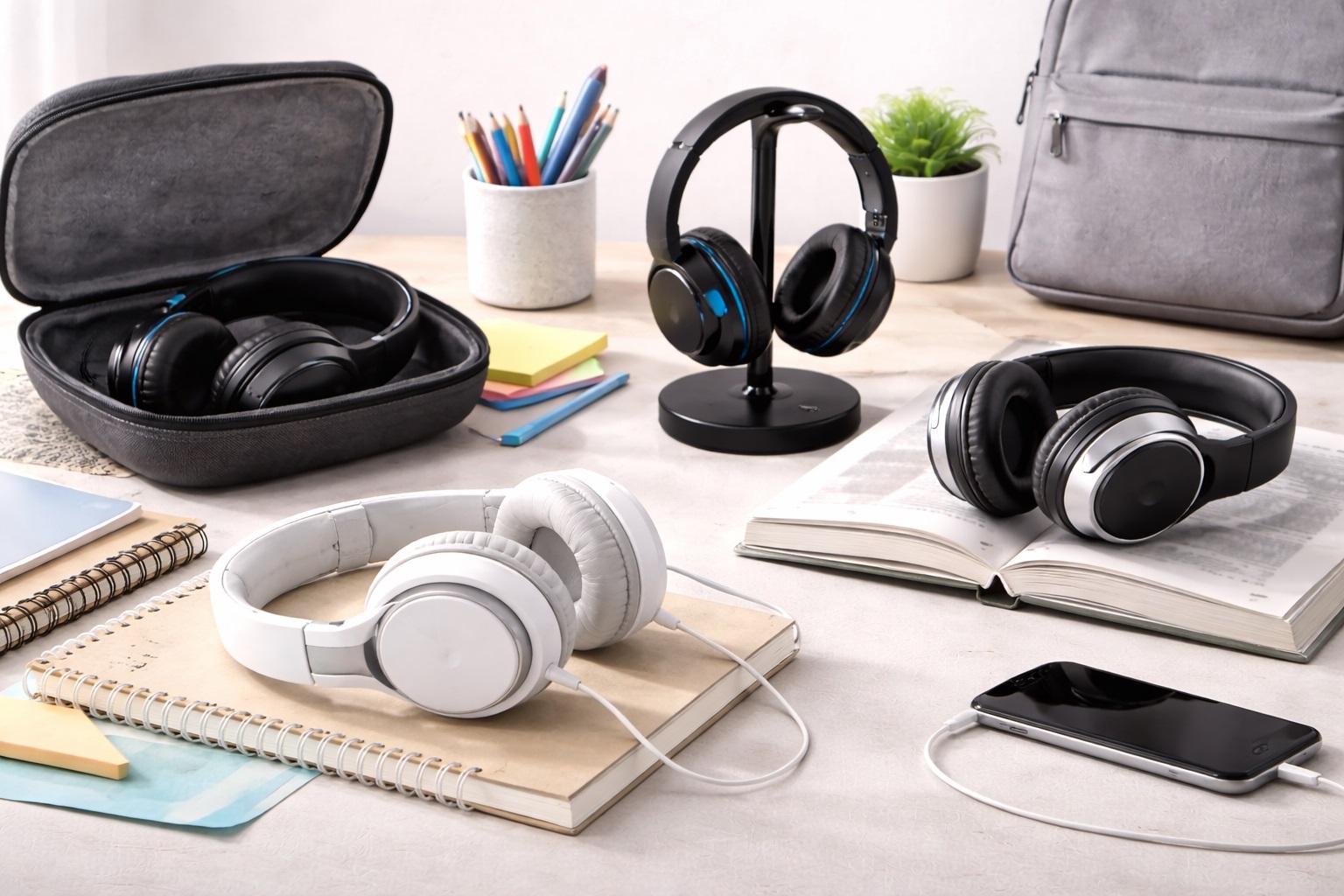
This guide looks at the realistic range of headphone types remote workers reach for — premium noise-canceling over-ears, budget wireless options, on-ear designs, boom-mic headsets built for calls, models suited to open or shared spaces, and lightweight options for long sessions — and breaks down what each does well and where it tends to fall short.
None of these categories is universally "best." A parent taking calls between school pickups has different priorities than someone sharing a small apartment with three roommates, and someone doing eight hours of deep, focused work has different needs than someone whose day is mostly short meetings. The reviews below are organized to make that distinction clear, so the right match depends on matching the category to your actual daily routine rather than chasing the highest-rated single product.
It's also worth separating what matters for remote work from what matters for general listening. A headphone reviewed glowingly for bass response or soundstage on a music-focused site may say very little about how it handles a two-hour video call with three overlapping voices, or how it feels after being worn continuously since nine in the morning. The factors that actually determine day-to-day satisfaction for remote work — voice clarity, all-day comfort, connection stability, and noise isolation — don't always line up with the specs that dominate general audio reviews, which is exactly why this guide treats "headphones for working from home" as its own distinct category rather than a subset of consumer audio in general.
Top Headphones for Working from Home (Detailed Reviews)
1. Premium ANC Over-Ear Headphones – Best Overall
Premium active noise-canceling over-ear headphones represent the category most remote workers eventually gravitate toward, because they address the two biggest challenges of a home office at once: outside noise and long-session comfort. The over-ear design creates a physical seal around the ear that passive isolation alone can't match, and active noise cancellation layers electronic filtering on top of that seal to reduce the hum of appliances, traffic, or a housemate's television in another room. The plush ear cushions and adjustable headbands common in this category are built with multi-hour wear in mind, which matters far more for a workday than it does for a quick commute.
- Pros:
- Strong noise cancellation creates real separation from household distractions
- Over-ear cushioning designed for extended, all-day comfort
- Generally includes reliable call-quality features suited to daily meetings
- Cons:
- Highest price point in this category
- Bulkier than on-ear or lightweight alternatives, less convenient to travel with
Best For: Remote workers with a dedicated home office who spend most of the day in headphones and want the strongest combination of focus and comfort.
Why We Recommend It: It solves the two problems that actually derail a home workday — background noise and physical discomfort — more thoroughly than any other category on this list. For anyone whose home environment includes ongoing background noise, whether from traffic, household appliances, or family members, this is generally the category worth prioritizing even at a higher price point.
2. Budget Wireless Headphones – Best Value Pick
Budget wireless headphones strip away the premium noise cancellation and top-tier materials of pricier models but retain the core functionality remote workers need: a stable Bluetooth connection, usable call audio, and enough comfort for a normal workday. This category makes sense for anyone testing whether dedicated work headphones are worth the investment, or for a secondary pair kept at a desk without committing significant budget to it.
- Pros:
- Low price point makes it an accessible entry into wireless work headphones
- Wireless freedom for pacing during calls or moving around a home office
- Good option as a backup pair or for occasional remote work days
- Cons:
- Noise isolation is noticeably weaker than premium ANC models
- Build materials and cushioning tend to wear faster with daily use
Best For: Occasional remote workers, students, and anyone who wants basic wireless functionality without paying for features they won't use daily.
Why We Recommend It: It covers the essential requirements of remote work calls at a price point that's easy to justify, especially for part-time or hybrid schedules.
3. On-Ear Headphones – Best Compact Option
On-ear headphones rest against the ear rather than fully enclosing it, resulting in a smaller, lighter design than over-ear alternatives. This makes them easier to store, less noticeable to wear around the house, and generally more breathable in warmer environments, though the trade-off is a less complete acoustic seal, which affects both passive noise isolation and how well outside sound is blocked during calls.
- Pros:
- Lighter and more compact than over-ear designs
- Less warm against the ears during long wear in warm climates
- Easier to store or pack compared to bulkier over-ear models
- Cons:
- Weaker passive noise isolation than over-ear alternatives
- Can feel less comfortable during very long sessions due to direct ear pressure
Best For: Remote workers in quieter environments who prioritize a lighter, more compact headphone over maximum noise isolation.
Why We Recommend It: For people who don't need heavy noise blocking, the smaller footprint and lighter feel make daily wear noticeably less fatiguing.
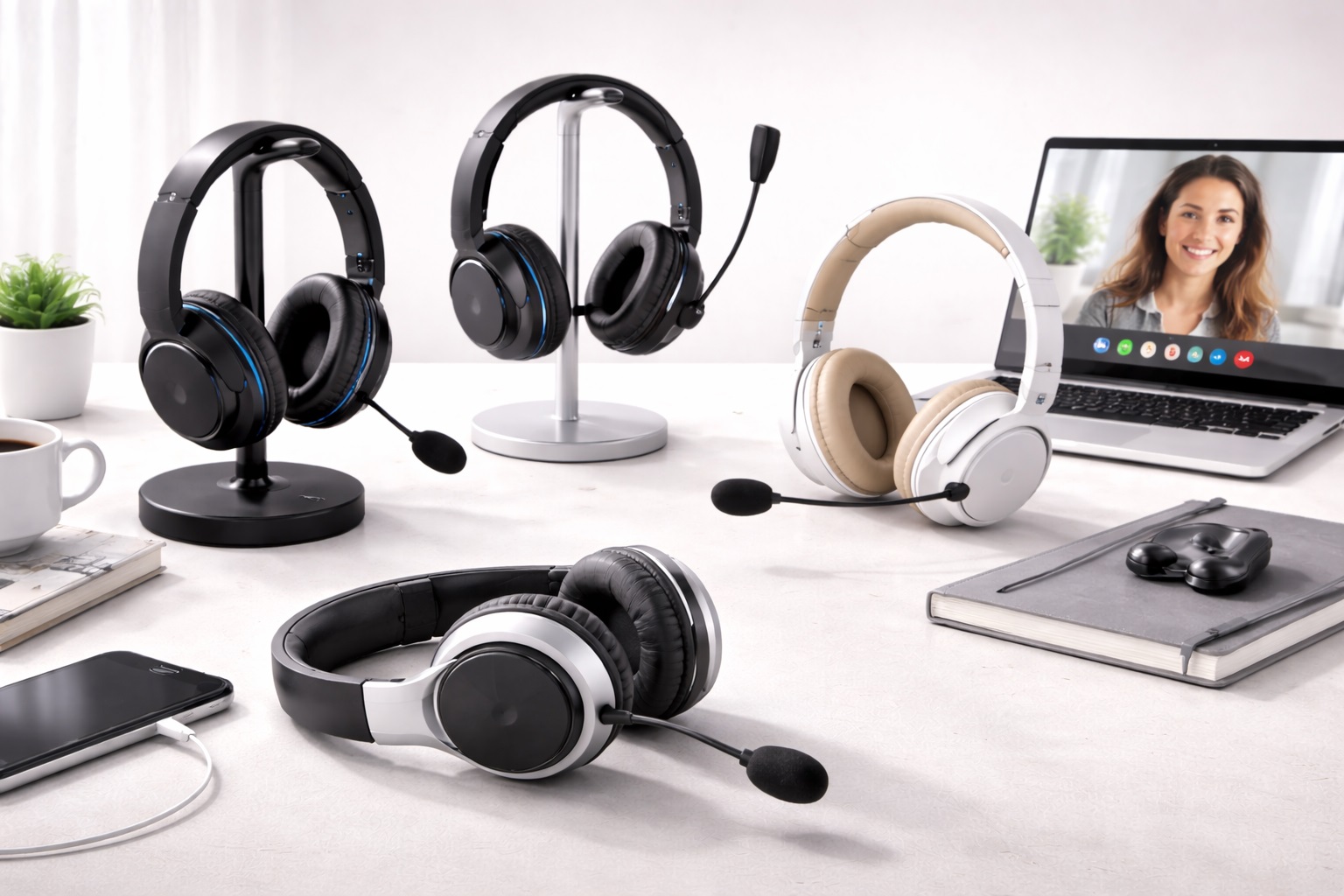
4. Headphones with Boom Mic – Best for Call Clarity
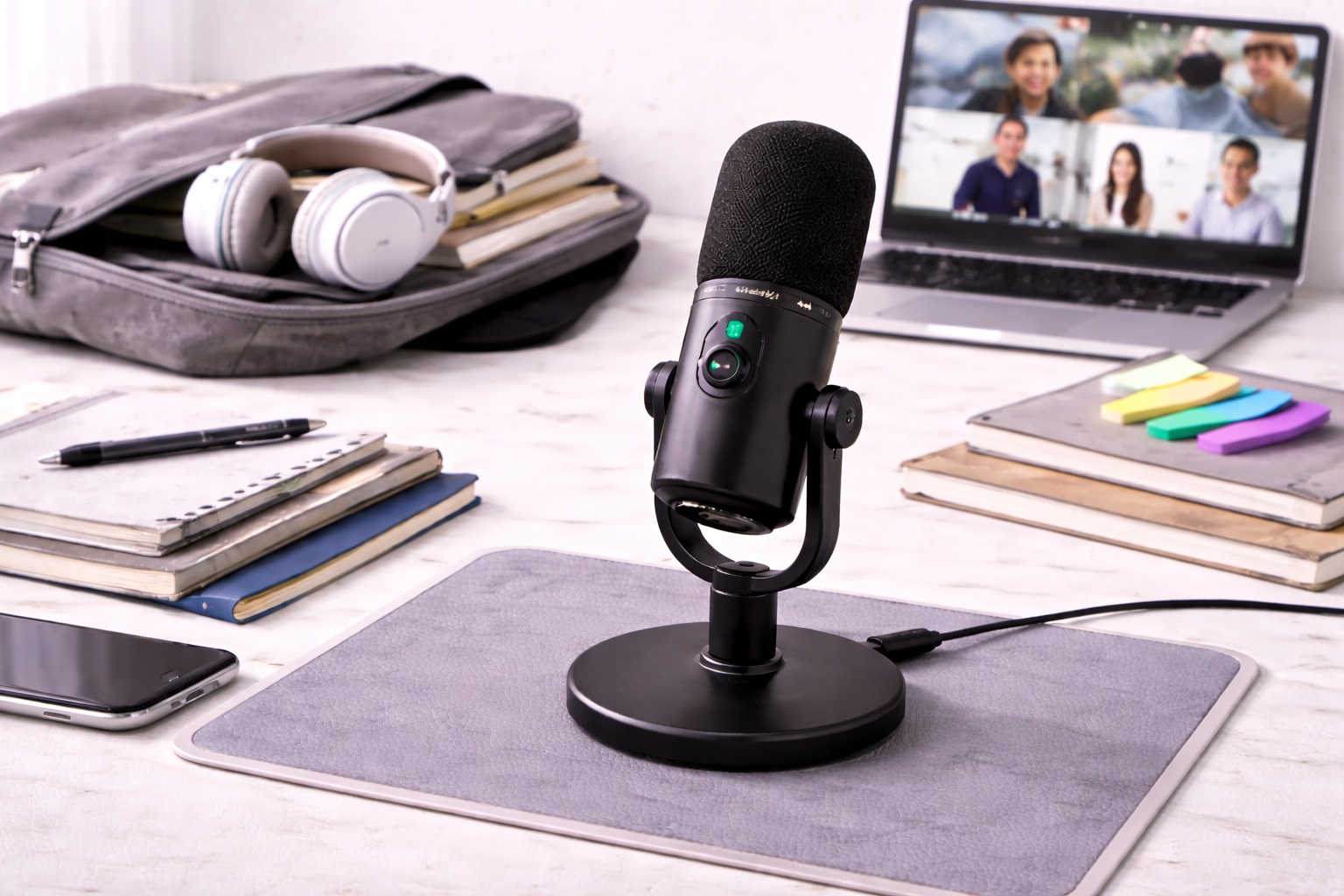
A dedicated boom microphone positions the mic element closer to the mouth than the built-in microphones found on most standard headphones, which generally improves voice pickup and reduces the amount of background noise that comes through on calls. For anyone whose day is dominated by video meetings rather than solo focus work, this category directly targets the aspect of remote work headphones that affects colleagues and clients the most — how clearly you're heard.
- Pros:
- Boom mic positioning improves voice clarity for calls and meetings
- Often includes a mute switch or flip-to-mute function on the boom itself
- Reduces background noise transmission better than most built-in mics
- Cons:
- Boom arm adds bulk and is less discreet-looking than standard headphones
- Not necessary for people whose work involves few or no live calls
Best For: Remote workers whose schedule is heavy on video calls, client meetings, or team collaboration where being clearly heard matters most.
Why We Recommend It: It directly addresses the most common complaint in remote meetings — poor mic quality — in a way that standard headphone microphones typically can't match. Anyone who has been asked to repeat themselves on a call because of background noise or muffled audio will likely notice the difference a dedicated boom mic makes almost immediately.
5. Headphones for Open Office or Shared Space Use – Best for Shared Environments
Working from a shared apartment, a co-working space, or a busy household introduces a different set of noise challenges than a private office does — inconsistent, unpredictable sound from multiple directions rather than steady background hum. Headphones built for this kind of environment typically emphasize broad noise isolation and a secure fit that stays comfortable and in place through interruptions, movement, and the kind of variable noise a private office rarely produces.
- Pros:
- Designed to handle inconsistent, multi-directional background noise
- Secure fit holds up well through movement and interruptions
- Well suited to co-working spaces, shared homes, or busy households
- Cons:
- May prioritize isolation over the absolute peak audio fidelity of premium models
- Fit and comfort preferences vary more in shared, high-movement environments
Best For: Remote workers in co-working spaces, shared households, or any environment with unpredictable background noise rather than a quiet, private office.
Why We Recommend It: It's built around the specific challenge of variable, unpredictable noise, which a headphone optimized purely for a quiet home office doesn't always handle as well. Anyone who has struggled to focus through a housemate's conversation or a child's activities in the next room will find this category better suited to that reality than one designed around a private, controlled environment.
6. Lightweight Headphones for WFH – Best for All-Day Comfort
Lightweight headphones trade some of the bulk and heavier padding of premium ANC models for a design built primarily around long-session comfort. Reduced clamping force, softer headbands, and lighter overall construction mean less pressure on the head and ears over a full workday, which matters considerably for anyone who wears headphones for six or more hours at a stretch and finds heavier models start to ache by mid-afternoon.
- Pros:
- Reduced weight and clamping force noticeably improve comfort over long sessions
- Less fatigue during marathon days of back-to-back calls
- Generally easier to wear with glasses than heavier, tighter-fitting models
- Cons:
- Lighter build sometimes means less robust noise isolation
- May feel less premium in materials compared to heavier flagship models
Best For: Remote workers who spend the majority of their day wearing headphones and prioritize physical comfort over maximum noise blocking or audio fidelity.
Why We Recommend It: For people whose main complaint with other headphones is physical discomfort by the afternoon, this category directly solves that problem. It's a particularly good match for anyone who has previously given up on wearing headphones all day simply because the physical sensation became distracting well before the workday was over.
Buying Guide: How to Choose the Best Headphones for Working from Home
Before choosing a pair, it's worth thinking through how your actual workday runs — how many hours you wear headphones, how many calls you take, how noisy your environment is — since these factors matter far more than a headline spec sheet in determining whether a pair genuinely improves your workday.
1. Active Noise Cancellation Quality
ANC quality varies significantly between price tiers and manufacturers, and it's most useful for blocking steady, low-frequency noise like HVAC hum, traffic, or appliances, while being less effective against sudden or sharp sounds like a dog barking or a door slamming. If your home environment is consistently noisy, prioritizing strong ANC will do more for your focus than almost any other single feature. It's also worth noting that stronger ANC sometimes introduces a subtle pressure sensation in the ears that some people find uncomfortable over long sessions, so if possible, testing a pair for an extended period rather than a brief in-store demo gives a more accurate sense of long-term comfort.
2. Microphone Performance for Calls
Since remote work is call-heavy for most people, microphone quality deserves as much attention as audio playback quality, if not more. Built-in mics on standard headphones vary widely in how well they isolate your voice from background noise, while boom-mic designs generally offer a more consistent, professional-sounding call experience.
3. Comfort for 6+ Hour Sessions
Weight, clamping force, and cushioning material all affect how a headphone feels after hours of continuous wear, and this is one area where showroom comfort and real-world comfort can differ substantially. A pair that feels fine for the first twenty minutes can become uncomfortable well before the workday ends if the clamping force is too tight or the cushioning too firm. People who wear glasses should pay particular attention to this factor, since the combination of glasses arms and a tight headband is one of the most common sources of discomfort reported by remote workers who wear headphones for extended periods.
4. Wireless Range and Stability
A stable Bluetooth connection matters more for remote work than it might for casual listening, since a dropped connection mid-call is disruptive in a way a skipped song isn't. Range becomes especially relevant if you tend to step away from your desk during calls, whether to grab coffee or walk around the house while talking.
5. Battery Life
A full workday of calls and audio can run six to eight hours or more, so battery life needs to comfortably cover your typical day without requiring a mid-afternoon charge. Checking the manufacturer's stated battery life against your actual daily headphone use is a simple way to avoid a pair that dies before your last meeting.
6. Price and Long-Term Value
Work headphones are a tool you'll likely use daily for years, which changes the value calculation compared to a pair bought for occasional use. Spending more on a pair with genuinely useful features for your routine — strong ANC for a noisy home, a boom mic for a call-heavy schedule — tends to pay off more than either overspending on unused features or underspending and replacing a pair within a year.
7. Brand Reliability and Software Support
Many wireless headphones pair with companion apps for firmware updates, EQ adjustments, or ANC tuning, and how well a brand maintains that software over time affects the long-term usefulness of the hardware. Established brands with a track record of updates tend to offer more consistent performance over the life of the product than newer entrants without that history. A companion app can also matter for remote work specifically, since some let you fine-tune microphone sensitivity or set custom ANC profiles for different rooms or times of day.
8. Warranty and Support
Warranty length and the ease of getting support are reasonable indicators of how a manufacturer expects its product to hold up. For a daily-use item like work headphones, warranty coverage that includes battery degradation or hinge and headband durability is particularly worth checking, since these are common wear points with regular daily use.
9. User Reviews and Real-World Feedback
Reviews from people using headphones specifically for remote work — rather than gaming or general listening — are the most relevant source of insight into how a pair performs on calls and over long sessions. Look for mentions of comfort after several hours and how the microphone performs in real meeting conditions rather than just controlled test reviews.
10. Compatibility with Your Existing Setup
Check compatibility with your specific video conferencing software, computer, and any docking or multi-device setup you use throughout the day. Some headphones support seamless switching between a laptop and a phone, which is a meaningful convenience if you take calls across multiple devices during the workday.
11. Transparency or Ambient Sound Mode
A transparency mode lets outside sound through on demand without removing the headphones entirely, which is useful for briefly hearing a doorbell, a colleague walking in, or a family member without breaking your workflow. Not every model in this category includes it, but for anyone regularly interrupted during the workday, it's a feature worth checking for specifically rather than assuming it's standard.
12. Multipoint Bluetooth Connectivity
Multipoint support allows a headphone to stay connected to two devices simultaneously, such as a laptop and a phone, and switch audio between them automatically. For remote workers who take calls on a mobile phone but do focus work on a computer, this feature removes the friction of manually re-pairing every time the input device changes.
Frequently Asked Questions
Are noise-canceling headphones worth it for working from home?
For anyone in a noisy household or shared space, active noise cancellation is one of the highest-impact features available, since it directly addresses the biggest daily disruption to focus and call quality. In a genuinely quiet, private office, the benefit is smaller, though many still find it useful for creating a consistent, predictable audio environment.
Do I need a headset with a boom mic, or is a built-in mic good enough?
It depends on how call-heavy your role is. For someone in frequent client-facing or team meetings, a boom mic generally delivers clearer, more consistent voice pickup than a built-in microphone. For someone with occasional calls and mostly independent work, a quality built-in mic is often sufficient.
How long should headphones last with daily remote work use?
With regular daily use, a well-made pair commonly lasts a few years before battery capacity noticeably declines or the cushioning and headband show wear. Cheaper models tend to show these signs sooner, which is part of why long-term value matters more for a daily-use item than an occasional-use one.
What's the most common complaint about work-from-home headphones?
Discomfort after several hours of continuous wear is one of the most frequent issues, often tied to clamping force or cushioning that felt fine during a short trial but becomes noticeable over a full workday. Inconsistent Bluetooth connections during calls are another common frustration reported across price points.
Can I return headphones if they don't work for my setup?
Most retailers offer a return window of 15–30 days, though policies on opened headphones with worn ear cushions vary by retailer. Testing a new pair during actual workday conditions — calls, extended wear, your specific noise environment — within that window is a reasonable way to confirm the fit before it expires.
Will these headphones work with my specific video conferencing software?
Most modern wireless headphones work with major video conferencing platforms without issue, since they typically connect at the operating system level rather than requiring platform-specific support. If you use a less common setup, checking compatibility specifics before purchasing is a sensible precaution.
Are premium brands significantly better than lesser-known ones?
Established brands generally offer more consistent quality control, more reliable software support, and stronger customer service than newer or lesser-known alternatives, though there are exceptions at every price point. For a daily-use work tool, that consistency often justifies part of the price premium.
How important is warranty coverage for headphones I'll use every workday?
Quite important, since daily use accelerates wear on hinges, cushioning, and batteries compared to occasional use. A longer warranty is a reasonable signal that the manufacturer expects the product to hold up under regular, sustained use rather than light or infrequent listening.
What's the best way to compare headphone options before buying for remote work specifically?
List the parts of your actual workday that matter most — hours of daily wear, number of calls, background noise level — and weigh each option against those specific factors rather than a general star rating. A headphone optimized for music listening isn't necessarily optimized for an eight-hour workday of meetings.
Is it better to buy work headphones online or try them in a store first?
Online marketplaces typically offer better prices and wider selection, while a physical store lets you judge initial comfort and clamping force in person. For headphones specifically, trying a pair on for fit before buying online — even at a different retailer — is a reasonable way to combine both advantages.
Can I use the same headphones for work calls and casual listening?
Most categories here work fine for both purposes, though boom-mic headsets tend to look and feel more purpose-built for calls than casual listening. If you want one pair for everything, a premium ANC over-ear model or a lightweight all-day option generally handles both roles comfortably.
Do I need a headphone stand or dock, or is that unnecessary?
A stand isn't required, but it does help extend the life of the headband and ear cushions by keeping the pair off a desk surface and reducing accidental drops or crushing under other items. For daily use over several years, this kind of small habit can meaningfully reduce wear on the physical structure of the headphones.
Should I prioritize wired or wireless for working from home?
Wireless is generally more convenient for remote work since it allows movement away from the desk during calls without disconnecting, and most modern wireless headphones offer low enough latency that syncing issues with video aren't a practical concern. A wired connection remains a reliable backup for days when battery charge is a worry or when the absolute lowest possible latency matters.
Does the color or design of work headphones matter for video calls?
Purely functionally, no — but many remote workers do consider how headphones look on camera during video meetings, particularly in more client-facing or formal roles. A low-profile design that doesn't dominate the camera frame is a minor but real consideration for people whose calls are frequently on video rather than audio only.
How much should I expect to spend on a good pair of work headphones?
Pricing varies considerably by category, with budget wireless options sitting well below premium ANC over-ear models. Rather than anchoring to a specific number, it's more useful to decide which features from the buying guide above actually matter for your routine, then compare pricing within that narrower set of options.
Final Verdict
The right headphones for working from home come down to matching the category to your actual daily pattern rather than assuming one "best" pair suits every remote worker. Someone in back-to-back calls all day has different priorities than someone doing quiet, heads-down work with the occasional meeting.
- Best Overall: Premium ANC over-ear headphones, for the strongest combination of noise isolation, comfort, and call quality.
- Best Value: Budget wireless headphones, for reliable basic functionality at a low price point.
- Best for Call Clarity: Headphones with a boom mic, for anyone whose day is dominated by meetings.
- Best for All-Day Comfort: Lightweight headphones, for long sessions where physical fatigue is the main concern.
Whichever category fits your routine, the goal is the same: fewer distractions, clearer calls, and enough comfort that you forget you're wearing them by the middle of the afternoon. Matching that goal to your specific work pattern matters more than chasing the highest-rated pair on a general list.