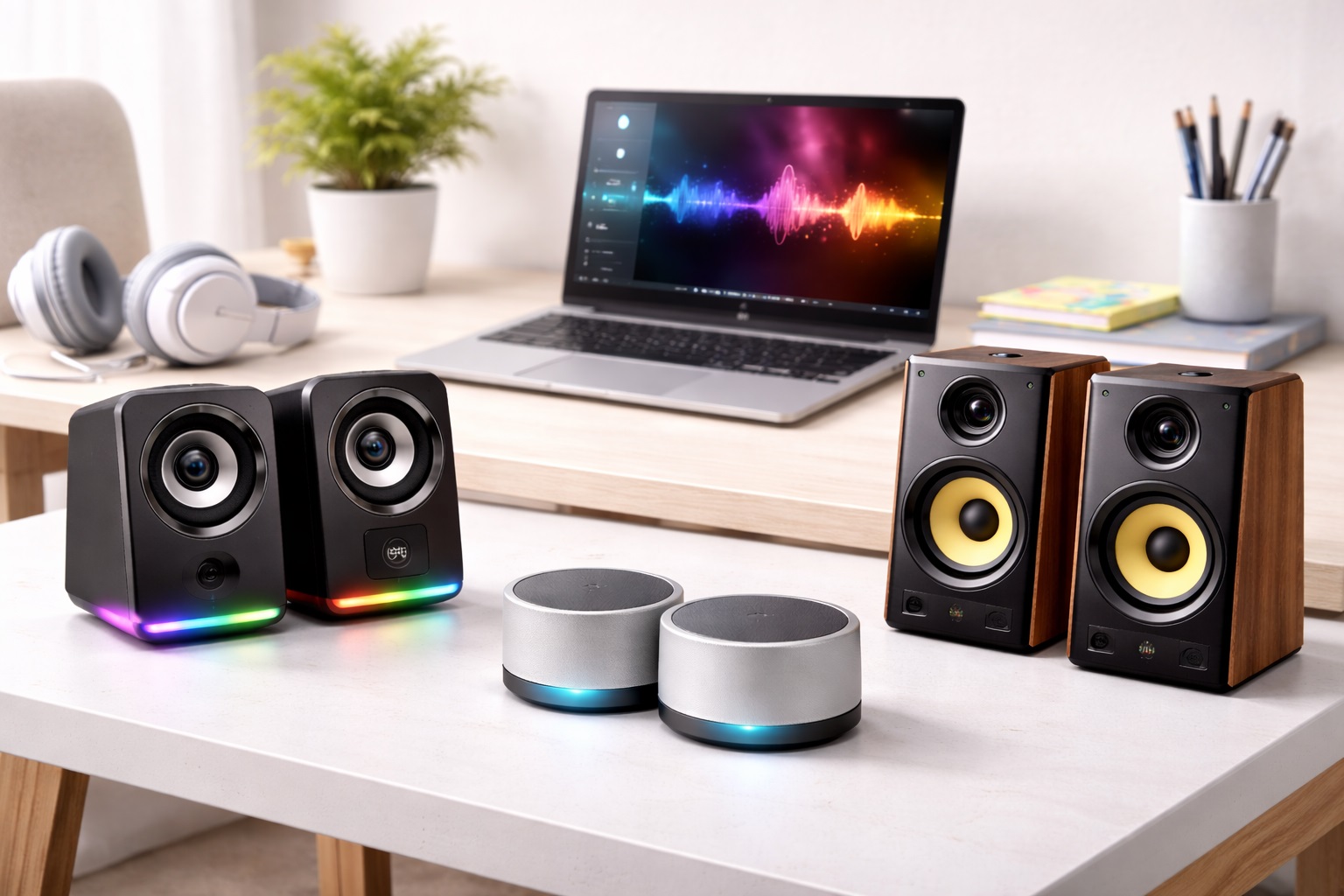
Best Speakers for Beginners: Easy Upgrades from Laptop Audio
The first upgrade away from built-in laptop speakers is often the most noticeable audio improvement most people ever make, and it usually happens without any real research into what to buy. That's understandable, since the terminology used to describe speakers can feel unfamiliar and slightly intimidating to someone who has never had a reason to think about audio equipment before. A friend recommends a brand, a random search turns up a bestseller, and the purchase gets made without much thought about what actually distinguishes one entry-level speaker from another. That approach isn't wrong exactly, since almost any dedicated speaker beats a laptop's built-in audio, but a little bit of guidance up front leads to a purchase that actually fits how you plan to use it, rather than one you outgrow or regret within a few months. A small amount of context turns a random purchase into a considered one without requiring hours of research beforehand.
Beginners shopping for their first set of speakers face a specific set of concerns that more experienced buyers have already worked through: how much setup is actually involved, whether more expensive automatically means better, and whether a feature list full of unfamiliar terms like driver size and frequency response actually matters for everyday listening. Working through these questions once, clearly, saves a lot of second-guessing during the actual shopping process. The honest answer is that most of that terminology matters less than simplicity, reliability, and a sound signature that suits how you actually listen, whether that's background music during work, movies in the evening, or the occasional video call. None of that requires memorizing specifications before making a confident, satisfying first purchase.
This guide breaks down the speaker categories that consistently work well as a first purchase, explains what each one is actually good at without resorting to technical jargon, and then walks through the buying factors that matter most for someone making this kind of purchase for the first time. Nothing here assumes prior audio knowledge, since the entire point is to make a confident, well-informed decision without needing to become an expert first. A frequently asked questions section at the end addresses the practical questions beginners most commonly have before buying.
Top 4 Speakers for Beginners (Detailed Reviews)
Each of the categories below is a reasonable, low-risk starting point for someone buying dedicated speakers for the first time. None of them requires technical expertise to set up or use, and each solves the basic laptop-audio problem in a slightly different way, so read through the pros, cons, and best-for notes to see which fits your actual habits. There's no wrong answer here, only a better or worse fit for how you personally like to work and listen.
1. Basic Stereo Speaker Pair – Best Starter Upgrade
A basic stereo speaker pair is the most commonly recommended first purchase, and for good reason: it introduces genuine left-right stereo separation, which is the single biggest audio improvement over a laptop's built-in speakers, without asking a beginner to learn anything new about setup or configuration. This category has been the default recommendation for decades, and the fundamentals haven't really changed even as extra features have been added at higher price points over time. Connection is almost always a single 3.5mm cable or USB plug, and the speakers work the moment they're connected, with no drivers, apps, or pairing process required. Most entry-level pairs also include a simple volume knob directly on one speaker, which is more intuitive for a first-time buyer than adjusting volume through a computer's software controls alone. Because this category has been popular for so long, there's also a large body of reviews from other first-time buyers describing exactly the kind of everyday use you're likely to put the speakers through.
- Pros:
- Immediately noticeable improvement over laptop speakers
- Simple plug-and-play setup with no software required
- Physical volume knob is intuitive for first-time buyers
- Widely available at accessible, beginner-friendly prices
- Large selection of verified reviews to compare before buying
- Cons:
- Bass is more limited than pricier or larger speaker types
- Two separate units require a bit more desk space than one
- No advanced features beyond basic volume control
Best For: First-time speaker buyers who want the clearest, simplest upgrade over laptop audio without needing to learn any new terminology or setup steps, and who would rather have one dependable option than compare a long list of niche features.
Why We Recommend It: A basic stereo pair delivers the biggest possible improvement relative to how little effort or expertise it demands from the buyer. For someone who has never owned dedicated speakers before, this is the lowest-risk, highest-reward starting point available, and it's the category most beginners end up satisfied with for a long time.
2. Single All-in-One Speaker – Best for the Simplest Possible Setup
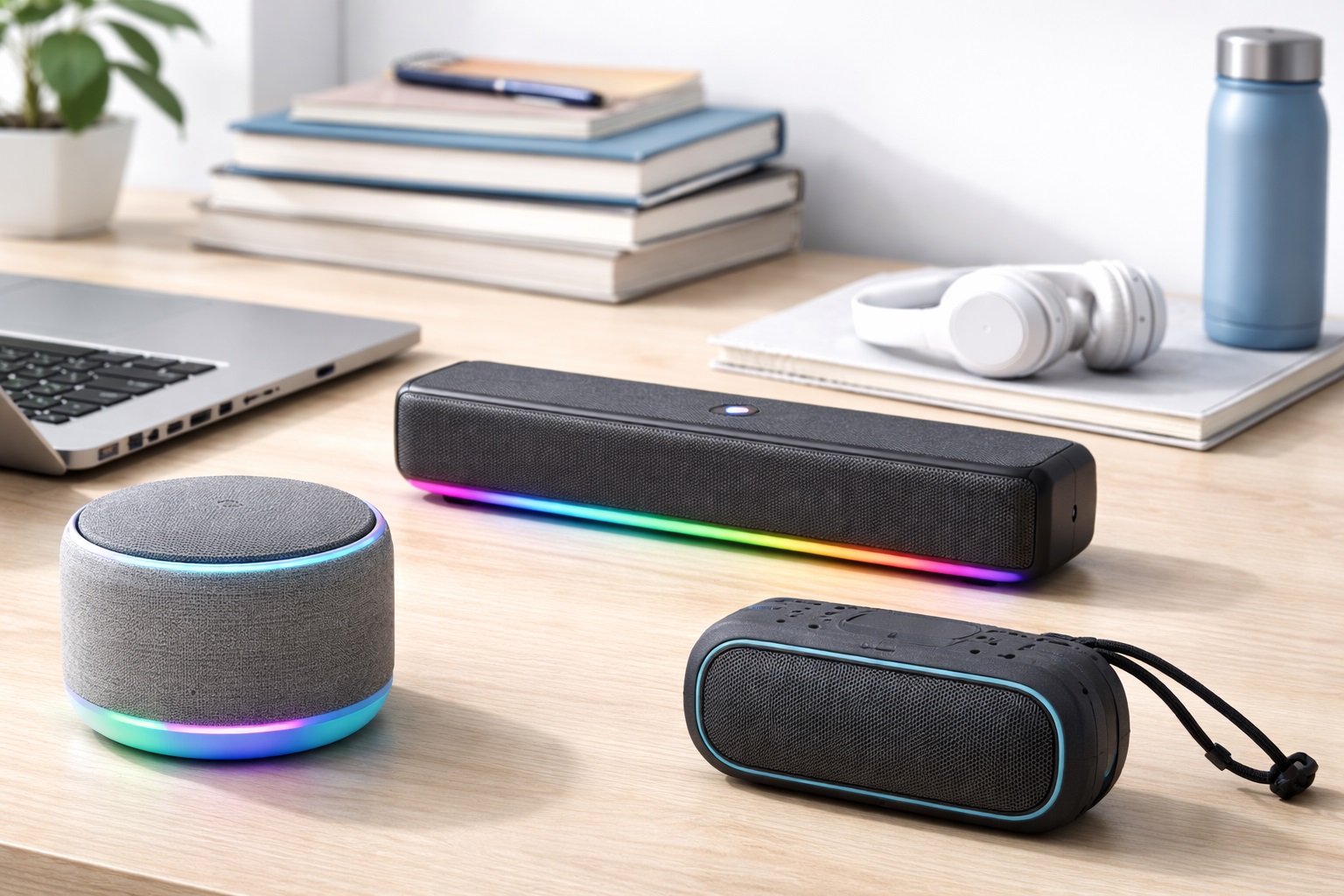
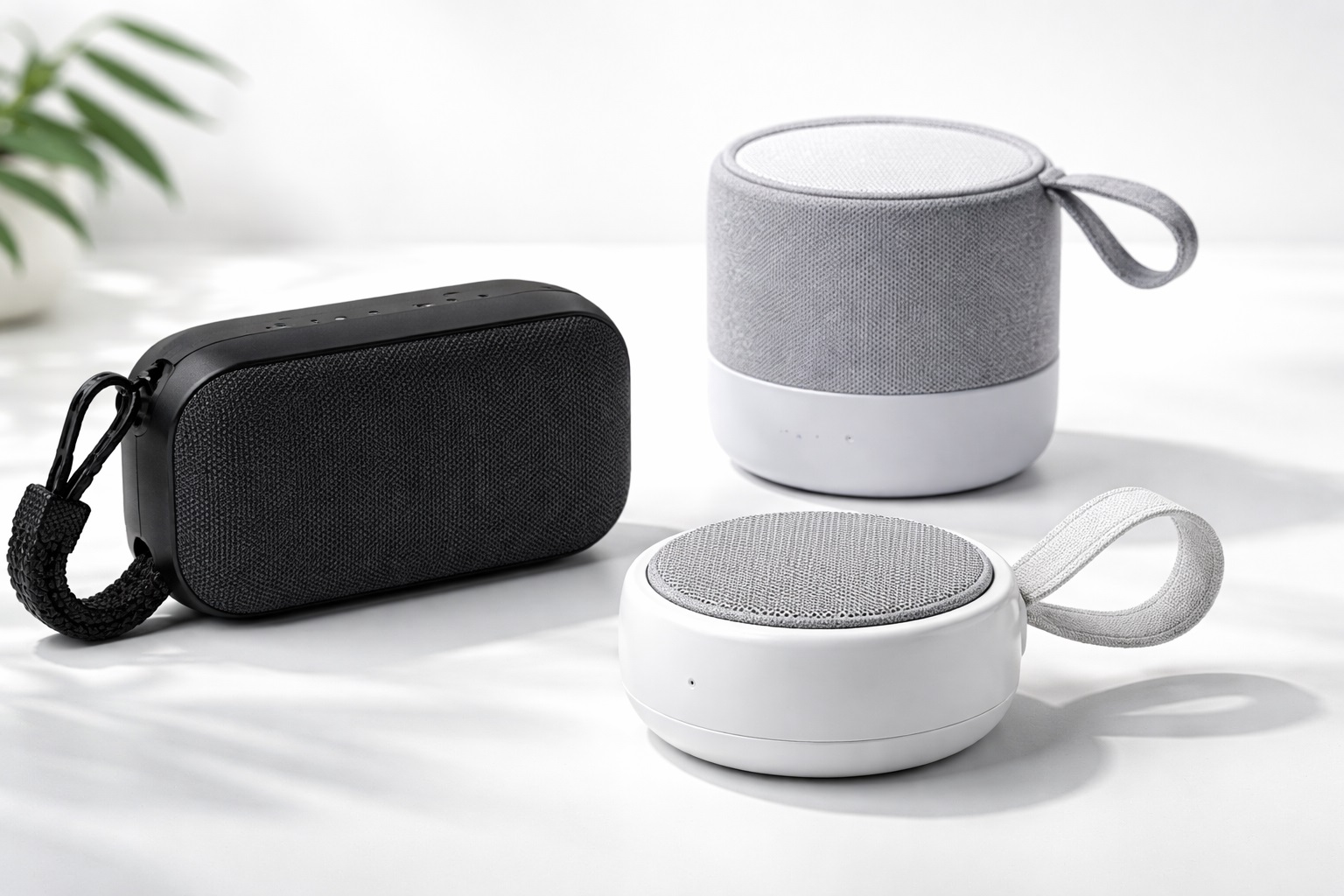
A single all-in-one speaker takes the simplicity of the stereo pair one step further by combining everything into one compact unit, which means only one cable, one object to place, and nothing to position relative to anything else. This design borrows more from portable speaker categories than from traditional desktop pairs, which is part of why it feels so approachable to someone who has never shopped for dedicated audio equipment before in their life. For a beginner who finds even basic setup mildly intimidating, or who just wants to avoid thinking about speaker placement at all, this category removes essentially every decision beyond finding a flat surface and plugging it in. The compact, self-contained design also travels well if the speaker eventually moves between rooms, desks, or even different homes over the years.
- Pros:
- Single unit means no positioning decisions to make
- Smallest possible footprint of any dedicated speaker option
- Only one cable to manage instead of two
- Easy to move to a different room or desk later
- Usually among the most affordable dedicated speaker options
- Cons:
- Stereo separation is more limited than a genuine two-piece pair
- Sound quality varies more between specific models in this category
- Maximum volume tends to be lower than a two-piece system
Best For: Beginners who want the absolute simplest possible setup and aren't especially concerned with maximizing stereo width or audio detail, including anyone buying for a laptop-only setup with no separate monitor.
Why We Recommend It: Removing decisions is genuinely valuable for a first-time buyer who isn't sure yet what they care about in a speaker. This category asks for almost nothing beyond finding a spot to put it, which makes it an easy, low-pressure entry point for anyone who feels intimidated by too many choices.
3. Entry-Level Bluetooth Speaker – Best for No-Cable Simplicity
An entry-level Bluetooth speaker removes the connection cable from the equation entirely, which appeals to beginners who find cable management more confusing or annoying than the actual speaker shopping process. It also has the advantage of feeling more familiar to anyone who has already paired wireless headphones or earbuds with a phone before, since the pairing process works essentially the same way in both cases. Pairing is typically a one-time process guided by an on-speaker button and a phone or computer's Bluetooth settings menu, after which the connection reconnects automatically every time the speaker powers on within range. Most manufacturers design this pairing flow specifically with first-time users in mind, since a confusing setup would undermine the entire appeal of a wireless product from the very start.
- Pros:
- No cables to connect or manage on a daily basis
- Works interchangeably with a laptop, phone, or tablet
- Battery power allows use away from a desk entirely
- Setup is guided step by step through simple on-screen prompts
- Reconnects automatically after the first successful pairing
- Cons:
- Requires periodic charging like any battery-powered device
- Small amount of audio latency compared to a wired connection
- Battery eventually loses some capacity over years of use
Best For: Beginners who want to avoid cable management entirely and who may want to use the same speaker with more than one device, such as switching between a laptop during the day and a phone in the evening.
Why We Recommend It: For someone whose hesitation about speakers stems from confusion about cables and ports rather than sound quality itself, Bluetooth removes that entire concern. It's an easy recommendation for anyone who just wants something that works without thinking about wires, ports, or which cable goes where.
4. Entry-Level 2.1 System – Best for Beginners Ready for Richer Sound
An entry-level 2.1 system pairs a basic stereo pair with a small subwoofer, giving a first-time buyer a taste of fuller, richer sound without jumping straight to an expensive or complicated setup. It's a gentle introduction to the idea that separating bass duties from the smaller satellite speakers can improve overall clarity, not just add more low-end thump to whatever you're listening to. This category suits beginners who have done a small amount of research and know they want more bass than a basic stereo pair provides, typically because they plan to use the speakers mainly for music or movies rather than calls and background listening. The subwoofer tucks under a desk or beside a chair, so it doesn't add meaningfully to the space taken up on the actual work surface.
- Pros:
- Noticeably richer, fuller sound than stereo-only options
- Still simple enough setup for a first-time buyer
- Well suited to music and movie-focused listening habits
- A natural next step up without a big jump in complexity
- Provides room to grow into more advanced audio later
- Cons:
- Larger overall footprint than stereo-only or single-unit options
- Costs somewhat more than the most basic starter speakers
- Extra subwoofer cable adds one more wire to manage
Best For: Beginners who already know they want fuller sound for music or movies and are comfortable with a slightly larger setup and modest price increase, particularly anyone who has already tried a basic stereo pair and wanted more bass.
Why We Recommend It: For a beginner who has done a bit of homework and knows bass matters to them specifically, this category offers a meaningful upgrade without the complexity or cost of a more advanced audio setup. It's a sensible middle ground between simplicity and sound quality that doesn't require becoming an audio enthusiast first.
Buying Guide: How to Choose the Best Speakers for Beginners
Use these factors to make a confident first speaker purchase without needing to become an audio expert first. Each one is explained in plain terms rather than technical jargon, since the goal here is clarity, not a crash course in audio engineering.
1. Setup Simplicity as the First Priority
For a first purchase, prioritize speakers that work with a single cable connection or a straightforward Bluetooth pairing process. Avoid anything requiring driver installation, companion software, or manual configuration until you have more experience and a clearer sense of what extra features you actually want, since a confusing setup is often the reason a new speaker ends up unused in a drawer.
2. Understanding What Stereo Separation Means
Stereo separation simply refers to sound coming from two distinct points rather than one, which creates a sense of width and placement that a single speaker or laptop audio cannot replicate, similar to the difference between hearing a conversation through one ear versus two. This is the single most noticeable improvement a beginner will hear when moving from laptop speakers to any dedicated stereo pair, and it's worth understanding even if the underlying technical explanation isn't important to you.
3. Setting Realistic Expectations for Bass
Small speaker drivers cannot produce the same deep bass as larger speakers or a dedicated subwoofer, and no amount of clever marketing changes this basic physical reality, no matter how the product description is worded. A beginner speaker's job is to sound clearly better than laptop audio, not to match a home theater system, and keeping that expectation in mind avoids unnecessary disappointment after the first listen.
4. Connectivity Options Explained Simply
A 3.5mm cable is the simplest, most universal wired connection and works with almost any laptop or phone, and it requires no setup beyond physically plugging it in. USB offers similarly simple wired connectivity, while Bluetooth removes the cable entirely at the cost of needing an occasional battery charge and a one-time pairing step that takes only a minute or two to complete on most modern devices.
5. Budget Expectations for a First Purchase
A reasonable first speaker purchase typically falls in a modest, accessible price range, since the goal is a clear improvement over laptop audio rather than a definitive, long-term investment. It's reasonable to spend more later once you better understand what specific features matter to your listening habits, rather than guessing upfront what an experienced buyer might already know.
6. Physical Space and Placement
Consider how much desk or shelf space you actually have before choosing between a two-piece stereo pair and a single all-in-one unit, since this practical constraint often matters more to a beginner's satisfaction than any subtle difference in sound quality between the two. A stereo pair needs two separate positions with roughly equal distance from where you sit, while a single unit needs only one flat surface, which is worth measuring in advance rather than assuming everything will fit.
7. Volume Control and Everyday Convenience
A physical volume knob or button directly on the speaker is easier for a beginner to use consistently than adjusting volume exclusively through computer software menus, especially during the first few weeks before the software controls become second nature. This small convenience matters more in daily, repeated use than it might seem when comparing spec sheets on a store listing before buying.
8. Return Policy as a Safety Net
Since a first speaker purchase involves some trial and error in figuring out what you actually want, prioritize retailers with a generous, clearly explained return policy, and read the fine print on what condition the packaging needs to be in for a smooth return. This removes pressure to get every decision perfect on the first try and makes experimenting with different categories far less risky.
9. Reading Reviews Without Getting Overwhelmed
In practice, focus on reviews that describe real everyday use — how the speaker sounds for music, calls, or movies — rather than getting lost in reviews written by hobbyists comparing technical specifications you don't yet have context for. Those detailed comparisons become more useful once you've owned a speaker or two and know what you're comparing against, so there's no need to force that level of understanding on a first purchase.
10. Recognizing When You've Outgrown the Basics
Common signs that it's time to consider a more advanced speaker include consistently wanting more bass, wanting to control the sound more precisely, wishing for louder maximum volume without distortion, or noticing that certain kinds of music sound flat or muddy compared to how you remember hearing them elsewhere. These are useful signals for what to look for in a second, more considered purchase down the line, once you have real listening experience to draw on.
11. Warranty Coverage for Peace of Mind
A one-year manufacturer warranty is a reasonable expectation even for an entry-level speaker, and it's worth confirming this before buying rather than simply assuming coverage exists. This matters less for the purchase decision itself and more for ongoing peace of mind afterward, particularly for a first-time buyer unfamiliar with a given brand's reputation.
12. Avoiding Common First-Purchase Mistakes
The most common mistake beginners make is either overspending on features they don't yet know they need, or underspending on something so basic it fails to noticeably improve on laptop audio at all. A third common mistake is buying based purely on brand recognition rather than checking whether the specific model actually suits everyday use the way it's intended for. Aiming for the well-reviewed middle of the entry-level range avoids both of these extremes and gives you a solid, dependable starting point to build from later.
Frequently Asked Questions
These are the questions first-time speaker buyers most often ask before making their initial purchase, covering the practical, everyday concerns that come up regardless of which category ends up being the right fit for you.
1. Do I need to know anything technical to buy my first speakers?
No. The most important things to understand are setup simplicity, whether you want a wired or wireless connection, and roughly how much bass matters to you personally. Technical specifications like frequency response and impedance matter far more to experienced buyers than to someone making their first purchase, and they can safely be ignored at this stage without any real downside.
2. Will any dedicated speaker sound better than my laptop's built-in speakers?
In almost every case, yes. Laptop speakers are constrained by extremely limited space and are rarely a priority in a laptop's overall design, so even a basic dedicated speaker typically offers a clear, immediately noticeable improvement in clarity and stereo separation from the very first listen, regardless of how much the laptop itself cost.
3. Should I choose wired or wireless speakers as a beginner?
Either is a reasonable choice for a first purchase. Wired connections are simpler and require no charging, while wireless Bluetooth speakers remove cable clutter at the cost of occasional charging and a small amount of audio latency that's rarely noticeable outside of gaming or fast-paced video content, so pick whichever inconvenience bothers you less.
4. How much should I expect to spend on my first set of speakers?
A modest, accessible budget is entirely reasonable for a first purchase, since the primary goal is a clear improvement over laptop audio rather than a long-term investment in audiophile-grade equipment. You can always upgrade later once you understand your preferences better through actual listening experience, and there's little value in guessing at premium features before you know whether you'll actually use them.
5. Is a single speaker or a stereo pair better for a first purchase?
A stereo pair provides a more noticeable improvement in spatial sound, while a single all-in-one speaker offers the simplest possible setup with fewer decisions to make upfront. Choose based on how much you value that extra spatial quality versus minimizing setup effort and desk space in your particular living situation, since both are entirely valid priorities for a first purchase.
6. What if I buy the wrong speakers as a beginner?
Most retailers offer a fifteen to thirty day return window, which is specifically useful for first-time buyers who are still learning what they actually prefer in day-to-day use. Keep the original packaging until you're confident in your choice, just in case a return or exchange becomes necessary later.
7. Do I need a subwoofer as a beginner?
Not necessarily. A subwoofer adds noticeably deeper bass, which matters most for music and movies with significant low-frequency content, but a basic stereo pair is a perfectly reasonable and simpler starting point for most first-time buyers who aren't yet sure exactly what they prioritize in sound.
8. Can I use beginner speakers for video calls?
Yes, though speaker audio can occasionally be picked up by an external microphone and create echo for the other person on the call. This is less of an issue with a laptop's built-in microphone, which typically includes some echo cancellation built into the operating system's audio software.
9. How do I know if a speaker brand is trustworthy for a first purchase?
Established audio brands with a long track record typically offer more consistent quality control and more reliable customer support, which is reassuring for a first-time buyer who doesn't yet have a sense of which companies stand behind their products. Reading recent, verified purchase reviews is a helpful way to judge a less familiar brand before committing your first purchase and your trust to it.
10. Will I need to replace beginner speakers quickly as my needs grow?
Not necessarily. Many beginners find that a well-chosen entry-level speaker meets their needs for years, since almost all everyday listening — music, podcasts, calls, and casual movie watching — doesn't require advanced audio equipment at all, no matter what a bigger, more expensive setup might promise. Upgrading is only necessary once you notice specific, consistent limitations in daily use rather than out of a vague sense that something better must exist.
11. Is it worth reading detailed audio reviews as a beginner?
It can be helpful, but focus on reviews describing real everyday use rather than highly technical comparisons aimed at experienced audio hobbyists. A review mentioning how a speaker sounds for typical music, calls, or movies is more useful to a beginner than one focused entirely on frequency response charts and other numbers that mean little without prior context.
12. What's the single most important factor for a first speaker purchase?
Setup simplicity matters more than almost anything else for a first purchase, since a speaker that's confusing or frustrating to set up won't get used regardless of how good it sounds on paper. Choose the option you're confident you'll actually plug in, use daily, and enjoy.
Final Verdict
- Best Starter Upgrade: Basic Stereo Speaker Pair — the clearest, simplest improvement over laptop audio for a first purchase.
- Best for the Simplest Possible Setup: Single All-in-One Speaker — one cable, one unit, minimal decisions to make.
- Best for No-Cable Simplicity: Entry-Level Bluetooth Speaker — wireless convenience for beginners who dislike cable clutter.
- Best for Beginners Ready for Richer Sound: Entry-Level 2.1 System — fuller sound for music and movies without added complexity.
There's no wrong place to start as long as the choice actually gets used and enjoyed rather than sitting unopened out of indecision. Pick the category that matches how confused or confident you feel about setup and cables, trust that almost any dedicated speaker will outperform your laptop's built-in audio, and treat this first purchase as a starting point you can build on once you better understand what you actually care about in sound quality. Give yourself permission to make an imperfect first choice, since the goal is simply a clear step up from where you're starting, not a final, forever decision.