Best USB Hub for Students: Affordable Dorm-Ready Picks
A student laptop has to do more work than almost any other computer, connecting to a printer at the library, an external drive for backing up a semester's worth of coursework, a mouse for late-night essay writing, and a phone charger, often all in the same cramped dorm room desk that barely fits a lamp, a stack of textbooks, and whatever decorations came from home to make the space feel a little less unfamiliar. A USB hub is one of the smallest, cheapest purchases in a student's entire setup, and yet it's also one of the accessories most likely to get chosen carelessly — grabbed at the last minute before move-in day without much thought about whether it actually fits the way a student's laptop and desk space get used, tossed into a shopping cart alongside bedding and school supplies without a second look at whether it will genuinely hold up to daily life on campus.
The specific pressures on a student purchase are different from a typical office buyer. Budget matters more than in most other buying contexts, since a hub is competing directly for the same limited funds as textbooks, food, and everything else that comes with living away from home for the first time, often on a tight monthly allowance that leaves little margin for accessory purchases that turn out to be poorly chosen. Portability matters too, since many students move between a dorm desk, a shared common room, a friend's room for a group study session, and a library carrel over the course of a normal week, and a hub that only works well bolted to one desk doesn't fit that pattern, leaving the student stuck without connectivity anywhere they happen to be studying that week. Durability matters as well, given how much handling a shared or frequently packed accessory takes over a full school year, let alone four — the same hub that arrives during freshman orientation is often expected, without much conscious thought, to still be working reliably on graduation day.
This guide is built around those specific constraints, rather than assuming a student wants the same hub a professional office worker or content creator would choose, since those buyers are operating under completely different budgets, routines, and expectations. The three picks below balance price, portability, and durability in a way that's meant to survive a full academic year without becoming a repeat purchase, sparing the small but real hassle of shopping for the same accessory again halfway through a semester.
It's also worth saying plainly that a student rarely needs the most advanced hub on the market. HDMI output, fast charging passthrough, and high-speed data transfer are genuinely useful features for some professionals and specialized students, but they add cost that doesn't always match how a typical student actually uses their laptop day to day — mostly typing, browsing, occasional external drive backups, and charging a phone nearby while working from a dorm room bed or a shared common area rather than a dedicated home office desk. Matching the hub to that reality, rather than to a feature list built for a different kind of user, is the real goal of this guide, and it's a goal worth taking seriously even for a purchase this small.
There's also a practical financial argument worth making directly: a hub bought carefully once, matched to actual needs and built to survive daily handling, is cheaper across four years than a poorly chosen one replaced two or three times along the way. The purchase price of a hub is small in isolation, but the pattern of buying cheaply and replacing repeatedly adds up in a way that's easy to overlook when each individual amount feels insignificant on its own, spread out across a busy schedule of classes and deadlines. Thinking about the total cost across a degree, rather than just the sticker price on move-in day, changes which option actually represents the better value once every avoided replacement is factored honestly into the comparison.
It's also worth remembering that a student's setup tends to change meaningfully between first year and final year. A first-year student living in a shared dorm with roommates has different needs than a senior living in an off-campus apartment with a dedicated desk and a quieter, more predictable daily routine. Choosing a hub flexible enough to serve both situations — genuinely portable, but also durable enough for daily desk use — avoids having to reconsider this small purchase partway through a degree program, and it means one less thing to think about while everything else about student life is changing around it.
Top Picks Reviewed
1. Compact 4-Port USB 3.0 Hub – Best Overall Value for Students
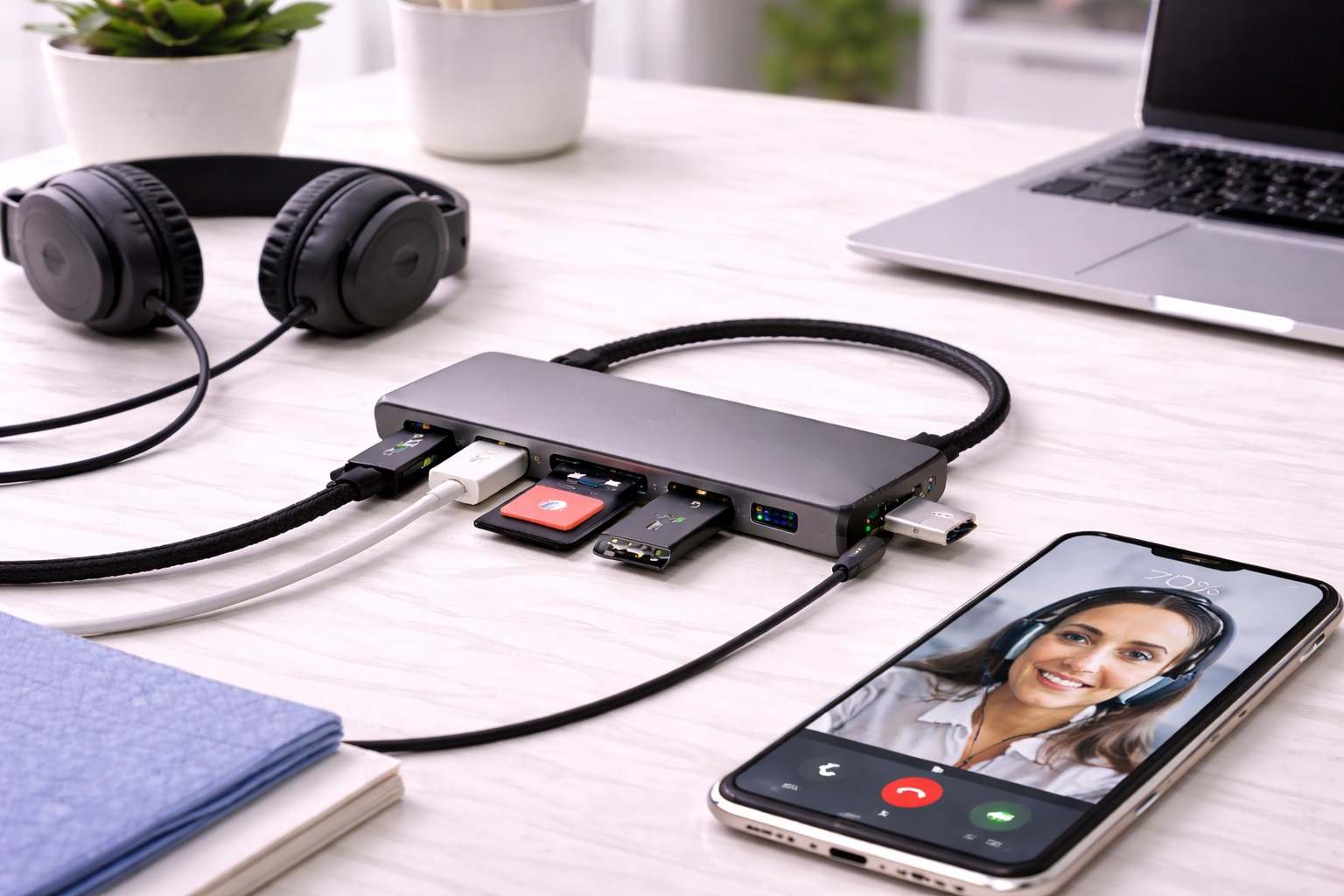
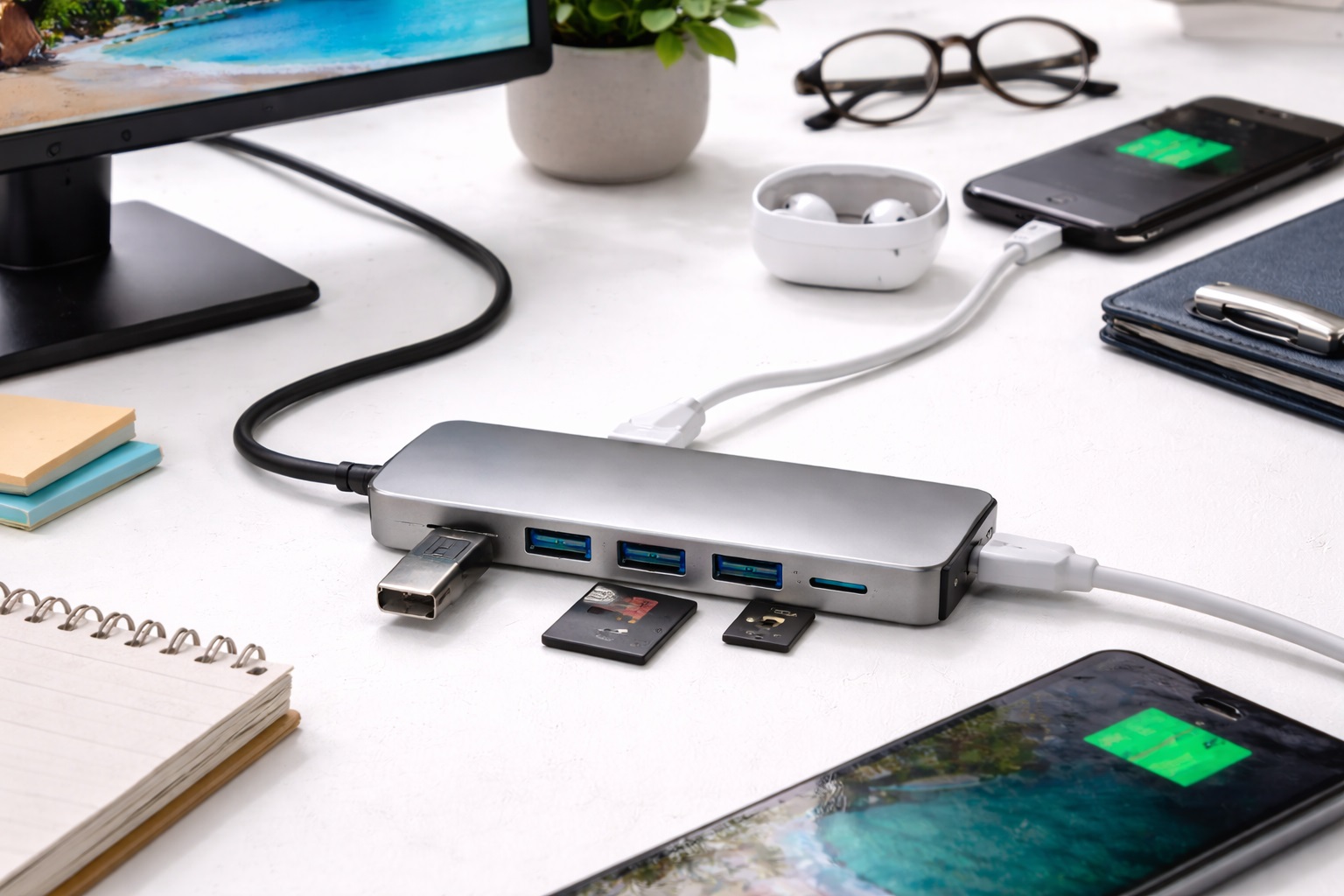
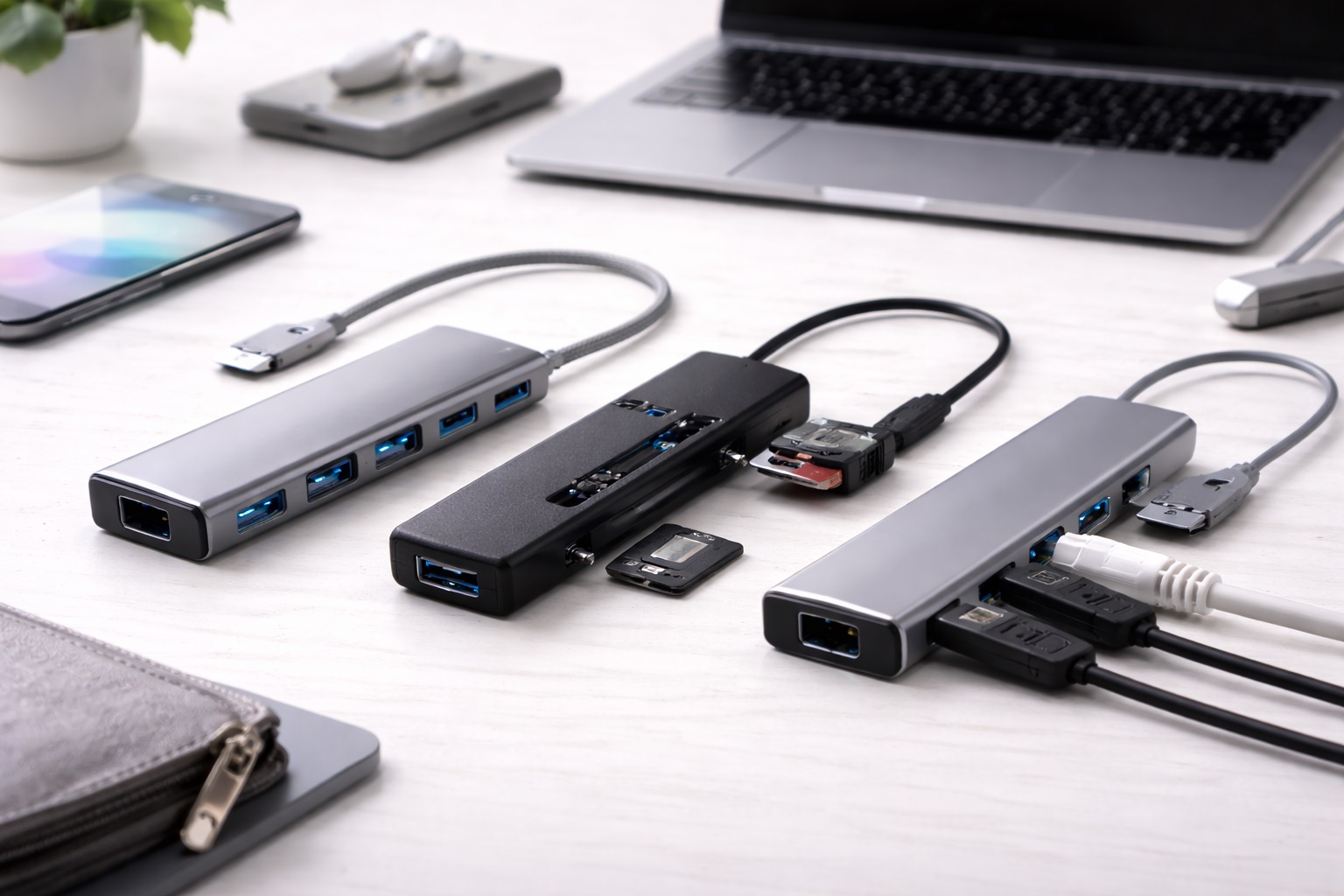
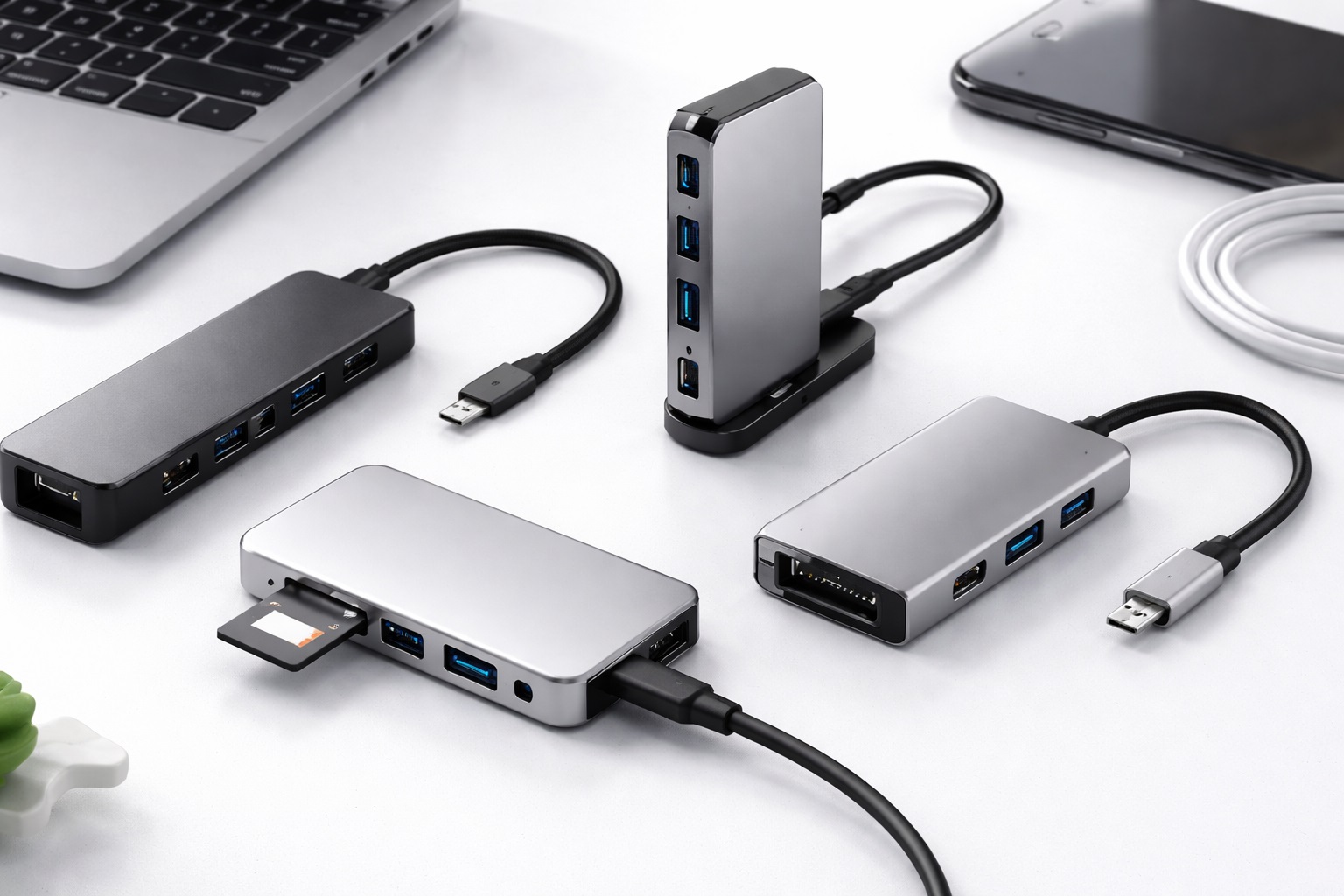
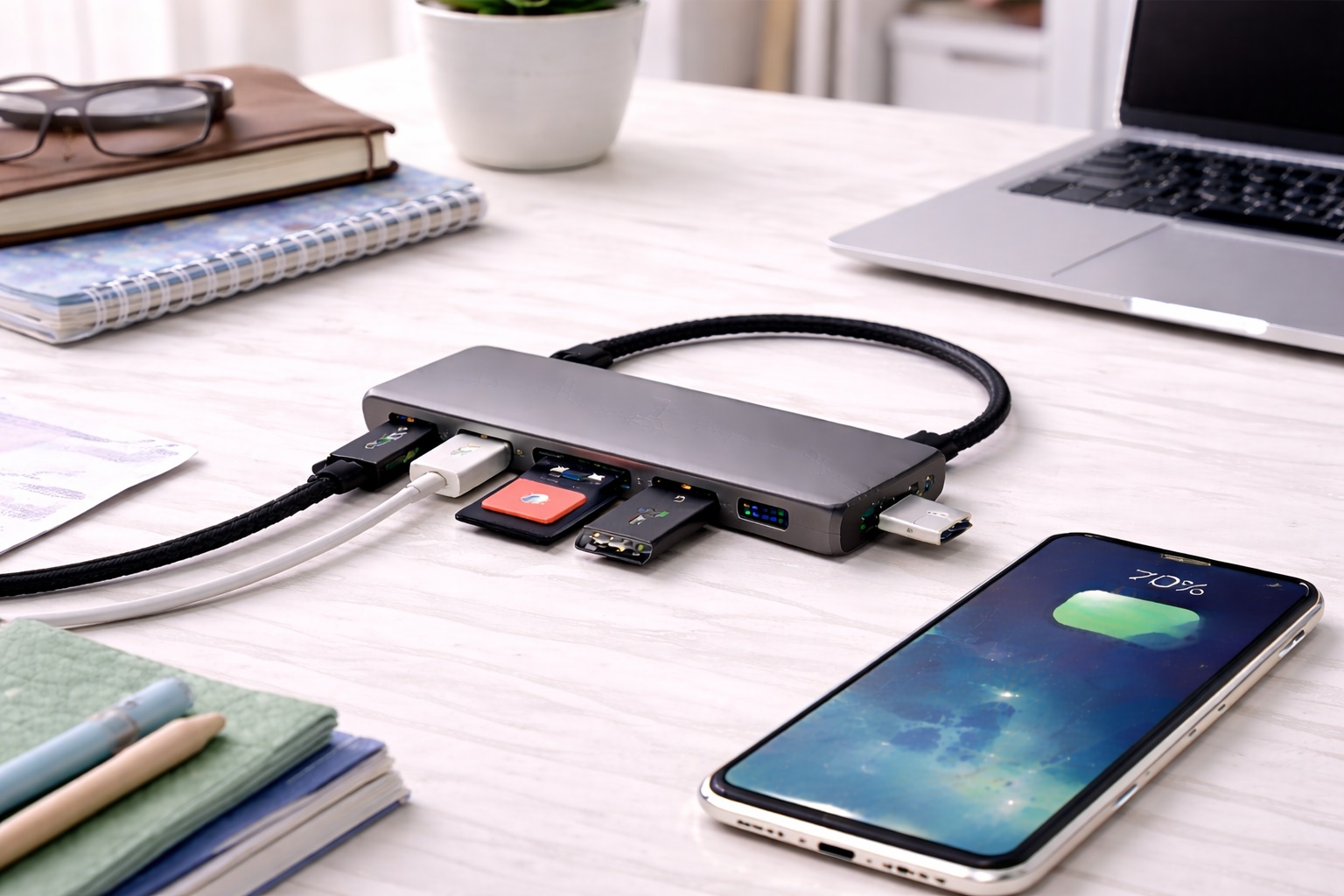
A simple four-port USB 3.0 hub covers the core student use case — mouse, external drive, flash drive, and phone charging cable — at a price that barely dents a student budget. USB 3.0 support means backing up coursework to an external drive doesn't take unreasonably long, a real concern during finals week when a laptop's storage is often close to full and every extra minute spent waiting on a slow transfer is a minute not spent studying or sleeping. The compact size fits easily in a backpack side pocket alongside a charger and a notebook, and its low price means a lost or damaged unit is a minor annoyance rather than a real financial setback in the middle of a semester when money is already stretched thin between rent, groceries, and unavoidable course fees.
- Pros:
- Inexpensive enough to fit comfortably into a student budget
- USB 3.0 speed handles coursework backups without excessive wait times
- Small enough to carry daily between dorm, library, and classroom
- Simple plug-and-play setup with no configuration required
- Low enough cost that losing it isn't a significant financial setback
- Cons:
- No video output for connecting to a classroom projector or external monitor
- Build quality is basic, matching its low price point
Best For: Students who need reliable everyday port expansion for a mouse, external drive, and charging cable without spending much of a limited monthly budget. This covers the large majority of undergraduates across most majors, from humanities to general sciences, whose laptop demands rarely extend beyond everyday coursework, email, and basic online communication with instructors and classmates.
Why We Recommend It: This hub matches the actual pattern of student laptop use closely — occasional backups, basic peripherals, frequent movement between locations — without charging for capability most students will rarely touch during a typical semester. It's the sensible default choice for the majority of undergraduates whose laptop use centers on writing, research, and basic file management rather than specialized creative or technical work that demands more advanced connectivity from the start.
2. USB-C Hub with HDMI for Presentations – Best for Coursework Requiring Projectors
Students in programs that regularly involve presentations, group projects, or connecting to classroom displays benefit from a hub that includes HDMI output alongside standard data ports. This avoids the last-minute scramble of borrowing an adapter or hunting for a classroom's spare cable before a graded presentation, a stressful situation that's easy to avoid entirely with the right hub already in a backpack. Presentation days already carry enough natural pressure without adding an entirely preventable technical scramble to the mix in the minutes before a grade-bearing talk begins, when there's rarely a spare moment to improvise a fix in front of a waiting classroom.
- Pros:
- HDMI output covers classroom and lecture hall projector connections
- Reduces reliance on borrowed or shared adapters before presentations
- Still reasonably priced relative to professional-grade alternatives
- Compatible with modern USB-C-only student laptops
- Doubles as reliable everyday port expansion outside of presentation days
- Cons:
- Costs more than a basic data-only hub
- HDMI feature goes unused entirely for students without presentation-heavy coursework
Best For: Students in business, education, design, or other programs with frequent presentations who want to avoid last-minute display connection problems. This is a worthwhile investment specifically for majors where presenting to a class or panel is a regular, graded part of the coursework rather than an occasional exception, since the cost of the extra feature is quickly justified by even a single avoided technical failure during an important assessment.
Why We Recommend It: For the specific students who need it, HDMI capability solves a recurring and genuinely stressful problem — arriving prepared for a graded presentation without depending on borrowed equipment or a classroom's often-unreliable shared cable that may or may not actually work when it matters most, and without asking a classmate for a last-minute favor right before a graded assignment is due.
3. Durable Compact Hub with Reinforced Cable – Best for Daily Backpack Use
A hub built with a reinforced cable and a sturdier housing costs slightly more than the cheapest generic options but holds up meaningfully better to the daily wear of being tossed into a backpack alongside textbooks, chargers, and water bottles across a full semester. For students who will use the same hub daily for years rather than one semester, this durability difference compounds into real value. Across a four-year program, the modest extra upfront cost is easily recovered through avoiding one or two replacement purchases that a cheaper, more fragile hub would otherwise require, along with the small hassle of shopping for a replacement mid-semester.
- Pros:
- Reinforced cable resists the daily wear of backpack storage
- Sturdier housing survives being dropped or compressed under books
- Better long-term value across multiple semesters or years
- Still compact and light enough for daily carrying
- A one-time purchase decision that removes the need to think about it again for years
- Cons:
- Costs somewhat more than the most basic disposable-feeling options
- Not necessary for students who primarily use their laptop at a fixed desk
Best For: Students who carry their laptop and accessories daily between classes, the library, and their dorm, and want a hub built to survive that handling across a full degree program. This suits students at larger campuses in particular, where distances between buildings mean the laptop bag genuinely travels significant distances multiple times a day, often in weather that isn't kind to fragile electronics left unprotected.
Why We Recommend It: Buying a slightly more durable hub once, rather than replacing a fragile one every semester, is genuinely the better value decision for anyone whose laptop bag takes daily abuse across years of coursework, group projects, late-night library sessions, weekend trips home, and everything else a full course load involves.
Buying Guide: How to Choose the Best USB Hub for Students
These factors are chosen specifically around the realities of student budgets, dorm spaces, and daily campus movement.
| Student Situation | Recommended Pick |
|---|---|
| Tight budget, basic everyday needs | Compact 4-Port USB 3.0 Hub |
| Presentation-heavy coursework | USB-C Hub with HDMI for Presentations |
| Daily backpack carrying across years | Durable Compact Hub with Reinforced Cable |
1. Set a Realistic Budget First
Decide what portion of a limited monthly budget a hub genuinely deserves before browsing options, since it's easy to overspend on accessories when comparing feature lists rather than starting from an actual dollar limit. Most students are well served by hubs in a modest price range rather than premium options built for professional use, and that modest spend leaves more room in the budget for the things that actually affect grades and daily life.
2. Prioritize Portability for Daily Carrying
If the hub travels in a backpack daily between dorm, classroom, and library, its physical size and weight matter as much as its features. A hub that's genuinely pocket-sized gets carried consistently; a bulkier one is more likely to get left behind exactly when it's needed, sitting unused in a dorm room drawer instead of doing its job at the exact moment a mouse or external drive needs to be connected somewhere else on campus.
3. Consider Group Living Situations
In a shared dorm room or apartment, a hub occasionally gets borrowed, moved, or misplaced by a roommate. An inexpensive, easily replaceable hub reduces the stress of this common shared-living reality compared to an expensive one that feels like a real loss if it goes missing during a busy week when there's no time to deal with it, and even less time or spare budget to shop for a proper replacement right away.
4. Match Ports to Actual Coursework Needs
Consider what your specific program requires — presentations, external drive backups, printer connections at a library or lab — rather than buying generic capability. A design student's needs differ meaningfully from an engineering or business student's, and matching the hub to your actual program avoids paying for unused capability that a different major might genuinely need — there's no universal correct answer here, only the answer that fits your own specific coursework.
5. Factor In Multi-Year Use
A hub bought carefully during first year ideally survives all the way through to graduation day. Spending slightly more on durability upfront, if the budget allows, often works out cheaper than replacing a fragile hub every year across a full degree program, and it avoids the minor hassle of reordering, waiting for shipping, and reconfiguring a setup during a busy semester when attention is better spent elsewhere.
6. Check Compatibility With Your Specific Laptop
Confirm whether your laptop uses USB-C or USB-A ports before purchasing, since this single detail determines which entire category of hub is even usable. Many current student laptops use USB-C exclusively, while some budget or older models still rely on USB-A, so checking this before ordering saves an unnecessary return and the wasted week of waiting for a replacement to arrive during a busy stretch of the semester.
7. Consider Library and Lab Compatibility
Some university printers, shared lab equipment, and older shared workstations still use older USB standards. A hub with broad backward compatibility avoids frustrating and easily preventable connection failures in shared campus facilities where troubleshooting options are limited and IT support may not be immediately available, particularly late at night or during exam periods when help desks run on reduced hours.
8. Look for a Reasonable Warranty
Even inexpensive student-budget hubs should include some warranty period. This matters more than it might seem, since a hub used daily for years has more opportunity to develop a fault than one used occasionally, and a warranty provides a straightforward path to a replacement without an unplanned expense mid-semester right when funds are already committed to tuition, housing, and everything else that comes due at predictable but inconvenient times.
9. Read Reviews From Other Students
Reviews specifically mentioning dorm life, backpack carrying, or general campus use are more relevant than generic office-use reviews. Student-specific feedback often highlights durability and portability concerns that matter less to a stationary desk-based reviewer working from a permanent home office setup, since that reviewer's hub never gets zipped into a bag or carried across campus in the rain.
10. Avoid Unnecessary Premium Features
Features like extensive card reader support or high-wattage power delivery passthrough add cost that rarely matches typical student laptop use. Matching the hub closely to actual coursework and daily habits avoids overspending on capability that goes unused for four years of a degree program, and the money saved is often more useful spent on textbooks, food, or simply kept as a buffer against unexpected expenses.
11. Keep a Backup Plan for Group Projects
For group presentations or shared coursework, knowing a hub is reliable in advance avoids a stressful last-minute scramble. Testing HDMI or projector compatibility ahead of a graded presentation, rather than discovering a problem live in front of classmates and an instructor, is a reasonable precaution that costs nothing more than five minutes the day before, connecting to a television or borrowed monitor at home to confirm the display output actually functions as expected.
12. Buy Early in the Semester, Not During a Crisis
Shopping for a hub calmly at the start of a semester, rather than during a stressful last-minute scramble before a due date, allows time to compare options and read reviews properly rather than grabbing whatever is available fastest at the campus bookstore the night before an assignment is due. Ordering online with a few days of lead time typically opens up meaningfully better prices and selection than a same-day purchase made under time pressure at a convenience-priced retailer.
Frequently Asked Questions
1. What's a reasonable budget for a student USB hub?
Most students are well served by hubs in a modest, inexpensive price range, since this covers standard data ports and basic reliability without paying for professional-grade features that go unused. Reserve extra budget for HDMI capability specifically if your coursework requires regular presentations, and skip it entirely otherwise since it adds cost without adding any real day-to-day value for coursework that doesn't involve a screen or projector.
2. Do I need HDMI output on my student hub?
Only if your program regularly involves presentations, projector connections, or classroom display use. For coursework that's mostly writing, research, and basic assignments, a simpler data-only hub is entirely sufficient and noticeably less expensive over the course of a degree, freeing up a small but real amount of budget for other priorities.
3. Will a cheap hub survive a full semester in a backpack?
A reasonably well-built hub, even at a modest price, typically survives daily backpack carrying for at least a semester or two. For multi-year durability, a slightly more reinforced option is worth the modest extra cost given how much handling it will absorb across a full degree program, being packed and unpacked thousands of times along the way.
4. Can I use the same hub throughout my entire degree?
Yes, particularly if you choose a more durable option upfront rather than the absolute cheapest available. A well-built hub with a reinforced cable can reasonably last through several years of regular student use without needing early replacement, provided it's kept away from excessive moisture or extreme temperature swings in a car or unheated storage space.
5. Is the most expensive student USB hub always the best?
Not necessarily. Match the hub to your specific program's requirements and your actual daily habits rather than assuming a higher price automatically means better value for typical student use and a modest course load — premium features aimed at professional creators or engineers rarely translate into a better everyday student experience.
6. How long should a quality student USB hub last?
A well-chosen hub typically lasts two to four years with regular student use, which comfortably covers most undergraduate programs when paired with reasonably careful daily handling and occasional cleaning of dust or lint that accumulates in a backpack over time.
7. Can I return a student USB hub if it doesn't suit my needs?
Most retailers offer fifteen to thirty day return windows. Test the hub with your actual laptop and typical daily devices within that window before committing to it for the rest of the semester and beyond, rather than assuming it will work correctly based on the product description alone.
8. What should I prioritize when buying a student USB hub?
Set a realistic budget first, confirm compatibility with your specific laptop's port type, and match the feature set to your actual program's coursework requirements rather than a generic feature list built for office workers with an entirely different set of daily needs and priorities.
9. Does brand name matter for a student USB hub?
It matters somewhat less than in professional contexts, since student use is typically less demanding, but an established brand still offers more reliable warranty support if something goes wrong during a busy semester with little time to deal with it, and a straightforward customer service process reachable by email rather than requiring a phone call during business hours between classes.
10. Should I buy a hub before move-in day or wait?
Buying before move-in day, with time to compare options calmly, is generally better than waiting until a specific coursework need creates urgency and limits your ability to shop carefully and compare prices, particularly since shipping delays are more common right when everyone else is also placing back-to-school orders.
11. Can a hub help with using library or lab computers?
A hub is specific to your own laptop's port expansion rather than library or lab computers, though a portable hub can still be useful if you bring your own peripherals to a shared study space or group project session where you're working from your own laptop rather than a fixed campus workstation.
12. Is it worth sharing a hub with a roommate?
It can work for occasional needs, but a personally owned hub avoids the inconvenience of coordinating access during busy study periods when both roommates may need it at the same time, such as during overlapping exam weeks when both roommates are simultaneously backing up final papers and projects to an external drive at the last possible moment.
Final Verdict
- Best Overall Value for Students: Compact 4-Port USB 3.0 Hub — affordable, reliable everyday port expansion for typical coursework.
- Best for Coursework Requiring Projectors: USB-C Hub with HDMI for Presentations — avoids last-minute display connection stress before graded work.
- Best for Daily Backpack Use: Durable Compact Hub with Reinforced Cable — built to survive years of daily campus carrying.
A student's USB hub doesn't need to impress anyone — it needs to work reliably, cost little, and survive being tossed into a backpack alongside everything else a full course load demands. Matching the pick above to your actual program, budget, and daily carrying habits is a small decision that quietly avoids a surprising amount of unnecessary hassle across a full academic year.
It's easy to treat this kind of purchase as an afterthought squeezed in between the genuinely big decisions of starting or continuing a degree — choosing classes, finding housing, budgeting for the semester, deciding on a major or a minor. But small, well-matched purchases like this one are exactly the kind of thing that quietly makes daily student life smoother once they're settled correctly, freeing up attention and energy for the bigger things that actually deserve it during a busy semester. A few extra minutes spent matching the right hub to an actual laptop, program, and daily routine, rather than grabbing whatever's cheapest or most convenient in the moment, pays for itself many times over across a full semester, let alone a full degree spent relying on the same small, quietly reliable accessory.