Best Video Call Headsets 2026: Clear Audio for Every Meeting
Nothing derails a video call faster than an audio problem. A muffled microphone, a delayed handoff between Bluetooth and Wi-Fi, or ear cups that turn unbearable by hour three of back-to-back meetings can quietly undo an otherwise productive day. Yet headset shopping tends to get treated as an afterthought, something bought quickly and regretted slowly.
This guide is built around one narrow but common situation: a remote or hybrid worker who spends several hours a day on video calls and needs a headset that captures voice cleanly, stays comfortable for long stretches, and works reliably across Zoom, Teams, Google Meet, and similar platforms. We break down the main headset formats, walk through the specifications that actually change your day-to-day experience, and answer the questions people ask most often before buying.
None of the three formats below is objectively "best" in isolation — each one solves a slightly different version of the same problem, and the right pick depends entirely on how your calling day actually looks.
Top 3 Headsets for Video Calls (Detailed Reviews)
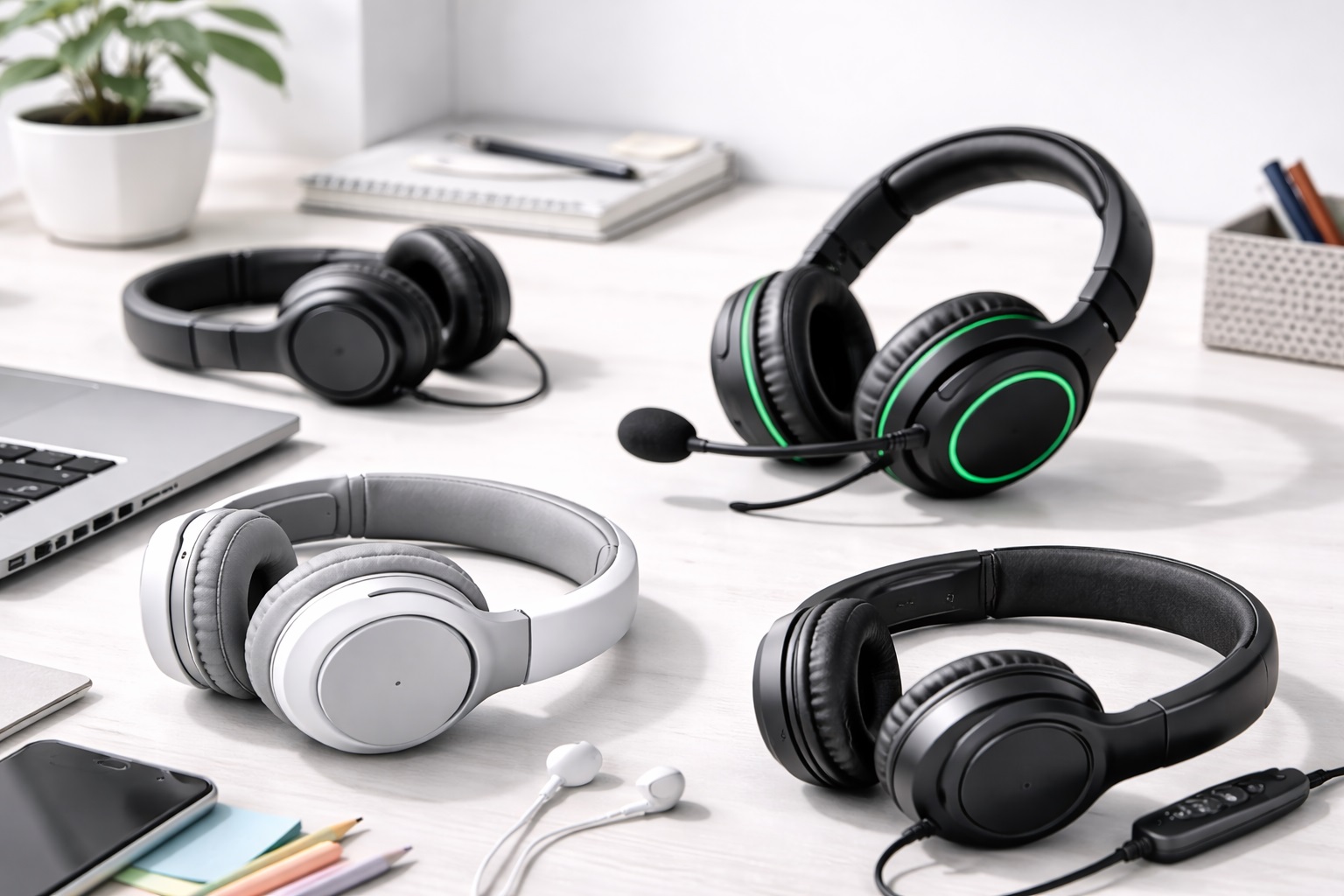
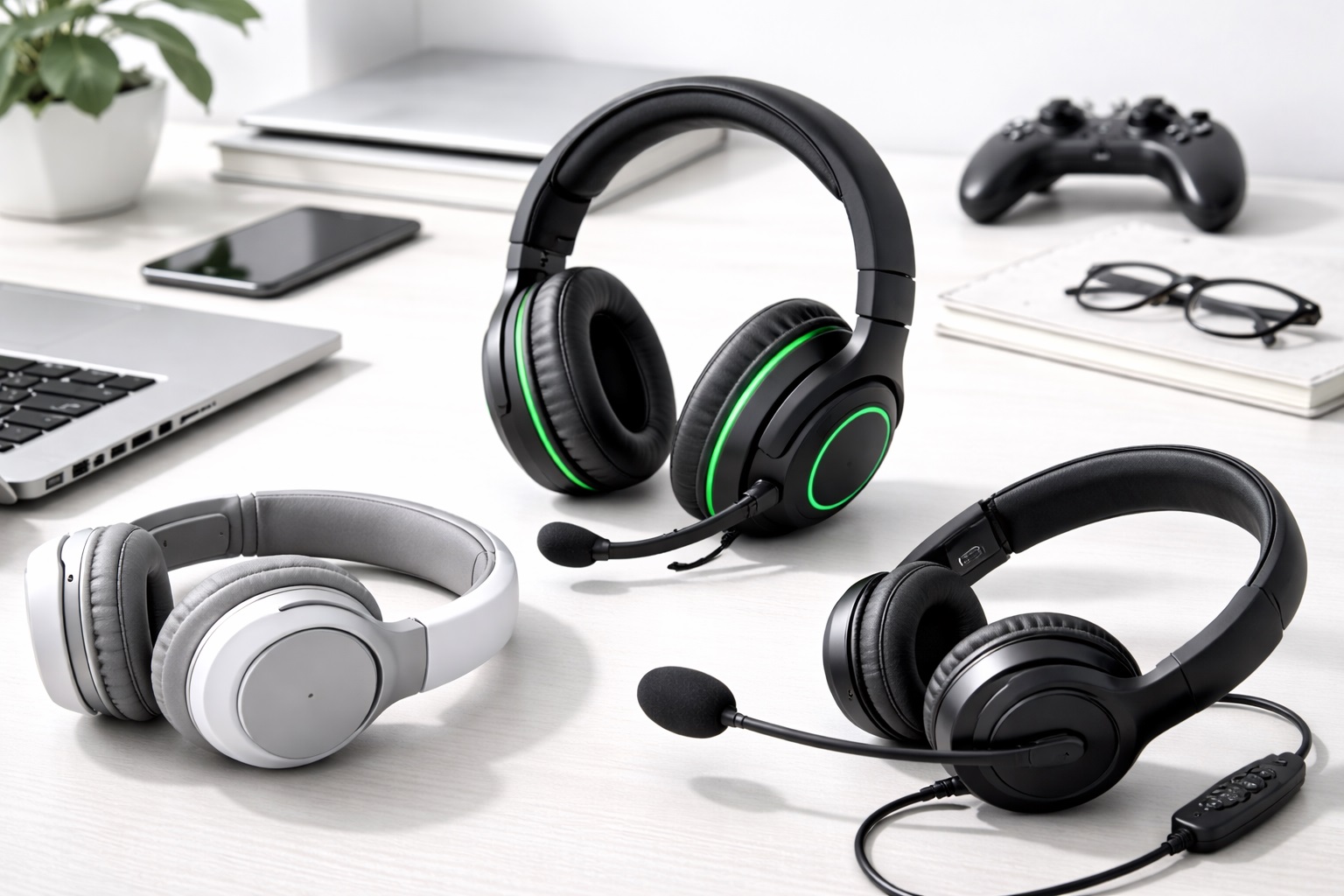
Wireless Over-Ear Headset – Best For All-Day Comfort
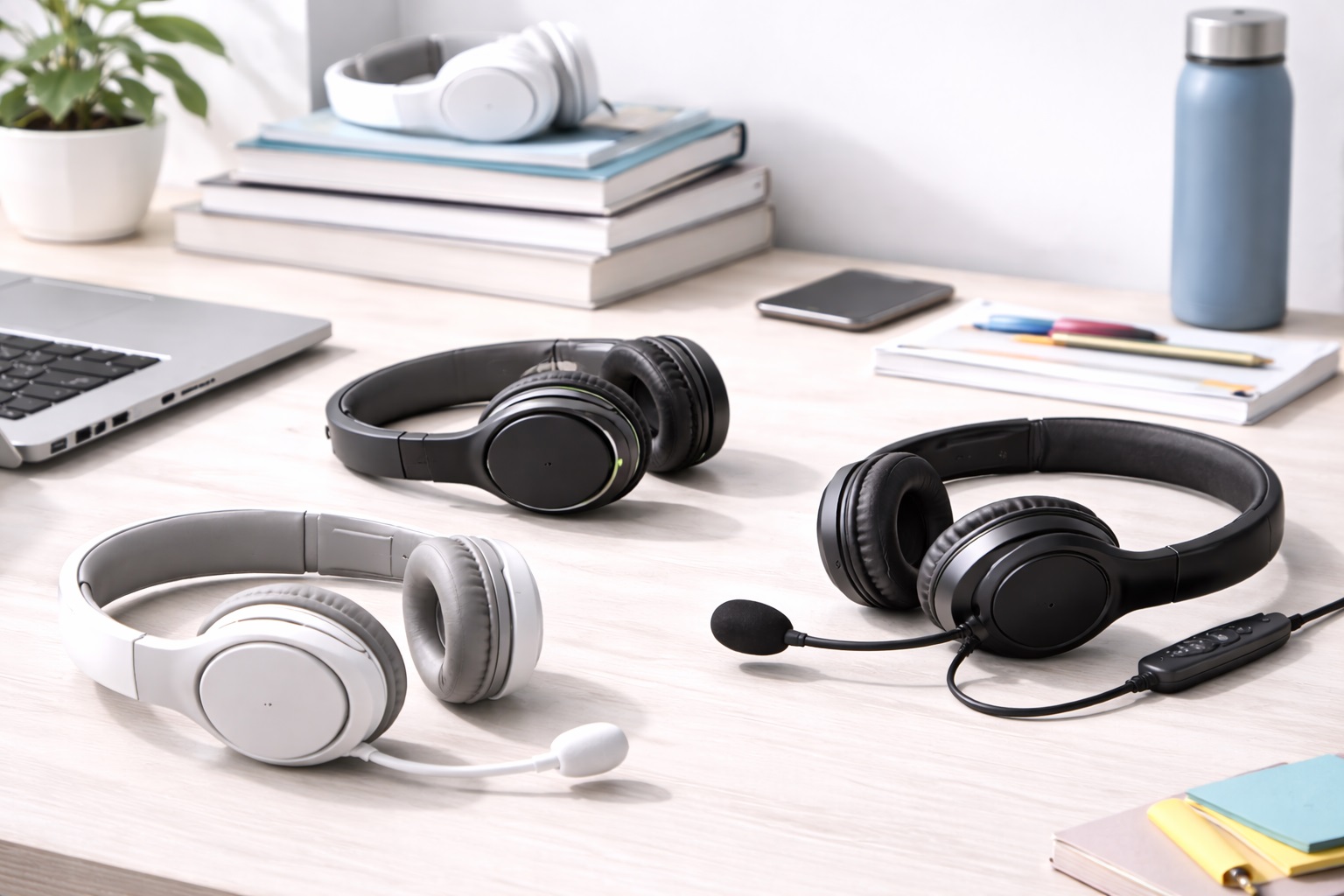
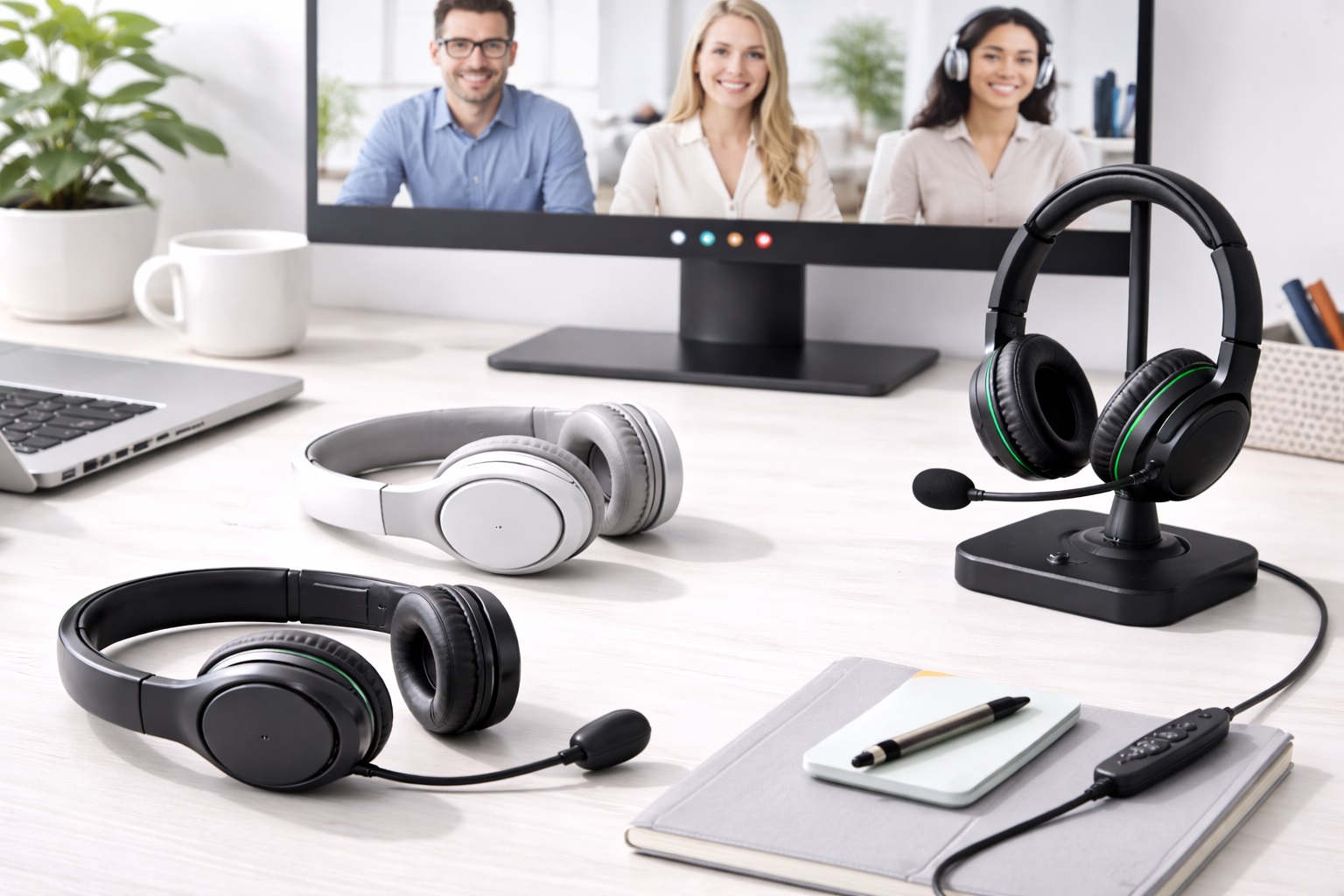
A wireless over-ear headset is built around full-size ear cups and a boom or flip-down microphone, giving it the best combination of voice clarity and physical comfort of the three formats covered here. Because the ear cups fully enclose the ear, they also do a reasonable job blocking out household or office noise without any electronic processing. Most current models run on a rechargeable battery rated between 20 and 30 hours, connect over Bluetooth or a low-latency USB dongle, and pair with a companion app for EQ and mute settings.
The tradeoff for that comfort and isolation is size. An over-ear headset takes up more room in a bag and looks noticeably bulkier on a video feed than a slim earbud or on-ear alternative, which matters if you're conscious of how you appear on camera. It's also the format most likely to include extras like adjustable sidetone, so you can hear a bit of your own voice through the ear cups rather than feeling like you're shouting into a void, and swappable cushion sizes for people with smaller or larger ears.
- Pros:
- Full ear-cup coverage reduces distracting background sound on both ends of the call
- Boom microphone sits close to the mouth for consistent, clear voice pickup
- Long battery runtime covers a full workday without a midday charge
- Works across nearly every conferencing platform without special drivers
- Cons:
- Larger and heavier to pack in a bag than earbuds or lighter designs
- Ear cups can trap heat during long sessions in warm rooms
Best For: Anyone with four or more hours of daily calls who wants dependable voice clarity without having to think about the headset again once it's on.
Why We Recommend It: Of the three formats, this is the one that improves both sides of a call at once — what you hear from a meeting and what a meeting hears from you — and it does so without asking you to compromise on comfort during a long day.
On-Ear Wireless Headset – Best For Travel and Light Use
An on-ear headset trades some of the passive noise isolation of an over-ear design for a lighter, more compact unit that folds flat or collapses for storage. The smaller ear cushions rest against the ear rather than around it, which keeps the unit cooler over time but lets in slightly more ambient sound. Most on-ear models built for calls include a retractable or fold-down microphone and connect over Bluetooth, with battery life typically in the 15 to 25 hour range.
This format tends to suit people whose day isn't spent entirely at one desk — someone moving between a home office, a co-working space, and the occasional coffee shop call will notice the smaller footprint far more than someone who never leaves their chair. The smaller ear cushions also mean the clamping force is spread over a smaller contact area, so getting the right headband size and cushion shape for your head matters more here than it does with a larger over-ear design.
- Pros:
- Noticeably lighter and smaller than over-ear alternatives
- Folds or collapses easily for a laptop bag or desk drawer
- Microphone quality is close to over-ear designs for typical call use
- Cooler to wear over long stretches thanks to smaller, more open cushions
- Cons:
- Less effective at blocking outside noise than a sealed over-ear cup
- Clamping pressure on the ears can become noticeable after several hours
Best For: People who split their time between a home office and other locations, or who simply prefer a smaller, lighter headset for calls.
Why We Recommend It: It gets close to over-ear call quality in a package that's genuinely easier to carry and store, which matters more than it sounds like for anyone who isn't tied to a single desk all day.
USB Wired Headset with Noise-Canceling Mic – Best For High Call Volume
A wired USB headset removes wireless variables from the equation entirely — no pairing, no battery to track, and no risk of dropouts from interference. This is the format most commonly used in call centers and dedicated phone-support roles precisely because it prioritizes consistency above everything else. Noise-canceling microphone circuitry, usually built into the boom arm itself, filters out steady background sound such as fans, keyboards, or a nearby conversation before it reaches the call.
Because the audio signal travels over a physical cable rather than a wireless protocol, USB headsets are also generally the least fussy to set up — plug in, let the operating system recognize the device, and select it as the default input and output in your conferencing app. There's no pairing menu to navigate and no firmware update to install before the microphone works correctly, which is part of why IT departments often default to this format for shared or loaner equipment.
- Pros:
- No wireless interference or dropped connections during a call
- No battery management — plug in and it works
- Noise-canceling microphone keeps steady background sound out of calls
- Generally the most consistent audio quality of the three formats
- Cons:
- The cable limits how far you can move from your computer
- Requires a free USB-A or USB-C port, which some slim laptops lack
Best For: Anyone on very high call volume — several hours daily, back-to-back — who values total reliability over wireless convenience.
Why We Recommend It: When call quality genuinely cannot afford an interruption, a wired connection with a dedicated noise-canceling microphone is the safest, most predictable choice available.
Buying Guide: How to Choose the Best Headset for Video Calls
Once you understand your own calling habits, the decision gets much easier. Work through these eleven factors in order of how much they'll actually affect your day-to-day experience.
1. Microphone Style
A flexible boom microphone that positions the capsule near the corner of your mouth consistently outperforms fixed or in-line microphones for voice clarity, because distance and consistent positioning matter more than the microphone's raw specifications. If clear voice pickup is your top priority, favor headsets with an adjustable boom over ones with a small in-line or on-ear mic.
It's worth actually testing the boom's range of motion before you settle on a model, since a boom that only swivels a few degrees can be awkward if you wear glasses, have longer hair, or tend to turn your head while thinking through an answer mid-meeting. A boom that rotates fully out of the way also makes it easier to eat, drink, or step away from your desk without removing the whole headset.
2. Wireless Connection Type
Bluetooth is the most universal option and works with laptops, phones, and tablets without extra hardware, but it introduces a small amount of latency and can occasionally lose sync with fast-moving video. A dedicated 2.4GHz USB dongle typically offers a more stable, lower-latency connection at the cost of needing a spare USB port and losing multi-device Bluetooth pairing. If you regularly switch between a laptop and a phone mid-call, look for a headset that supports both.
Newer Bluetooth versions have narrowed the latency gap considerably compared to older hardware, so the practical difference is smaller than it used to be for ordinary voice calls. The gap still shows up more clearly if you share your screen while narrating over video, where even a small lag between your voice and the visual can feel slightly out of sync to people watching.
3. Battery Life for Your Actual Schedule
Match battery capacity to how you actually work rather than chasing the highest number on the box. A headset rated for 15-20 hours easily covers a single workday of calls with a charge overnight. If you travel for multiple days without reliable charging access, a higher-capacity battery in the 25-30 hour range removes that worry entirely, though it usually adds a bit of weight.
Pay attention to charge time as well as total runtime — a headset that takes three hours to fully charge is far less forgiving if you forget to plug it in overnight than one that reaches a usable charge in twenty or thirty minutes. Quick-charge support, even a partial one offering an hour or two of talk time from a short top-up, can save an otherwise dead morning.
4. Noise Handling: Microphone Side vs Ear Side
These are two separate things that get conflated often. Active noise cancellation (ANC) reduces what you hear coming from your environment through the ear cups. A noise-canceling microphone reduces what the other person hears from your environment through the outgoing audio. For video calls, the second one matters far more — a call can go smoothly even with some ambient sound reaching your ears, but a noisy outgoing microphone frustrates everyone else on the call.
Manufacturers don't always separate these clearly in marketing copy, so read the specific product description rather than assuming "noise cancellation" on the box automatically means your voice will sound clean to listeners. If it's not explicitly described as microphone-side noise reduction, ask directly or check user reviews mentioning background noise on calls.
5. Ear Cushion Material
Protein leather or leatherette cushions seal well and isolate outside sound but retain heat during long sessions. Fabric or velour cushions breathe better and stay cooler but let in slightly more ambient noise. Memory foam inside either covering adapts to the shape of your ear over time and tends to feel most comfortable for sessions longer than two hours.
Climate plays a bigger role here than most buyers expect. In a warm room or during summer months, leatherette cushions can start to feel uncomfortably warm after an hour or two, while the same headset feels perfectly fine in a cooler office. If you already know you run warm, a fabric-covered cushion is worth prioritizing over the slightly better isolation of leatherette.
6. Overall Weight and Clamping Force
For anyone wearing a headset most of the workday, weight matters more than almost any other spec on the list. Headsets under roughly 250-280 grams are generally comfortable for multi-hour sessions. Clamping force — how tightly the headband presses the ear cups against your head — is harder to judge from a spec sheet, so checking user reviews for comfort complaints is worthwhile before committing to a specific model.
Weight distribution matters almost as much as total weight. A headset with a padded, wider headband spreads its weight over a larger area of your scalp and tends to feel lighter than a lower-weight model with a thin, hard headband that concentrates pressure on a narrow strip at the top of your head.
7. Platform and Software Compatibility
Confirm the headset is certified or at least commonly reported to work well with the platforms you use daily, whether that's Zoom, Microsoft Teams, Google Meet, or Discord. Most modern Bluetooth and USB headsets work as generic audio devices across all of them, but some brands offer companion software with platform-specific optimizations like automatic mute detection or one-touch meeting controls.
If your organization standardizes on one platform, it's worth checking that platform's own certified accessories list before buying, since some enterprise deployments specifically flag models with tested, guaranteed compatibility for large meeting rooms and shared conferencing hardware.
8. In-Call Controls
Physical volume and mute controls on the headset itself save you from fumbling with software controls mid-meeting. A visible or audible mute indicator — an LED on the boom, or a spoken confirmation in your ear — prevents the common and slightly embarrassing mistake of talking while still muted, or the reverse.
Button placement matters more than button count. Controls that are easy to find by touch, without looking, let you adjust volume or hit mute mid-sentence without breaking eye contact with your camera, which is a small detail that adds up over a day full of meetings.
9. Multi-Device Pairing
If your calls happen across more than one device — a work laptop and a personal phone, for example — a headset that supports simultaneous or fast-switching Bluetooth pairing to two devices saves real time over a workday. Not every model supports this, so check the specification list rather than assuming.
Even among headsets that advertise multi-device pairing, the actual switching experience varies — some hand off between devices almost instantly when a call comes in on the second one, while others require you to manually reconnect through a settings menu, which defeats much of the convenience.
10. Build Quality and Replaceable Parts
Ear cushions and headbands wear out well before the internal electronics do, typically somewhere between one and two years of daily use. A headset from a brand that sells replacement cushions extends the usable life of the whole unit significantly compared to one where the only option is buying a new headset entirely.
Beyond cushions, check whether the cable on wired models is detachable rather than permanently attached. A detachable cable means a frayed or damaged wire doesn't force you to replace the entire headset, which is one of the more common reasons a wired headset ends up in a drawer long before it's actually worn out.
11. Warranty and Return Policy
Warranty length is a reasonable proxy for how confident a manufacturer is in their own hardware. Beyond that, check the retailer's return window before buying — most fall between 15 and 30 days — and keep the original packaging until you're confident the headset suits your daily routine, since comfort issues in particular often only show up after a few full days of real use.
A longer warranty is especially worth prioritizing on wireless models, since battery degradation is the most common long-term failure point and isn't always covered the same way as a mechanical or electrical defect. Read the warranty terms specifically for battery coverage rather than assuming it's included by default.
Frequently Asked Questions
1. What's the real difference between a headset and regular headphones?
A headset includes a built-in microphone, whether on a boom arm or built into the ear cup, specifically for two-way communication. Headphones are designed purely for listening and either lack a microphone or include only a very basic one meant for occasional voice assistant use, not sustained call clarity. If you already own good headphones and only occasionally join a call, a separate clip-on or USB microphone can sometimes fill the gap without a full headset purchase, though it won't match a dedicated boom mic for consistent positioning.
2. Will a headset built for video calls also work well with my phone?
Most Bluetooth headsets pair with smartphones the same way they pair with a laptop, and calls, music, and voice assistants all work normally. Wired USB headsets are the exception — you'll typically need a USB-C-to-Lightning or USB-C-to-USB-C adapter depending on your phone, so check port compatibility before assuming it will work out of the box. It's also worth checking whether the headset's in-line controls, such as volume rockers, are recognized correctly by your specific phone's operating system, since a small number of models behave differently across Android and iOS.
3. How can I improve my microphone's sound quality without buying new gear?
Position a boom microphone one to two inches from the corner of your mouth rather than directly in front of it, which reduces plosive sounds on hard consonants. Reduce ambient noise at the source where possible — closing a window or pausing a fan during important calls helps more than most software fixes. Software-based noise suppression tools built into many conferencing platforms can supplement, though not fully replace, good microphone positioning. Recording a short test clip of yourself and listening back before an important call is a simple habit that catches positioning problems you wouldn't otherwise notice in the moment.
4. Should I choose a wireless or wired headset for daily video calls?
If you're mostly stationed at a single desk, the practical difference is smaller than marketing suggests — wired removes battery concerns entirely, while wireless adds freedom to step away briefly during a call. For people who genuinely move around while talking, wireless is the more useful choice; for people glued to one desk who want maximum reliability, wired is simpler. It's also worth considering a hybrid approach: some wireless headsets include a USB-C cable option for when the battery runs low, giving you the flexibility of both without needing to own two separate devices.
5. How long do the ear cushions on a headset typically last?
Under daily use, most ear cushions start showing wear — foam compression, peeling on leatherette covers — somewhere between one and two years. Check whether the manufacturer sells replacement cushions separately, since that single detail determines whether the headset's usable life is measured in years or capped at however long the original pads survive. Rotating between two headsets, if you own more than one, can also extend cushion life noticeably by giving foam time to decompress between uses rather than staying compressed all day, every day.
6. Does spending more always get you a better headset?
Not reliably. Higher prices often buy premium materials, app ecosystems, or brand reputation rather than meaningfully better call audio. Several mid-range headsets match or beat expensive flagship models for the specific task of clear voice calls, since that requires good microphone engineering more than exotic driver technology. Where higher price tends to pay off more consistently is in build quality and long-term comfort rather than raw voice clarity, so weigh that against how many hours a day you'll actually be wearing it.
7. How many years should a decent headset realistically last?
With normal daily use and reasonable care, a well-built headset from an established brand typically lasts three to five years before battery degradation or component wear becomes noticeable. Cushion replacement, where available, can extend that comfortably. Wired models tend to outlast wireless ones simply because there's no battery to degrade, so if longevity matters more to you than convenience, that's a real factor to weigh alongside comfort and mobility.
8. What if the headset I bought doesn't fit my ears comfortably?
Check the retailer's return policy before your purchase, not after — most electronics retailers allow returns within roughly 15 to 30 days. Keep the original box and packaging during that window, since comfort problems often only become apparent after a few genuine full-length work sessions rather than a quick five-minute test. If a full return isn't an option, check whether third-party cushion covers in a different material or thickness can resolve a fit or heat issue before giving up on the headset entirely.
9. What single factor should I prioritize if I can only pick one?
Start from your own calling pattern: how many hours a day, from how many devices, and in what kind of room. A headset chosen around your actual habits will consistently outperform one chosen by chasing the longest spec sheet, because the specs that matter to you are a small subset of what's listed on the box. If you genuinely can't narrow it down to one factor, microphone quality is the safest default to prioritize, since it affects how you come across to every single person on every call, while comfort issues at least stay contained to you.
10. Does the brand actually matter, or is it mostly marketing?
Established audio brands tend to offer more consistent quality control and more reliable customer support if something goes wrong. That said, newer or lesser-known brands sometimes deliver strong value in specific categories — reading recent verified buyer reviews closely is a better signal than brand name alone. Pay particular attention to reviews written by people describing similar daily call volumes to your own, since a headset praised for casual weekend use doesn't always hold up the same way across a five-day work week of back-to-back meetings.
11. Can one headset realistically handle both work calls and gaming?
Some can, but the priorities differ: gaming headsets tend to emphasize spatial audio and low-latency wireless for competitive play, while headsets built for calls emphasize microphone clarity and daylong comfort. If you split time meaningfully between both uses, look specifically for models marketed as dual-purpose rather than assuming a pure gaming or pure office headset will excel at the other task. In practice, the biggest compromise tends to show up in microphone tuning — gaming-oriented mics are sometimes tuned for teammates over a game's background noise rather than the cleaner voice reproduction a professional call demands.
Final Verdict
- Best Overall: Wireless Over-Ear Headset — the strongest all-around balance of comfort and voice clarity for daily calls.
- Best for Travel and Light Use: On-Ear Wireless Headset — nearly matches over-ear call quality in a lighter, more packable design.
- Best for High Call Volume: USB Wired Headset with Noise-Canceling Mic — the most dependable choice when call reliability can't be compromised.
There isn't a single universally correct headset for video calls — there's the one that matches how you actually spend your day. Use the comparisons and buying factors above to match your own calling habits to the right format, and you'll end up with a headset you stop noticing, which is the real sign it's working. When in doubt, weigh microphone quality and comfort ahead of extra features, since those two factors quietly shape every single call you take, long after the novelty of any add-on feature has worn off.